
Free Product Brochure Generator
Generate polished product brochure copy for one-pagers, tri-fold handouts, datasheets, sales PDFs, and launch collateral. Add your product, audience, features, benefits, proof points, and CTA to create brochure-ready sections that are easy to paste into a design template.
Product Brochure Copy
Your product brochure copy will appear here (headlines, sections, benefits, features, FAQs, and CTA)...
How the AI Product Brochure Generator Works
Get results in seconds with a simple workflow.
Add Your Product Details
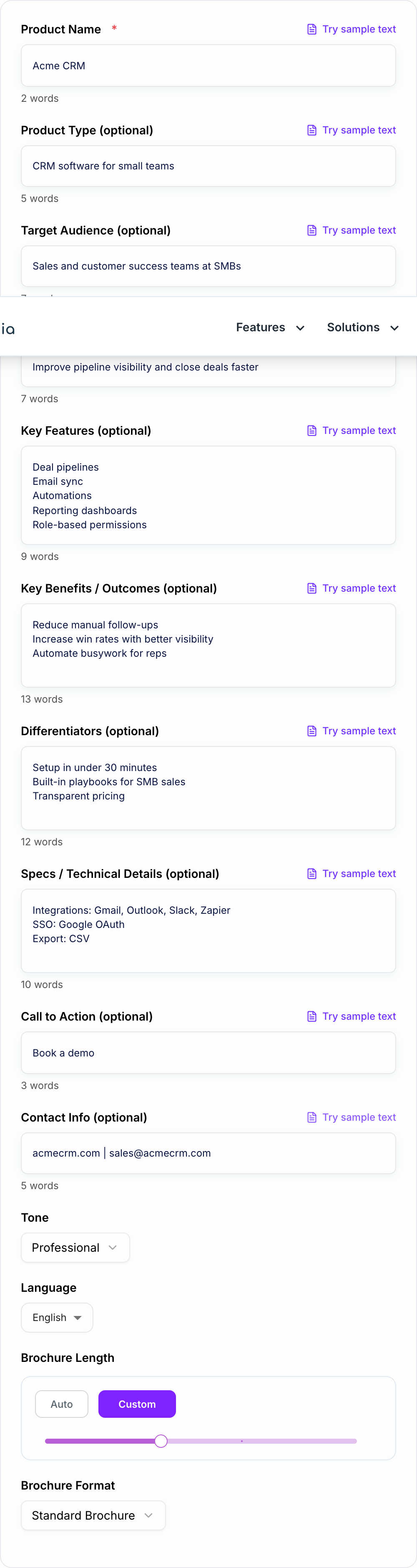
Enter your product name and optional details like audience, features, benefits, differentiators, and technical specs to guide the brochure’s message and structure.
Choose Format, Tone, and Language
Pick a brochure format (standard, one-page, tri-fold, or datasheet), set tone and language, and adjust length to match your design layout and distribution channel.
Generate, Then Paste Into Your Template
Get brochure-ready copy with clear sections, scannable bullets, FAQs, and CTA. Paste into Canva, InDesign, Google Docs, or your PDF template and finalize visuals.
See It in Action
Example of turning basic product notes into brochure-ready copy with a clear value proposition, benefits, and structured sections.
Product: Acme CRM It has pipelines, automations, and reports. Good for small teams. CTA: Book a demo.
Title: Acme CRM — Close Deals Faster With Clear Pipelines and Smart Automation
Overview: Acme CRM helps small sales teams stay organized, follow up on time, and forecast accurately—without complex setup.
H2: Why Teams Choose Acme CRM
- Improve pipeline visibility so deals don’t slip
- Automate repetitive follow-ups to save rep time
- Track performance with simple, shareable reports
H2: Key Features
- Deal pipelines with stages and reminders
- Email sync for Gmail/Outlook and activity timelines
- Automations for tasks, follow-ups, and handoffs
- Reporting dashboards for deals, reps, and conversion rates
H2: Ideal For Sales and customer success teams at SMBs who need a lightweight CRM that’s easy to adopt.
H2: Specs / Integrations (Example)
- Integrations: Gmail, Outlook, Slack, Zapier
- Export: CSV
- Permissions: Role-based access
FAQ Q: How long does setup take? A: Most teams can get a first pipeline running in under an hour.
Q: Does it work for small teams? A: Yes—Acme CRM is designed for SMB workflows and fast adoption.
CTA: Book a demo at acmecrm.com | sales@acmecrm.com
Why Use Our AI Product Brochure Generator?
Powered by the latest AI to deliver fast, accurate results.
Benefit-Led Product Brochure Copy (Not Just Features)
Transforms product details into customer-focused brochure messaging: clear value proposition, outcomes, and reasons-to-believe that support conversion and sales enablement.
Multiple Brochure Formats (One-Pager, Tri-Fold, Datasheet)
Generates structured brochure copy tailored to common layouts—ideal for printable PDFs, handouts, trade shows, and B2B sales follow-ups.
Differentiation + Positioning Built In
Includes a dedicated positioning and differentiators section to help prospects understand why your product is the best fit—without sounding overly promotional.
Sales-Ready Sections: Use Cases, Specs, Objections, and FAQ
Adds practical brochure sections that reduce sales friction: ideal customer fit, key use cases, technical details, FAQs, and a strong call-to-action.
On-Brand Tone and Multilingual Output
Adapts brochure copy to your tone and language so you can localize product marketing collateral for global audiences and regional campaigns.
Pro Tips for Better Results
Get the most out of the AI Product Brochure Generator with these expert tips.
Lead with the outcome, not the feature list
Your brochure headline should communicate a result (save time, improve accuracy, increase revenue). Then support it with 3–6 proof-oriented feature highlights.
Add 2–3 real proof points (you can verify)
Include customer quotes, certifications, benchmarks, or implementation stats you can confirm. Avoid unverified numbers—brochures convert better with credible specifics.
Match sections to the buyer’s decision stage
Top-of-funnel: emphasize use cases and benefits. Bottom-of-funnel: add specs, requirements, integrations, pricing cues, and clear next steps (demo/quote/trial).
Use scannable formatting for print and PDF
Prefer short paragraphs, bullets, and bold-able phrases. Brochure readers skim; clarity and hierarchy matter as much as writing quality.
Include a strong CTA with a low-friction next step
If you’re unsure, default to a low-friction CTA (download guide, see pricing, watch demo) and include clear contact info to reduce drop-off.
Who Is This For?
Trusted by millions of students, writers, and professionals worldwide.
Generate Product Brochure Copy That Fits the Final Layout
A product brochure has to do more than describe what you sell. It has to make the value clear fast, organize details for scanning, and give the reader one obvious next step.
That is why the AI Product Brochure Generator works best when you treat it like a brochure copy builder, not a generic marketing writer. The goal is to turn product notes into layout-ready sections: headline, positioning paragraph, benefits, features, specs, proof points, FAQ, and CTA.
Use the draft as your first structured pass, then tighten it around the real brochure format you plan to publish.
What to Enter Into the Product Brochure Generator
You can generate a draft with only a product name, but the strongest brochure copy comes from practical sales and product details.
Add these inputs when you have them:
- Product type: SaaS platform, skincare serum, industrial sensor, training course, hardware kit, service package
- Target audience: buyer, end user, decision maker, procurement team, technical reviewer, or consumer segment
- Primary goal: the outcome the customer wants, such as faster setup, lower costs, fewer errors, clearer reporting, or better results
- Key benefits: real-world improvements the customer can understand quickly
- Key features: the product capabilities that make those benefits believable
- Differentiators: why this product is different from the usual alternatives
- Specs: integrations, dimensions, materials, requirements, compatibility, certifications, or implementation details
- CTA and contact details: the next step the brochure should push toward
Write benefits as outcomes, not internal claims. "Reduce manual follow-up work" gives the generator a better direction than "automation features."
Choose the Right Brochure Format Before You Generate
The same product needs different copy depending on where the brochure will be used. Pick the format first so the generator can shape the draft around the layout.
One-page brochure
Use this for sales follow-ups, PDF downloads, partner intros, investor updates, and launch announcements. Keep the copy tight: one strong headline, a short positioning paragraph, three to five benefit bullets, a small proof section, and one CTA.
Tri-fold brochure
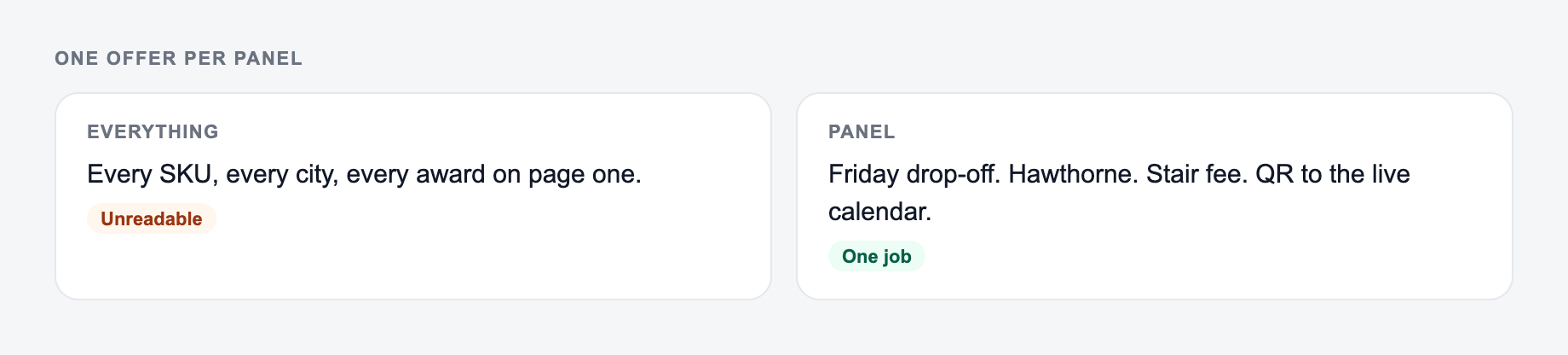
Use this for events, retail counters, in-person demos, local marketing, and printed handouts. Each panel should make sense on its own because people rarely read tri-folds in perfect order. The generator can label the six panels so the copy is easier to paste into a design template.
Product datasheet
Use this for technical buyers, procurement reviews, IT teams, engineering teams, hardware products, and B2B sales. The copy should be less emotional and more precise: specs, requirements, integrations, compatibility, limitations, support details, and deployment notes.
Competitive comparison
Use this when buyers are choosing between options. You do not need to attack competitors. The stronger move is to explain where your product is the best fit, where it is not, and which differentiators matter most.
Review the Generated Brochure Copy Before Designing
The output should give you a strong draft, but brochure copy still needs a human pass before it goes into Canva, InDesign, Figma, Google Docs, or a PDF template.
Check the draft for:
- Claim accuracy: every metric, certification, warranty, guarantee, and comparison should be true
- Buyer clarity: the first few lines should make the product category and outcome obvious
- Layout fit: no section should need tiny font sizes to fit the design
- Proof strength: add logos, testimonials, certifications, benchmarks, or setup details where useful
- CTA focus: keep one primary next step instead of sending the reader in five directions
- Print usefulness: include contact details if the brochure may be handed out offline
If the copy sounds too promotional, add more concrete product details. If it sounds too technical, move specs into a separate section and lead with buyer outcomes.
Example Input and How to Improve the Output
Here is a simple input that gives the generator enough to work with:
Product facts and the panel the copy must fit belong on the form before you generate.
Campaign stub you can actually brief:
- One promise.
- Three assets (ad, email, on-site) that share the promise and change the ask.
- A kill list — offers you will not make this week.
If the AI Product Brochure Generator output ignores the kill list, the brief never made it onto the form.
Product: Acme CRM Audience: SMB sales teams Goal: improve pipeline visibility and close deals faster Features: deal pipelines, email sync, automations, reporting dashboards, role-based permissions Differentiator: setup in under 30 minutes CTA: Book a demo
A weak brochure draft might say:
Acme CRM is a powerful customer relationship management platform that helps businesses manage sales and improve productivity.
That is readable, but it could describe almost any CRM.
A stronger generated section would be:
Close more deals with a CRM your team can adopt in 30 minutes. Acme CRM gives small sales teams clear pipelines, automated follow-up reminders, and simple reporting dashboards so reps know exactly which opportunities need attention next.
The second version works better because it gives the audience, the outcome, the differentiator, and the feature evidence in one compact section.
Common Brochure Generator Mistakes to Avoid
A synonym is not a test. If you change “unlock” to “discover,” you did not run a variant — you changed the mood of the same fog.
The first mistake is entering only a product name and expecting polished sales copy. The generator needs audience, outcome, benefits, and proof to avoid vague language.
The second mistake is treating features as the main message. Features matter, but they should usually support a benefit. "Email sync" is a feature. "Keep every customer conversation in one place" is the buyer-facing reason it matters.
The third mistake is mixing every brochure format at once. A tri-fold, datasheet, and one-pager do not need the same copy. Generate the format you actually plan to design.
The fourth mistake is publishing unverified claims. If your brochure includes performance numbers, compliance statements, warranty details, environmental claims, medical claims, or financial outcomes, review them before printing.
Final Checklist Before Publishing the Brochure
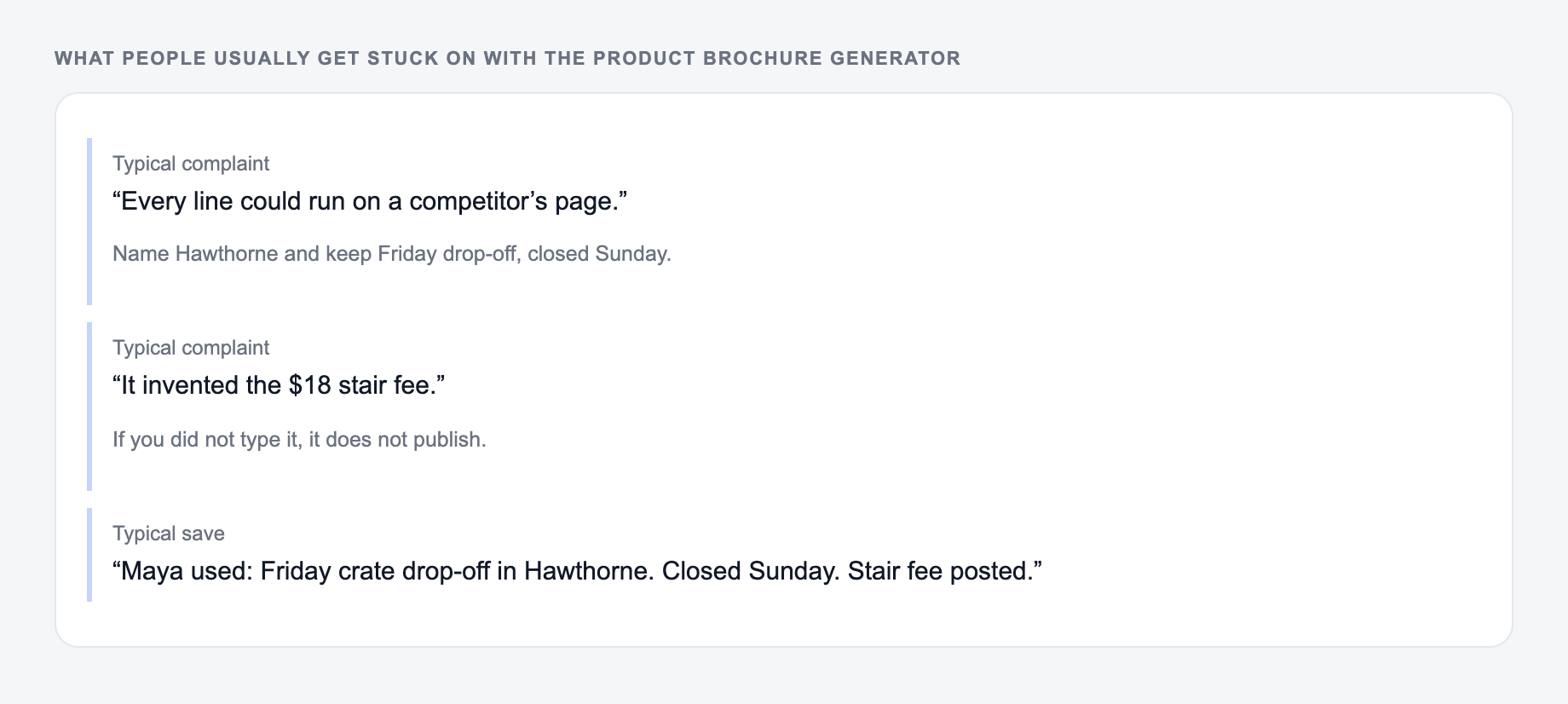
If the output felt generic, it is usually one of these three misses.
Before you export the final PDF or send the copy to design, check:
- The headline names a clear customer outcome
- The product category is obvious within the first few lines
- Benefits and features are separated cleanly
- Specs are included only where the reader needs them
- Proof points are specific and defensible
- The CTA is clear, singular, and easy to act on
- Contact details are present for printed brochures
- The copy fits the selected layout without crowding
If you are creating brochure copy alongside landing pages, emails, ads, and product descriptions, keeping the work in one AI writing workspace like Junia AI makes it easier to reuse the same positioning without rewriting every asset from scratch.
Frequently Asked Questions
Is this product brochure generator free to use?+
Yes. You can generate product brochure copy for free. Some advanced modes (like competitive comparison or enterprise B2B positioning) may be marked as premium.
What should I include to get the best brochure copy?+
Start with your product name and a short description. For stronger results, add target audience, key features, benefits/outcomes, differentiators, and any specs (materials, dimensions, integrations, requirements).
Can it write tri-fold brochure copy for a 6-panel layout?+
Yes. Choose the Tri-Fold format and the tool will generate copy labeled by panel so it’s easy to paste into a brochure template or design tool.
Will the brochure sound too generic or overly salesy?+
It aims for clear, persuasive brochure language without hype. To make it more specific, include differentiators, proof points (awards, metrics you can verify), and the exact audience/industry you serve.
Can I use this for B2B and B2C products?+
Yes. For B2B, include the buyer (e.g., IT manager, operations lead) and outcomes like ROI, time savings, and risk reduction. For B2C, include lifestyle benefits, key features, and usage scenarios.
Does it include a call-to-action and contact section?+
Yes. If you provide a CTA and contact info, it will include them. If not, it will suggest a reasonable default CTA based on the product type (e.g., book a demo, request a quote, start a trial).