
AI Text Editor vs Grammar Checker vs Paraphraser: Which Tool Should You Use?

Thu
AI SEO Specialist, Full Stack Developer

An AI text editor, a grammar checker, and a paraphraser can all improve writing, but they do different jobs.
I keep mixing them up in my own workflow if I am in a hurry. Use the wrong one and the draft may get worse. A grammar checker can fix punctuation without fixing a weak structure. A paraphraser can make a sentence sound different while leaving the real problem untouched. An AI text editor is broader, but it may be more than you need for a simple typo pass.
Here is the practical difference.
| Tool | Best for | Typical output | Not ideal for |
|---|---|---|---|
| AI text editor | Improving a full draft for clarity, structure, tone, readability, and polish | A clearer argument, tighter sections, better examples | Only checking commas or one-off typos |
| Grammar checker | Fixing grammar, punctuation, spelling, and sentence-level mistakes | Underlines and suggested corrections | Reworking structure, voice, or meaning |
| Paraphraser | Rewriting wording while keeping the same idea | A new sentence that says the same thing | Fact-checking, deep editing, or content strategy |
If you are editing a full article, start with an AI text editor. If you only need correctness, use a grammar checker. If the sentence is accurate but awkward, use a paraphrasing tool.
What an AI Text Editor Does
An AI text editor helps you improve a draft across multiple layers.
It can help with:
- clarity
- structure
- tone
- readability
- flow
- grammar
- sentence rewrites
- content polish
The key difference is scope. An AI text editor is useful when the problem is not just "this sentence has an error." It is for moments like:
- the intro is too slow
- the section order feels off
- the tone is too stiff
- the draft repeats itself
- the writing is technically correct but hard to read
- the content needs a stronger final polish before publishing
For example, if an AI-generated blog post sounds generic, a grammar tool may say everything is fine. A broader editor can help tighten the intro, simplify the explanation, improve transitions, and make the writing more useful.
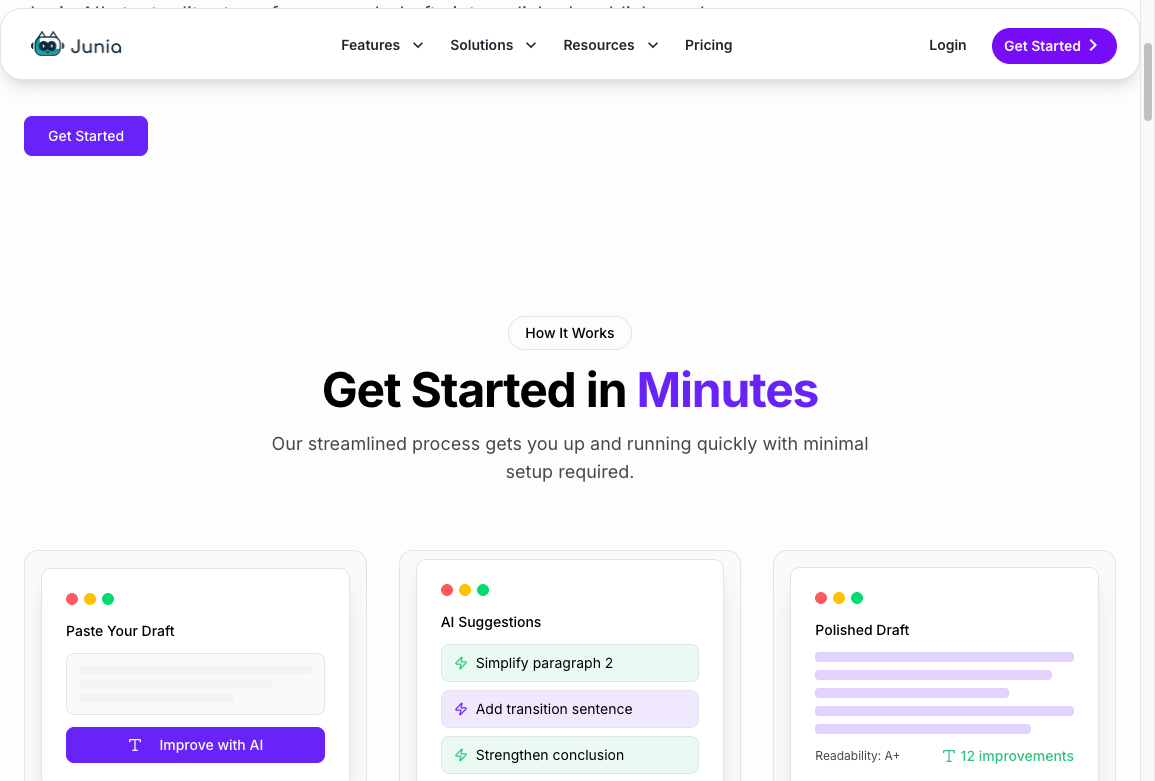
That is why AI text editors are usually the best tool for full-draft editing.
What a Grammar Checker Does
A grammar checker is narrower and more mechanical.
It looks for problems like:
- spelling mistakes
- punctuation errors
- subject-verb agreement
- incorrect tense
- sentence fragments
- repeated words
- basic clarity issues
This is useful, especially before publishing. Small grammar mistakes can make a page feel careless even when the ideas are good.
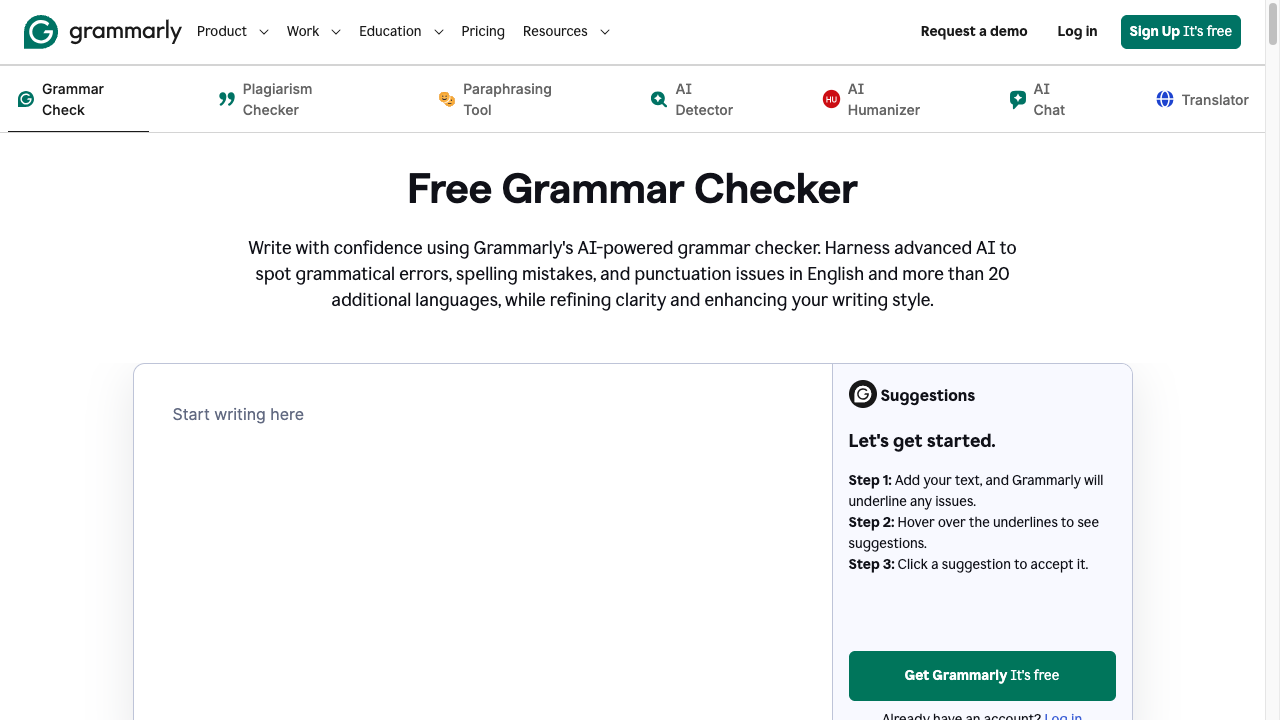
But a grammar checker is not an editor in the full sense. It may not know whether your argument is convincing, whether a paragraph belongs earlier, or whether your tone fits the audience.
Use it late in the workflow, after you have already fixed the structure and meaning.
What a Paraphraser Does
A paraphraser rewrites text in different words while keeping the same general meaning.
That makes it useful when:
- a sentence sounds awkward
- you repeat the same phrase too often
- a paragraph needs a smoother version
- you want a more formal, simple, or fluent rewrite
- you need another way to express the same point
Paraphrasing is not the same as deep editing. If the original sentence is vague, a paraphraser may produce a smoother vague sentence. If the claim is unsupported, paraphrasing will not make it credible.
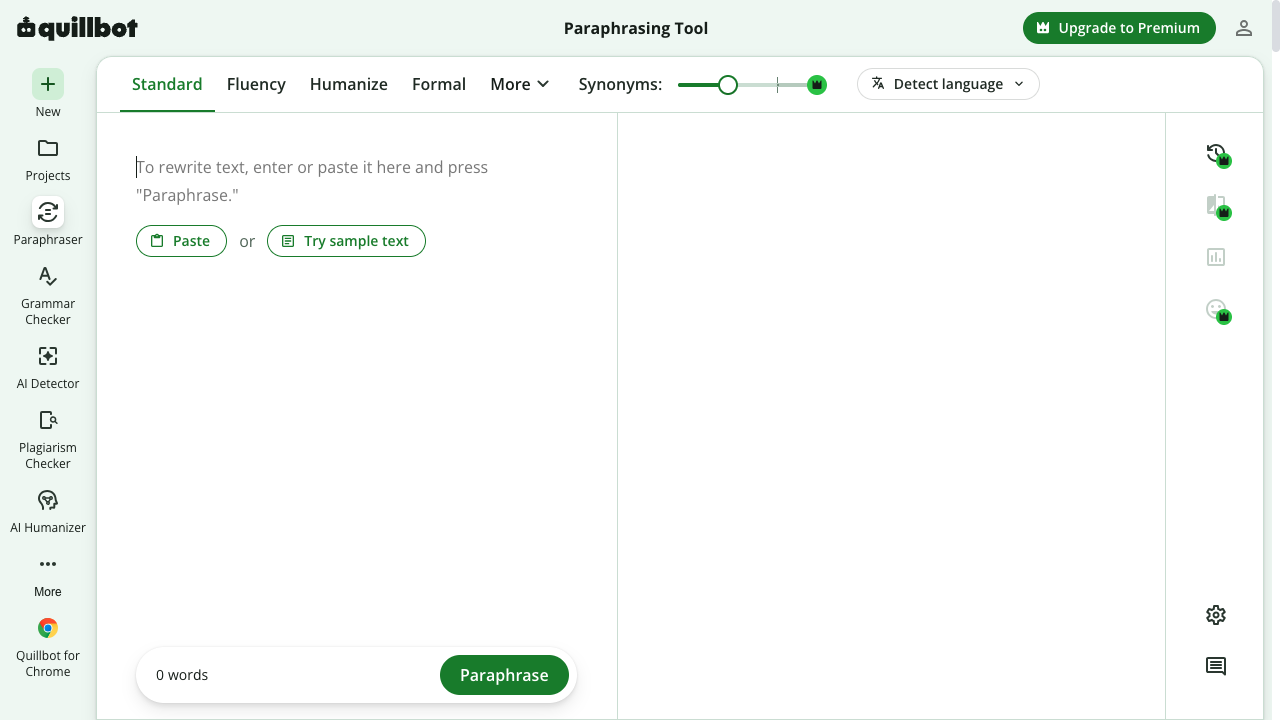
Do not use a paraphraser as an editor. Rewording a weak draft just hides the problem. Fix the idea, the order, and the examples first. Then paraphrase the one or two sentences that still sound stiff.
Good paraphrasing works best when the idea is already correct and you mainly need better wording. If you are choosing between rewriting, summarizing, or swapping synonyms, this breakdown of paraphrasing vs rewording vs summarizing is the cleaner comparison. Scribbr's walkthrough is useful here too, because it treats paraphrasing as a meaning-preserving rewrite, not as a substitute for thinking.
How to Paraphrase in 5 Easy Steps | Scribbr
People also mix this up with humanizing. A paraphraser changes wording. A humanizer tries to make the draft sound less generic. If that is the actual job, compare an AI humanizer vs a paraphraser before you run the same sentence through both.
Which Tool Should You Use First?
Use this order for most writing:
- What is actually wrong?
- AI text editor
- Paraphraser
- Grammar checker
- Leave it and publish
- Yes
- No
View diagram source
flowchart TD
    A[What is actually wrong?] --> B{Is the structure or idea weak?}
    B -->|Yes| C[AI text editor]
    B -->|No| D{Is the wording awkward but the idea right?}
    D -->|Yes| E[Paraphraser]
    D -->|No| F{Are there grammar or spelling mistakes?}
    F -->|Yes| G[Grammar checker]
    F -->|No| H[Leave it and publish]
    C --> D
E --> F- AI text editor for full-draft improvement.
- Paraphraser for awkward sentences that need another version.
- Grammar checker for the final correctness pass.
That order prevents a common mistake: polishing too early.
If you run grammar checks before fixing structure, you may spend time perfecting sentences you later cut. If you paraphrase before checking meaning, you may accidentally make a weak idea sound more confident.
Start big, then go small.
Best Use Cases by Tool
Here is the simplest way to choose.
| Situation | Best tool |
|---|---|
| "This draft is rough and needs a full edit." | AI text editor |
| "The article reads too stiff and needs better flow." | AI text editor |
| "I just need to fix grammar and punctuation." | Grammar checker |
| "This sentence is clunky but the idea is right." | Paraphraser |
| "I need a different way to say this paragraph." | Paraphraser |
| "The AI draft sounds generic and needs a real editorial pass." | AI text editor |
| "The final draft is ready, but I want to catch mistakes." | Grammar checker |
If you are comparing dedicated editing products, this roundup of the best AI text editors is the better next read.
For rewrite-focused tools rather than full editors, look at AI rewriter tools after you already know which job you need.
Example: Same Draft, Different Tools
Original:
Our platform helps users optimize content and improve engagement by leveraging advanced AI capabilities.
Grammar checker result:
No major grammar issues.
Paraphraser result:
Our platform uses advanced AI features to help users improve content and increase engagement.
AI text editor result:
Use the platform when your draft is accurate but still needs clearer structure, stronger examples, and a more natural tone before publishing.
The grammar checker did its job, but the sentence had no mechanical error. The paraphraser changed the wording, but the idea stayed vague. The AI text editor made a stronger editorial decision by clarifying the use case.
That is the difference I care about. Wording swaps are cheap. Judgment is the actual edit.
Final Recommendation
Choose the tool based on the level of change you need.
Use an AI text editor when the draft needs judgment. Use a grammar checker when the draft needs correctness. Use a paraphraser when the idea is right but the wording is not.
For most publishable content, you will use more than one. Edit the draft first, rephrase awkward lines second, and check grammar at the end.