
Free Paraphraser
Use the AI Paraphraser to rewrite sentences, paragraphs, and drafts into clearer, more natural wording without changing the original meaning. Choose modes for fluency, formal writing, simplification, academic tone, SEO refreshes, and multilingual paraphrasing.
Paraphrased Text
Your paraphrased text will appear here...
How the AI Paraphraser Works
Get results in seconds with a simple workflow.
Paste Your Text
Add the sentences or paragraphs you want to paraphrase. Include enough context so the AI can preserve meaning and avoid awkward rewrites.
Choose Mode, Tone, and Length
Pick a paraphrase mode (Standard, Fluency, Formal, Simple, or SEO Refresh), set an optional tone, and optionally choose a target word count.
Generate and Review
Get a clean paraphrase instantly. Then review proper nouns, numbers, and any domain-specific terms to ensure everything remains accurate and aligned with your intent.
See It in Action
Example of paraphrasing that improves clarity and uniqueness while keeping the same meaning and SEO intent.
Search engine optimization helps websites improve visibility in search results. By optimizing content, technical performance, and backlinks, businesses can attract more qualified traffic and increase conversions over time.
Search engine optimization (SEO) improves a website’s visibility in search results. When you strengthen content quality, technical SEO, and link authority, you can bring in more relevant visitors and increase conversions over time.
Why Use Our AI Paraphraser?
Powered by the latest AI to deliver fast, accurate results.
Meaning-Preserving AI Paraphrasing
Rewrites your text with new phrasing and sentence structure while preserving the original meaning, intent, and key points—ideal for safe paraphrasing and clarity improvements.
Multiple Paraphrase Modes (Standard, Fluency, Formal, Simple)
Choose a paraphrasing style that matches your goal—professional business tone, simpler reading level, or smoother fluency—so the output fits your audience and context.
SEO Content Refresh for Better Uniqueness
Refresh existing website copy and blog content to improve originality and readability while maintaining search intent—helpful for on-page SEO updates and content optimization.
Tone and Length Control
Adjust tone and target word count to create tighter, clearer rewrites or slightly expanded phrasing—useful for landing pages, emails, essays, and product descriptions.
Multilingual Paraphraser
Paraphrase content in different languages to localize messaging for international audiences and multilingual SEO—while keeping meaning consistent across regions.
Pro Tips for Better Results
Get the most out of the AI Paraphraser with these expert tips.
Paraphrase in chunks for long content
For long articles or web pages, paraphrase section by section. This reduces meaning drift and makes it easier to keep a consistent brand voice across the full piece.
Keep key terms when paraphrasing for SEO
If the text targets a keyword or topic, keep important terms present naturally. Prioritize readability and intent, then do a light manual edit to align headings and internal links.
Protect accuracy: verify names, numbers, and claims
Paraphrasing can subtly alter phrasing. Always double-check brand names, product details, statistics, and compliance-sensitive statements before publishing.
Use Fluency mode for the most natural sound
When the original text feels clunky, Fluency mode typically produces smoother transitions and more natural sentence rhythm—ideal for blogs and emails.
Create 2–3 variations for conversion testing
Generate a few paraphrased versions of key website sections (headline, value props, CTAs) and test them on landing pages or ads to improve conversions.
Who Is This For?
Trusted by millions of students, writers, and professionals worldwide.
Rewrite Text Safely with an AI Paraphraser
A good paraphrase keeps the same meaning while changing the wording, structure, rhythm, and tone. A weak paraphrase either stays too close to the source or drifts so far that the original point changes.
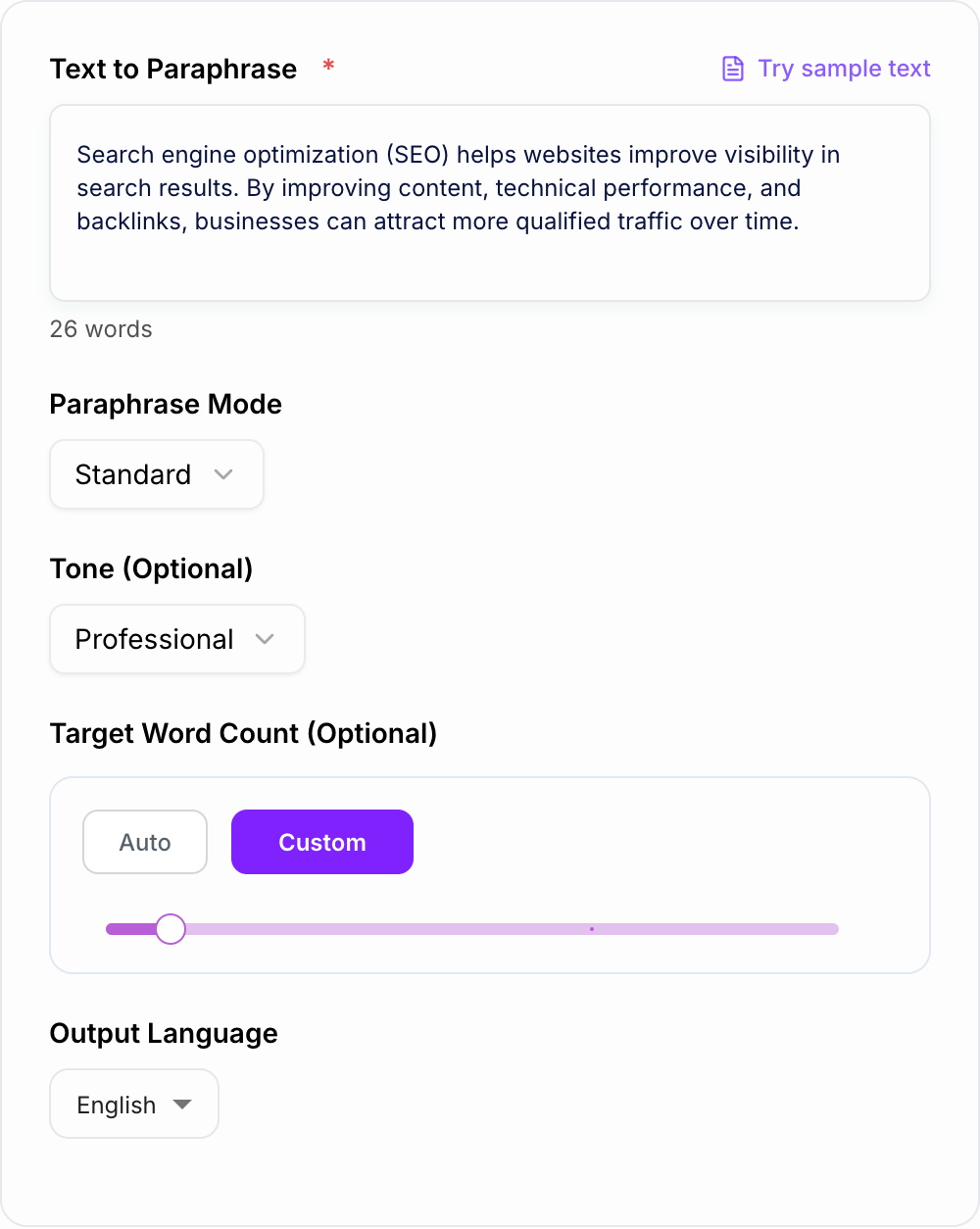
The AI Paraphraser is built for that middle ground. Use it when the idea is already right but the wording needs to be clearer, more natural, more original, simpler, more formal, or better suited to a different audience.
What to Paste Into the Paraphraser
Paste complete sentences or short sections, not isolated fragments. The tool needs enough context to preserve meaning.
Good inputs include:
- A paragraph that sounds clunky but contains the right idea
- Website copy that repeats the same phrase too often
- An email that needs a more professional tone
- SEO content that needs a cleaner refresh without changing intent
- Technical writing that should be easier to understand
- Academic or formal text that needs smoother flow
For long drafts, paraphrase section by section. That makes it easier to catch meaning drift and keep the final voice consistent.
How to Choose the Best Paraphrase Mode
Use Standard when you want a safe, natural rewrite that keeps the same meaning.
Use Fluency when the original text is awkward, repetitive, or choppy. This mode is best for smoothing rhythm and transitions.
Use Formal for client emails, business writing, proposals, reports, and professional messages.
Use Simple when the audience needs plain language. This is useful for technical explanations, help docs, and content written for a broad readership.
Use Academic when the rewrite should stay neutral, precise, and restrained.
Use SEO Refresh when updating page copy or blog sections. Keep important topic terms in the input so the paraphrase preserves search intent. If you only need lighter sentence-level changes, an AI reworder may be enough.
How to Review the Paraphrased Output
Before you accept a rewrite
Highlight anything the pass added. If you cannot source it, cut it. Highlight anything it deleted. If it was a condition, put it back.
Never judge a paraphrase only by whether it sounds smoother. Check whether it still says the same thing.
Review for:
- Names, dates, numbers, prices, and product details
- Claims that became stronger or weaker than the original
- Missing qualifiers like "often," "may," "can," or "typically"
- Terms that must stay for SEO, legal, academic, or technical accuracy
- Tone that no longer matches the audience
- Sentences that are longer but not clearer
If the source is sensitive, compare the rewrite line by line. For academic work, this review process matters as much as the rewrite itself. The goal is to paraphrase without hiding borrowed ideas, so pair the tool with clear attribution when sources are required. This guide to paraphrasing without plagiarizing is useful when originality and citation rules matter.
Example Input and Paraphrase Review
Original input:
"Search engine optimization helps websites improve visibility in search results. By optimizing content, technical performance, and backlinks, businesses can attract more qualified traffic and increase conversions over time."
Useful paraphrased output:
"SEO improves how easily people can find a website in search results. When a business strengthens its content, technical performance, and authority signals, it can attract more relevant visitors and turn more of that traffic into customers."
Why this works:
- The meaning stays the same
- The sentence structure changes
- The wording is clearer
- The SEO terms still make sense
- No factual claim was exaggerated
Looking at paraphrasing examples can help you spot the difference between a real rewrite and a synonym swap.
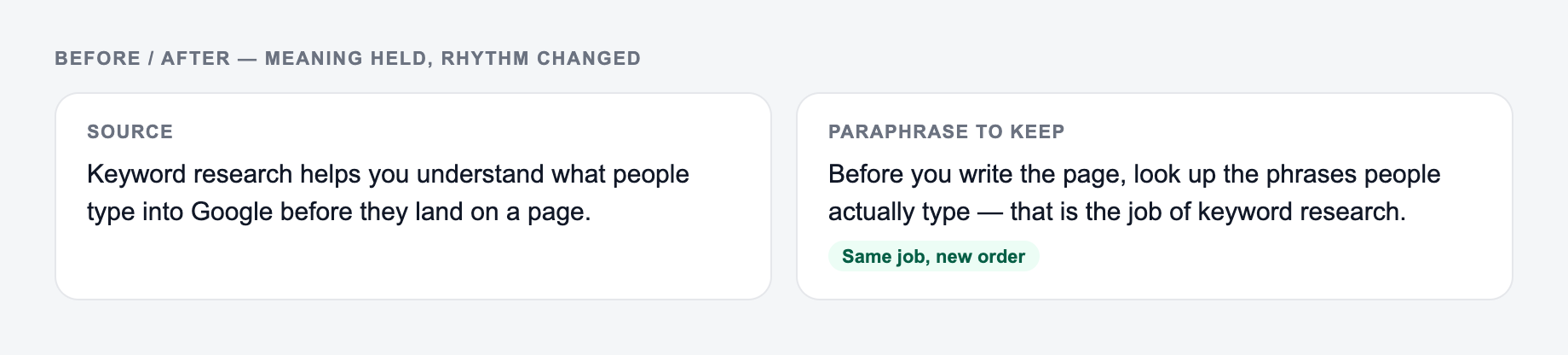
Side-by-side check:
- Original job: say the same thing to the same reader.
- Allowed change: shorter sentences, plainer verbs, less throat-clearing.
- Not allowed: a new claim, a dropped condition, a swapped subject.
When to Use a Paraphraser Instead of Another Tool
Use this paraphraser when the source text already has the right idea and needs a better version.
Use an AI text editor when the draft needs broader changes, such as structure, logic, tone, flow, and section-level editing.
Use a grammar checker after paraphrasing when you want a final pass for small correctness issues. A readability improver is better when the main problem is dense wording.
If the source text was generated by AI and still feels stiff, an AI humanizer can help smooth the final version. This comparison of AI humanizer vs paraphraser explains when each workflow makes more sense.
Common Paraphrasing Mistakes
The first mistake is swapping synonyms without changing structure. That usually creates awkward writing and may still be too close to the original.
The second mistake is removing important nuance. A paraphrase that drops "may" or "usually" can change the claim.
The third mistake is making the text more generic. Clear writing should not erase examples, brand voice, or useful specificity.
The fourth mistake is paraphrasing SEO content so aggressively that the page loses its target terms, internal logic, or search intent.
Final Checklist Before Using the Paraphrased Text
Use this as a preflight, not a caption. If a box fails, change the input or cut the line.
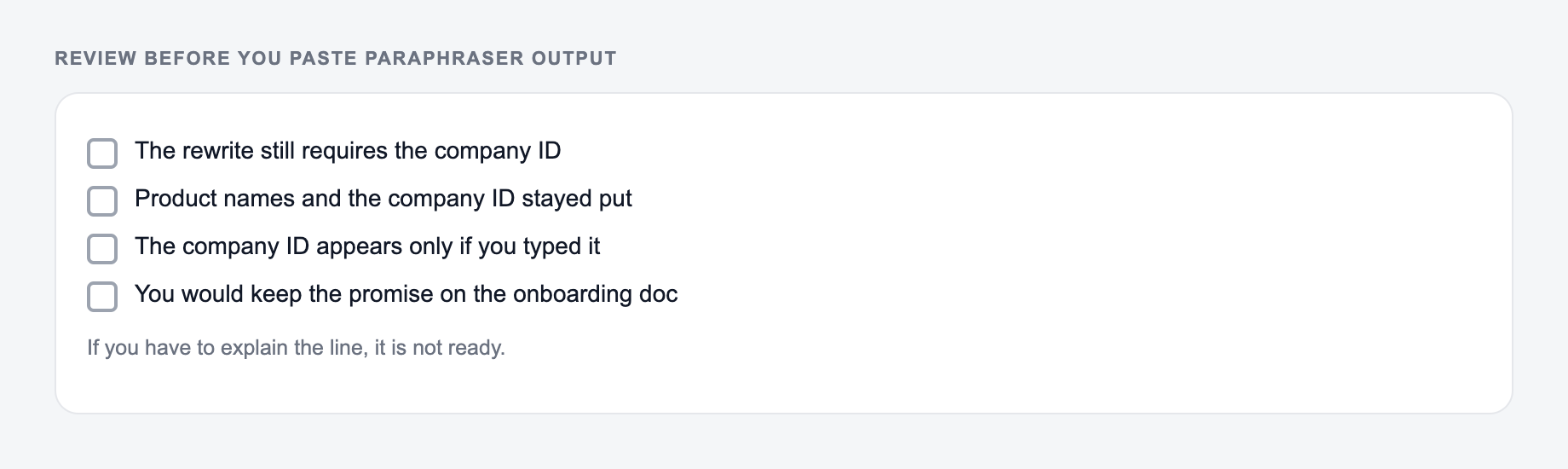
Before you publish, submit, or send the result, confirm:
- The meaning matches the original
- Important terms, names, and numbers are intact
- The tone fits the audience
- The rewrite is clearer, not just different
- Any borrowed ideas are cited where required
- The final version still sounds like something you would actually use
That last pass is what turns an AI paraphrase into usable writing instead of a detached rewrite.
Meaning-Preservation Diff
Review a paraphrase by labeling each change as lexical, structural, tone, or substantive. Lexical and structural changes may be desirable; substantive changes need explicit approval. Pay special attention to negation, quantities, modal verbs, causal language, attribution, and terms defined elsewhere in the document.
Frequently Asked Questions
What is an AI paraphraser?+
An AI paraphraser rewrites your text using different wording and sentence structure while keeping the original meaning. It helps improve clarity, originality, and tone for writing like essays, emails, blog posts, and website copy.
Will this paraphraser keep the same meaning?+
Yes. The tool is designed to preserve meaning and intent. For best results, provide complete sentences and keep important context in the input so the paraphrase stays accurate.
Can I use this paraphraser for SEO content?+
Yes. Paraphrasing can help refresh existing SEO content by improving readability and uniqueness while maintaining search intent. Always review the final output to ensure it matches your brand voice and includes accurate details.
Does paraphrasing avoid plagiarism?+
Paraphrasing can reduce similarity by changing wording and structure, but you should still add original insights and cite sources when required. For sensitive or academic use, review carefully and follow your institution’s guidelines.
What text works best for paraphrasing?+
Short to medium blocks (a paragraph to a few paragraphs) typically work best. If you have a long article, paraphrase in sections and then do a final pass to ensure consistent tone and smooth transitions.
Can I paraphrase in other languages?+
Yes. Choose your output language to paraphrase text for multilingual writing and localization, which can be useful for international marketing and multilingual SEO.