
How AI Writers Help With Image and Video SEO

Yi
SEO Expert & AI Consultant

AI writers help with image and video SEO by turning visual assets into clear, searchable text: alt text, captions, transcripts, titles, descriptions, summaries, chapters, and supporting page copy. In my experience, this is where AI feels most useful in SEO: not as a magic ranking lever, but as a practical way to document assets that teams usually leave half-described.
That text layer matters because search engines and AI systems still need context around images and videos. Google's image SEO guidance says it uses alt text, computer vision, and page content together to understand images. Its video SEO guidance also emphasizes crawlable video pages, stable thumbnails, consistent metadata, structured data, and Search Console monitoring.
So the goal is not to make AI "rank" your media by itself. The goal is to use AI to produce a better first draft of the metadata that search engines, assistive technology, and real users rely on. I would rather see a plain, accurate AI-assisted description than a keyword-stuffed one that sounds optimized but tells nobody what the image or video actually contains.
Here is the simple version:
| Asset | What AI can draft | What a human should verify |
|---|---|---|
| Blog image | Alt text, caption, filename ideas, nearby copy | Accuracy, context, keyword restraint, whether the image is decorative |
| Product image | Attribute-rich descriptions, product caption variants | Product facts, color/material details, SKU consistency, duplicate wording |
| Infographic | Short alt text plus a longer text summary | Whether key data, labels, and conclusions are represented in text |
| YouTube video | Title options, description, chapters, transcript cleanup | Claims, names, timestamps, hook accuracy, platform fit |
| Embedded site video | Transcript, summary, VideoObject description, thumbnail text | Crawlability, schema consistency, thumbnail URL, page relevance |
If you publish images or videos at scale, this is one of the most practical uses of AI writers: not replacing editorial judgment, but removing the blank-page work from visual SEO.
Why Visual SEO Breaks So Often
Image and video SEO usually fails in quiet ways.
A product team uploads hundreds of images with filenames like IMG_4821.jpg. A content team embeds a webinar but never publishes a transcript. A designer exports an infographic where all the useful text is trapped inside the image. A YouTube description says "Watch our latest update" instead of explaining what the video actually covers.
None of those mistakes look dramatic on the page. But they create the same problem: the asset has weak text signals.
For images, Google recommends standard HTML image elements, descriptive filenames, relevant surrounding copy, and useful alt text. For videos, Google recommends indexable watch pages, embedded videos that are visible in rendered HTML, stable thumbnails, consistent metadata, and structured data or video sitemaps where useful.
Accessibility guidance points in the same direction. W3C's media accessibility guidance recommends planning captions, transcripts, and descriptions based on what the audio and visuals communicate. That is not just compliance work. It also gives people and machines a reliable text version of the media.
AI can help because most of this work is repetitive. It is also easy to skip when deadlines are tight. I have seen teams treat visual SEO like cleanup work that can wait; the problem is that it rarely gets a second pass once the page is live.
Where AI Writers Actually Help
AI writers are strongest when they work from real context.
Give the tool the image, the page topic, the product details, the target audience, and the purpose of the asset. Then ask for a first draft. That usually gives you a much better starting point than asking it to "write SEO alt text" with no context.
For image SEO, AI can help with:
- Alt text for informative images
- Short captions that connect the image to the page
- Descriptive filename ideas
- Product image descriptions
- Long descriptions for charts, diagrams, and infographics
- Surrounding copy that explains why the image matters
- Metadata cleanup for large media libraries
For video SEO, AI can help with:
- Transcript cleanup
- Video summaries
- YouTube title ideas
- Video descriptions
- Chapter labels and timestamps
- Short clips or segment summaries
- Blog posts created from transcripts
- Schema description drafts
That is why an image description generator is useful for a first pass. Tighten the output for accuracy after. Keep the generated text honest.
A Practical Image SEO Workflow With AI
The best image SEO workflow is simple enough that your team will actually use it. My bias is toward boring workflows here, because a clever process that nobody follows will not improve a single alt attribute.
Google's image SEO best practices are still the baseline: crawlable image HTML, useful filenames, relevant surrounding copy, and alt text that describes the image in context.
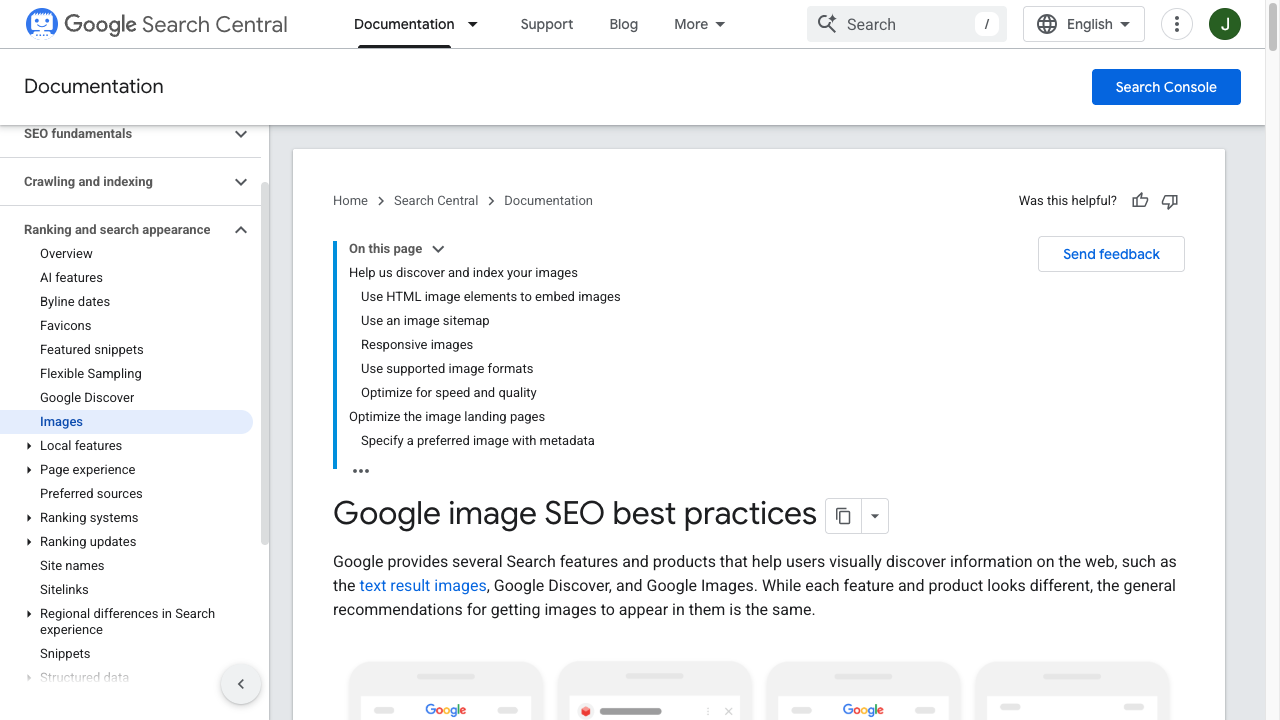
SEO for Google Images | Google Search Central
1. Sort Images by Purpose
Do not write the same kind of alt text for every image.
Start by grouping images into four buckets:
| Image type | SEO and accessibility treatment |
|---|---|
| Decorative image | Use empty alt text if it adds no meaning |
| Informative image | Describe what the image shows in the context of the page |
| Functional image | Describe the action or destination, not just the picture |
| Complex image | Use short alt text plus a nearby explanation, caption, or long description |
This is where a lot of SEO teams go wrong. They treat every image as a keyword opportunity.
Decorative images do not need keyword stuffing. Empty alt text is often the correct choice when the image adds no meaning.
The useful question is not "How do we fit the keyword in?" It is "What would someone miss if this image disappeared?"
2. Give AI the Page Context
AI output improves when the prompt includes the reason the image exists.
Instead of:
Write alt text for this image.
Use:
Write alt text for an image on a blog post about AI image SEO. The image shows a workflow from image upload to alt text, caption, compression, and publishing. Keep it under 125 characters. Do not start with "image of." Mention the workflow, not generic AI.
That gives the model enough context to avoid vague lines like "AI technology optimizing visuals." Those lines sound fine at first glance, but they are almost useless when someone needs to understand the actual asset.
If you create images for blog posts, a blog images generator can also help you produce visuals that are easier to describe because the concept is clearer from the start.
3. Edit for Accuracy, Not Just Keywords
Good alt text is specific, but it should not be stuffed. The best version often feels almost too simple.
Weak:
AI SEO image optimization visual search ranking images video SEO content marketing tool.
Better:
Workflow showing AI generating alt text, captions, and transcripts for visual SEO.
The better version gives search engines and screen readers a useful description. It also includes relevant language naturally. That is the balance worth protecting: specific enough to be helpful, restrained enough to be trustworthy.
Use the same standard for filenames. visual-seo-ai-workflow.png is more useful than image1.png, but do not turn filenames into unreadable keyword strings.
Here is the alt-text edit I actually make most often:
| Image | Weak AI alt text | Publish-ready alt text |
|---|---|---|
| Product hero | "Stylish running shoe for fitness and performance." | "Black mesh running shoe with white sole and reflective side stripe." |
| Blog diagram | "AI SEO image optimization visual." | "Workflow from image upload to alt text, caption, compression, and publish." |
| Decorative divider | "AI marketing background with abstract technology." | Empty alt="" |
| Chart | "Graph showing SEO growth over time." | "Line chart of image search impressions rising after alt-text QA, January to June." |
4. Add Nearby Text When the Image Carries Meaning
Alt text should not carry the whole burden when an image explains something important. This is worth fixing before worrying about tiny keyword variations.
If you publish a chart, table screenshot, infographic, or annotated workflow, add a short paragraph near the image that explains the takeaway. Google says page content and captions help it understand image subject matter. Users benefit too, especially if they are skimming or using assistive technology.
For complex images, use this pattern:
- Short alt text: what the image is.
- Caption or nearby copy: why it matters.
- Longer explanation: the data, process, or conclusion shown in the image.
That makes the asset easier to understand, cite, and summarize.
A Practical Video SEO Workflow With AI
Video SEO needs more than a title and a thumbnail. Search engines need to find the video, understand the page, and extract enough information to know when the video is relevant.
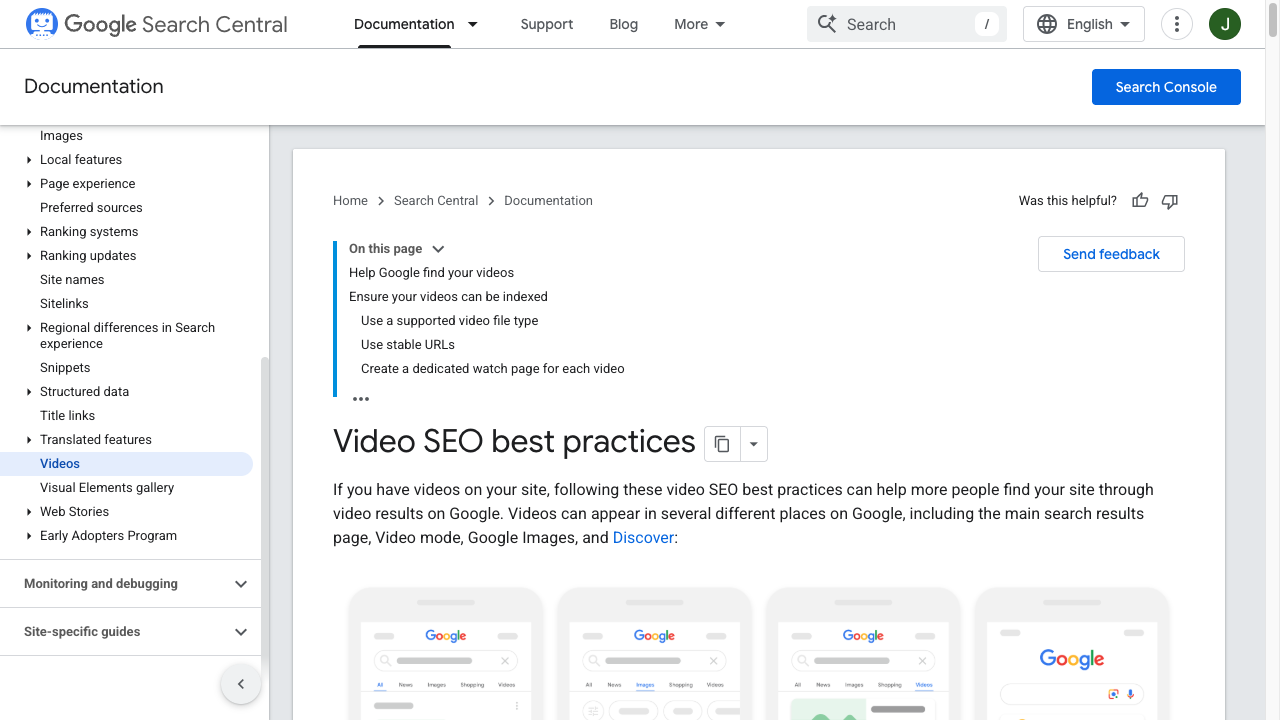
AI helps most after the video exists. Before that, it can help with outlines and scripts, but the strongest SEO assets usually come from the actual recording.
1. Start With a Clean Transcript
A transcript is the base layer for video SEO. If I could only improve one part of a video workflow, I would start here.
AI transcription can get you most of the way there, but you still need to review:
- Names
- Product terms
- Acronyms
- Numbers
- Speaker labels
- Timestamps
- Claims that need sources
- Awkward or repeated phrases
This matters because an inaccurate transcript can create inaccurate summaries, chapters, descriptions, and blog posts. The whole workflow depends on the transcript being clean. A small name error in the transcript can quietly spread into every generated asset after it.
W3C guidance also separates captions, transcripts, and descriptions based on user needs. Captions help people follow the video while watching. Transcripts make the content available as text. Descriptive transcripts or audio descriptions help when important visual information is not spoken.
2. Turn the Transcript Into Search Assets
Once the transcript is clean, AI can repurpose it into useful metadata. This is where the workflow starts to pay off.
For example, you can ask AI to create:
- Three title options with different search angles
- A 150-word YouTube description
- A longer on-page summary
- Chapter labels from the timestamps
- A list of key terms mentioned in the video
- A short blog outline based on the video
- A
VideoObjectdescription that matches the page
Junia's YouTube to blog tool is useful here because a clean transcript can become a companion article, not just hidden metadata.
3. Match Video Metadata Across the Page
Google's video guidance is clear on consistency: if you provide structured data, the information should match the actual video and the other metadata you provide.
That means your video title, page heading, description, thumbnail, transcript, and schema should all describe the same thing.
Do not use AI to generate five disconnected versions of the same video description. Pick one clear angle, then adapt it for each field. Personally, I find consistency more valuable than squeezing a slightly different keyword into every metadata field. A YouTube video title generator is fine for options. It is not a substitute for watching the first 20 seconds.
Here is a practical mapping:
| Field | Good use of AI | Human check |
|---|---|---|
| Video title | Draft options by intent and hook | Avoid clickbait or overpromising |
| Description | Summarize topic, audience, and takeaway | Match the actual video |
| Transcript | Clean grammar and structure | Fix names, facts, and timestamps |
| Chapters | Create labels from sections | Confirm timestamps and usefulness |
| Thumbnail text | Suggest concise wording | Make sure it fits visually |
| Schema description | Draft a factual summary | Keep it consistent with visible metadata |
4. Make the Watch Page Useful
If the video lives on your site, the page around it matters.
A thin page with only an embedded video gives search engines less to work with. It also gives readers very little reason to stay if they cannot watch immediately. Add a short introduction, the transcript, key takeaways, related resources, and internal links to deeper pages.
For example, if the video explains how to repurpose a webinar, link to a supporting guide on repurposing content using AI.
The page should feel like a complete resource, not a video embed with a paragraph attached.
The Retrieval, Extraction, Trust Model
One useful way to think about multimedia SEO is in three stages: retrieval, extraction, and trust.
This model works because it keeps the process practical. It separates technical access from content understanding and from editorial reliability, which are often mixed together in SEO advice.
Retrieval: Can Search Engines Find the Asset?
For images, that means standard image markup, crawlable URLs, useful filenames, relevant pages, and sitemaps where needed.
For videos, that means the video is embedded on an indexable watch page, not hidden behind a click action, blocked script, login wall, or unstable URL.
AI cannot fix a video that Google cannot find. That sounds obvious, but it should be the first thing checked when video SEO is underperforming.
Extraction: Can They Understand the Asset?
This is where AI-written metadata helps most.
Alt text, captions, transcripts, summaries, chapter labels, and nearby copy make the asset easier to understand. They turn visual or audio content into text that can be indexed, quoted, summarized, and reused.
Trust: Can They Rely on the Information?
Trust comes from consistency and accuracy.
If your transcript says one thing, your description says another, and your schema exaggerates the video, the page becomes less reliable. If your image alt text invents product details that are not visible, that creates the same problem.
Use AI for speed, then use human review for trust. That is the whole bargain.
Examples: AI Output vs Publish-Ready Output
AI often produces technically acceptable metadata that still needs editorial work. In practice, the first draft is rarely terrible; it is usually just too vague.
Here are a few examples.
| Asset | Raw AI output | Better final version |
|---|---|---|
| Product image | "A stylish shoe for running and fitness." | "Black mesh running shoe with white sole and reflective side stripe." |
| Blog workflow image | "AI tools improving SEO workflow." | "Workflow showing AI generating alt text, captions, transcripts, and video descriptions." |
| Tutorial video | "This video teaches users how to improve SEO." | "Tutorial showing how to turn a YouTube transcript into chapters, a description, and a blog outline." |
| Webinar transcript summary | "The webinar discusses marketing and AI." | "Webinar summary covering AI-assisted content repurposing, transcript cleanup, and video metadata QA." |
The final versions are more useful because they say what is actually there. That is the standard most AI metadata should meet before publishing.
Common Mistakes to Avoid
AI makes visual SEO faster, but it can also make bad habits scale faster. This is the tradeoff that matters most.
Using the Same Alt Text Across Similar Images
This happens a lot in ecommerce, and it is easy to miss because the individual descriptions do not look broken on their own.
If every product image says "women's leather handbag," the metadata does not help users or search engines understand the difference between the images. Use AI to draft variants, then include visible attributes that matter: color, angle, material, pattern, feature, or use case.
Writing Alt Text for Decorative Images
Not every image needs descriptive alt text.
If an image is purely decorative and does not add meaning, empty alt text is often the better accessibility choice. Do not force keywords into decorative assets just because a field exists. I skip those images in AI batches on purpose.
Publishing Raw AI Transcripts
Raw transcripts can be messy. They often miss names, merge speakers, mangle brand terms, and repeat filler.
Clean the transcript before using it to generate summaries, descriptions, chapters, or blog content. Otherwise every downstream asset inherits the same errors. I would rather publish one reviewed transcript than ten polished summaries built on a messy one.
Treating Video Alt Text Like Image Alt Text
Video usually needs a combination of metadata, captions, transcripts, descriptions, and schema. A single short description is rarely enough if the video contains speech, demos, or important visuals.
Think in layers:
- Title: what the video is about
- Description: why someone should watch
- Captions: what is said
- Transcript: full text version
- Chapters: how the video is structured
- Schema: machine-readable metadata
- Page copy: context and related resources
Forgetting Performance
Image SEO is not only text. The content layer matters, but it does not excuse a slow or poorly implemented page.
Compression, file format, responsive images, dimensions, lazy loading, and Core Web Vitals still matter. AI can suggest metadata, but it will not automatically fix oversized files or poor templates.
When the page around the media is still thin, an SEO improver can help you tighten copy without rewriting the metadata from scratch.
A Simple QA Checklist Before Publishing
Use this before shipping image-heavy or video-heavy pages.
| Check | Pass criteria |
|---|---|
| Image purpose is clear | Decorative, informative, functional, and complex images are handled differently |
| Alt text is specific | It describes the visible content in page context without keyword stuffing |
| File names are useful | Important images use short, descriptive filenames |
| Nearby copy supports the asset | Charts, screenshots, and infographics have captions or explanations |
| Video is indexable | The watch page is crawlable, indexed, and the video is visible in rendered HTML |
| Transcript is reviewed | Names, facts, timestamps, and speaker labels are cleaned up |
| Captions are present when needed | Spoken content is available to people who cannot hear it |
| Metadata is consistent | Title, description, thumbnail, transcript, and schema describe the same video |
| Internal links are useful | Related resources help the reader continue the task |
| AI output was edited | No hallucinated product details, vague claims, or repetitive phrasing remain |
This checklist is intentionally basic. Most teams do not fail because they lack advanced tactics. They fail because these fundamentals are skipped across hundreds or thousands of assets. My opinion: if a team cannot pass this table consistently, advanced visual search tactics are premature.
When You Should Use AI and When You Should Not
Use AI when the task is repetitive, structured, and easy to review. That is where it earns its place in the workflow.
That includes first-pass alt text, caption variants, transcript cleanup, title ideas, summaries, video descriptions, and metadata normalization.
Be more careful when the asset includes:
- Medical, legal, financial, or safety claims
- Product specifications
- Brand-sensitive visuals
- Charts with precise numbers
- People, identities, or protected attributes
- Technical demos where small details matter
In those cases, AI can still assist, but the final review needs to be stricter. I would treat the AI output as a draft note, not publishable metadata.
The best workflow is not "AI writes, human publishes." It is "AI drafts, human verifies, then AI helps format and scale." That may sound slower, but it is usually faster than cleaning up inaccurate metadata after it has spread across a site.
What I Would Check Before Shipping Visual SEO
AI writers are useful for image and video SEO because they make the hidden text layer easier to create. That hidden layer is often the difference between a useful media asset and one that only looks good on the page.
They can draft alt text, captions, transcripts, video descriptions, titles, summaries, and structured metadata much faster than a human starting from scratch. That gives search engines more context, gives users better access, and gives your team a workflow they can repeat.
But the ranking value comes from the final quality, not the fact that AI was involved. I would not give AI any credit unless the final output is clearer, more accurate, and easier to maintain.
If the output is accurate, specific, accessible, consistent, and supported by the page around it, AI can make multimedia SEO much easier to maintain at scale.