
10 Best Custom GPTs That Actually Save You Time

Thu
AI SEO Specialist, Full Stack Developer

Most custom GPTs do not save time. They wrap a prompt in a nicer name.
I only keep the ones that remove a recurring job from my week: planning content, rewriting drafts, making slides, generating design directions, or turning a messy brief into something I can edit. A GPT that needs as much babysitting as default ChatGPT is not a tool. It is a bookmark.
According to OpenAI's GPTs documentation, GPTs are custom versions of ChatGPT configured for a specific purpose. They can include instructions, knowledge, capabilities, and external actions. Anyone signed in can use GPTs they have access to, but creating or editing GPTs requires a paid plan.
That last part matters. If a GPT has no files, no actions, and no real constraints, you can usually get the same result with a saved prompt.
Junia's GPTs directory is useful when you want to browse custom GPTs by workflow, not just read a ranked list.
If you are building one yourself, the separate guide to custom GPTs covers the setup side in more detail.
Quick Picks: Best Custom GPTs by Use Case
| Rank | Custom GPT | Best for | Use it when |
|---|---|---|---|
| 1 | AI Content Generator GPT | First drafts and marketing copy | You need a rough draft, not a blank page |
| 2 | Blog Content Outline Generator GPT | Blog structure | You know the topic but not the flow |
| 3 | Article Rewriter GPT | Refreshing existing drafts | You want clearer wording without changing the point |
| 4 | Paragraph Writer GPT | Filling content gaps | You have notes that need to become readable prose |
| 5 | LOGO Generator GPT | Early logo concepts | You need quick visual directions before hiring or designing |
| 6 | DesignerGPT | Lightweight design ideas | You need mockups, layouts, or creative direction |
| 7 | Music Production Teacher GPT | Learning music production | You want guided practice and feedback |
| 8 | Sous Chef GPT | Meal planning | You want faster decisions around food and groceries |
| 9 | Relationship Guide GPT | Thinking through conversations | You need a calm second perspective, not therapy |
| 10 | Prompt Generator | Better AI instructions | You want stronger prompts before using any GPT |
How I Chose These GPTs
The best custom GPTs usually have four things in common:
- A narrow job: They do one thing well instead of trying to be a second version of default ChatGPT.
- A repeatable workflow: They save time because you can use them again and again.
- Clear input requirements: They ask for the right context before producing output.
- Easy review: Their output can be checked, edited, or improved without starting over.
This matters because custom GPTs are only as useful as their setup. A GPT trained on your brand voice, examples, templates, or process can be much more helpful than a generic chatbot. But if it has vague instructions, it will still produce vague work.
If you are using GPTs for writing, remember that speed is not the same as quality. You still need to fact-check, edit, and add a human touch to AI-generated content before publishing anything important.
1. AI Content Generator GPT
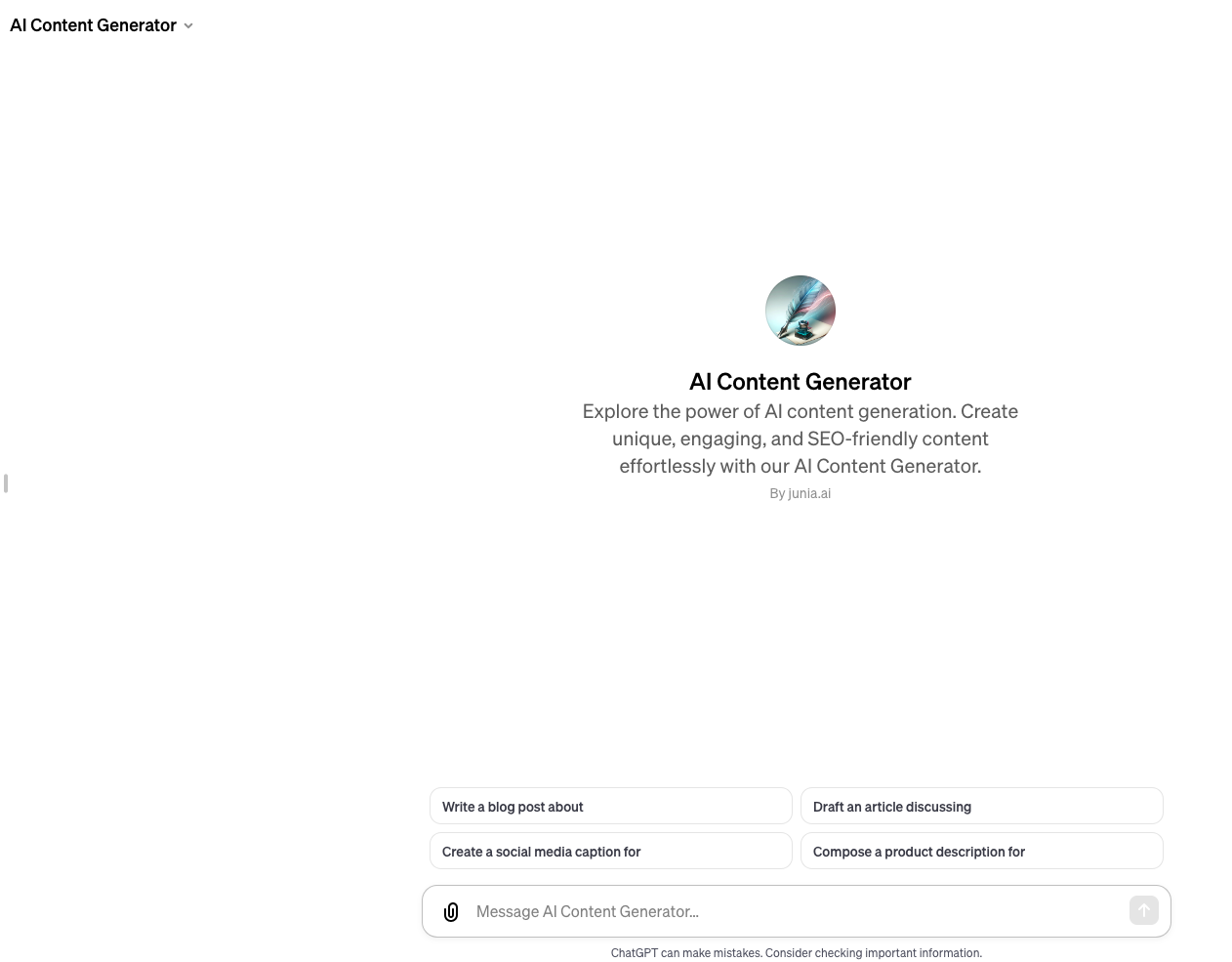
The AI Content Generator GPT is the strongest pick if your main bottleneck is getting a first draft started.
It works best for:
- Blog introductions
- Product descriptions
- Social media captions
- Email drafts
- Short landing page sections
- Content briefs
The mistake is treating it like a finished writer. It is better to treat it like a fast drafting assistant. Give it the topic, audience, format, examples, and tone. Then edit the output for accuracy, originality, and brand voice.
If you want a more complete writing workflow, pair it with a proper AI content generator so the GPT handles rough drafts while the main tool manages briefs, structure, and optimization.
For brand-heavy work, Junia's brand voice features matter more than another generic prompt. Specific templates like the blog post generator or product description template are better when the output format is already clear.
Best prompt to try:
Write a 900-word blog section for
[topic]. The audience is[audience]. Use a practical, direct tone. Include examples, avoid generic AI phrasing, and leave placeholders where facts need verification.
2. Blog Content Outline Generator GPT
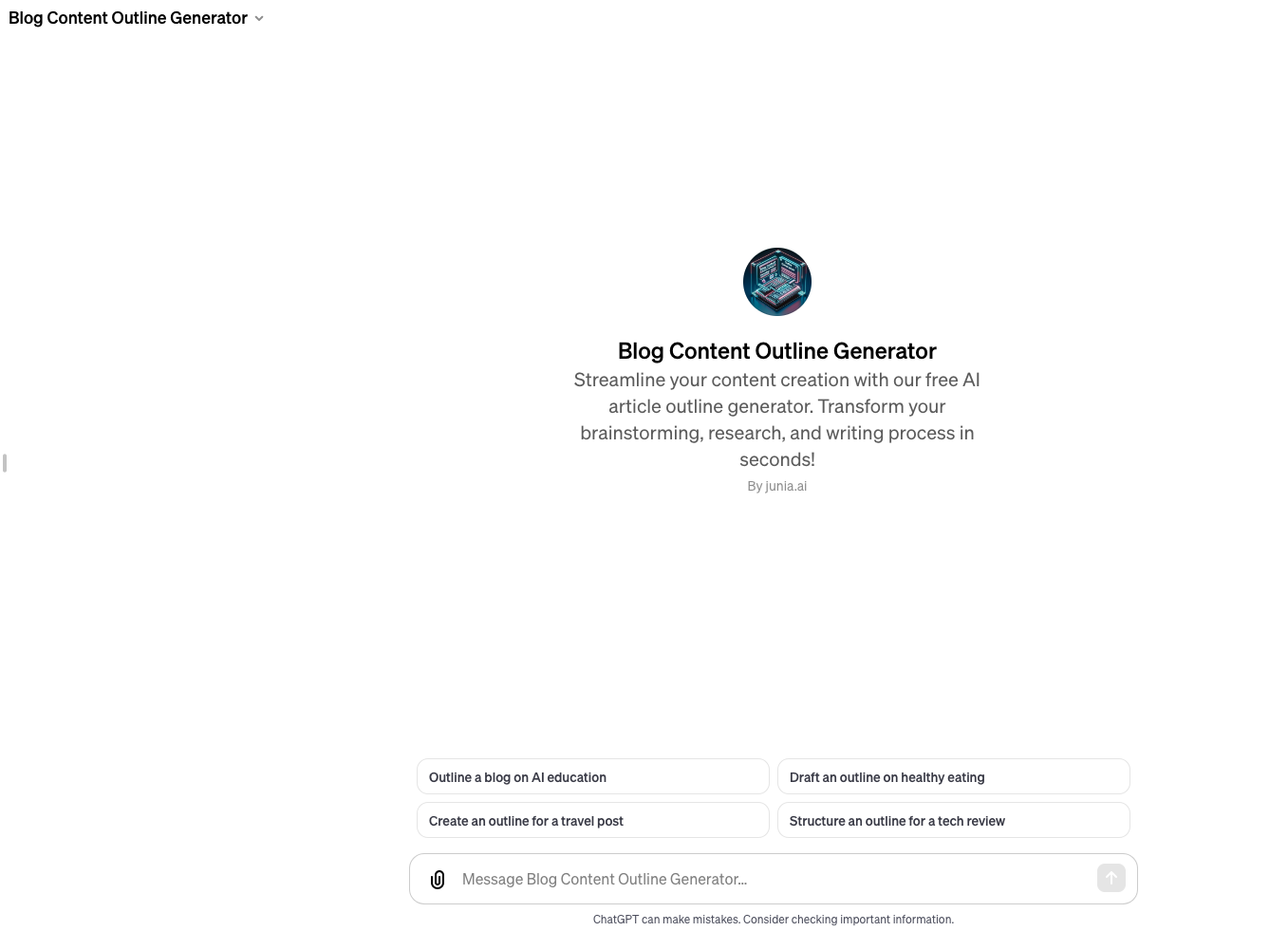
The Blog Content Outline Generator GPT is useful when you already know what you want to write but cannot decide how to organize it.
This GPT is especially helpful for SEO articles because structure matters. A weak outline usually leads to a weak article: repeated sections, buried answers, and headings that do not match what readers actually searched for.
Use it to generate:
- Search-intent aligned outlines
- H2 and H3 structures
- Content briefs for writers
- Section-by-section talking points
- FAQ ideas for metadata
For blog work, I would use Junia's content calendar generator before opening the outline GPT. The calendar gives you the publishing plan; the GPT can then turn one topic into a usable structure.
After the outline is clear, a headline generator or blog template can help with the smaller execution details.
Best prompt to try:
Create an outline for a blog post targeting
[keyword]. Prioritize the reader's main question first, include comparison sections where useful, and suggest which sections need examples, tables, or citations.
3. Article Rewriter GPT
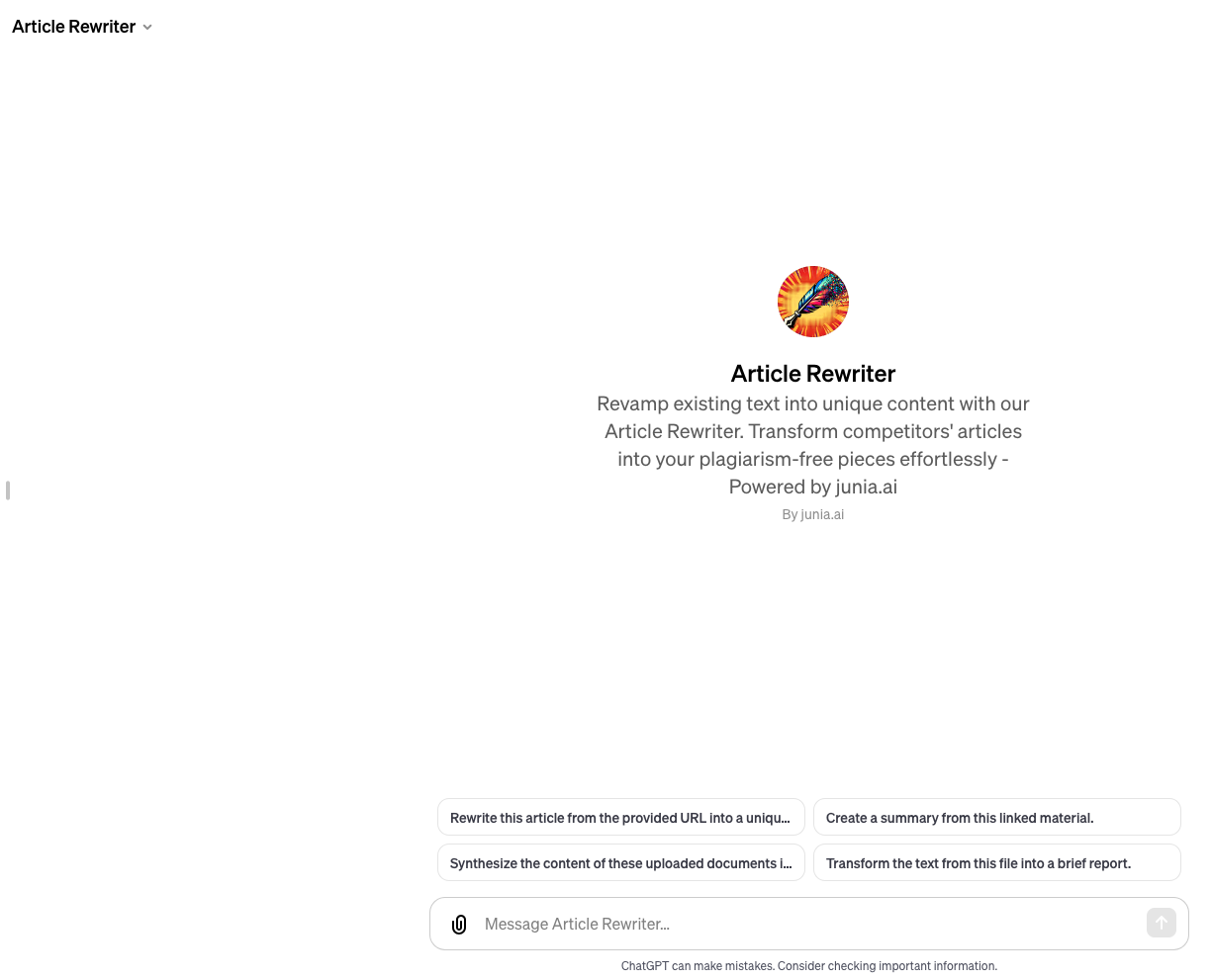
The Article Rewriter GPT is useful when you already have content, but it feels stiff, repetitive, thin, or outdated.
I would use it for rewriting:
- Old blog posts
- Long paragraphs that need trimming
- Product descriptions
- Help docs
- Email sequences
- Content that needs a different tone
It should not be used to disguise copied content. The better use case is improving your own material: clearer structure, smoother transitions, better sentence variety, and stronger examples.
For SEO content, ask it to improve clarity without changing facts. Then run a separate pass for search intent, internal links, and factual accuracy. Junia's AI internal linking is useful at that stage because links should support the revised structure, not get dropped into the draft afterward.
If the whole publishing workflow needs work, review SEO-specific GPTs and current SEO guidance separately before you publish.
It can also help adapt translated drafts, but only after a human reviews nuance, idioms, and examples. For that workflow, Junia's guide on writing articles in different languages is a useful companion.
Best prompt to try:
Rewrite this section to be clearer and more useful. Preserve the facts, links, and examples. Remove filler, improve flow, and flag any claim that needs verification.
4. Paragraph Writer GPT
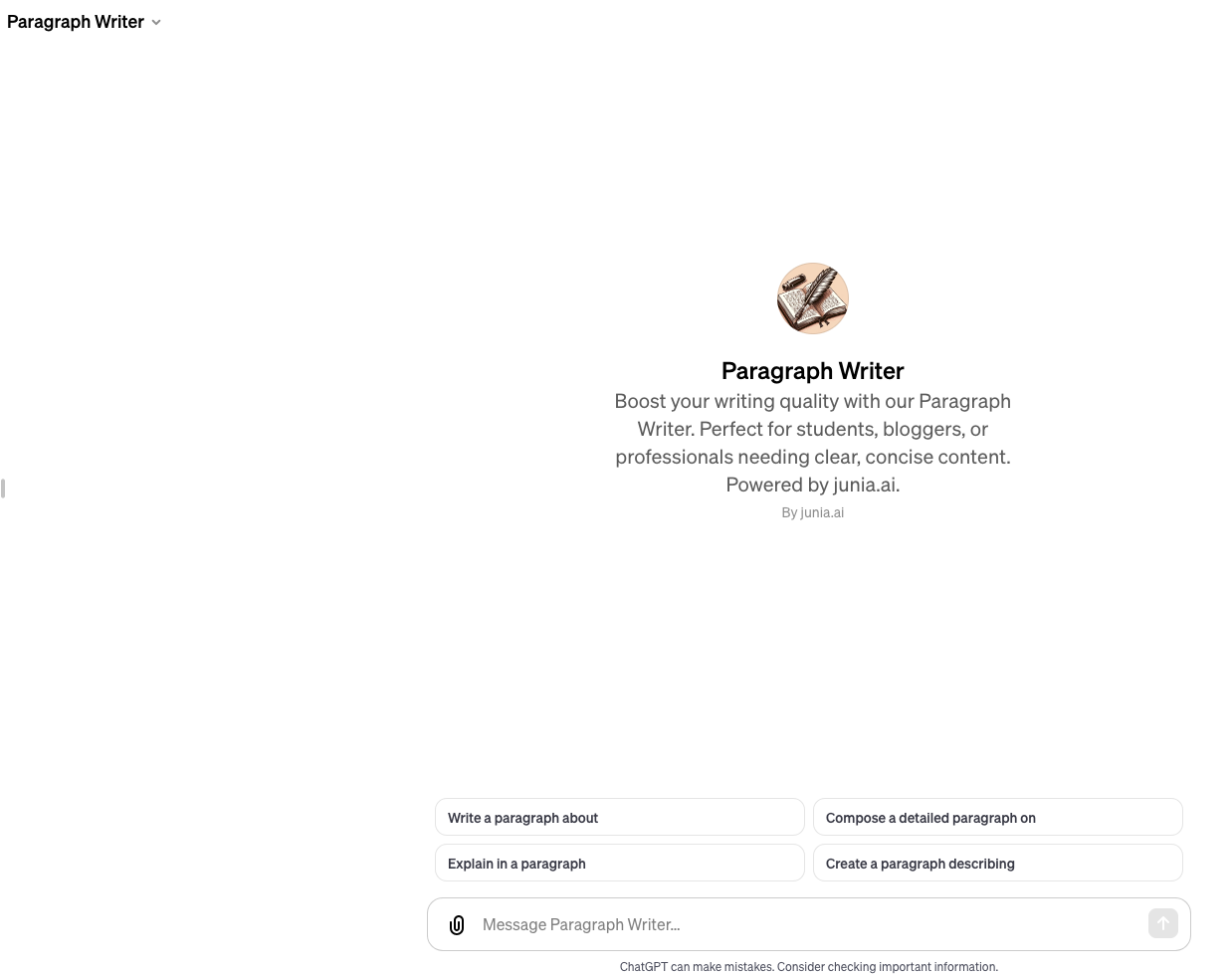
Paragraph Writer GPT is best for smaller writing blocks.
That sounds simple, but it is often the most practical use case. You may not need a full article generator. You may only need three stronger paragraphs explaining a feature, summarizing an argument, or turning rough bullet points into clean prose.
Use it when you have:
- Notes from a call
- Rough research bullets
- A thin article section
- A paragraph that sounds too robotic
- A draft that needs a better transition
For everyday writing, this GPT works best when it sits between a text summarizer and a final grammar check. Summarize the source first, expand only the parts that need more context, then clean up the finished paragraph.
Best prompt to try:
Turn these bullets into one clear paragraph. Keep it under 120 words. Use plain English, make the point quickly, and do not add unsupported claims.
5. LOGO Generator GPT
LOGO Generator GPT is useful for early-stage logo exploration.
It can help you test visual directions before you spend time in a design tool or hire a designer. That makes it useful for founders, marketers, agencies, and freelancers who need quick concepts.
Give it:
- Brand name
- Industry
- Audience
- Preferred colors
- Words the logo should feel like
- Logo styles you want to avoid
The limitation is important: AI logo tools can create decent starting points, but they do not replace proper brand strategy, trademark checks, file preparation, or a designer's judgment. Use the output as direction, not as the final brand identity.
Best prompt to try:
Create three logo concepts for a
[business type]called[name]. The brand should feel[tone]. Avoid[styles]. For each concept, explain the symbol, color direction, and where it would work best.
6. DesignerGPT
DesignerGPT is broader than a logo generator. It can help with website layouts, visual concepts, marketing materials, and lightweight design direction.
This is most useful when you need to move from vague taste to a clearer brief.
For example, instead of saying "make it modern," you can ask DesignerGPT for:
- Three landing page layout directions
- A color palette for a specific audience
- Hero section copy and visual ideas
- Social media creative concepts
- Infographic structure
- Design feedback on a rough concept
It is not a replacement for tools like Figma, Canva, or a real designer. But it can reduce the time you spend staring at an empty canvas.
Best prompt to try:
Give me three visual directions for a landing page about
[product]. Include layout, color palette, typography feel, image style, and what each direction communicates.
7. Music Production Teacher GPT
Music Production Teacher GPT is a good example of a learning-focused custom GPT.
It can explain production concepts, suggest practice routines, break down mixing problems, and help beginners understand topics like:
- EQ
- Compression
- Arrangement
- Sound design
- Mixing workflow
- Mastering basics
The best use case is guided learning. Ask it to teach one concept, give you an exercise, review your notes, and then suggest the next thing to practice.
Just be careful with anything that depends on hearing your actual mix. If you need final feedback on audio quality, use proper monitoring, references, and human review.
Best prompt to try:
Teach me compression for electronic music like I am a beginner. Give me one simple explanation, one practical exercise in my DAW, and three mistakes to avoid.
8. Sous Chef GPT
Sous Chef GPT is one of the more practical everyday GPTs because food decisions happen constantly.
It can help with:
- Weekly meal planning
- Recipe ideas based on ingredients
- Grocery lists
- Dietary restrictions
- Ingredient substitutions
- Cooking technique questions
This is the kind of GPT that saves small chunks of time repeatedly. You can tell it what is in your fridge, your dietary needs, your budget, and how much time you have. Then it can suggest meals that fit the constraints.
It still needs common sense. If you have allergies, medical dietary needs, or food safety concerns, verify the advice instead of relying on AI alone.
Best prompt to try:
I have
[ingredients], 30 minutes, and I want a high-protein dinner. Give me three options, a shopping list if needed, and step-by-step cooking instructions.
9. Relationship Guide GPT
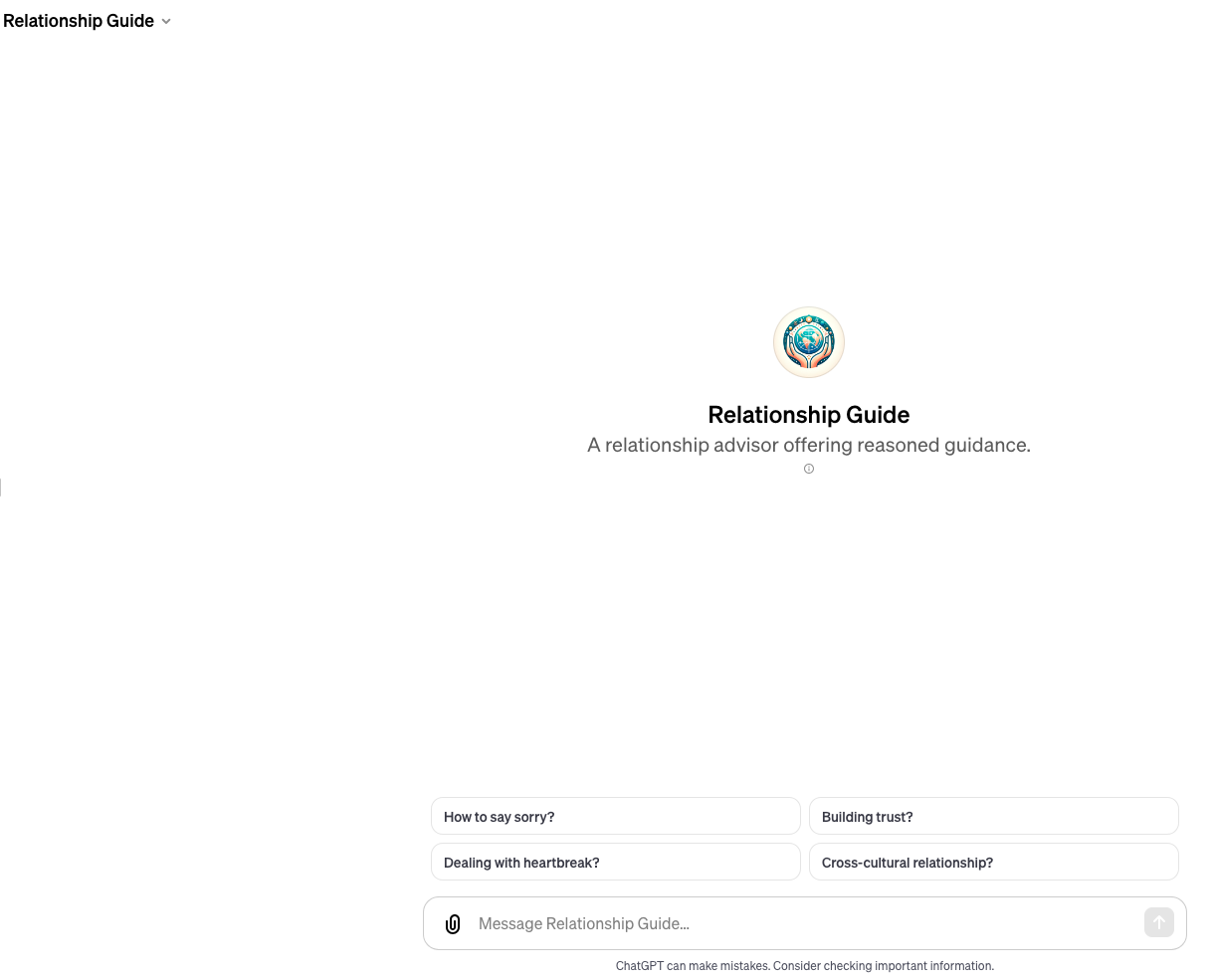
Relationship Guide GPT is not a productivity tool in the usual business sense, but it can save time when you are stuck overthinking a conversation.
Use it for low-stakes support like:
- Drafting a clearer message
- Seeing another point of view
- Preparing for a difficult conversation
- Practicing boundaries
- Turning emotional notes into calmer language
The boundary is clear: this should not replace therapy, legal advice, medical advice, or crisis support. It is a reflection tool, not a professional counselor.
Best prompt to try:
Help me rewrite this message so it is honest, calm, and respectful. Do not make it passive-aggressive. Ask clarifying questions if the situation is missing important context.
10. Prompt Generator
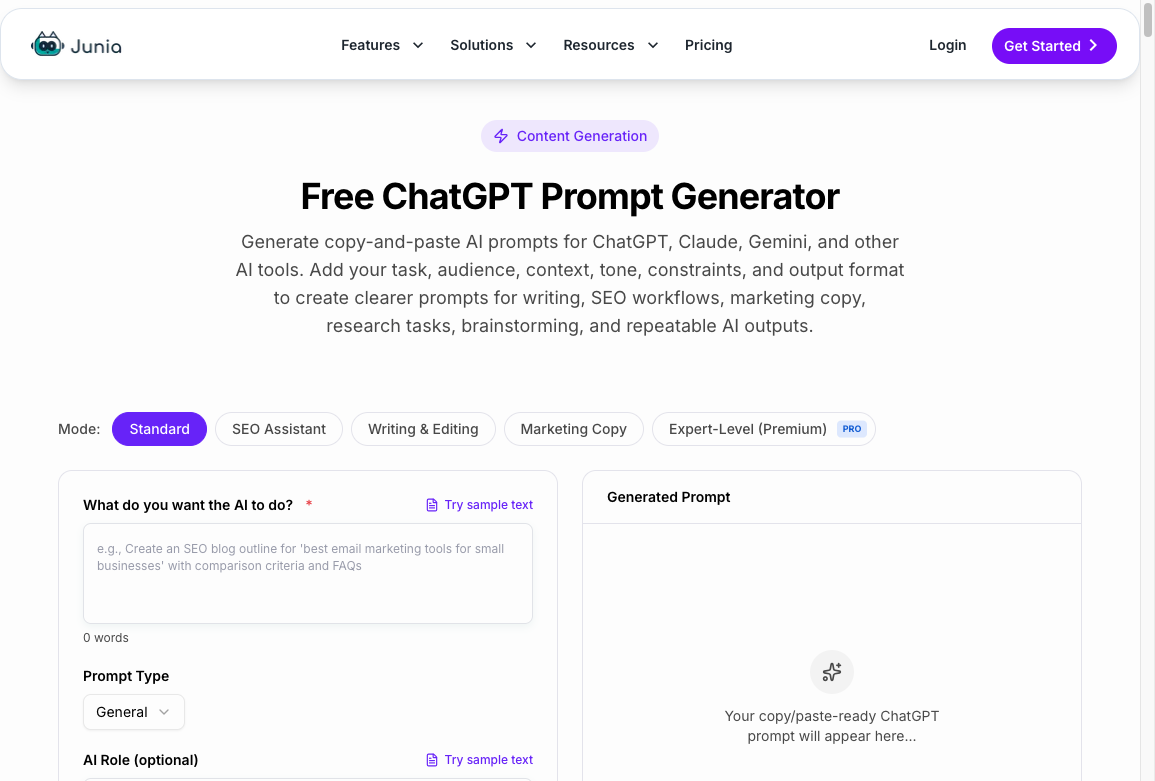
Not every useful GPT needs to be a public GPT from the GPT Store. Sometimes the highest-leverage tool is a prompt builder.
Junia's Prompt Generator helps you create clearer instructions before you ask any AI tool for output. That matters because most weak GPT results come from weak inputs.
Use a prompt generator when you need to define:
- Role
- Goal
- Audience
- Context
- Constraints
- Format
- Examples
- Quality standards
This is especially useful for teams. If everyone uses a different prompt style, output quality varies wildly. A shared prompt structure makes GPTs easier to use, review, and improve.
Best prompt structure:
| Prompt part | What to include |
|---|---|
| Role | "Act as an SEO editor" or "Act as a product marketer" |
| Task | The exact output you want |
| Context | Background, audience, product, examples |
| Constraints | Length, tone, links, claims, format |
| Review rule | What the GPT should check before answering |
How to Get Better Results From Any Custom GPT
Across practical custom GPT workflows, the same pattern keeps showing up: the best GPTs are not magic. They work because someone gave them useful context.
A GPT is a prompt wrapper unless it has files or actions. Instructions alone can still help. They just do not make the model remember your brand, your data, or your last ten drafts.
If you want better results, give the GPT the same onboarding you would give a human assistant. OpenAI’s own walkthrough of how GPTs are built — instructions, knowledge, and actions — is the useful version of that onboarding:
OpenAI on creating custom GPTs with instructions, knowledge, and actions
| What to add | Why it helps |
|---|---|
| Brand voice examples | Keeps output from sounding generic |
| Templates | Makes formatting consistent |
| Past work | Helps the GPT mirror your standards |
| Clear rules | Reduces risky or off-topic answers |
| Source documents | Gives it concrete context to work from |
| Review instructions | Forces a quality check before output |
For content teams, this can include style guides, sample articles, preferred tones in writing, approved templates, and internal rules around claims and citations.
For business teams, it can include onboarding docs, product requirements, customer personas, sales scripts, or support documentation.
For personal productivity, it can include your weekly goals, recurring tasks, constraints, and decision rules.
When Custom GPTs Are Worth It
Custom GPTs are worth using when the task is repeatable and context-heavy.
They are less useful when you only need a one-off answer. In that case, default ChatGPT with a good prompt may be enough.
Use a custom GPT when:
- You repeat the same task every week
- You need the same tone or format every time
- You want the GPT to follow a process
- You need to upload supporting knowledge
- You want teammates to use the same workflow
Skip a custom GPT when:
- The task is rare
- The answer needs expert verification
- The workflow keeps changing
- You cannot provide enough context
- The output would be risky if wrong
For example, a content repurposing GPT can be excellent because it repeats the same workflow across blog posts, emails, LinkedIn posts, and video descriptions. Junia's YouTube to Blog follows that same pattern for video-led content: extract the useful ideas first, then reshape them into a written asset.
The same logic applies to ghostwriting, email replies, and cold email templates. The tool is valuable only when the task repeats often enough to justify a saved workflow.
If you are comparing custom GPTs with broader productivity software, this list pairs well with our roundup of the best AI productivity apps.
Some teams also prefer multi-LLM platforms when they need several AI systems in one workspace. That is a different buying decision than picking a GPT from the store.
Final Takeaway
The best custom GPT is not the one with the cleverest store listing.
It is the one that takes a recurring job, asks for the right context, and gives you output that is easier to edit than create from scratch. I would start with three:
- A writing GPT for drafts and rewrites
- An outline or planning GPT for structure
- A prompt generator to improve the instructions you give every other tool
- A persona helper when you need reusable role instructions before building a full GPT
Then add specialized GPTs only where they fit a real workflow: design, meal planning, music learning, relationship communication, spreadsheets, slides, or internal documentation. If you are building that persona layer first, Junia's ChatGPT persona instructions generator is a practical way to draft the role, rules, boundaries, and output format before you turn the idea into a custom GPT.
Custom GPTs can save time, but only if you treat them like trained assistants instead of magic buttons.