
Free Bullet Points Generator
Convert dense text into clean, readable bullet points for blogs, presentations, product pages, meeting notes, study materials, and internal documents. Quickly extract steps, benefits, summaries, and highlights without rewriting by hand.
Bullet Points
Your bullet points will appear here...
How the AI Bullet Points Generator Works
Get results in seconds with a simple workflow.
Paste Your Text
Add a paragraph, notes, or any content you want to convert into bullet points. Longer text works best when it contains multiple ideas or steps.
Choose a Bullet Style
Pick the format you need—key takeaways, benefits, features, or steps—so the bullets match your purpose (SEO, marketing, documentation, or notes).
Generate and Reuse
Get a clean, scannable bullet list. Copy it into your blog post, landing page, email, product page, or doc, and edit any domain-specific details as needed.
See It in Action
Example of converting a paragraph into clear, SEO-friendly bullet points for better readability and quick scanning.
Keyword research helps you find what people search for so you can create content that ranks. Start with seed topics, expand with tools like Google suggestions, then evaluate intent and difficulty. Finally, map keywords to pages and build internal links to strengthen topical authority.
- Identify seed topics based on products, services, and customer questions
- Expand keyword ideas using Google Autocomplete, People Also Ask, and related searches
- Evaluate search intent (informational, commercial, transactional) before choosing targets
- Prioritize realistic keywords by considering difficulty and your site’s authority
- Map keywords to specific pages (one primary topic per page)
- Build internal links to strengthen topical authority and improve rankings
Why Use Our AI Bullet Points Generator?
Powered by the latest AI to deliver fast, accurate results.
Instant Paragraph-to-Bullets Conversion
Turn long paragraphs into clean bullet points that make content easier to scan—ideal for blog posts, SEO pages, newsletters, documentation, and presentations.
Multiple Bullet Styles (Takeaways, Benefits, Features, Steps)
Choose the bullet point format that matches your goal: summarize key takeaways, highlight benefits, list product features, or convert content into actionable steps.
SEO-Friendly, Entity-Rich Bullets
Generate concise bullets that naturally include relevant terms and entities—helpful for on-page SEO sections like ‘Key Benefits’, ‘What You’ll Learn’, and ‘Highlights’.
Consistent Tone and Audience Fit
Adapt bullets for different readers—beginners, customers, or executives—so your lists match brand voice and improve clarity without losing accuracy.
Cleaner Content Structure for Higher Engagement
Improve readability and time-on-page by breaking dense text into scannable lists—useful for content refreshes, landing pages, and product descriptions.
Pro Tips for Better Results
Get the most out of the AI Bullet Points Generator with these expert tips.
Use bullets to improve SEO page scannability
Add bullet lists under H2s like “Key Benefits”, “What You’ll Learn”, and “Highlights” to help readers skim and understand value quickly—often improving engagement and time-on-page.
Lead with strong verbs for action-oriented lists
For steps and processes, start bullets with verbs (e.g., “Audit…”, “Compare…”, “Implement…”) to make instructions clearer and easier to follow.
Keep each bullet to one idea
If a bullet contains multiple clauses, split it. Single-idea bullets are more readable and work better for landing pages and SEO summaries.
Turn feature bullets into benefit bullets
After generating features, rewrite a few to connect to outcomes (time saved, fewer errors, better rankings). Benefit bullets often convert better than feature-only lists.
Add specifics after generating
Improve trust by adding concrete details: numbers you can verify, examples, tool names, or constraints. Specificity makes bullets feel less generic and more credible.
Who Is This For?
Trusted by millions of students, writers, and professionals worldwide.
Generate Bullet Points From Messy Text, Notes, or Drafts
The AI Bullet Points Generator helps turn dense text into a clean list people can scan quickly. Use it for blog summaries, product benefits, feature lists, process steps, meeting notes, study notes, and presentation slides.
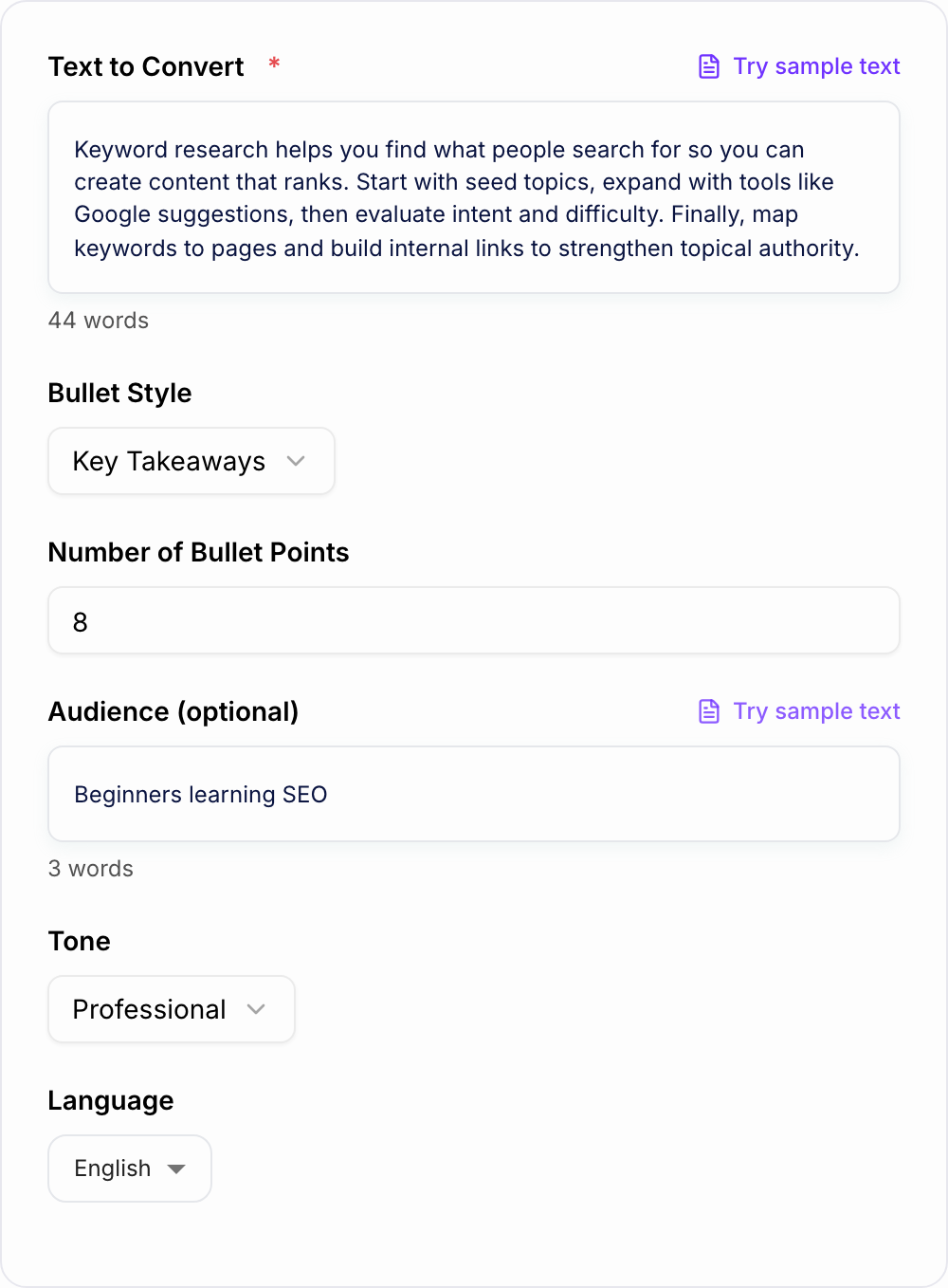
The goal is not just to make text shorter. The goal is to make the important points easier to understand, compare, and reuse.
What to Paste Into the Bullet Points Generator
Paste the source material you want to simplify:
- a long paragraph
- rough notes
- a transcript excerpt
- product copy
- meeting notes
- a process description
- an article section
If the output needs a specific audience, add that too. Bullets for customers should sound different from bullets for executives, students, or internal team members.
Choose the Right Bullet Style
Use Key Takeaways when you want the most important ideas from a longer section.
Use Benefits when the bullets need to explain why the reader should care. This is usually best for landing pages, product pages, and email copy.
Use Features when you need factual details about what a product, service, or tool includes.
Use Steps or Process when the input explains how to do something and the order matters.
Use Meeting Notes when you need decisions, action items, owners, deadlines, and open questions from messy notes.
How to Review Generated Bullet Points
After the generator creates the list, check for:
- duplicate points
- unsupported claims
- vague words like "better," "easy," or "powerful" with no detail
- bullets that are too long
- bullets that mix two separate ideas
- missing owners, dates, or numbers when the list needs them
Good bullet points are specific enough to be useful and short enough to scan.
Make the Output More Specific
If the first output feels generic, improve the input rather than manually fixing every bullet.
Add:
- the audience
- the use case
- the desired bullet count
- examples of the tone you want
- terms that should be included or avoided
- whether the list should focus on benefits, features, actions, or takeaways
For example, "turn this into six customer-facing benefit bullets for a SaaS landing page" will produce a different list than "summarize this for internal meeting notes."
Where Bullet Points Work Best
Use the Bullet Points Generator as a mechanical pass. Paste the real input, set the one constraint that usually breaks the job, then test the ugly case before you trust the happy path.
Use generated bullet points when readers need fast clarity:
- above the fold on landing pages
- in product feature sections
- under article introductions as key takeaways
- in sales decks and presentations
- in meeting recaps
- in SOPs and checklists
- in study guides
If you are improving a full content workflow, you can pair bullet generation with drafting, rewriting, and optimization inside Junia AI so the list stays connected to the larger piece you are building.
Final Checklist Before Using the Bullets
Before you publish, send, or paste the bullets into another document, confirm:
- each bullet has one clear idea
- the list matches the intended audience
- claims are accurate
- formatting is consistent
- the strongest point appears first
- the list is not longer than the reader needs
That short review turns AI-generated bullets from a rough summary into copy you can actually use.
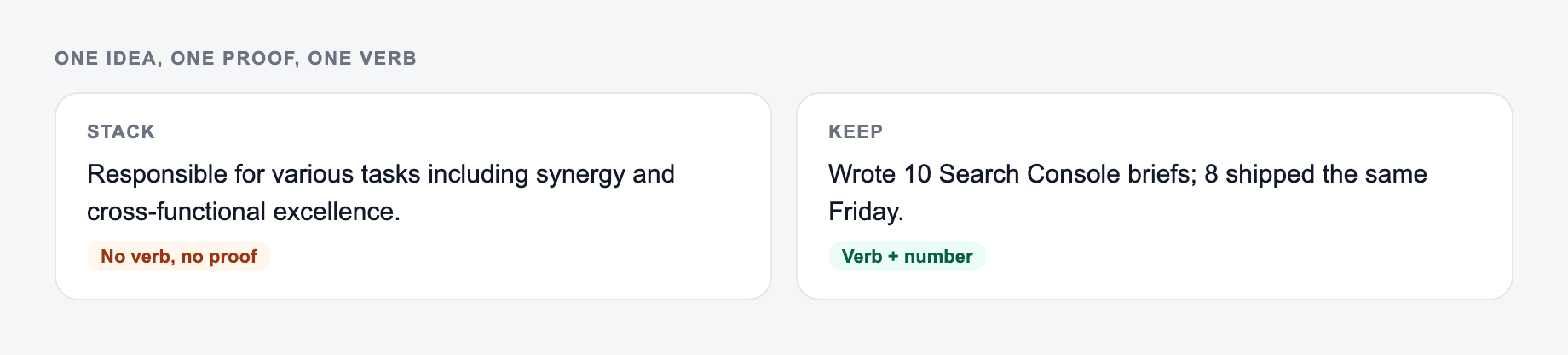
One Idea, One Proof, One Verb
If your input looks like the miss, do not judge the tool yet — add the noun and the constraint first.
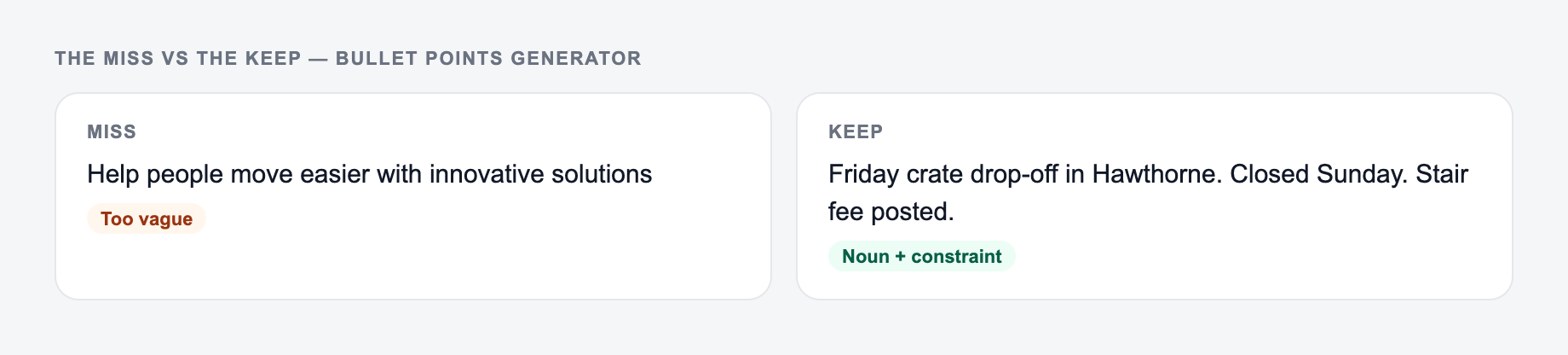
Generated bullets often look tidy while still repeating the same claim. Force a three-part test on every line: one idea, a concrete noun or number if the source has one, and a verb the reader can act on.
Paste the messy notes. The form should not add features the notes never mentioned.
Edge cases worth trying once on the AI Bullet Points Generator:
- Empty or two-word input — it should ask for a noun, not hallucinate a project.
- Mixed lists — split them; one delimiter per run.
- Protected terms — put them in the keep-list before you generate.
Before/after from a messy product note:
- Source: “Our dashboard is really powerful and helps teams see everything in one place and also saves time and is easy.”
- Weak bullets: “Powerful dashboard”; “See everything”; “Saves time”; “Easy to use.”
- Stronger: “See open tasks, owners, and due dates on one screen”; “Filter by client without exporting a spreadsheet”; “Export a weekly CSV for the Friday review.”
If the source never named a CSV export, do not add it. Parallel grammar matters: do not mix “Faster reporting,” “You can invite guests,” and “Security!” in one list. For landing pages, lead with the outcome the visitor came for; for SOPs, lead with the next action.
Frequently Asked Questions
What does the Bullet Points Generator do?+
It converts your text into clear bullet points. You can generate key takeaways, benefits, features, steps, or other list formats that are easier to scan and reuse in SEO content, landing pages, emails, and notes.
Can I control how many bullet points I get?+
Yes. Set a target bullet count (for example, 5–10 bullets). The tool will prioritize the most important information and combine or split points to match your requested length when possible.
Will it keep the meaning of my original text?+
Yes. The bullets are designed to preserve your original meaning while improving clarity and structure. Always review the output for domain-specific wording, compliance requirements, and any important details.
Is this useful for SEO content?+
Yes. Bullet lists improve scannability and can strengthen on-page SEO by clarifying key points, benefits, and steps. They’re especially useful in ‘Key Takeaways’, ‘Benefits’, and ‘Highlights’ sections where readers skim.
Can it generate bullets for product features and benefits?+
Yes. Choose the Features or Benefits mode to create product-ready bullet points for eCommerce listings, SaaS pages, app store descriptions, and sales collateral.
Can I generate bullet points in other languages?+
Yes. Select an output language to generate bullet points for multilingual content, international SEO, localization, and global marketing assets.