
Free HTML & CSS Code Generator
Generate clean, responsive HTML and CSS for landing page sections, navigation bars, pricing tables, forms, cards, and reusable UI components. Describe what you want, choose layout and styling preferences, then copy semantic markup and mobile-friendly CSS you can customize.
HTML + CSS Code
Your generated HTML and CSS will appear here (copy/paste into your project)...
How the AI HTML & CSS Code Generator Works
Get results in seconds with a simple workflow.
Describe the UI You Need
Enter what you want to build (component or section) and include details like layout, content blocks, and any interactive elements (forms, buttons, nav links).
Choose Styling Preferences (Optional)
Pick a layout style, CSS approach (vanilla, variables, BEM), and responsive strategy. Add a primary color and dark mode if needed.
Generate and Customize
Copy the generated HTML and CSS into your project, replace placeholder copy/images, and adjust spacing or typography to match your brand.
See It in Action
Turn a plain request into structured, responsive HTML and CSS you can paste into your project.
I need HTML and CSS for a pricing section with three plans and a button.
HTML:
CSS: .pricing { padding: 72px 0; background: linear-gradient(...); } .pricing__grid { display: grid; grid-template-columns: ...; gap: ...; } .plan--featured { border: 2px solid var(--primary); transform: ...; }
Includes: semantic structure, responsive grid, accessible buttons, consistent spacing, and easy-to-edit class names.
Why Use Our AI HTML & CSS Code Generator?
Powered by the latest AI to deliver fast, accurate results.
Clean, Semantic HTML5 Markup
Generates accessible, SEO-friendly HTML structure using semantic elements (header, main, section, nav) and logical heading hierarchy for better maintainability and page quality.
Responsive CSS (Flexbox/Grid) by Default
Produces mobile-friendly layouts using modern CSS (flexbox/grid), fluid spacing, and sensible breakpoints—ideal for landing pages and website sections.
Accessible UI Patterns
Includes accessibility best practices such as focus states, label associations, sensible contrast, and keyboard-friendly components where applicable.
Well-Organized, Copy-Paste Ready Output
Returns a clear separation of HTML and CSS with readable class names and helpful inline comments, so you can quickly customize and ship.
Optional Theming with CSS Variables
Supports CSS variables for colors, spacing, and typography so you can theme components consistently across your site without rewriting styles.
Pro Tips for Better Results
Get the most out of the AI HTML & CSS Code Generator with these expert tips.
Be specific about layout and content blocks
Include key structure details like “two-column hero,” “3 pricing cards,” “sticky navbar,” or “feature grid with icons” to get more accurate HTML and CSS.
Ask for semantic elements and heading hierarchy
For SEO and accessibility, request semantic tags (section/nav/header) and a clear H1/H2/H3 structure—especially for long landing pages.
Use CSS variables for faster theming
If your site has a design system, choose CSS variables so you can update colors, spacing, and fonts once and keep components consistent.
Validate and test responsiveness
After generating, test on common breakpoints, check overflow issues, and verify tap targets and form inputs on mobile devices.
Optimize performance-friendly styling
Prefer simple effects (subtle shadows, gradients) and avoid heavy animations. Keep CSS concise and reuse classes across components.
Who Is This For?
Trusted by millions of students, writers, and professionals worldwide.
Generate Responsive HTML and CSS Without Starting From a Blank File
The HTML and CSS code generator turns a plain-language UI request into semantic HTML and responsive CSS you can copy, paste, and customize.
Use it when you need a fast starting point for a hero section, pricing table, navbar, form, card, testimonial block, FAQ section, footer, or small landing page. The goal is not to replace front-end review. The goal is to get a clean first draft with structure, styling, and responsive behavior already in place.
Because the output is plain HTML and CSS, you can adapt it for static pages, CMS templates, Shopify themes, Webflow exports, React components, Next.js pages, or simple prototypes.
What to Put in the Prompt
The generator works best when your prompt describes structure before decoration.
Weak prompt:
Make a pricing section.
Better prompt:
Create a responsive pricing section with three plans, monthly pricing, five features per plan, a highlighted middle plan, CTA buttons, and a short FAQ note below. Use clean BEM-style class names and CSS variables for color.
That prompt gives the generator layout, content blocks, hierarchy, styling preference, and code constraints.
Include details such as:
- component or section type
- number of cards, columns, form fields, links, or plans
- headline and supporting copy
- CTA button text
- image or mockup placeholders
- desktop and mobile layout expectations
- CSS style preference, such as vanilla CSS, CSS variables, or BEM naming
- accessibility needs such as labels, focus states, and keyboard-friendly controls
You do not need a perfect design brief. A clear list of parts is usually enough.
How to Choose the Right Generator Settings
Use the HTML & CSS Code Generator as a mechanical pass. Paste the real input, set the one constraint that usually breaks the job, then test the ugly case before you trust the happy path.
Use UI Component when you need a focused element such as a button, card, form, navbar, badge, modal-style panel, or reusable block.
Use Website Section when you need a complete page section with a heading, copy, layout, and CTA. This is best for heroes, pricing, feature grids, testimonials, FAQs, and footers.
Use Mini Landing Page when you need several sections that share one visual direction, such as a hero, benefits section, proof block, CTA, and footer.
Use Utility-Style CSS when you want compact, composable class patterns without installing a framework. Use this only if you are comfortable editing utility-like classes.
For CSS approach, choose vanilla CSS when you want the cleanest output. Choose CSS variables when you want easier theming. Choose BEM-style naming when the generated code may become part of a larger project.
Example Prompt and Output Review
Prompt:
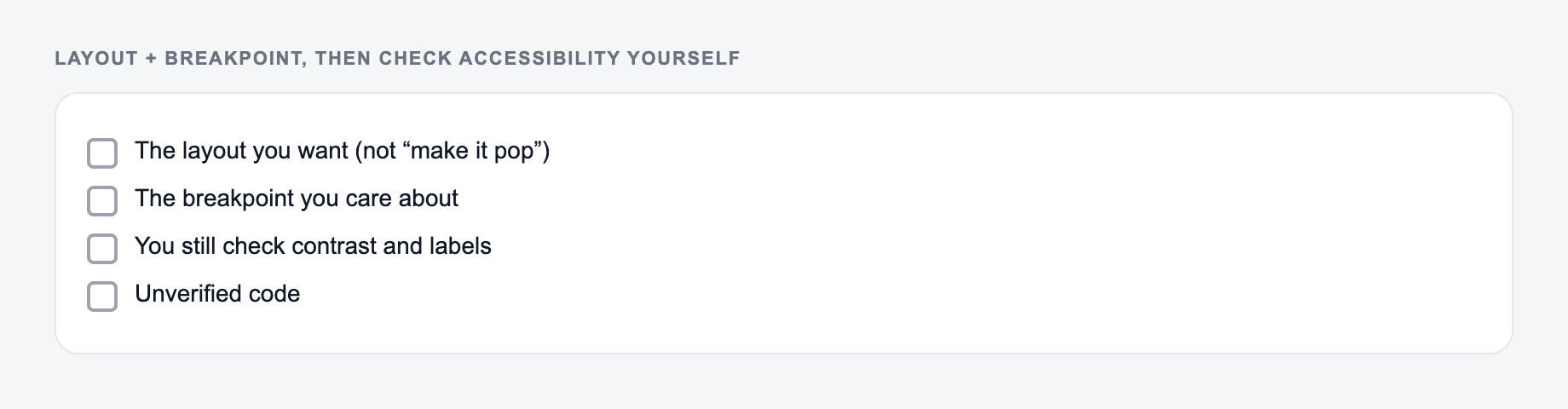
Describe the layout and the breakpoint you care about. Then check accessibility yourself.
Workflow that usually survives contact with real input:
- Paste the actual text, list, or URL — not a description of it.
- Set the one constraint that breaks this job (format, length, flavor, allergy).
- Run a first pass.
- Test the ugly case (empty cell, mixed separators, a name you must not change) before you trust the happy path.
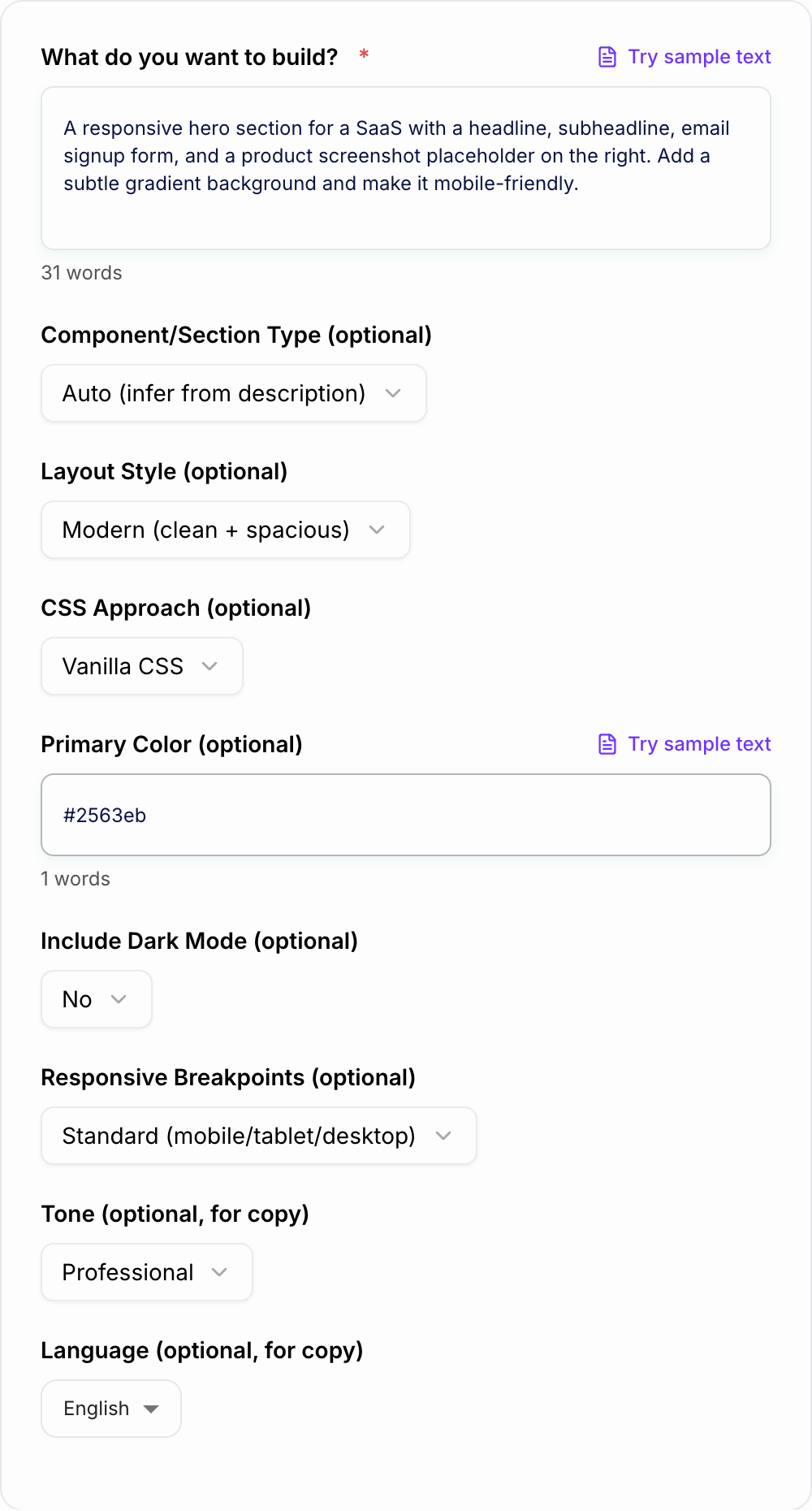
Build a responsive SaaS hero section with a headline, subheadline, email signup form, product screenshot placeholder, and two trust badges. Use CSS variables, clean class names, and a mobile-first layout.
The generated output should give you:
- a semantic section wrapper
- one clear H1
- supporting paragraph copy
- labeled email input and submit button
- product image or placeholder area
- trust badges or proof row
- responsive layout that stacks on mobile
- CSS variables for colors, spacing, and radius
- focus states and button states
Review the output before using it. Check that the heading hierarchy fits your page, the form has proper labels, the CSS does not conflict with your existing styles, and the mobile layout still looks intentional.
How to Customize the Generated HTML and CSS
After generating the code, paste it into a safe working area before adding it to production.
Then make these edits:
- Replace placeholder copy with real content.
- Replace mock image blocks with actual images or components.
- Adjust class names to match your naming system.
- Move CSS variables into your theme if your project has one.
- Test mobile, tablet, and desktop widths.
- Check color contrast, focus states, and form behavior.
- Remove unused styles if you only keep part of the section.
For production pages, also check image dimensions, lazy loading, layout shift, browser compatibility, and whether the generated CSS affects neighboring components.
SEO and Accessibility Checks
Semantic HTML helps search engines and assistive technologies understand page structure, but generated code is only one part of the page.
Before publishing, check:
- one clear H1 on the page
- logical H2 and H3 structure
- descriptive button text
- form labels connected to inputs
- visible focus states
- sufficient color contrast
- useful alt text for real images
- compressed images with width and height attributes
- internal links where they help users continue
If you are also creating the page copy, the broader writing tools on Junia AI can help draft and refine the content that sits inside the generated section.
Common HTML and CSS Generator Mistakes
The first mistake is asking for a full design without specifying the actual blocks. "Modern landing page" is too vague. Say what sections and elements you need.
The second mistake is ignoring mobile behavior. If the section has cards, tables, forms, or media, say how it should behave on smaller screens.
The third mistake is skipping accessibility review. Generated code can include good patterns, but you still need to test labels, keyboard behavior, and contrast.
The fourth mistake is pasting code into a live project without checking class conflicts. Rename or scope classes when needed.
The fifth mistake is regenerating everything when one piece is wrong. Ask for a precise adjustment, such as "keep the same HTML but make the pricing cards stack at 768px."
Copy-Paste Workflow
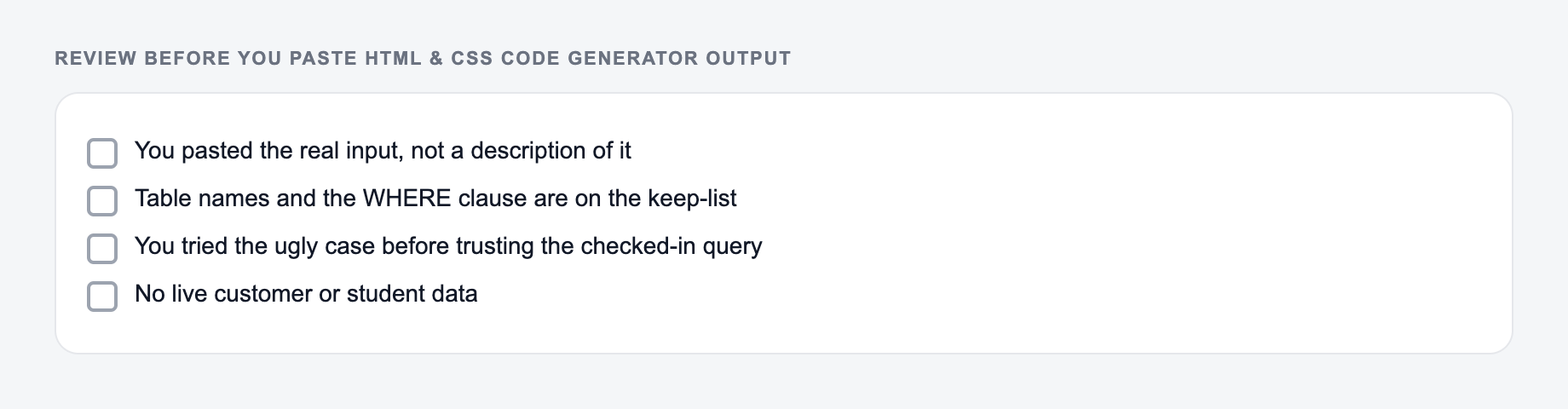
Tick these before the output leaves your machine. A fluent miss is still a miss.
A practical workflow looks like this:
- Describe the UI with structure, content blocks, and constraints.
- Generate the HTML and CSS.
- Paste the output into a sandbox or local component.
- Replace placeholders with real content.
- Test breakpoints and accessibility basics.
- Regenerate only the parts that need improvement.
- Clean up class names and remove unused styles.
Used this way, the generator saves the blank-file time while still leaving you in control of the final implementation.
Frequently Asked Questions
Is this HTML & CSS code generator free to use?+
Yes. You can generate copy-paste HTML and CSS for common sections and components for free. Some advanced modes (like multi-section landing pages) may be marked as premium.
Will the generated code be responsive and mobile-friendly?+
Yes. The tool generates responsive layouts using modern CSS (flexbox/grid) and includes breakpoints for mobile, tablet, and desktop by default. You can also choose a mobile-first or desktop-first approach.
Does it use frameworks like Bootstrap or Tailwind?+
By default it generates vanilla CSS with no dependencies. You can also choose a CSS approach like CSS variables or BEM-style naming for easier scaling and theming.
Is the generated markup SEO-friendly?+
The tool focuses on semantic HTML structure and clean heading hierarchy, which supports on-page SEO and accessibility. For best SEO results, add real content, optimized headings, internal links, and relevant metadata in your page template.
Can it generate accessible components?+
It aims to include accessibility basics such as proper labels, focus states, and readable contrast. Always test with keyboard navigation and a screen reader for production use.
Can I customize colors, spacing, and typography?+
Yes. Provide a primary color (hex or name) and choose CSS variables if you want easy global theming. You can edit the generated CSS to match your design system.