
7 Best AI Translation Tools for Businesses in 2026

Thu
AI SEO Specialist, Full Stack Developer

If you only need to understand a short message, almost any modern translator will do.
Business translation is different.
You may need to translate 80 blog posts, keep Markdown links intact, preserve product terminology, route drafts through review, localize metadata, and make sure every translated page still works for search. In my experience, that is where the tool choice starts to matter. The translation itself is only one part of the job.
The best AI translation tool for a business is not always the one with the most languages. It is the one that fits the job: bulk article translation, document translation, API translation, multilingual marketing copy, quick internal translation, or full localization management.
TL;DR: Best AI Translation Tools by Use Case
| Use case | Best tool | Why it fits |
|---|---|---|
| Bulk blog, article, and SEO content translation | Junia AI Bulk Blog Translation | Handles long-form Markdown/HTML content and keeps publishing workflow front and center |
| Polished document translation | DeepL | Strong fluency, document translation, API access, and glossary support |
| Quick free translation | Google Translate | Broad access for text, images, documents, and basic comprehension |
| Microsoft ecosystem and app translation | Microsoft Translator | Good fit for Azure, Microsoft products, speech, and API workflows |
| Translation plus rewriting | ChatGPT | Useful for tone adaptation, alternatives, explanations, and second-pass editing |
| Multilingual marketing copy | Copy.ai | Better for adapting campaign copy than managing localization operations |
| Enterprise localization operations | Smartcat AI | Translation memory, glossaries, review workflows, vendors, and quality checks |
My practical recommendation:
- Choose Junia AI if you are translating blog posts, landing pages, affiliate content, or SEO pages in batches.
- Choose DeepL if you mostly need polished first-pass translations for individual documents.
- Choose Google Translate or Microsoft Translator for quick translation, broad language access, or API infrastructure.
- Choose ChatGPT when the translation also needs explanation, rewriting, tone adaptation, or localization notes.
- Choose Smartcat AI when translation is part of a larger localization operation with translation memory, glossaries, reviewers, and outside contributors.
What Is an AI Translation Tool?
An AI translation tool uses neural machine translation, machine learning, large language models, or a mix of these systems to convert content from one language into another.
That can mean very different products:
- a free translator for short text
- a document translator that preserves layout
- an AI assistant that can translate, explain, and rewrite
- a bulk translation workflow for blogs and landing pages
- a localization platform with translation memory, glossaries, review, vendors, and QA checks
That distinction matters because a tool can be excellent at one translation job and weak at another. I see teams get this wrong when they compare tools as if they all solve the same problem.
A free translator may be fine for understanding a customer email. It is rarely enough for a multilingual content program where every page needs clean formatting, consistent terminology, localized search intent, internal links, metadata, and review.
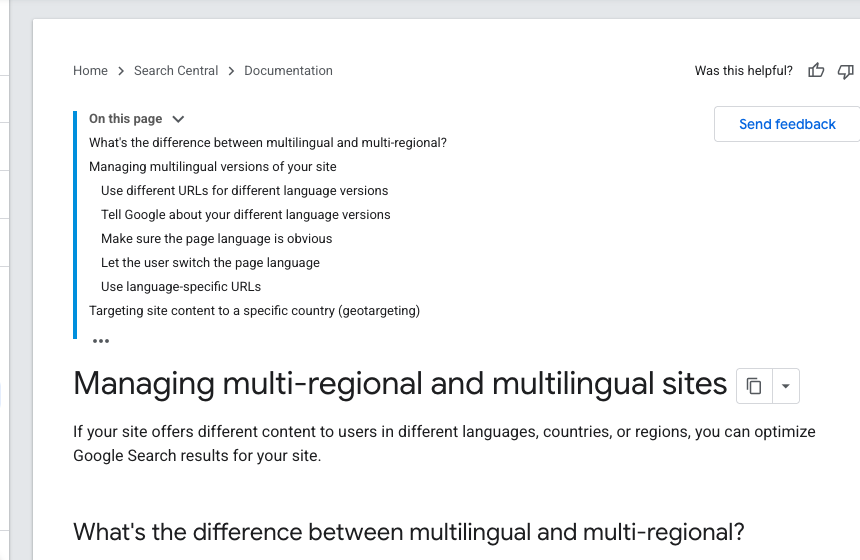
Google's multilingual site guidance makes the publishing side clear too: if you use different URLs for different languages or regions, hreflang annotations help Google show the right localized version in search results. In other words, translation is not just text conversion. It is part of managing multi-regional and multilingual sites.
How I Evaluated These AI Translation Tools
I would not judge AI translation tools on translation quality alone.
Quality matters, of course. But for business use, the better question is: can this tool fit into the way your team actually publishes, reviews, and maintains multilingual content?
I used these criteria:
| Criterion | Why it matters |
|---|---|
| Translation quality | Output should preserve meaning, tone, and terminology well enough for review. |
| Bulk workflow | Teams translating many pages need batching, not endless copy-paste work. |
| Long-form handling | Articles, guides, and landing pages should not need to be split into messy fragments. |
| Formatting support | Markdown, HTML, links, headings, lists, and tables should survive translation. |
| Terminology control | Glossaries, style rules, and translation memory reduce inconsistent product language. |
| Review workflow | Public-facing content should be checked before it goes live. |
| SEO usefulness | Multilingual content needs localized titles, metadata, links, URLs, and hreflang planning. |
| Security fit | Sensitive content may require enterprise data controls, access management, and audit trails. |
| Ease of adoption | A small content team should not need a full enterprise rollout just to translate articles. |
That is why this list includes simple translators, AI writing assistants, and heavier localization platforms. They solve different problems, and forcing one category to behave like another usually creates extra cleanup.
1. Junia AI Bulk Blog Translation
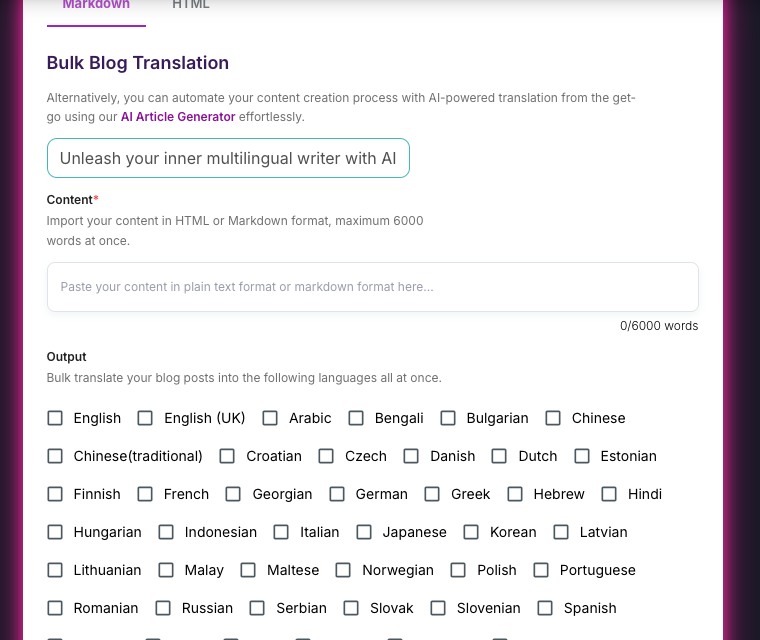
Junia AI's bulk blog translation tool is the strongest fit if your main job is translating content for publishing.
That includes blog posts, landing pages, affiliate pages, help articles, SaaS content, and SEO pages where structure matters. Junia supports HTML and Markdown input, translates into 30+ languages, and handles up to 6,000 words at once. That is practical for full articles, not just short snippets.
For content teams, this matters more than it sounds. I care less about a pretty translation demo than I do about what happens after the draft lands back in the publishing workflow.
The painful part of translation is often not the first draft. It is the cleanup afterward: broken links, missing headings, changed formatting, split sections, inconsistent terminology, and translated pages that no longer fit the CMS.
Junia is built closer to a publishing workflow than a generic translator box.
Where Junia Works Best
Use Junia when you need to translate many structured content assets without rebuilding every page by hand.
It is especially useful for:
- translating blog libraries into multiple languages
- localizing long-form SEO articles
- keeping Markdown and HTML structure cleaner
- translating affiliate pages and regional landing pages
- scaling multilingual SEO without turning every page into a manual project
- running repeatable bulk article translation workflows
If you are already planning multilingual content at scale, define the operating model before choosing tools. A workflow for translating a blog into 60 languages automatically needs stronger QA than a one-off landing page translation.
For SaaS teams, multilingual content marketing also has to account for product vocabulary, local search intent, and conversion paths.
Agencies usually need a different setup again. Scaling content with multilingual automation works only when review, publishing, and performance checks are built into the process from the beginning.
Pros
- Built for bulk blog and article translation.
- Supports Markdown and HTML, which reduces formatting cleanup.
- Handles long-form content up to 6,000 words at once.
- Better fit for multilingual SEO publishing than one-off translator boxes.
- Useful for agencies, content managers, and teams expanding content across markets.
Cons
- It is not a full enterprise translation management system with every possible vendor, approval, and translation memory workflow.
- Legal, medical, financial, or brand-sensitive content should still go through human review.
- Table-heavy or layout-heavy content may still need a final formatting pass.
Best Use Case
Choose Junia AI when the work is not "translate this paragraph."
Choose it when the work is "translate this content library and keep it publishable."
For Junia's audience, that is the most relevant recommendation because it solves the real bottleneck: turning existing content into localized, formatted, review-ready drafts. Personally, I would rather start with a slightly less glamorous tool that preserves the page structure than a fluent translator that leaves an editor rebuilding the article by hand.
2. DeepL
DeepL is one of the easiest tools to recommend for high-quality first-pass translation.
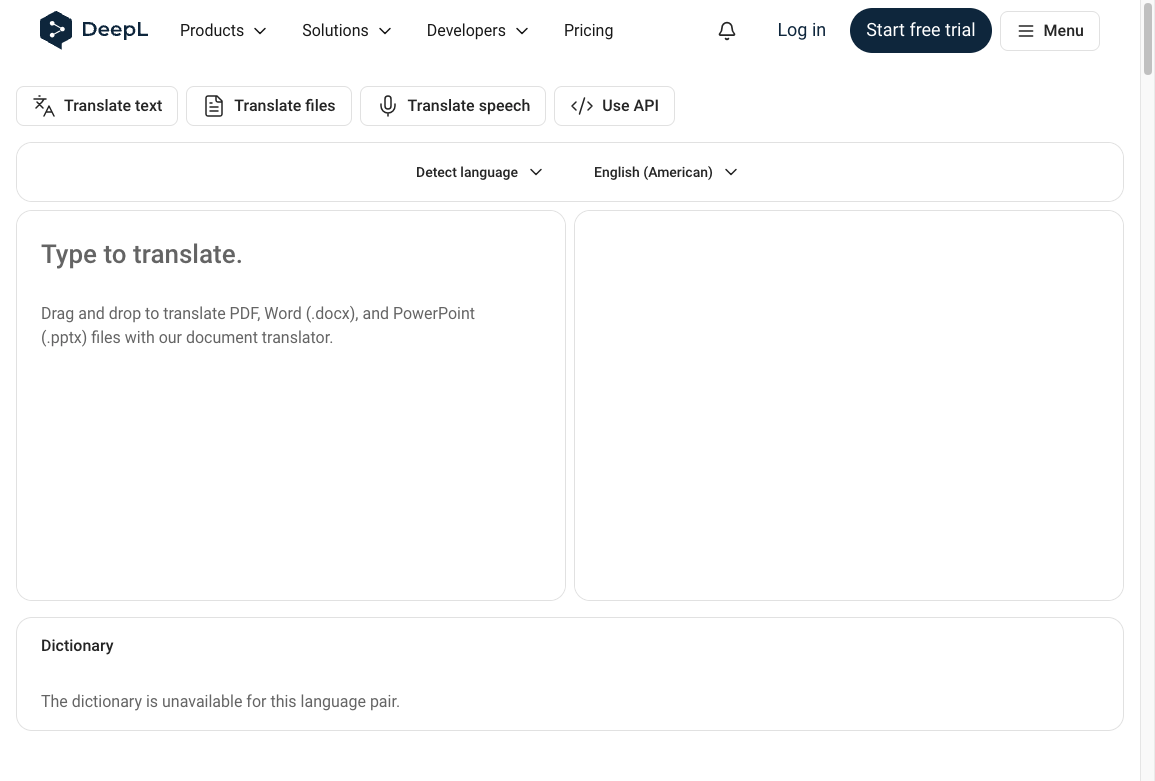
It often produces fluent, natural phrasing, especially for common business language pairs. When I want a clean first draft of a document rather than a full publishing workflow, DeepL is usually one of the first tools I would test. It is also stronger than a basic text box because it supports document translation, glossaries, and API access.
DeepL's developer documentation lists supported languages, and feature availability can vary by language, including glossary and tone options. That is the key thing to remember: DeepL can be very strong, but you should test it on the actual language pair and content type you care about.
If terminology consistency matters, check the glossary API documentation before committing to a workflow. Glossaries are often the difference between a decent translation and one that uses the same product, legal, or industry terms every time.
Pros
- Strong translation fluency.
- Good document translation support.
- Glossary features for preferred terminology.
- Easy for non-technical teams to adopt.
- API available for structured workflows.
Cons
- It is not primarily designed as a bulk SEO content publishing system.
- Language coverage and feature availability can vary.
- Review, CMS handoff, internal links, and multilingual SEO still need separate workflow planning.
Best Use Case
Choose DeepL when translation quality and natural phrasing are the priority, especially for individual documents, emails, business files, and smaller batches.
If you are deciding between a translator and a broader localization workflow, the real question is whether you need translated text, a website translation layer, or a publishing process. That is the same decision behind AI localization vs DeepL vs Weglot.
3. Google Translate
Google Translate is the default choice for fast, free translation.
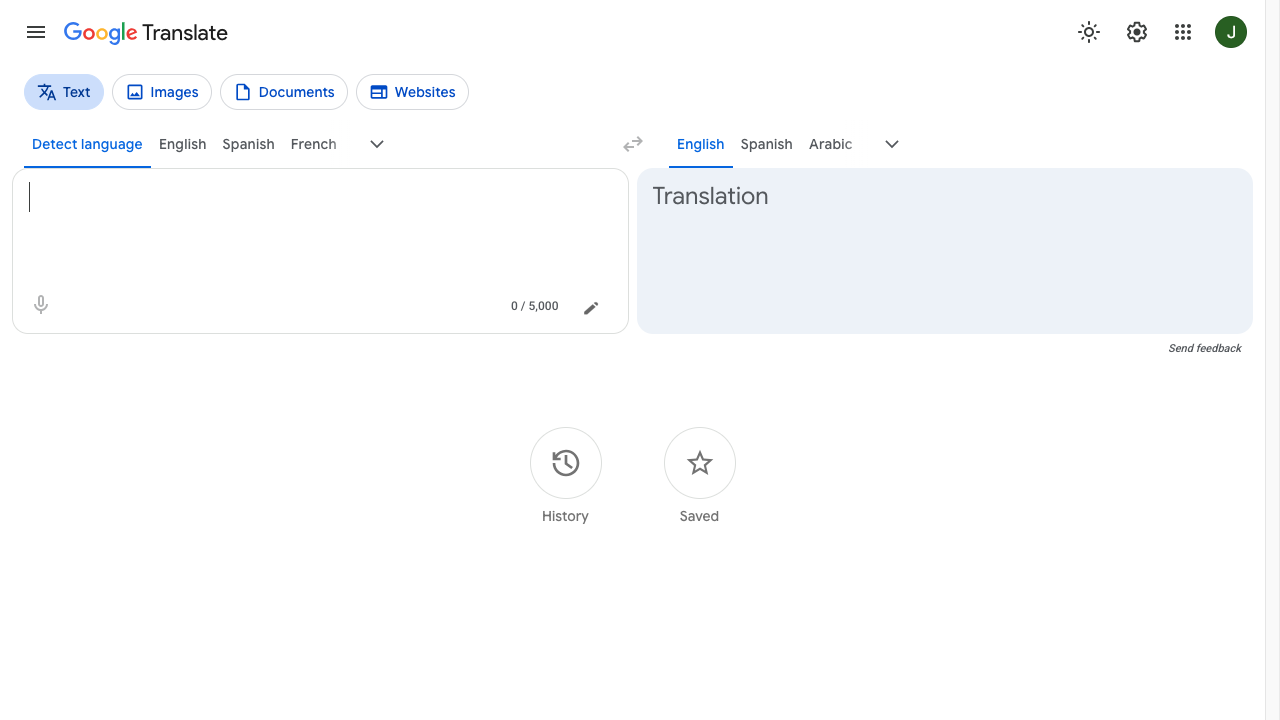
It is simple, widely available, and useful for quick comprehension. It also supports more than plain text in many contexts, including documents, images, and websites.
For business users, though, Google Translate is best treated as a utility, not a publishing workflow. I like it for speed and coverage, but I would not use it as the final stop for customer-facing content.
Google Cloud Translation maintains official language support documentation for teams that need programmatic translation. That makes Google useful when language coverage and API access matter more than editorial control.
Pros
- Free and easy to access for everyday use.
- Strong for quick comprehension and lightweight translation.
- Useful for websites, images, documents, and short text.
- Very broad language coverage.
- Cloud Translation API available for developer workflows.
Cons
- Limited control over terminology and brand voice in the consumer product.
- Not designed around editorial review or multilingual SEO publishing.
- Formatting preservation depends on the content type.
- Important business content still needs human review.
Best Use Case
Use Google Translate for quick checks, internal research, low-risk translation, and broad language access.
For SEO content, do not stop at a direct translation. You still need localized keyword intent, internal links, metadata, and quality review. Google's treatment of translated content depends on whether the page is useful, unique, and correctly set up for the target locale.
4. Microsoft Translator
Microsoft Translator is a practical choice for teams already working inside the Microsoft ecosystem or building translation into apps.
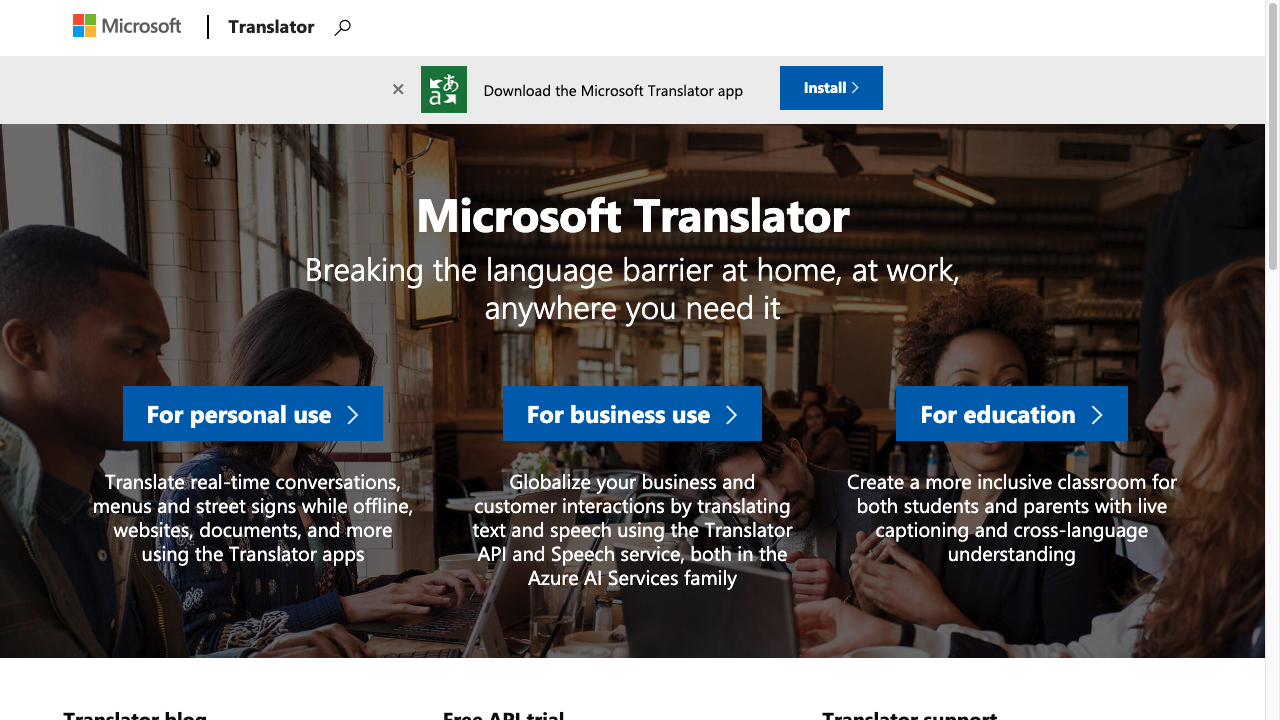
Azure AI Translator supports text translation through an API and broader translation use cases across Microsoft services. Microsoft also maintains official language documentation, and its API language list can change as support expands. See Azure AI Translator language support and the Translator languages method.
This makes Microsoft Translator more useful than a casual translator when you need app integration, enterprise infrastructure, or multilingual communication features inside Microsoft-heavy systems.
Pros
- Good fit for Microsoft-heavy organizations.
- Supports multiple translation modes, including text and speech.
- API options for business and developer workflows.
- Useful for support, communication, and app translation use cases.
Cons
- Not built primarily for long-form editorial publishing.
- Less helpful for preserving blog/CMS formatting than a content-focused tool.
- Localization quality still depends on review, terminology, and context.
Best Use Case
Choose Microsoft Translator when translation needs to sit inside Microsoft tools, apps, support workflows, or developer systems.
For article translation, it is usually better as supporting infrastructure than as the main publishing workflow.
5. ChatGPT
ChatGPT is useful when translation is part of a broader editing task.
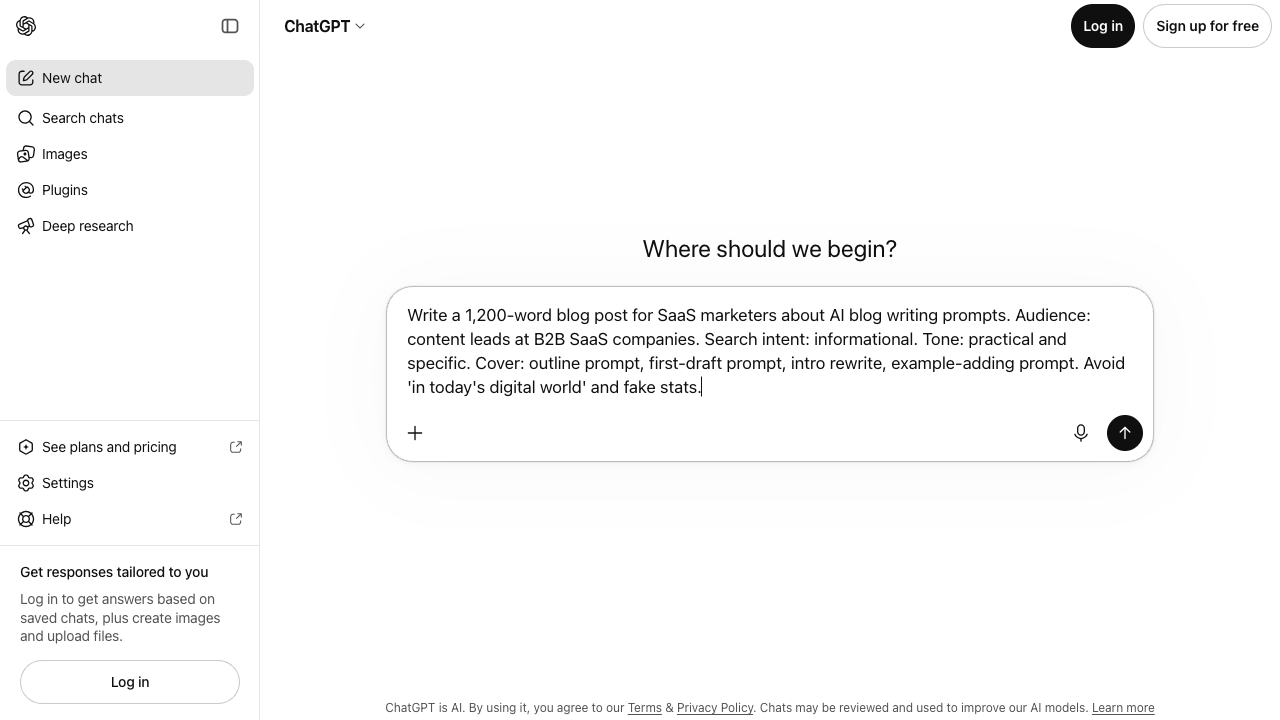
For example, you can ask it to translate a paragraph, explain tricky wording, compare two translation options, rewrite a translated draft in a more natural tone, or adapt copy for a specific audience.
That flexibility is the advantage. ChatGPT behaves less like a translation engine and more like a multilingual writing partner. I find it most useful when the question is not "what does this say?" but "does this sound natural for this audience?" OpenAI's documentation for text generation shows how modern language models can follow instructions, transform text, and produce structured outputs, which is why they fit judgment-heavy translation tasks better than rigid translation boxes. See OpenAI's text generation guide.
Pros
- Good for translation plus rewriting.
- Helpful for tone, alternatives, explanations, and localization notes.
- Can follow detailed instructions about audience, formality, and brand voice.
- Useful for reviewing AI-translated drafts.
Cons
- No native translation memory for repeatable publishing.
- No built-in bulk article translation workflow.
- Output quality depends heavily on the prompt and source context.
- Formatting can drift when handling structured content.
Best Use Case
Use ChatGPT when you need judgment around phrasing, not just conversion from one language to another.
It is especially helpful as a second-pass editor after an initial machine translation. You can ask it to identify unnatural phrasing, preserve terms that should not be translated, or adapt a paragraph for a regional audience.
For teams comparing general-purpose assistants, ChatGPT alternatives for translation are worth evaluating only after you know the content type, target languages, and review process. The best assistant for quick understanding is not always the best one for publishable localized content.
6. Copy.ai
Copy.ai is better understood as a multilingual marketing writing tool than a dedicated translation platform.
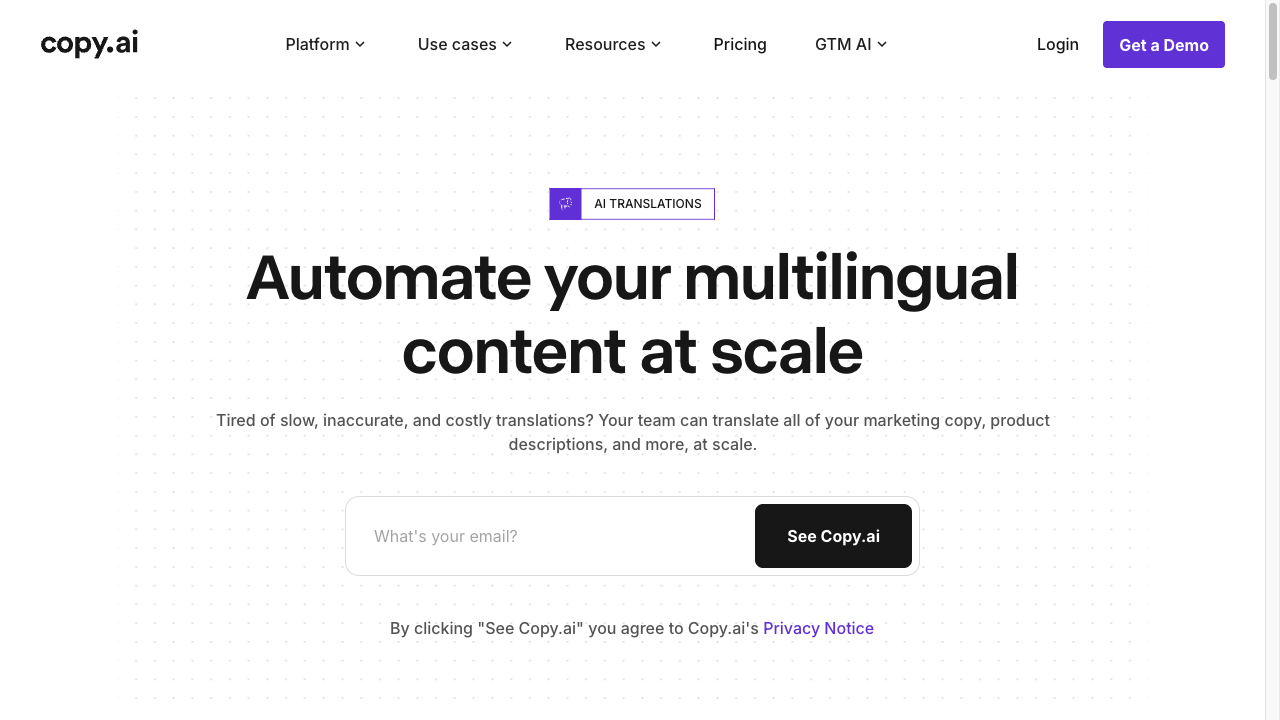
That does not make it useless for translation. Copy.ai's AI translation page is aimed at multilingual content and brand-focused marketing copy. Its Brand Voice page shows the other side of the workflow: keeping generated copy closer to a team's preferred messaging.
The center of gravity is still marketing content, not localization governance.
That makes Copy.ai useful for marketers who want campaign variations, product copy, ad copy, sales messages, or email drafts in several languages.
Pros
- Useful for multilingual marketing copy.
- Can help adapt tone and messaging, not just translate literally.
- Works well when translation is part of a broader writing workflow.
- Easier for marketers than a heavy localization platform.
Cons
- Not purpose-built for bulk article translation.
- No deep translation memory workflow for approved recurring terms.
- Less suited to preserving Markdown, HTML, and CMS-ready content.
- Needs careful review for accuracy and local nuance.
Best Use Case
Choose Copy.ai when your goal is multilingual marketing adaptation, not a large translation operation.
If your main need is translating full articles or affiliate pages, a workflow built for bulk translating affiliate content will usually be cleaner.
7. Smartcat AI
Smartcat AI is for teams that need localization infrastructure, not just translated text.
Its help center describes AI translation as a workflow that combines translation memory, machine translation engines, and built-in quality checks. Smartcat also supports translation memories and glossaries, which help teams reuse approved translations and keep terminology consistent. See Smartcat's AI Translation overview and guide to translation memories and glossaries.
That makes Smartcat a better fit for companies with ongoing localization programs, multiple reviewers, approved terminology, freelancers, vendors, and many asset types.
Pros
- Translation memory and glossary support.
- Better governance for terminology and review.
- Useful for enterprise localization operations.
- Can support many content types and workflow steps.
- Stronger fit for teams with established localization processes.
Cons
- More complex than smaller content teams may need.
- Setup and process design matter.
- Pricing and workflow overhead may be harder to justify for simple blog translation.
Best Use Case
Choose Smartcat AI if localization is already a cross-functional operation involving marketing, product, support, legal, freelancers, and reviewers.
If you only need to translate a content library into a few languages, start with a simpler article translation workflow first.
AI Translation Tools Compared by Workflow
The easiest way to choose is to start with the task, not the tool.
| If your main job is... | Use this type of tool | Best fit from this list |
|---|---|---|
| Translating full blog posts in batches | Bulk content translation workflow | Junia AI |
| Translating one polished business document | Document translator | DeepL |
| Understanding foreign-language text quickly | Free translator | Google Translate |
| Adding translation to apps or Microsoft workflows | Translation API / ecosystem tool | Microsoft Translator |
| Improving translated tone and nuance | LLM editing assistant | ChatGPT |
| Creating multilingual campaign copy | AI marketing writing tool | Copy.ai |
| Managing review, TM, glossary, vendors, and approvals | Localization platform | Smartcat AI |
This is also why "best AI translation tool" is a misleading question unless you define the workflow.
A translator that is perfect for a support email may be painful for 200 blog posts. A full localization platform may be powerful but unnecessary if you only need formatted article drafts. My bias is to choose the smallest workflow that still protects formatting, terminology, review, and SEO.
What Businesses Should Check Before Choosing
Before you commit to a translation tool, check these eight things.
1. Does It Support Your Real Content Format?
Do not only test plain text. Test the actual content you publish.
For content teams, that means Markdown, HTML, headings, tables, links, callouts, images, and metadata. If the translated output breaks the structure, the tool will create cleanup work every time. I would always test one messy real page before trusting a tool with a full content batch.
2. Can It Handle Your Content Volume?
If you translate one page per month, manual workflows are fine.
If you translate dozens or hundreds of pages, you need batching, reusable settings, and a review process. This is where a dedicated bulk blog translation workflow becomes more useful than a general translator.
3. Does It Preserve Meaning Across Long-Form Content?
Long-form translation has more room for drift.
A tool needs to preserve section logic, definitions, examples, calls to action, and internal references. If you have to split every article into small chunks, you increase the risk of inconsistent terminology and repetitive phrasing.
4. Can You Control Terminology?
For business translation, terminology is not optional.
Product names, feature names, compliance terms, category names, and branded phrases should stay consistent. This is where glossaries, translation memory, style guides, or at least clear prompt instructions matter.
5. Does It Fit Your Review Process?
AI translation should usually be treated as a first draft for public-facing content. That is not a knock on AI translation. It is just how responsible publishing works.
In real life, professionals often use AI and machine translation at different stages, but still call out verification, privacy, client context, and post-editing as part of the work.
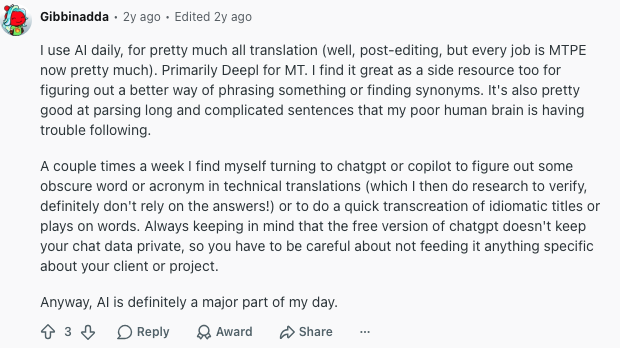
The higher the risk, the more review you need. A casual blog translation may only need an editorial review. A legal, medical, financial, healthcare, or enterprise contract page needs a qualified human reviewer. When I review translated business content, I look first for meaning drift, broken claims, and terms that suddenly changed between sections.
6. Is It Good for SEO, Not Just Translation?
Translated content can perform well, but only if it is actually useful for local searchers.
Fluency is not localized SEO. A Spanish page can read smoothly and still miss the query people in that market type, keep English title tags, or skip
hreflang. I have seen grammatically clean translations lose to a shorter local page because the search layer was never localized.
That means you still need:
- localized keyword intent
- translated titles and meta descriptions
- internal links to relevant pages
- correct language URLs
hreflangimplementation where appropriate- human review for quality and local nuance
Google's own walkthrough of internationalization and hreflang is the cleanest version of that technical bar:
Internationalization and hreflang | Search Off the Record from Google Search Central
For SEO pages, the workflow choice matters as much as the translator. Google Translate vs AI localization for SEO is the same fork: a free translator can help you understand a page. It does not, by itself, give you a crawlable language version that can rank. AI website translation vs human translation for SEO comes down to risk: AI can speed up scale, but humans still need to review intent, terminology, metadata, and local trust signals before publication.
7. Does It Meet Your Security Needs?
Do not paste sensitive material into a consumer translator without checking the data policy first.
For internal documents, product roadmaps, legal content, healthcare content, customer records, or unreleased campaigns, look for enterprise controls such as access permissions, data retention settings, audit trails, encryption, and contractual privacy commitments.
The more sensitive the content, the more the tool needs to behave like business infrastructure rather than a convenient text box.
8. Can Your Team Actually Use It Every Week?
A tool that is technically powerful but too heavy for your team will not get used well.
Small content teams usually need speed, clean formatting, and simple review. Enterprise localization teams need assets, governance, analytics, permissions, and integrations. Pick for the real team, not the longest feature list. The boring operational fit matters more than the feature grid.
A Simple AI Translation Workflow for Business Content
Here is the workflow I would use for most public-facing business content.
| Step | What to do | Why it matters |
|---|---|---|
| 1. Prepare the source page | Clean headings, links, product terms, examples, and metadata before translating. | Bad source content becomes worse when translated. |
| 2. Choose the right tool | Use a bulk content tool, document translator, LLM, API, or TMS based on the job. | The wrong workflow creates cleanup work. |
| 3. Translate with structure intact | Preserve Markdown, HTML, lists, tables, links, and images. | Formatting loss slows publishing and creates errors. |
| 4. Review terminology | Check product names, feature names, legal terms, and industry vocabulary. | Consistency protects trust and brand clarity. |
| 5. Localize the SEO layer | Adjust title, meta description, internal links, URL, and search intent. | Direct translation is not always the best local search answer. |
| 6. Publish with QA | Check layout, links, hreflang, indexability, and human readability. | Translation quality is only useful if the page works after publishing. |
This is where many teams get stuck. They translate the body copy, then forget the page system around it. I have seen otherwise decent translations underperform because titles, links, examples, and search intent were left in the original market's shape.
For multilingual SEO, the page system matters as much as the translation itself.
AI Translation Is Not a Full Localization Strategy
This is the part many tool roundups skip.
AI translation can give you a strong first draft. It can reduce cost, speed up publishing, and make multilingual expansion realistic for smaller teams. But it does not automatically solve localization.
Localization still includes:
- market-specific examples
- local search intent
- cultural nuance
- legal and compliance review
- local product terminology
- currency, units, dates, and regional conventions
- page-level SEO decisions
The best workflow is usually AI first, human review second, publishing QA third.
For low-risk content, that review can be light. For important pages, it should be serious. The goal is not to make AI replace every translator. The goal is to use AI where it is strongest, then spend human review time where it actually protects quality. That is the workflow I trust most: automation for scale, human judgment for the parts readers and search engines notice.
Final Recommendation
If you are choosing an AI translation tool for business, start with the workflow:
- For bulk article translation, choose Junia AI.
- For fluent document translation, choose DeepL.
- For quick free translation, use Google Translate.
- For Microsoft ecosystem and API workflows, use Microsoft Translator.
- For translation plus rewriting, use ChatGPT.
- For multilingual marketing copy, use Copy.ai.
- For enterprise localization operations, use Smartcat AI.
For Junia users and content teams, the practical answer is clear: if you are translating long-form content and want formatting kept intact, start with Junia's bulk translation workflow. Then review the output, localize the SEO details, and publish with the same care you would give any other important content page. That last step is where I would be strict: translated content should feel intentionally published, not simply converted.