
6 Best AI Blog Generators (Tested on the Same Prompt)

Yi
SEO Expert & AI Consultant

AI blog generator tools can save a lot of time, but the good ones do more than turn a prompt into generic filler. They help you go from idea to draft faster, keep your structure clean, and reduce the editing work after generation.
That matters if you publish regularly. A weak tool gives you bland paragraphs and extra cleanup. A strong one helps you create usable drafts, improve consistency, and support a more efficient SEO workflow. In my experience, the real test is not whether a tool can write 1,500 words. It is whether the draft still feels worth editing after the first read.
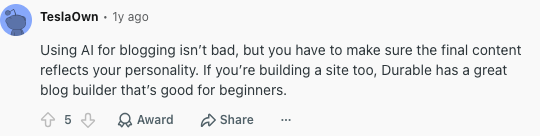
That same pattern shows up in real blogging discussions: AI is useful for drafting, but the final article still needs personality, examples, and editorial review. A Reddit thread about AI tools for writing blog posts makes the same point in a practical way.
How do AI blog generator tools work?
Most AI blog generators use large language models trained on broad text data, then layer on workflows for outlines, drafting, rewriting, and optimization. The better tools do not leave you with one giant block of AI copy. I tend to trust tools more when they break the process into smaller decisions, because that gives you more chances to steer the article before the draft hardens into something generic. In practice, they usually help with:
- turning a topic or prompt into a draft
- generating outlines and subheadings
- adapting tone or format for different audiences
- improving readability and structure
- supporting content teams that need to publish faster
Some platforms also include features for SEO planning, internal linking, and content refinement. That is where the best blog generators start feeling less like novelty tools and more like actual publishing software. If that part matters most to you, this guide on choosing AI writing tools for SEO is a useful next read.
What these tools actually save time on
Used well, AI blog generators can help you remove the slowest parts of the drafting process. I would not treat them as a shortcut around editing, but they can give you a much better starting point:
- Save time on first drafts: You can move from topic to draft in minutes instead of hours.
- Reduce writer's block: Tools can generate angles, outlines, and opening sections when you need momentum.
- Scale publishing: Teams can create more content without handling every outline, intro, and rough draft manually from scratch.
- Speed up optimization: Some platforms help with structure, keywords, internal links, and related content opportunities.
With that baseline in mind, here are the AI blog generator tools worth comparing first.
1. Junia AI
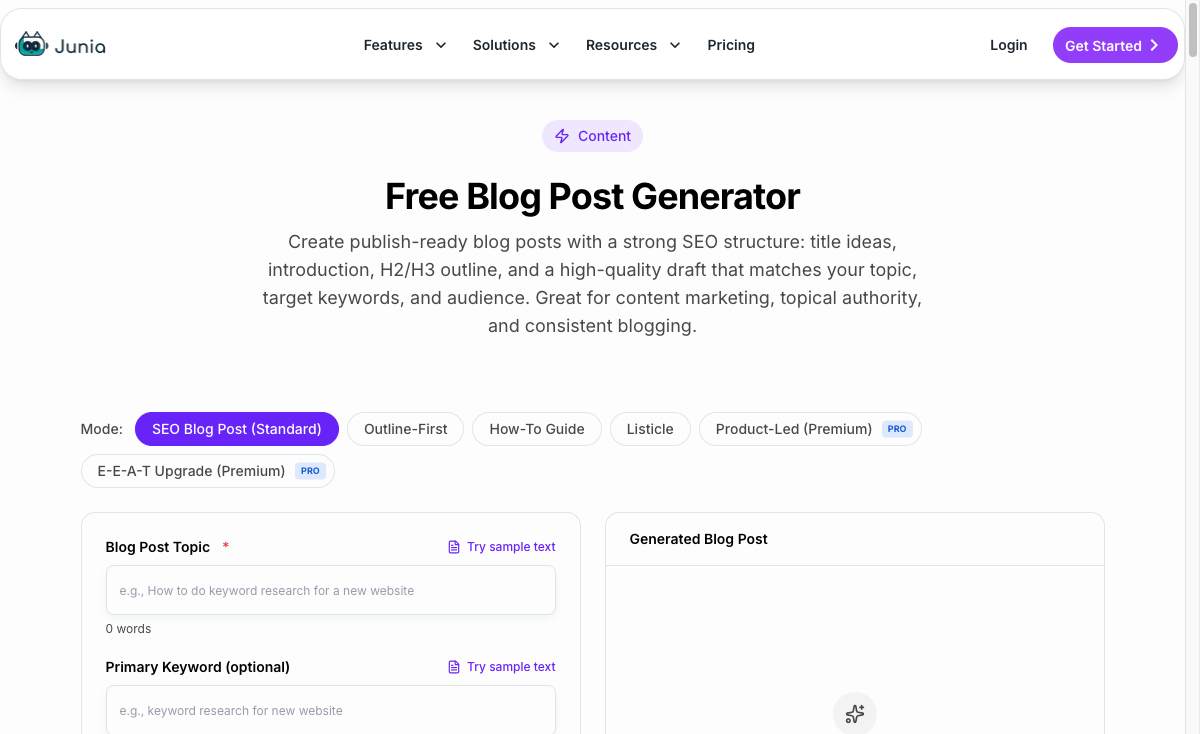
Junia AI's Blog Post Maker is one of the strongest options if you want an AI blog generator built around SEO content rather than generic copy. It stands out because it combines article drafting with structure, optimization, brand voice, and editing features, so the workflow feels closer to publishing support than a simple text generator.
Pros:
- Versatile Content Creation: Junia AI's Blog Post Generator can help with brainstorming, outlines, and full article drafts, which makes it more useful than a one-shot blog writer.
- Unlimited Writing Plan: Unlike some tools that make you watch word credits too closely, Junia AI offers unlimited usage plans for teams that publish often.
- Extra Features: Junia AI also includes chat templates, artwork suggestions, brand voice controls, and an AI-powered editor for improving drafts after generation.
Cons:
- Pricing: Starting at $20 per month, Junia AI may feel expensive if you only need the occasional draft. The value is clearer when you use the broader workflow features, not just the generator.
When I tested Junia AI, the biggest advantage was not raw speed. It was the reduced friction between idea, draft, optimization, and cleanup. That matters because most AI writing workflows slow down after the first draft, not before it.
If you want to test Junia directly, start with its AI blog post generator. For longer SEO articles, the AI article writer is a better fit, and these AI blog writing prompts can help you get cleaner outputs from either workflow.
The extra features, especially brand voice customization and the editor, also make it easier to avoid the flat tone that shows up in many AI-generated blog posts.
If you are on a tight budget, the starting price may still give you pause. But if you want a blog generator that supports the whole content workflow, Junia AI is one of the more complete choices here.
2. Copy.ai
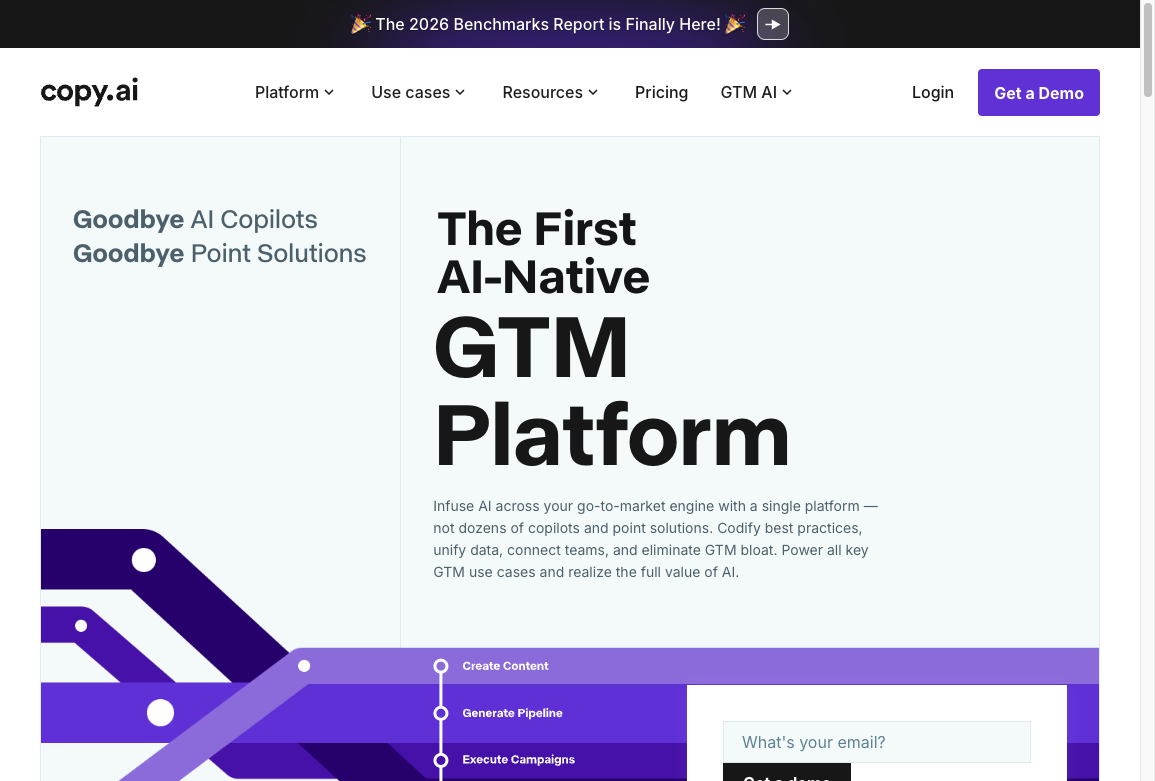
Copy.ai is a better fit for teams that want fast blog drafting plus broader marketing workflows in the same tool.
It is not the most SEO-specialized platform in this list, but it does handle a wide range of content types well. That matters if your blog workflow overlaps with emails, ads, landing pages, and campaign copy.
Pros:
- Easy to learn: The interface is simple enough for beginners, which makes it easier to get from prompt to first draft quickly.
- Broad template coverage: You can use it for blog posts, social media copy, ads, and product messaging without switching tools.
- Built-in brainstorming help: It is useful when you need angles, hooks, or alternate phrasing before drafting.
Cons:
- Higher starting price: At $49 per month, it costs more than some alternatives aimed primarily at blog creation.
- Less search-focused than specialized tools: If your main goal is ranking content, platforms with stronger SEO workflows may be a better fit.
Comparative Analysis:
Compared with tools like Junia AI or Writesonic, Copy.ai feels more like a general-purpose marketing assistant than a dedicated SEO blog engine.
That is its real advantage. If you publish blog content as part of a wider content system, the flexibility is useful. But if you mostly care about long-form search content, a platform built more directly around optimization and content structure may give you a better workflow.
My Experience with Copy.ai:
What stood out most in testing was speed. Copy.ai made it easy to generate angles, rough outlines, and usable first drafts without much setup.
The trade-off is that you still need to shape the draft carefully if you want stronger article depth or cleaner search-focused structure. For quick ideation and broad content support, though, it remains a solid option.
3. Writesonic

Writesonic's Blog Writer leans heavily into SEO-focused blog creation. It is made for users who want search-friendly drafts without building every outline, headline, and optimization step manually.
Features and Benefits
Writesonic's Blog Writer stands out because it gives you more than a blank prompt box. I found the post-draft tools more useful than the initial generation itself, because rough AI copy usually needs reshaping before it is publishable:
- AI-driven Paraphrasing Tool: This helps you turn existing sentences or paragraphs into fresh versions without rewriting everything from scratch.
- Automatic Grammar Correction: It catches basic grammar issues, which can save time during the cleanup stage.
- Headline Suggestions: It generates headline options when you need stronger angles before publishing.
On top of that, Writesonic also gives you:
- A user-friendly interface that is easy to navigate, even for less technical users.
- A large template library covering different niches and content formats.
- Integrations with popular content management systems (CMS) like WordPress and Medium for smoother publishing.
Pricing Options
Writesonic has a few different pricing plans to fit different budgets and needs. Here’s how it breaks down:
- Basic Plan - $16 per month: You get unlimited blog post generation, but it doesn’t include the more advanced features like paraphrasing or grammar correction.
- Professional Plan - $29 per month: Along with unlimited blog post generation, this one gives you access to all the advanced features offered by Writesonic.
- Business Plan - $50 per month: You get everything in the Professional Plan plus priority customer support and faster content generation, which can be helpful if you’re running bigger projects.
Because of this flexible pricing, Writesonic can work for individuals, freelancers, and growing teams that want an efficient blog post generator without jumping straight into an enterprise-style workflow.
Pros:
- SEO-Centric Approach: Writesonic focuses on SEO optimization, which is useful if search visibility is the main goal.
- Useful Editing Features: The paraphrasing and grammar tools help improve drafts after generation.
- Flexible Pricing: Several pricing options make it accessible to individuals, freelancers, and growing teams.
Cons:
- Learning Curve: Beginners may need time to understand which features matter and which ones are optional.
- Fact-Checking Required for Generated Blog Posts: Writesonic can produce strong drafts, but you still need to verify facts, links, examples, and claims before publishing.
Comparative Analysis
Compared with tools like Copy.ai and Jasper AI, Writesonic feels more search-aware out of the box. Other tools offer SEO features too, but Writesonic puts more emphasis on blog structure, optimization, and post-draft refinement.
My take: Writesonic is strongest when you already know the article angle and need help turning it into an optimized draft. If you are still figuring out strategy, it can feel like a lot of features at once. Once the workflow clicks, the output quality is solid.
4. Jasper AI

Jasper AI's Blog Post Generator is a well-known option for teams that want polished marketing copy and long-form drafts from the same platform. Its strength is not just generation speed; it is the way it supports different content formats without feeling too narrow.
You can start with a title or short description and turn it into a full blog post, then adapt the same workflow for ad copy, product descriptions, and other marketing assets. That flexibility is why Jasper still shows up in so many AI writing tool comparisons.
One feature that makes Jasper stand out is its integration with Grammarly. AI drafts still need cleanup, and built-in grammar support can reduce the amount of basic proofreading required before a human editor reviews the piece.
Jasper also has different plans for different users and budgets, from creator plans to larger business and enterprise options.
Pros:
- AI-Powered Blog Post Generation: Capable of generating many types of content, including blog posts, ad copy, and product descriptions.
- Integration with Grammarly: Helps reduce basic grammar cleanup before a human editor reviews the draft.
- Flexible Pricing Plans: Offers different plans for different needs and budgets.
Cons:
- Needs Supervision: Even when Jasper creates a polished draft, it still needs a final human touch so the tone and context are right.
- Cost: For smaller businesses or solo users, the pricing can feel high if blog generation is the only feature you need.
Comparative Analysis
Compared with tools like Writesonic, Jasper holds its own because it is broad, polished, and easy to apply across marketing formats. The Grammarly integration also gives it a practical editing advantage.
The tradeoff is focus. Writesonic leans harder into SEO blog generation, while Jasper feels more like a general marketing writing platform. If your main goal is organic search content, that distinction matters.
When I used Jasper for blog drafts, it was quick and polished, but I still had to adjust tone and context by hand. That is not a dealbreaker. It is just a reminder that Jasper is a strong writing assistant, not a replacement for editorial judgment.
5. Peppertype.ai
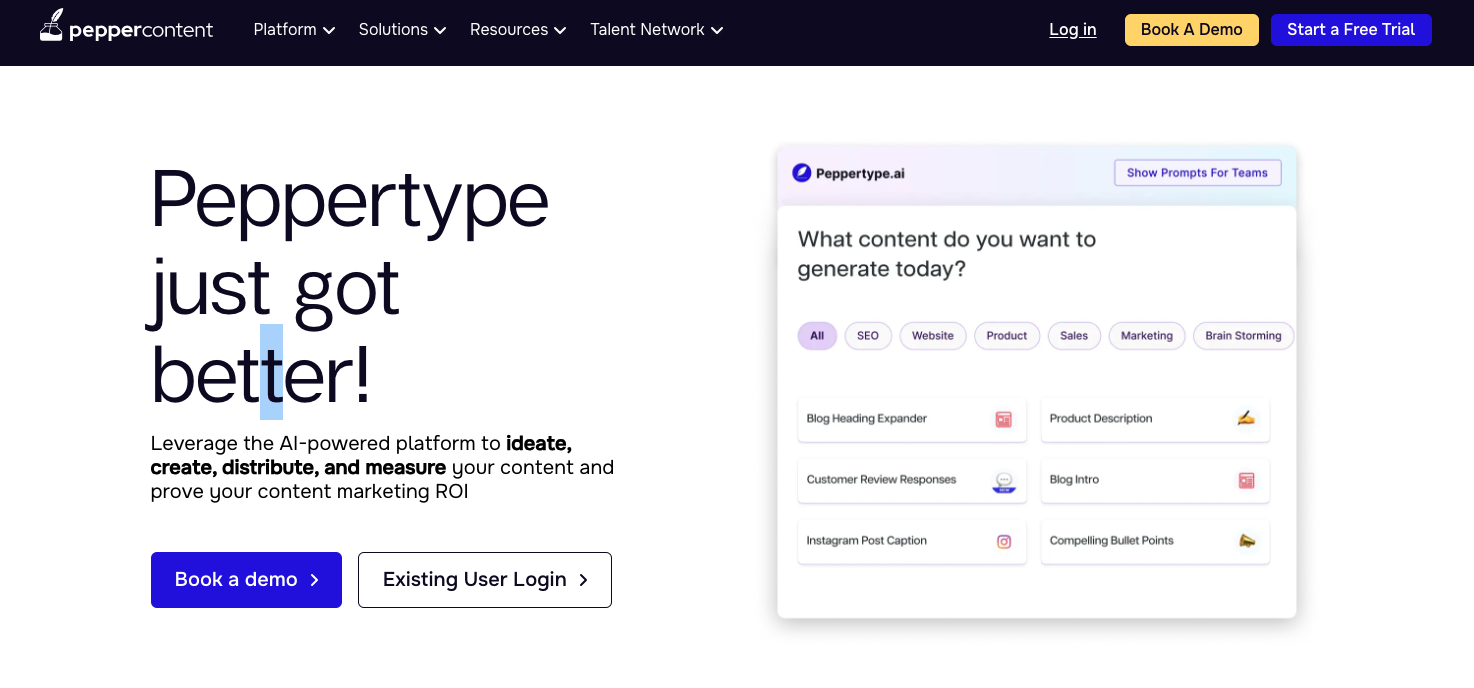
Peppertype.ai's Blog Post Generator is built more around persuasive content creation than deep SEO workflows. It gives you tools for ideas, headlines, and drafts, which makes it useful when the bottleneck is momentum rather than technical optimization.
Features of Peppertype.ai
Peppertype.ai comes with a practical set of content creation tools for moving from idea to draft. Its strength is not deep optimization; it is helping you find a usable angle quickly:
- Blog Idea Generator: This helps when you are stuck at the topic stage and need angles before drafting.
- Blog Headline Creator: This gives you headline options that can make a post easier to position and promote.
- AI Blog Post Writer: This creates full drafts around your chosen topic, with an emphasis on readable, persuasive content.
Where Peppertype helps before you draft
Using Peppertype.ai's Blog Post Generator can make conversion-focused blogging easier, especially when you need stronger ideas and headlines before drafting. It is useful for bloggers and marketers who care about speed, but still want enough structure to avoid starting from a blank page.
Pros & Cons of Peppertype.ai's Blog Post Generator
Pros:
- Comprehensive Content Creation Tools: From ideas to full drafts, Peppertype.ai covers the early stages of blog post creation well.
- User-Friendly Interface: The interface is approachable for beginners and non-technical users.
- High-Quality, Engaging Blog Posts: The tool is strongest when you need persuasive, accessible drafts rather than heavily technical SEO content.
Cons:
- Limited Customization: The blog generator could offer more control over structure, tone, and output depth.
- Subscription Cost: The pricing may feel high for smaller businesses or solo users with light publishing needs.
Personal Experience with Peppertype.ai
I like Peppertype.ai most as an ideation and drafting assistant. Its Idea Generator is useful when the topic feels thin, and I have found it especially helpful for loosening up a stiff content brief. But I would still want more customization before relying on it for complex long-form SEO articles.
6. Article Forge
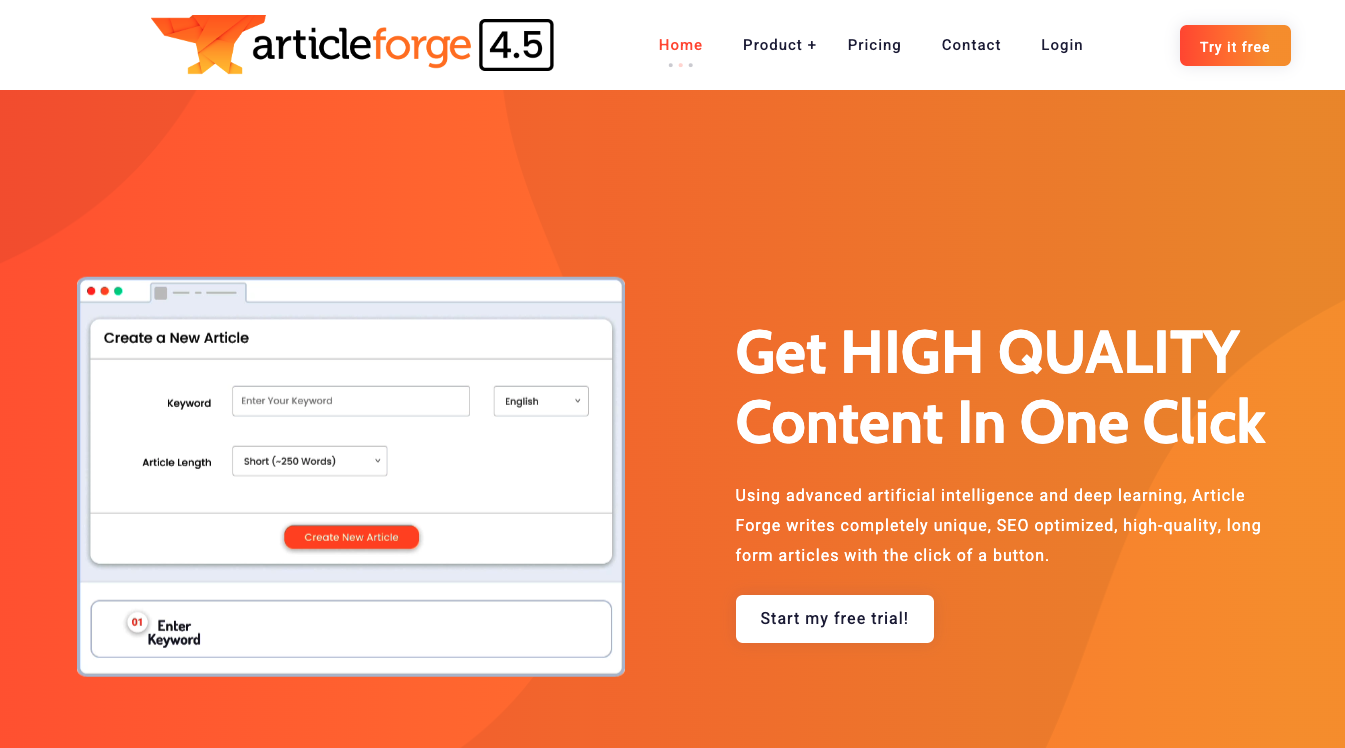
Article Forge's Blog Post Generator is best known for automated article creation. It is designed for users who want to generate drafts across different topics with less hands-on setup than most AI writing platforms require.
The biggest advantage is automation. With limited input, Article Forge can create detailed article drafts, which can save time if your content process is built around volume and repeatable topics. Personally, I see it as a production helper, not a quality-control system.
Pros:
- Versatility: Article Forge can produce drafts across many topics, from technology to finance to health.
- Automated Writing: It reduces manual drafting, which is useful for busy teams that need consistent output.
- Affordable Pricing Plans: With pricing plans starting from $57 per month or cheaper annual subscriptions, Article Forge can fit different budget needs.
Cons:
- Lack of Personal Touch: The content can feel functional but less distinctive without a human editing pass.
- Limited Customization: Compared to some top-tier blog post generators, Article Forge gives you fewer ways to shape the final article.
From my experience, Article Forge is useful when speed and volume matter more than brand nuance. I would not publish its drafts untouched, but it can be a practical starting point for repeatable content production.
Comparative Analysis
Compared with other AI blog generator tools, Article Forge's main advantage is versatility. It can generate content across many topics, which helps creators who manage several niches at the same time. Its automation also saves real drafting time.
The tradeoff is control. Some users may find the customization level lower than tools like Peppertype.ai or Junia AI. Those tools may take more setup, but they usually give you more room to shape the article before publishing.
For tight deadlines, Article Forge can be genuinely helpful. My only caution is that automation should not become autopublishing. The drafts still need fact-checking, examples, and a human point of view before they are ready to represent a brand.
Considerations for Choosing an AI Blog Generator Tool
The best AI blog generator depends less on hype and more on where your workflow slows down. I usually start there because feature lists can make every tool sound similar. Output length, by itself, is one of the least useful ways to judge these tools.
If you are comparing options, focus on these five questions:
- How quickly can you get to a usable draft? A good tool should save time, not create another editing backlog.
- Does it support your actual publishing workflow? Check for SEO features, CMS integrations, and formatting help if those matter to you.
- How much control do you have over tone and structure? The best tools let you guide the output instead of accepting a generic house style.
- Can it support content beyond blog posts? That matters if your team also creates emails, landing pages, or social copy.
- Does the price match the value? Some tools are worth paying more for, but only if you actually use their advanced features.
| If your bottleneck is... | Prioritize this kind of AI blog generator | Why it matters |
|---|---|---|
| Getting from keyword to first draft | SEO-first blog generator | It gives you structure, headings, and search intent alignment faster. |
| Keeping a consistent brand voice | Writing platform with tone and brand controls | It reduces rewriting when multiple people publish under one brand. |
| Publishing many posts per month | Workflow or autoblogging platform | It helps with calendars, internal links, and repeatable production steps. |
| Creating broader campaign assets | General marketing copy suite | It can support blog posts, emails, ads, and landing page copy in one place. |
| Avoiding generic AI output | Tool with editing, examples, and review features | It makes it easier to add human judgment before publishing. |
A useful shortcut is to separate tools into three buckets:
- SEO-first tools for search-focused publishing
- General writing platforms for broader content workflows
- Lightweight drafting tools for speed and simplicity
If SEO is the priority, compare these blog generators with dedicated AI article writers and broader AI content generators. Same job on paper. Different workflow once you are past the first draft.
Autoblogging vs Blog Generation
A standard blog generator is useful when you want one strong draft. If your next step is automated publishing, internal links, and a repeatable calendar, you will want AI autoblogging software instead.
I would be careful with that distinction. Blog generation still assumes a person will review the article before it goes live. Autoblogging can be useful, but the review process needs to be even clearer because mistakes can scale just as quickly as output.
Google's guidance on auto-generated content is the part most roundups skip. Generating a draft is allowed. Shipping unreviewed, repetitive pages at scale is the risk.
Google Search Central on auto-generated content
Same-prompt tests still need a human edit. I ran these tools against the same brief so the outputs were comparable. Comparable is not publishable. The winner is the draft that takes the least cleanup, not the one that looks finished in the demo.
If you are going to automate publishing, use an AI autoblogging quality control checklist before the calendar starts filling itself. For tool-by-tool autoblogging options, see the best AI autoblogging tools.
What I would actually buy
I would pick the tool that removes the most painful step in my workflow, then edit every draft.
Junia AI if SEO structure, long-form drafting, and cleanup live in one place. Copy.ai if the blog is one slice of a wider GTM content stack. Writesonic if I want SEO-oriented drafts with post-generation editing. Jasper for polished marketing copy across formats. Peppertype.ai when I need angles and headlines more than a finished article. Article Forge only when I need volume and I am willing to fact-check aggressively.
The right generator makes the article easier to finish. It should not make it easier to hit publish on a page nobody would defend.