
10 Best Writesonic Alternatives for SEO Content in 2026

Thu
AI SEO Specialist, Full Stack Developer

Writesonic is no longer just a simple AI copywriting app. Its current positioning leans much harder into SEO, content automation, and AI search visibility, with plans that include AI articles, site audits, prompt tracking, and GEO features on higher tiers.
That shift is important. If you are searching for Writesonic alternatives in 2026, you are probably not just asking, "Which tool writes paragraphs?" You are asking which tool helps you publish better content, keep it on brand, optimize it for Google, and understand whether it can show up in AI answers. In my experience, that is where most AI writing tools start to separate themselves: not in the first draft, but in the workflow around it.
Here is the short version:
| Alternative | Best for | Main strength | Watch out for |
|---|---|---|---|
| Junia AI | SEO teams and bloggers who need long-form articles | Research, writing, formatting, SEO, internal links, and publishing in one workflow | More specialized than a general chat tool |
| Frase | SERP-led briefs and optimization | Research, outline building, optimization, and AI visibility features | Still needs editorial cleanup |
| Surfer SEO | On-page SEO and AI visibility tracking | Content scoring, SERP analysis, audits, and AI prompt tracking | Pricing can rise quickly for teams |
| Jasper | Brand-safe marketing content | Campaign content, brand voice, workflows, and team features | Not a full SEO platform by itself |
| Copy.ai | GTM and sales content automation | Workflows for emails, ads, social, and sales copy | Long-form SEO content is not its strongest use case |
| Rytr | Low-cost short-form writing | Fast drafts, many use cases, low entry price | Limited depth for serious SEO content |
| Writer | Enterprise brand governance | Brand rules, compliance, team controls, and Palmyra models | Better for larger teams than solo creators |
| Notion AI | Drafting inside a workspace | Notes, summaries, brainstorming, and team docs | Not built as a standalone SEO writer |
| Cohesive | Simple AI writing and editing | Templates and a clean editor | Less compelling for advanced SEO workflows |
| Claude or ChatGPT | Flexible writing and research assistance | Strong reasoning, ideation, editing, and prompt-based workflows | You must bring your own SEO process |
If your main goal is SEO content, I would start with Junia AI's AI article writer, Frase, or Surfer. If your main goal is low-cost copy, Rytr or Copy.ai may be enough. If your main goal is brand control across a larger marketing team, Jasper or Writer makes more sense.
Why Look for a Writesonic Alternative?
Writesonic can still be useful. It has moved beyond basic AI templates and now talks more about SEO and generative engine optimization. Its public pricing page currently lists plans with AI articles, site audits, and AI search visibility tracking across platforms such as ChatGPT, Gemini, and Google AI Overviews.

But there are still good reasons to compare alternatives.
First, the best tool depends on the job. A solo creator who needs quick captions does not need the same product as an agency publishing topic clusters. A SaaS content team tracking AI search visibility has different needs from a founder who just wants a usable blog draft. I tend to be skeptical of any comparison that ranks these tools without separating those use cases first.
Second, AI writing tools often look similar on feature pages but feel very different in production. The important questions are:
- Does the tool help you research the topic, or does it only generate text?
- Can it produce a coherent long-form article without heavy restructuring?
- Does it support search intent, internal linking, and source-backed claims?
- Can your team edit, approve, and publish without moving through five separate tools?
- Does pricing stay predictable when you publish more content?
Finally, Google is still clear that automation itself is not the issue. Its guidance on AI-generated content focuses on whether content is helpful, original, and created for people rather than search manipulation. That means the better alternative is not simply the one that generates the most words. It is the one that helps you publish work that is worth ranking.
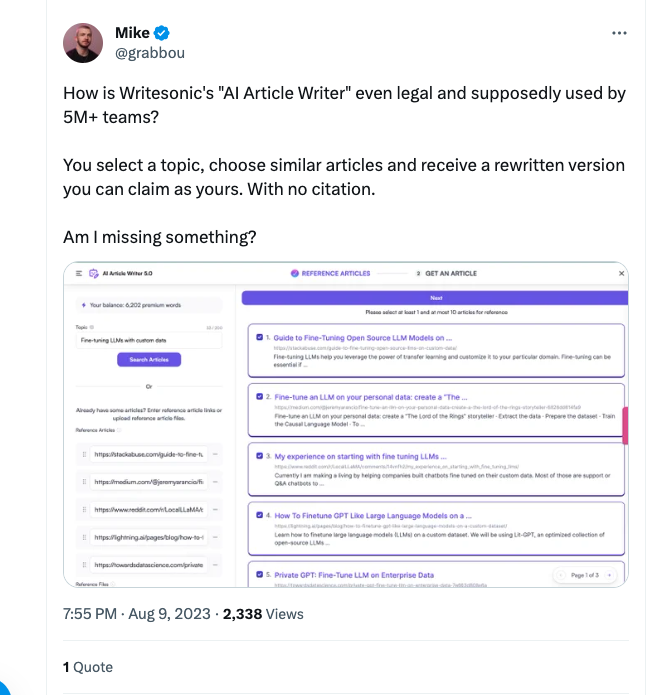
How I Compared the Tools
For this type of search, a simple "features" list is not enough. Most AI writing tools say they can write blogs, rewrite text, generate ads, and support SEO. The real difference is how much thinking the tool does before and after the draft. When I compare these products, I care less about the template count and more about whether the tool helps me avoid rebuilding the article by hand afterward.
I compared each alternative on seven practical criteria:
| Criteria | Why it matters |
|---|---|
| Search intent support | The draft should match what people actually want from the keyword. |
| SERP and topic research | Strong content starts with the current ranking landscape, not a blank prompt. |
| Long-form quality | The article should hold structure, context, and specificity beyond a few paragraphs. |
| Editing workflow | Good tools help you improve the draft, not just generate it once. |
| Brand voice | Reusable voice settings matter when more than one person publishes content. |
| SEO and GEO features | In 2026, teams care about Google visibility and AI answer visibility. |
| Pricing predictability | Cheap tools can become expensive when credits, seats, or add-ons stack up. |
With that in mind, here are the best Writesonic alternatives by use case.
1. Junia AI: Best Overall Writesonic Alternative for SEO Content
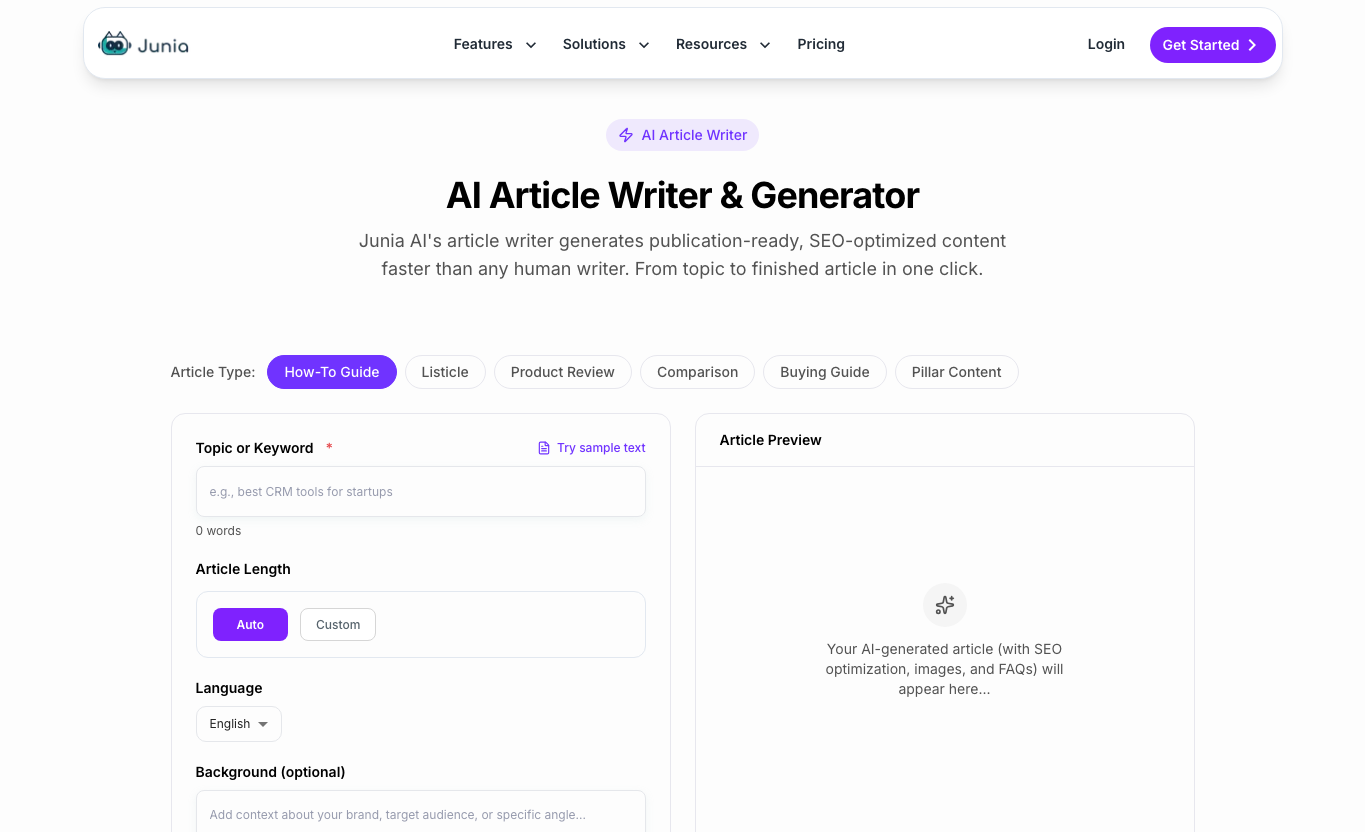
Junia AI is the best Writesonic alternative if your main goal is publishing SEO-focused long-form content, not just generating copy.
The difference is the workflow. A generic AI writer gives you text. Junia AI is built around the full article process: keyword/topic input, research, outline, draft, formatting, SEO optimization, internal links, and publishing. That matters because most AI drafts fail in the gaps between those steps. I have found that the less handoff there is between research, writing, optimization, and publishing, the easier it is to keep the final article coherent.
Junia AI is especially useful when you need:
- Blog posts, listicles, reviews, and comparison articles from one prompt.
- Long-form drafts that stay structured instead of drifting halfway through.
- SEO-aware formatting, headings, and internal linking.
- Research-backed content that still needs a human editor, but does not start as empty filler.
- A workflow for publishing at scale, especially if you are building a blog or content cluster.
If you are comparing broader AI content generators, Junia AI is more specialized than tools that mostly create short-form copy. It is built for people who care about rankings, topical coverage, and article production.
Best for: Bloggers, SEO teams, affiliate sites, SaaS teams, and agencies that publish long-form content regularly.
Not ideal for: Someone who only needs occasional social captions or one-off email copy.
2. Frase: Best for SERP-Led Research and Briefs
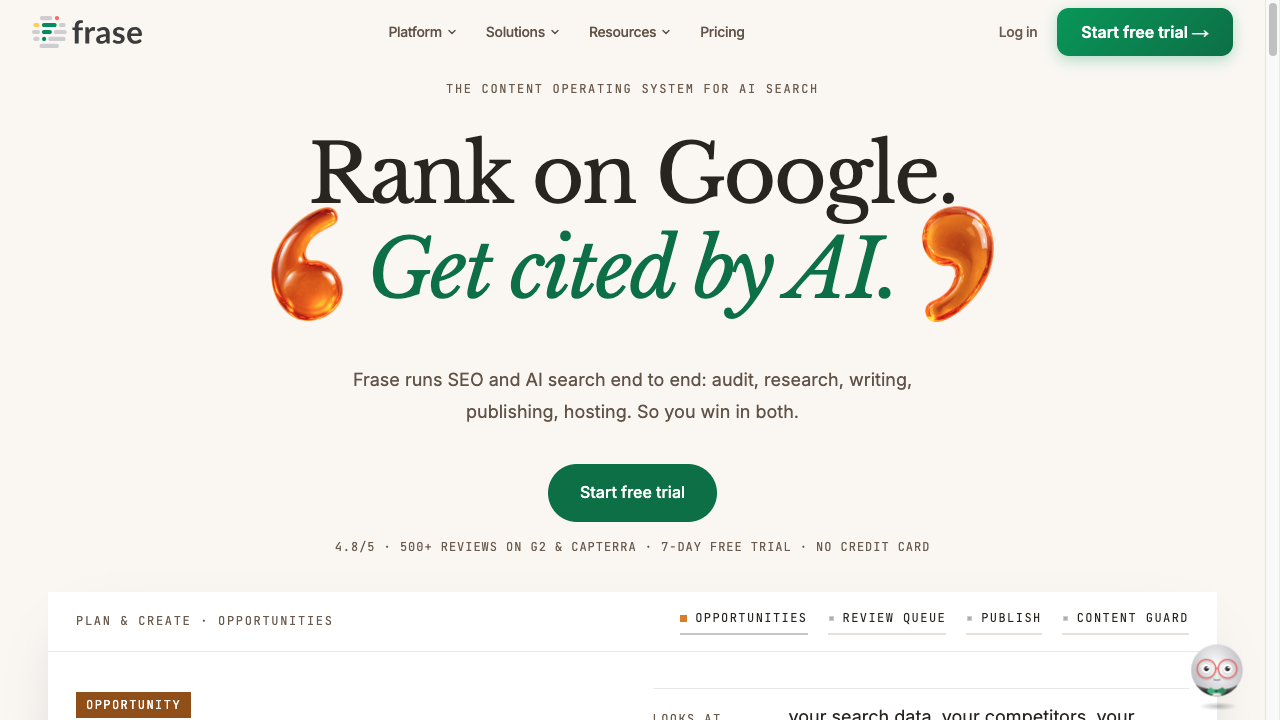
Frase is a good alternative if the weak point in your process is research. Its current positioning is broader than a classic AI writer: Frase presents itself as an SEO and GEO platform that can help with research, content creation, optimization, site audits, and AI visibility tracking.
That makes Frase useful before the draft even starts. You can pull ideas from ranking pages, build a brief, organize questions, and write inside an editor that keeps SEO coverage visible.
Where Frase stands out:
- Researching what ranking articles already cover.
- Building briefs from headings, questions, and related topics.
- Optimizing existing drafts with content scoring.
- Helping small teams avoid a messy stack of separate brief, writing, and optimization tools.
The tradeoff is that Frase still needs a strong editor. SERP-led suggestions can make an article more complete, but they can also push writers toward sameness if you follow every recommendation blindly. My rule with Frase-style briefs is simple: use them to spot gaps, not to let the SERP write the article for you. Add original examples, stronger opinions, and clearer explanations before you publish.
Best for: SEO writers and content teams that want better briefs and optimization guidance.
Not ideal for: Teams that want a mostly hands-off article generation system.
3. Surfer SEO: Best for On-Page SEO and AI Visibility Tracking
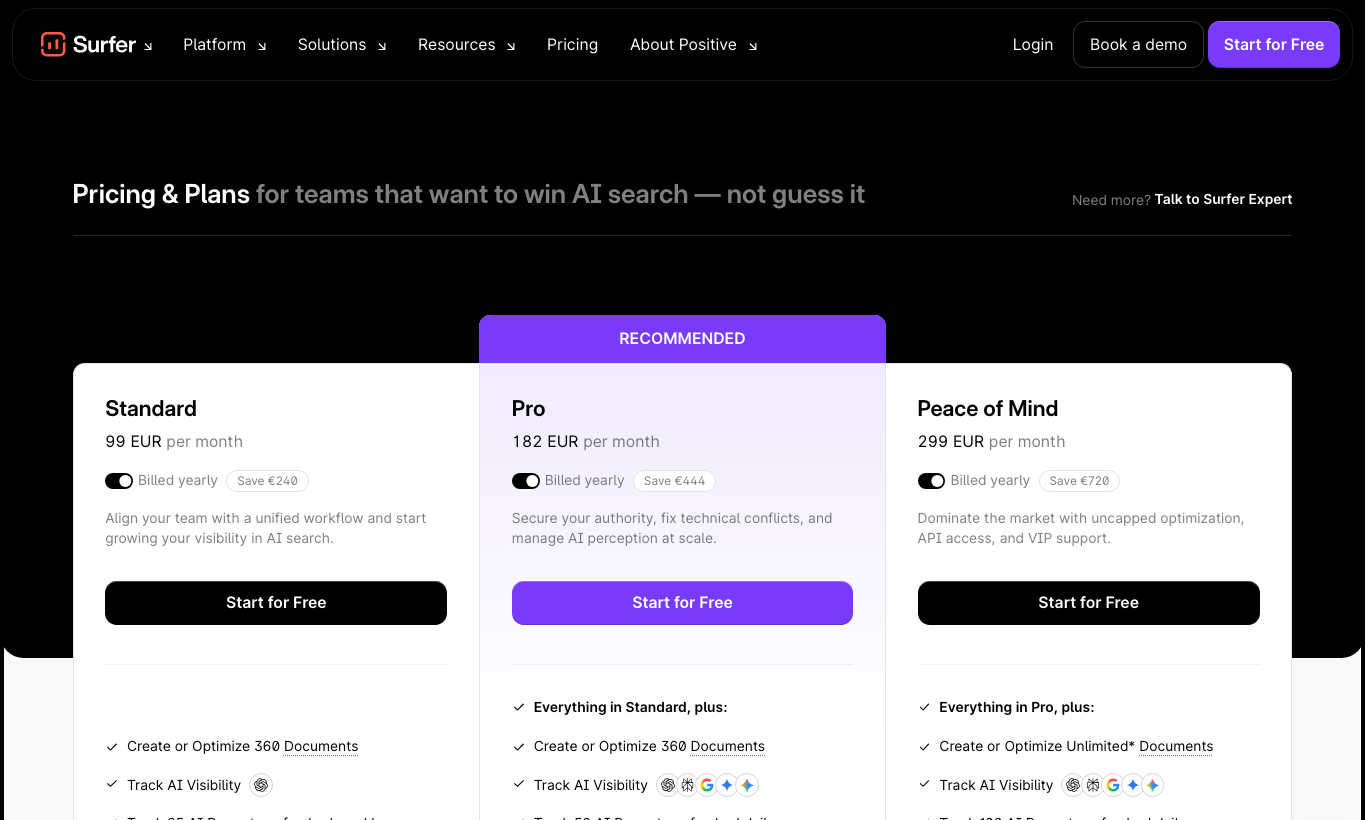
Surfer is one of the better alternatives if you already have writers but need stronger on-page SEO direction. Its pricing page now emphasizes AI search visibility, documents, AI prompts, SERP analysis, and team workflows, which matches the way the market is moving.
Surfer is less about "write anything for me" and more about "show me what a competitive page needs." That makes it useful for teams that want to brief writers, optimize drafts, refresh old posts, and measure whether content is aligned with current SERP patterns.
Use Surfer when you care about:
- Content scores and topic coverage.
- SERP analysis for competitive keywords.
- Refreshing existing posts based on gaps.
- Combining SEO content work with early AI visibility tracking.
The main downside is cost. Surfer can be worth it when SEO content is a serious channel, but it may feel heavy if you only publish a few posts per month. I would not buy it just to make an occasional draft look more "optimized"; I would buy it when content refreshes, briefs, and scoring are part of a repeatable SEO process.
Best for: SEO teams, agencies, and sites refreshing or optimizing a large content library.
Not ideal for: Low-budget writers who mainly need quick first drafts.
4. Jasper: Best for Brand-Safe Marketing Content

Jasper is a better Writesonic alternative for marketing teams that need brand consistency across campaigns, not just blog posts. Its official product messaging focuses on marketing AI, brand control, workflows, agents, and content creation across many channels.
That makes Jasper useful when your team creates landing pages, email campaigns, ads, social posts, product copy, and campaign assets in the same brand voice.
Where Jasper is strong:
- Brand voice and style guidance.
- Campaign and multi-channel content.
- Team workflows and approvals.
- Marketing-specific templates and agents.
Where Jasper is weaker is standalone SEO depth. It can fit into an SEO workflow, especially with integrations, but it is not the same as a dedicated SERP research and optimization platform. I like Jasper more for keeping campaign assets consistent than for deciding what an SEO article should cover.
Best for: Marketing teams, brand teams, agencies, and companies that need repeatable campaign content.
Not ideal for: A solo blogger who mainly wants affordable SEO articles.
5. Copy.ai: Best for GTM and Sales Content Workflows
Copy.ai is strongest when you need lots of go-to-market copy across sales and marketing workflows. Its current pricing page leans into AI automations, workflows, and enterprise use cases rather than only article writing.
That means Copy.ai can be a good Writesonic alternative if your content operation includes:
- Outbound email sequences.
- Sales enablement copy.
- Product descriptions and landing page copy.
- Social posts and ad variations.
- Repeatable GTM workflows.
For pure long-form SEO, I would not put Copy.ai ahead of Junia, Frase, or Surfer. It can help create drafts, but you will usually need a stronger SEO layer for briefs, internal links, search intent, and content refreshes. Copy.ai makes more sense when the article is only one part of a broader sales or campaign workflow.
Best for: GTM teams, sales teams, and marketers who need repeatable copy workflows.
Not ideal for: Teams whose primary KPI is organic rankings from long-form articles.
6. Rytr: Best Low-Cost Writesonic Alternative
Rytr is the simplest pick if price matters more than advanced SEO. Its official pricing page currently shows a free plan, a low-cost unlimited plan, and a premium tier for freelancers who need multiple brand voices.
That makes Rytr a practical option for:
- Product descriptions.
- Short blog sections.
- Social captions.
- Emails.
- Rewrite tasks.
- Quick idea generation.
The tradeoff is depth. Rytr can help you move faster, but it will not replace a full long-form AI writing tool if you care about search intent, source-backed claims, content structure, and internal linking. Personally, I see Rytr as a useful assistant for small pieces of copy, not as the center of an SEO content operation.
Best for: Freelancers, students, small teams, and creators who need cheap writing help.
Not ideal for: Serious SEO publishing programs.
7. Writer: Best for Enterprise Brand Governance
Writer is a better fit for larger teams that care about brand governance, compliance, security, and repeatable content rules. Its official plans page emphasizes style guides, data grounding, personality profiles, and outputs that stay on brand.
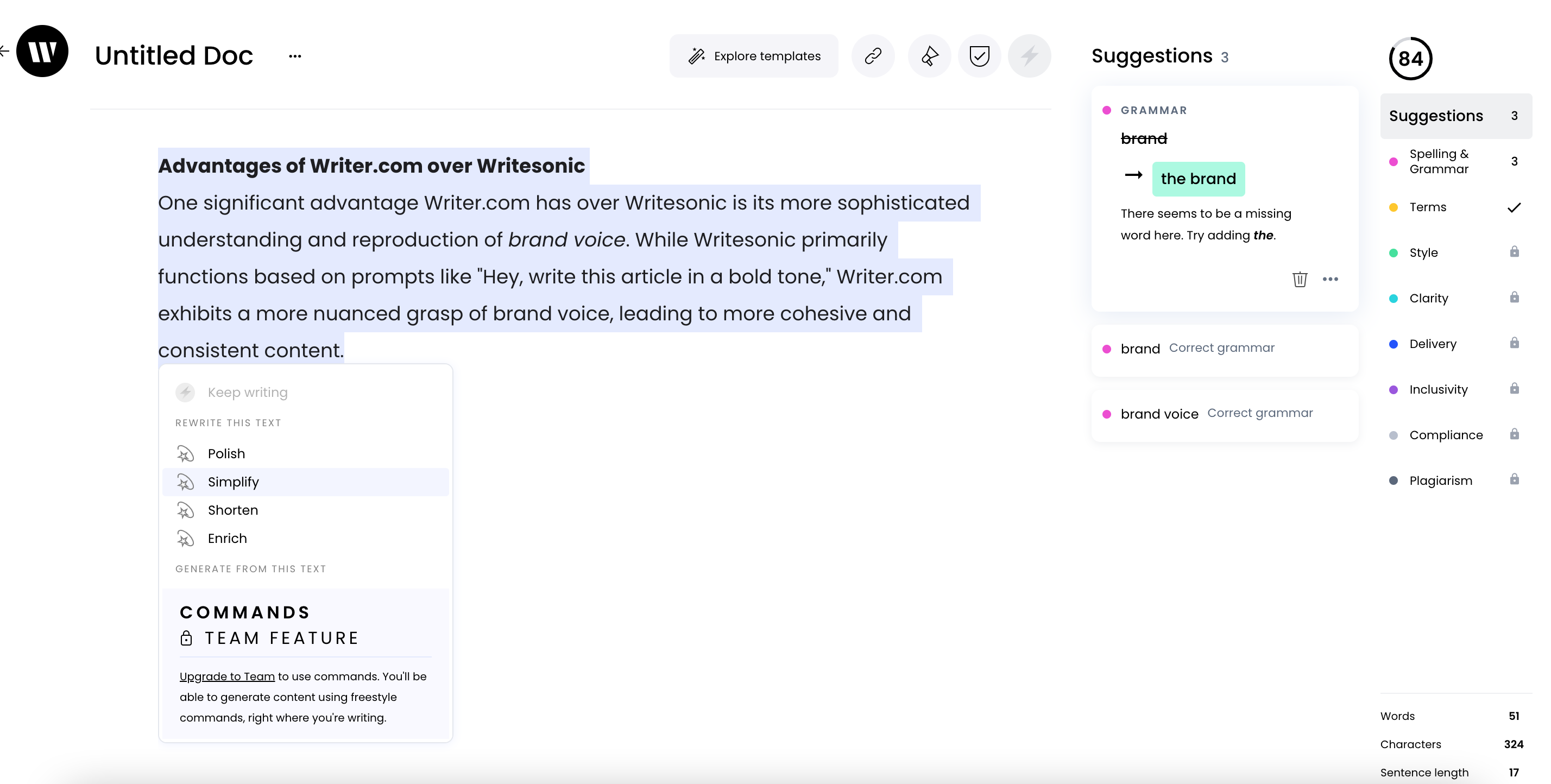
Writer is not the tool I would choose for a solo blogger trying to publish inexpensive articles. It is more compelling when many people write for the same company and the risk of inconsistent, off-brand, or noncompliant content is expensive.
Use Writer when you need:
- Brand and style governance across teams.
- Shared rules for terminology and tone.
- Enterprise controls.
- Grounded generation for internal knowledge.
- A model and platform designed for business use.
Best for: Enterprise marketing, legal, support, and communications teams.
Not ideal for: Small teams that mainly want affordable SEO blog generation.
8. Notion AI: Best for Workspace-Based Drafting
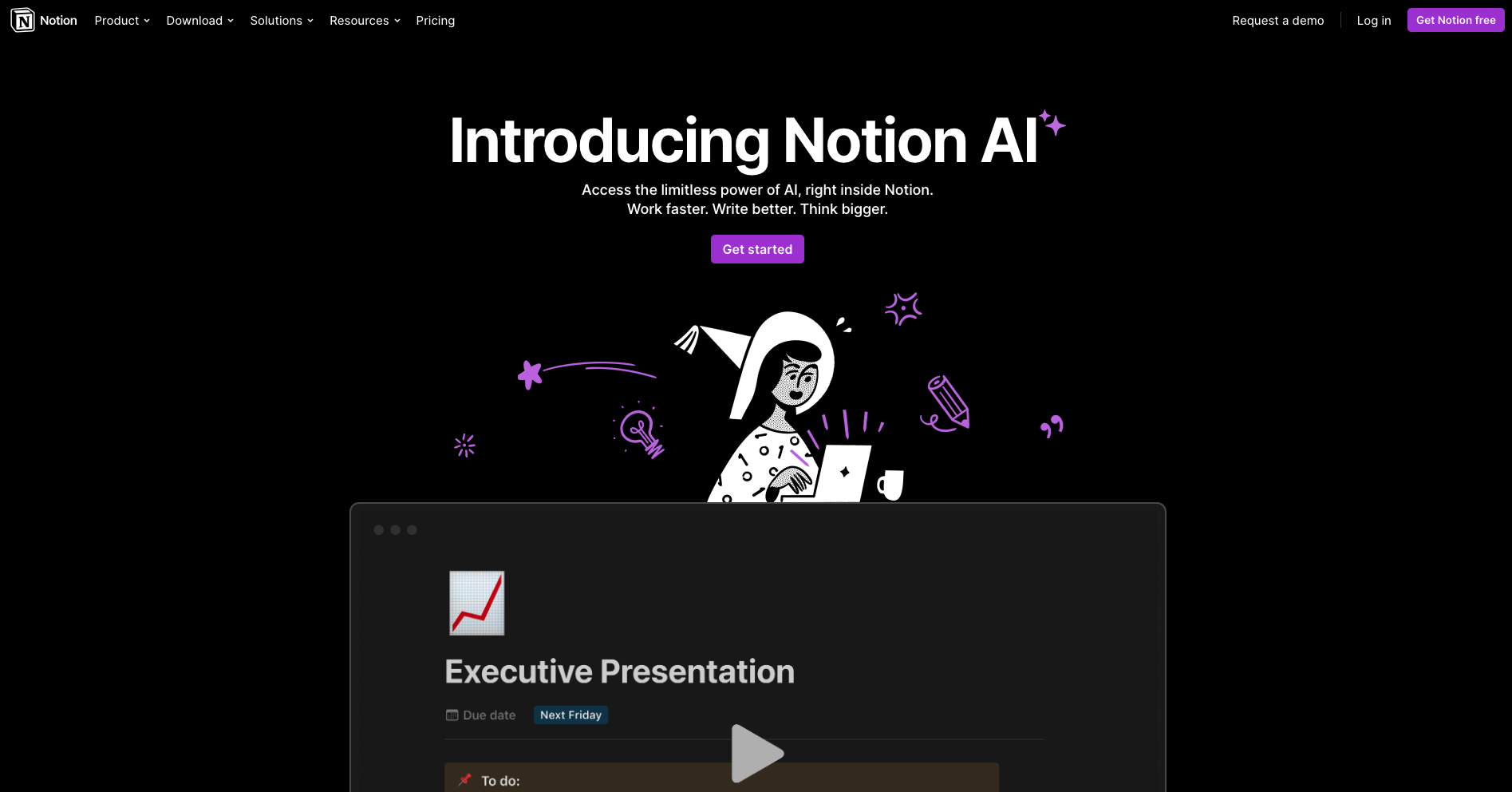
Notion AI is not a direct SEO writer, but it can be a useful Writesonic alternative if your team already works inside Notion. Its AI features are strongest for summarizing notes, drafting documents, brainstorming, editing internal content, and turning messy ideas into cleaner pages.
It works well for:
- Content calendars.
- Meeting notes.
- First-draft outlines.
- Internal briefs.
- Repurposing notes into draft copy.
The limitation is that Notion AI does not give you a full SEO workflow by default. If you use it for blog content, pair it with a proper SEO process: keyword research, SERP review, internal linking, source checking, and final editing. A general AI text generator can help with drafting, but the publishing judgment still matters. I would use Notion AI to organize thinking before the article, then move into a more SEO-specific workflow before publishing.
Best for: Teams already using Notion as their content workspace.
Not ideal for: Search-focused teams that need built-in SEO research and optimization.
9. Cohesive: Best for a Simple AI Editor
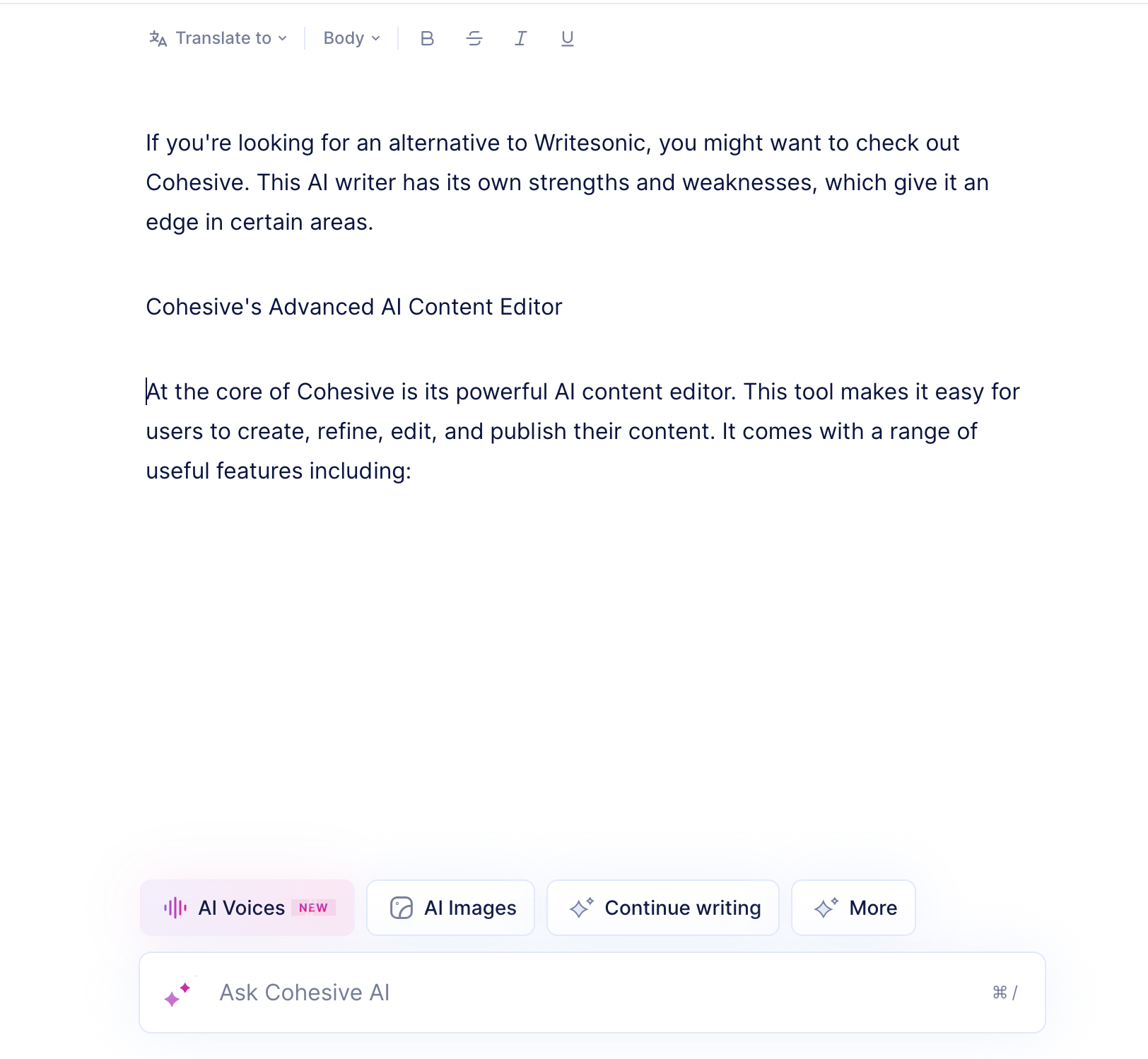
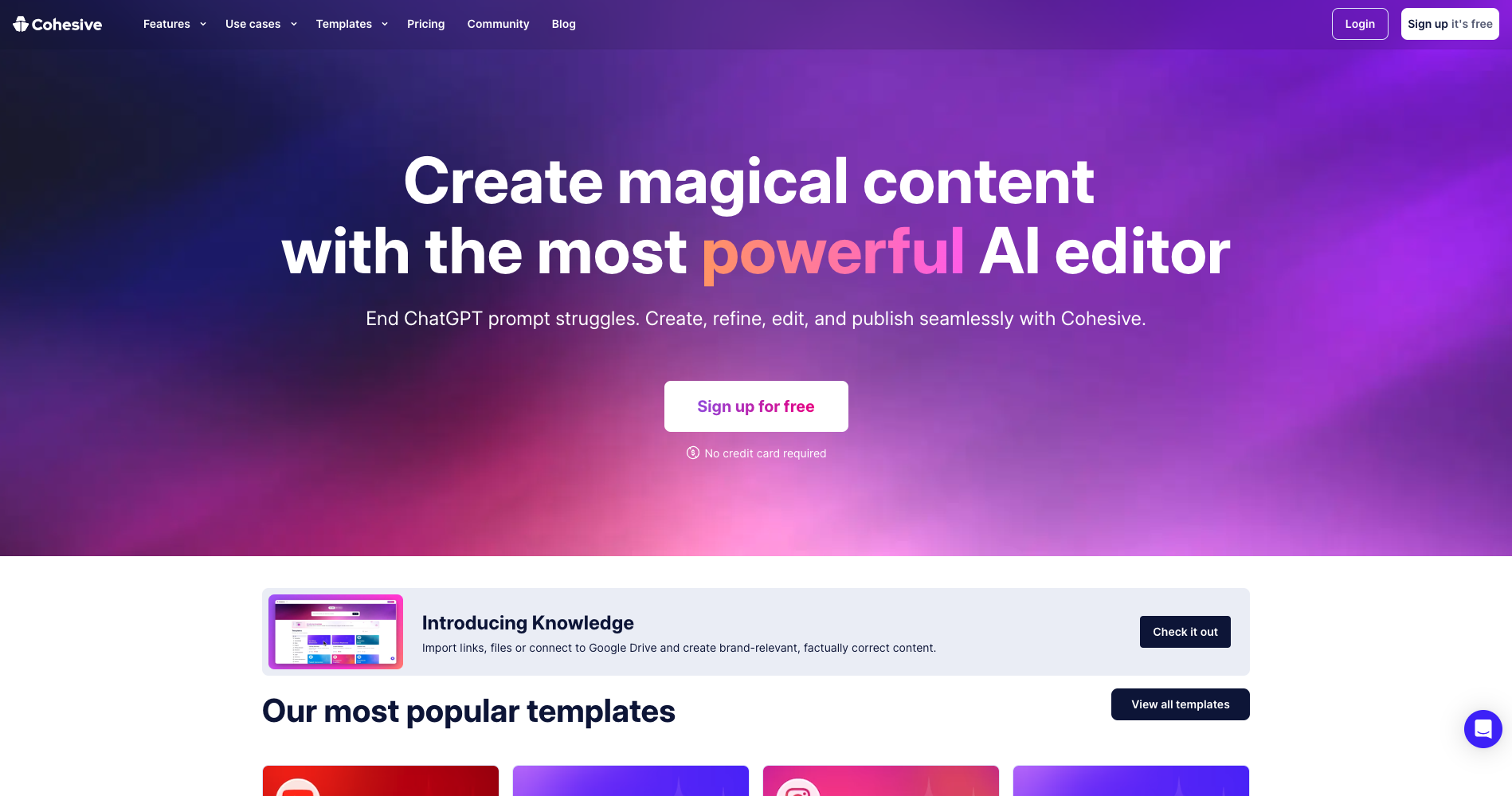
Cohesive is worth considering if you want a straightforward writing environment with templates, editing, and simple content generation. It is less specialized than SEO-first platforms, but it can feel easier than a heavier tool if your needs are basic.
Its strongest use cases are:
- Quick drafts.
- Template-based copy.
- Editing and expanding short sections.
- Lightweight content creation for small teams.
The problem is that the market has moved quickly. If you need AI search visibility, SERP analysis, content clustering, or serious publishing automation, Cohesive is not the strongest option on this list.
Best for: Users who want a clean AI writing editor without a steep learning curve.
Not ideal for: SEO teams that need research, optimization, and performance workflows.
10. Claude or ChatGPT: Best Flexible DIY Alternative
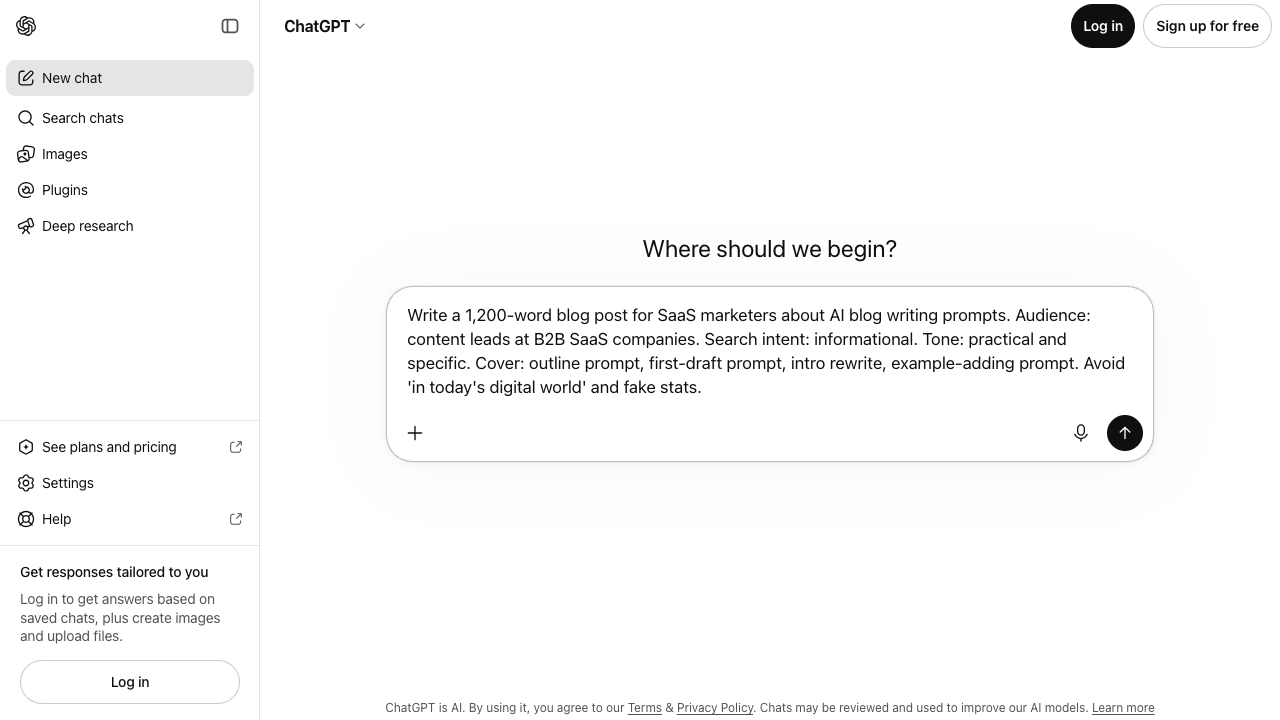
Claude and ChatGPT are not direct Writesonic replacements in the productized sense, but they are often the most flexible alternative if you know how to prompt, edit, and fact-check.
Use them when you want:
- Better ideation.
- Detailed outlines.
- Draft rewrites.
- Tone exploration.
- Summaries of research.
- Editing passes on existing content.
The weakness is process. A chat model will not automatically build your content calendar, select internal links, inspect the SERP, add citations, optimize metadata, or publish to your CMS. You can create that workflow manually, but you need discipline. I have seen this route work well for experienced editors, but it breaks down quickly when the team treats the chat box as the whole publishing system.
If you go this route, treat the model as an assistant, not the whole content system. Give it your brief, audience, examples, sources, outline, and constraints. Then use a separate final pass to edit AI-generated text so the article has real examples, checked claims, and a human point of view.
Best for: Experienced writers who want control and flexibility.
Not ideal for: Teams that need repeatable, built-in SEO publishing workflows.
Best Writesonic Alternatives by Use Case
If you are still unsure, choose based on the problem you are trying to solve:
| Use case | Best pick | Why |
|---|---|---|
| Long-form SEO articles | Junia AI | Most aligned with article production, SEO structure, and publishing. |
| SERP-led briefs | Frase | Strong for research, outlines, and optimization guidance. |
| On-page optimization | Surfer SEO | Best for content scoring, SERP analysis, and refresh workflows. |
| Brand-safe marketing campaigns | Jasper | Strong brand voice and team campaign workflows. |
| Sales and GTM copy | Copy.ai | Better for repeatable sales and marketing automation. |
| Cheapest basic writing help | Rytr | Low-cost entry point for simple copy tasks. |
| Enterprise governance | Writer | Brand, compliance, and team controls. |
| Workspace drafting | Notion AI | Useful if your content operation already lives in Notion. |
| Simple editor | Cohesive | Easy template-based writing environment. |
| Flexible custom workflow | Claude or ChatGPT | Best when you bring your own process and editorial judgment. |
What to Check Before Switching
Before you cancel Writesonic or move your team to another tool, run a small test. Pick one real topic, not a fake demo keyword, and ask each tool to support the same workflow. I would use a topic you actually plan to publish, because polished demo outputs rarely expose the workflow problems that show up in production.
Check these things:
- Brief quality: Does the tool understand the search intent, or does it produce a generic outline?
- Draft quality: Does the article need light editing or full reconstruction?
- Evidence: Can the tool support claims with reputable sources and current product details?
- Internal links: Does it help connect related pages naturally, or do you have to add every link by hand?
- Editing: Can you improve sections inside the tool without starting over?
- Brand voice: Does the output sound like your company, or like every other AI blog?
- Publishing workflow: Can it fit into your CMS, approval process, or content calendar?
Google's short answer on automatically generated content is the quality bar I use on that test. Generation is allowed. Pages that add nothing are not.
Does Google see automatically generated content as a bad thing?
For SEO teams, I would also check whether the tool supports AI writing tools with WordPress integration, bulk workflows, and content refreshes. Those operational details matter more than a flashy template library once you publish every week.
Final Recommendation
The best Writesonic alternative depends on what you are replacing.
If you are replacing Writesonic as a general AI writer, Rytr, Copy.ai, Jasper, Notion AI, Claude, or ChatGPT can all work depending on budget and workflow.
If you are replacing Writesonic for SEO content, start with Junia AI, Frase, or Surfer. Those tools are better aligned with the work that actually affects organic performance: research, structure, optimization, internal linking, and useful long-form content. The best choice depends on where your process is weakest: generation, briefing, or optimization.
If I had to pick one alternative for a content site in 2026, I would choose Junia AI because it is built around the article workflow rather than just text generation. Then I would still run a human editorial pass, verify product claims, add real examples, and make sure every internal link earns its place.
AI can help you move faster. It should not make your content thinner. The right Writesonic alternative is the one that helps you publish fewer generic drafts and more pages that readers can actually trust, cite, and act on.