
DeepL vs Weglot vs AI Localization: Which Wins for Multilingual SEO?

Thu
AI SEO Specialist, Full Stack Developer

If you need a multilingual site that can rank, the choice is usually not "which translator sounds nicest." It is which workflow you can actually maintain.
I treat the options as three different jobs:
- DeepL is a translation engine. Strong at documents, glossaries, and API-based translation. It does not, by itself, give you language URLs, hreflang, or a live website in French.
- Weglot is a website localization layer. It wraps an existing site, detects content, translates it, and handles a lot of the multilingual SEO plumbing.
- An AI localization platform sits between those: it is meant to manage language versions of content, terminology, and publishing, not just convert a paragraph.
If you only remember one distinction, remember this: DeepL translates text. Weglot translates a website. A localization platform tries to run the whole language operation. Google Translate vs AI localization is the same fork from a different angle: machine translation is not the same as a searchable language version of the site.
This article compares those three paths for multilingual SEO, including where each one is the wrong buy.
What AI localization actually changes
AI localization is not "run the page through a translator and hope." The useful version keeps meaning, product names, and local search phrasing intact, then publishes that as a real language version of the site.
That is a higher bar than fluency. A French page that reads smoothly but targets the English keyword in French word order still loses. The page has to match how people in that market search, not how your English CMS is organized.
In my experience, the work breaks into five parts:
- Translate the visible copy.
- Adapt examples, currency, legal notes, and CTAs so they are not just English ideas in another language.
- Control terminology so product names, SKUs, and claims stay consistent.
- Publish on language URLs a search engine can crawl.
- Maintain the language version when the English page changes.
DeepL is excellent at 1 and 3. Weglot is built for 4 and 5, and it can use DeepL for 1. A localization platform is the bet you make when 2 through 5 are the actual bottleneck.
For a fuller workflow, AI multilingual SEO covers the search side: language targeting, content, and technical setup. I would not start there if you still need to pick a tool. Pick the workflow first.
DeepL vs Weglot vs an AI localization platform
| Factor | DeepL | Weglot | AI localization platform |
|---|---|---|---|
| Best for | Documents, support copy, and teams that already have a CMS workflow | Getting an existing website live in more languages quickly | Teams that need terminology, review, and publishing in one system |
| SEO control | Low unless you build URLs, metadata, and hreflang yourself | Strong defaults: language URLs, metadata, and hreflang on supported setups | Varies. Ask how language URLs and hreflang are generated, not just whether translation is "SEO-friendly" |
| Workflow | Paste, upload, or API. Humans still move copy into the site | Detects site content, translates it, and updates when pages change | Usually a project queue: source content in, reviewed language versions out |
| Glossary | One of DeepL's real advantages. Lock product names and technical terms | Glossary and brand-voice controls exist, plus you can route language pairs to DeepL | Often the reason to buy the platform. Confirm it can enforce terms, not just suggest them |
| Site integration | API, plugins, and document upload. You still own the website architecture | Plugin or snippet on WordPress, Shopify, Webflow, and custom sites | CMS connectors, repos, or export/import. Integration quality decides whether the tool is usable |
| Watch-outs | Easy to overestimate. A great translation of a blog post is not a localized site | Convenience can hide weak pages. Review money pages. Don't treat auto-translation as a strategy | Easy to buy a "platform" that is still just machine translation plus a dashboard |
If the site is the product, start with Weglot or a localization platform. If the problem is documents and terminology, start with DeepL. I would not buy all three on day one.
When DeepL is the right translation engine
DeepL is still one of the stronger machine translation engines for sentence-level quality. It looks at the whole sentence instead of swapping words one at a time, which is why the output usually sounds less stitched-together than older tools. I would not treat "31 languages" as the buying reason. The reason to pick DeepL is quality plus control: glossaries, document formatting, and an API you can drop into a workflow you already have.
The product itself is a translator, not a website:
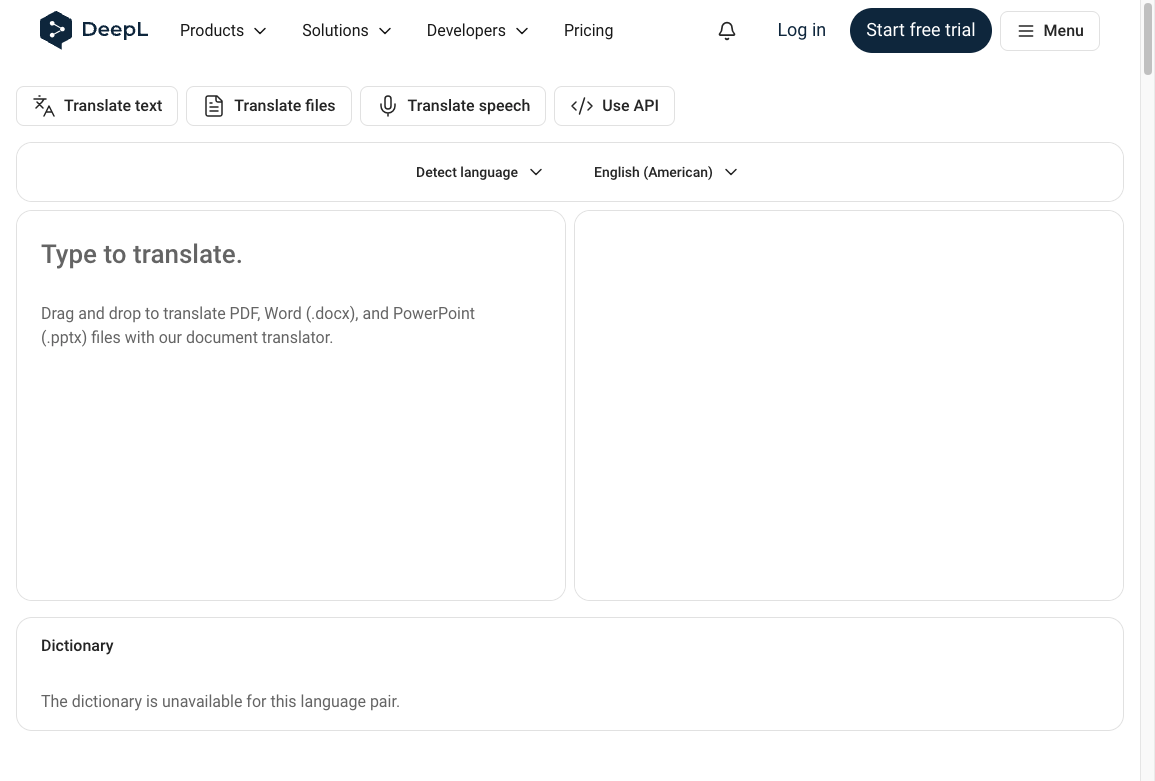
Glossary and specialist language
The glossary is the feature I would miss first. You can lock translations for product names, SKUs, and technical terms so "Sales Team" does not become three different phrases across the site. That matters most in legal, medical, and engineering copy, where a loose synonym is not a style choice. Deutsche Bahn is a public example of DeepL being used on operational and safety language, not just marketing pages. The engine also learns from corrections over time, which is useful if the same terms keep coming back.
API and documents
The API is how DeepL becomes a localization ingredient instead of a tab you paste into. Teams hook it into a CMS, a help center, or support software so translators are not copy-pasting all day. Document translation is the other practical win: Word, PowerPoint, and PDF uploads that keep the original layout. If your bottleneck is a 40-page spec, not a Shopify theme, this is the job DeepL is actually good at.
When Weglot is the right website layer
Weglot is a website localization platform, not a standalone translator. You install a plugin or a snippet, and it detects translatable content: navigation, product descriptions, and the metadata search engines actually use. That wrapping model is the point. You are not maintaining a second copy of the site on another domain unless you choose to.
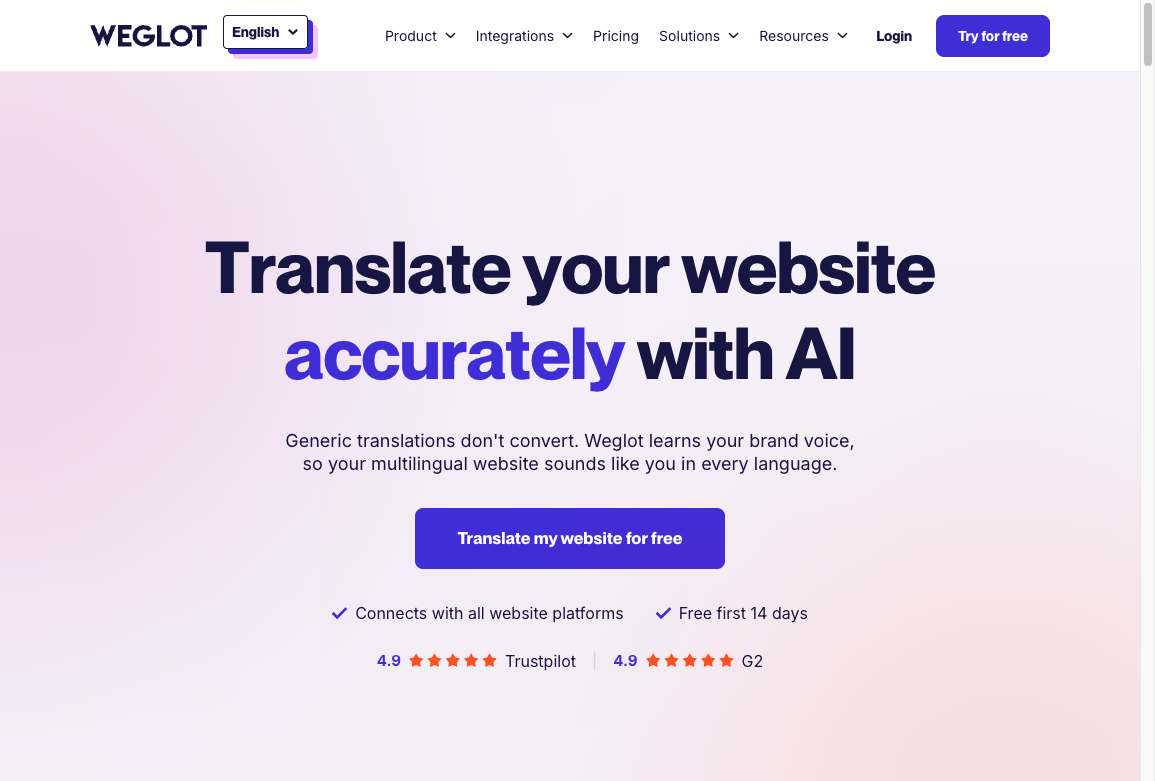
Automation, engines, and in-context review
New and updated pages go into a translation queue automatically. That is the feature that usually beats "we will remember to send this to DeepL." Weglot can also use more than one engine, including DeepL, Google Translate, and Microsoft Translator, and you can assign engines by language pair after you have tested quality. In that setup, Weglot is both a DeepL alternative for SEO and a shell that uses DeepL's accuracy inside a site workflow.
The visual editor is the other reason teams keep it. You review translations on a live preview of the page, in context, without touching code. That is slower to describe than it is to use, and it is where most of the quality control should happen: homepage, pricing, checkout, and any page that can lose a sale if a CTA is wrong.
What actually matters for rankings in 2026
The multilingual SEO details that still move rankings are boring, and they are still the ones teams skip.
Language versions need their own crawlable URLs. Hreflang needs to point those versions at each other without mixing countries and languages. Metadata has to be translated, not cloned. The content has to answer the query people in that market actually type, which is often not a word-for-word version of your English keyword. Google's own walkthrough of internationalization and hreflang is the cleanest version of that technical bar:
Internationalization and hreflang | Search Off the Record
Voice search, "predictive localization," and real-time personalization are not the first problem. I have watched teams buy a localization stack and still ship English title tags on the Spanish pages. Fix that before you worry about conversational queries.
This also matters more than tool branding: a human translation agency and an AI platform can both fail the same way if nobody owns terminology and QA. Human translation agencies vs AI localization platforms is the comparison to read if the question is people versus software. If the question is DeepL versus Weglot, the question is engine versus website.
Decision rule: If you already have a site and you need language versions live this month, start with Weglot and put a human on the money pages. If you have specialized terminology and documents, start with DeepL and build the site workflow around the glossary. If you need both, use DeepL inside Weglot or a localization platform, and do not pay twice for the same translation step.
How I would choose
Start with the market, not the demo.
European languages are still a comfortable zone for DeepL. If the plan includes languages where you have not tested quality, check the language pair before you commit the homepage. Then look at volume. Daily product and blog updates favor Weglot's detection loop. Occasional documents favor DeepL on its own.
Control is the third filter. Legal, medical, and engineering teams should not skip a glossary. Marketing sites can often ship with automated translation plus review on the key templates. Last, look at the stack you already have. Weglot is faster on WordPress, Shopify, Webflow, and similar CMS setups. DeepL's API is the better fit when you want translation inside a custom workflow and you have someone who can own that integration.
I would not pick a tool because it is "AI-powered." I would pick the one that matches the job you will still be doing six months from now: updating pages, locking terms, and keeping hreflang from rotting.
The short version
DeepL is the better translation engine, especially with a glossary and documents. Weglot is the better way to turn an existing website into a multilingual site without standing up a second CMS. An AI localization platform is worth it when review, terminology, and publishing need one system, not three tabs.
Budget, team skill, and how often the content changes decide the rest. Translation quality without crawlable language URLs will not rank. A perfectly tagged multilingual site with sloppy money-page copy will not convert. Buy the workflow that protects both.