
AI Content Can Rank in Google in 2026 (But Most Won’t)

Thu
AI SEO Specialist, Full Stack Developer

Will AI Content Rank on Google in 2026?
Google's ranking systems keep getting better at separating genuinely useful content from scaled, low-value pages. That makes one thing clear in 2026: AI content can rank, but only when it is edited, verified, and built to satisfy real search intent.
| Ranking signal people confuse | What actually matters |
|---|---|
| “Was this written by AI?” | Whether the page is helpful, original, and people-first |
| Word count | Whether the page answers the query better than rivals |
| Humanizer score | Editorial judgment, evidence, and experience |
Reality check: AI content can rank. Most won’t — because most is interchangeable. Google’s bar is usefulness, not the drafting tool.
Does Google see automatically generated content as a bad thing?
How Google Sees Content Quality Now
Google cares far more about whether a page is helpful than whether it was drafted by a human, an AI, or a mix of both. The real test is whether the content is accurate, useful, and clearly better than the many thin pages already competing for the same query.
What changed in how Google evaluates content
- Value for users comes first: Google wants pages that solve the searcher's problem, not pages that only target keywords.
- Pattern recognition is better: Google is better at spotting templated, low-value AI content, especially when it repeats the same ideas without adding anything useful.
- Automation is judged by outcome: Scaled content is not a problem by itself. Low-value scaled content is.
- Trust signals matter more: Expertise, evidence, sourcing, and editorial care still matter, especially in competitive or sensitive topics.
How AI Content Affects Google Rankings
AI changes rankings indirectly. It helps teams produce faster, cover more keywords, and improve weak drafts, but it also makes it easier to publish generic pages at scale. The advantage comes from using AI to raise quality, not to flood the index.
The Current State of AI Content
AI writing tools are now part of many content workflows. Platforms like ChatGPT, Claude, and Gemini can generate outlines, draft sections, summarize source material, and help teams refresh older pages faster than manual workflows alone.
The important shift is not just speed. It is accessibility. Smaller teams can now produce and update content more consistently, while larger teams use AI to scale research, briefs, optimization, and revision cycles.
Where AI content shows up today
- Writing and improving blog posts
- Creating social media content
- Writing product descriptions
- Running email marketing campaigns
- Preparing technical documents
In content creation, the most important trends look more like this:
- Personalization: AI helps teams tailor content to different audiences, stages, and channels.
- Voice-search optimization: More teams are shaping content around natural-language queries instead of stiff keyword phrasing.
- Multiformat production: AI speeds up scripts, summaries, and repurposing across blog, video, and social content.
- Data-driven insights: Teams use AI to surface trends, gaps, and content opportunities faster.
- Collaborative editing: AI is increasingly part of the drafting and revision loop, while humans stay in charge of judgment and final quality.
Even though a lot of people already use AI, some still have doubts and questions. Critics worry about things like:
- If the content is truly original and authentic
- The limits AI might put on creative expression
- The risk of creating lots of generic, mass-produced content
- The effects on human writers and creators
The better question now is not whether AI will replace writers. It is how to build a workflow where AI handles repetition and acceleration, while humans handle judgment, originality, and quality control.
Google's View on AI Content in 2026
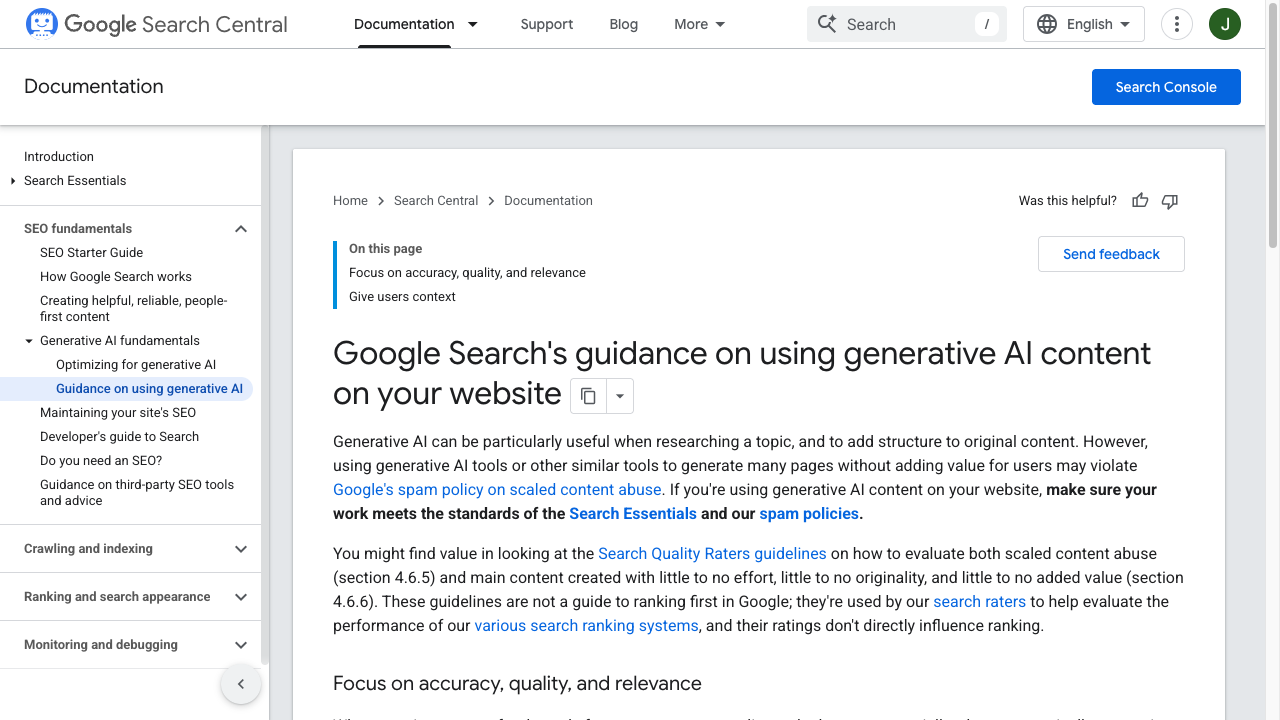
Google is clear that quality matters more than who or what created the content.
The updated guidelines talk about three main things if you want to rank well:
- Match user intent: Your content should answer the exact query clearly and directly.
- Show trust signals: Demonstrating experience, expertise, authority, and trust still matters, especially in competitive topics.
- Add value: The page should offer something more useful than the generic summaries already in the index.
"We focus on the quality of content rather than how it was produced" - Google Search Central, 2026
For content creators, that means:
- AI detection is not the whole story: Google may recognize AI patterns, but that alone is not the ranking decision.
- Quality standards still decide outcomes: Content has to be accurate, useful, and clearly better than weak alternatives.
- Spam policies still apply: Low-value, manipulative, or mass-produced pages can still lose visibility or trigger manual action.
Google’s systems now look at content using a broader set of quality signals, such as:
- Original ideas
- Detailed analysis
- User engagement
- Citing trustworthy sources
- Following E-A-T principles
This gives creators room to use AI productively, as long as the final page reflects real editorial judgment. AI can accelerate the work, but it should not be the final layer of quality assurance.
How to Judge the Quality of AI Content
Google's Search Quality Rater Guidelines do not reward AI content for being AI, and they do not reject it just for using AI either. What matters is whether the final page deserves to rank.
The easiest way to judge that is to ask four questions:
- Does it say anything specific? Thin summaries rarely compete well.
- Is it accurate and sourced? Weak claims and unverified facts are easy ways to lose trust.
- Does it match the query intent? Ranking pages solve the exact problem behind the search.
- Does it add something original? First-hand experience, sharper analysis, better examples, or stronger structure all count.
If you want a simpler rule, use this one: if the page could be swapped with ten others in the SERP and no one would notice, it is probably too generic to deserve strong rankings.
Here is a simple way to think about it:
| Likely to rank | Likely to struggle |
|---|---|
| Edited and fact-checked AI drafts | Raw AI output with light cleanup |
| Clear search-intent match | Vague content aimed at many intents at once |
| Original examples, data, or positioning | Generic summaries found on dozens of other pages |
| Strong internal linking and structure | Repetitive sections and weak organization |
| Credible sourcing and trust signals | Unsupported claims and outdated examples |
Google still watches for familiar signs of low-quality AI content, including generic answers, repeated phrasing, weak structure, and pages that feel interchangeable.
In the end, the difference between AI and human writing matters less than editorial quality. Search rankings reward usefulness, clarity, and trust. If your process still produces generic drafts, it helps to review best use cases for AI content in SEO and SEO best practices before scaling output.
Human vs. AI Content Performance in Rankings: How AI Content Creation Affects Results
In practice, the strongest pages are usually not purely human or purely AI. They are AI-assisted pages that have been heavily improved by human editors.
That is the pattern worth paying attention to. Pages tend to perform better when they include:
- original examples or first-hand insight
- clearer structure and stronger editing
- verified facts and trustworthy sourcing
- an obvious fit with the user's search intent
That does not prove that Google prefers human writing as a category. It suggests that pages with stronger editorial input usually deliver a better experience, which is what rankings reward over time.
Tips for Using AI Tools Well
AI tools like ChatGPT, Claude, and Gemini are most useful when each one has a clear job in your workflow. Use them to brainstorm angles, build outlines, draft rough sections, or summarize source material. Then review, cut, verify, and refine before publishing.
That last step matters most. Copy-pasting AI output without strong editing is exactly how teams end up with vague claims, duplicated phrasing, and pages that feel interchangeable.
1. Use AI as a research helper
- Use it to brainstorm topic clusters and content angles when you need a starting point.
- Ask it to surface keyword variations and search-pattern ideas you can validate with SEO tools.
- Review competing pages to understand format expectations, then build something sharper instead of copying the same outline.
- Track new capabilities in AI writing tools so your workflow improves without turning into a publish-first shortcut.
2. Set up a human–AI editing loop
- Use AI to create rough drafts and supporting outlines so writers are not starting from a blank page.
- Add first-hand experience, real examples, and subject-matter judgment before anything goes live.
- Double-check AI-generated facts, numbers, and citations.
- Keep a clear brand-voice standard so the final article sounds consistent and intentional.
3. Quality control steps
- Review every draft for factual accuracy, weak reasoning, and sloppy phrasing.
- Add unique examples, real scenarios, or original data wherever possible.
- Bring in trustworthy sources and expert input when the topic needs stronger credibility.
- Tighten the article around the specific audience and search intent you are targeting.
4. Ways to improve thin drafts
- Combine AI speed with human editing and positioning.
- Add practical examples and specific use cases.
- Use custom visuals, screenshots, and internal links where they improve the page.
- Learn from user feedback and performance data, then refresh weak sections instead of publishing more thin pages.
The safest approach is to treat AI as a production tool, not a publishing standard. Let it speed up research, drafting, and formatting, but keep human review in charge of accuracy, positioning, and usefulness.
Where Autoblogging Can Work
AI autoblogging for SEO can work when the workflow is built around helpful content, not raw volume. The safest systems use AI content quality control before publishing and avoid pushing generic drafts live just because they are finished.
A strong SEO content brief generator also helps because it gives the AI clearer intent, structure, and coverage before the draft is written.
What Actually Predicts Ranking
AI gives content teams a real productivity advantage, but Google's quality bar has not become more forgiving. If anything, the flood of low-value AI pages makes editorial discipline more important.
The answer is straightforward: AI content can rank on Google, but only if it genuinely helps users. That means your workflow should focus on:
- solving a real search problem,
- showing clear expertise and trust signals,
- and using AI to improve production speed without lowering editorial standards.
The best strategy is still a hybrid one. Use AI where it improves research, drafting, and optimization, but keep human expertise in charge of what gets published.
So the real question is not whether AI content can rank. It is whether your process produces content that actually deserves to rank.
If you are improving weak drafts before publication, it helps to humanize AI content and follow a more explicit workflow for how to humanize AI text for SEO. That is usually a better investment than publishing more content that is technically optimized but still generic.