
Free Chapter Generator
Generate fiction and nonfiction chapters from a premise, outline, previous scene, or chapter goal. Add key beats, POV, tone, length, and continuity notes to create a structured draft you can revise into your manuscript.
Generated Chapter
Your generated chapter will appear here...
How the AI Chapter Generator Works
Get results in seconds with a simple workflow.
Add Your Premise and Chapter Goal
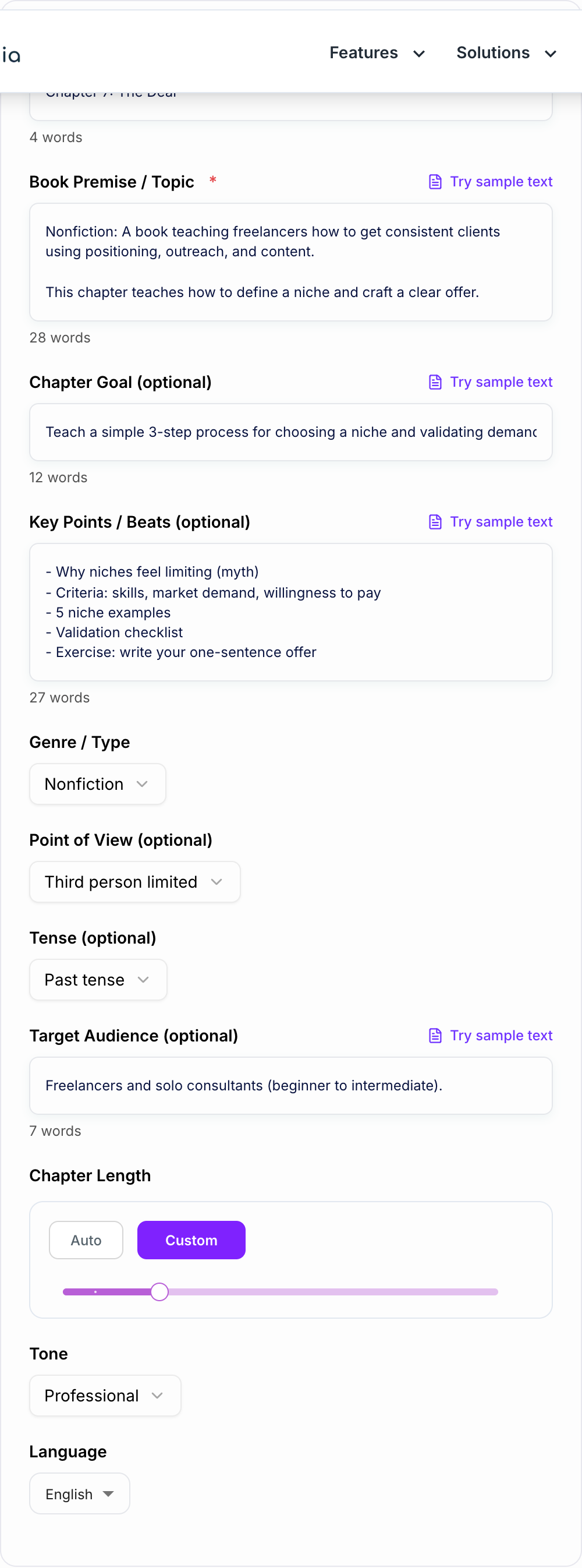
Describe the story premise (fiction) or the chapter topic (nonfiction). Optionally add the specific outcome you want—what changes by the end of the chapter.
Choose Genre, POV, Tone, and Length
Select genre/type, point of view, tense, tone, and word count to shape the chapter’s voice, pacing, and structure.
Generate, Then Iterate with Beats
Generate your chapter draft (or outline). If you want more control, add key beats, scenes, or section points and regenerate for a tighter, more accurate result.
See It in Action
Example of turning brief notes into a structured, readable chapter draft with clear flow and a strong ending beat.
Topic: Choosing a niche as a freelancer
Notes:
- Niches feel limiting
- Pick a niche based on skills and demand
- Validate with outreach
- Example niches
- Exercise: one-sentence offer
Title: Chapter 3 — Choose a Niche (Without Boxing Yourself In)
H2: The Niche Myth: “If I Choose One Thing, I Lose Opportunities” The fastest way to get consistent clients isn’t doing everything—it’s being the obvious choice for a specific problem...
H2: The 3 Filters for a Profitable Niche H3: 1) Proof of Skill H3: 2) Market Demand (and Willingness to Pay) H3: 3) Reachability (Can you contact buyers?)
H2: Five Niche Examples (and Why They Work)
- Email copy for B2B SaaS onboarding
- Web design for dentists...
H2: Validate Your Niche in 48 Hours
- A simple outreach script
- What “yes” signals look like
- Common mistakes (too broad, unclear offer)
H2: Exercise — Write Your One-Sentence Offer Template + examples...
Conclusion: You don’t need the perfect niche—you need a clear starting point you can validate.
Hook into next chapter: Next, we’ll turn your niche into an offer that makes pricing (and pitching) dramatically easier.
Why Use Our AI Chapter Generator?
Powered by the latest AI to deliver fast, accurate results.
Full Chapter Drafts with Clear Structure
Generate complete chapters with a strong opening hook, coherent progression, and a satisfying ending beat—ideal for novels, memoirs, and nonfiction books.
Chapter Outlines, Beats, and Scene Planning
Create chapter outlines with scene/section goals, conflict (or learning outcomes), and transitions—perfect for plotting, book planning, and fast drafting.
Genre, POV, and Tense Controls
Match your writing style by choosing genre/type, point of view, and tense so each chapter stays consistent with your manuscript and narrative voice.
Nonfiction Chapters with Actionable Frameworks
Generate practical nonfiction chapters with frameworks, steps, examples, common mistakes, and recaps—great for business books, self-help, and educational writing.
Consistency Helpers for Series and Books
Use chapter goals and key beats to keep continuity, pacing, and thematic focus across chapters—reducing rewrites and speeding up your publishing workflow.
Pro Tips for Better Results
Get the most out of the AI Chapter Generator with these expert tips.
Use 3–7 beats for the best chapter pacing
A short list of beats (set-up → complication → turning point → payoff → hook) helps the AI maintain a clean arc and prevents meandering chapters.
Define the chapter’s “change”
State what changes by the end (a revelation, decision, new constraint, skill learned). This creates momentum and makes the chapter feel purposeful.
Lock POV and tense early for consistency
If your manuscript is first-person past (or any combination), set it once and keep it consistent across chapters to reduce continuity edits.
For nonfiction, add a simple framework name
Even a lightweight framework label (e.g., “The 3C Method”) encourages clear structure, memorable teaching, and easier future chapter planning.
End with a hook or next-step
Ask for a final paragraph that tees up the next chapter: a question, consequence, promise, or cliffhanger—especially effective for serial fiction and page-turners.
Who Is This For?
Trusted by millions of students, writers, and professionals worldwide.
Generate Complete Book Chapters with an AI Chapter Generator
An AI chapter generator is most useful when you already know the chapter's job but do not want to fight a blank page. Add the book context, chapter goal, key beats, POV, tone, and target length, and the tool can turn that direction into a chapter outline, scene plan, or full draft.
The goal is not to skip editing. The goal is to get a structured draft you can revise for voice, continuity, pacing, and detail. That is a better starting point than a loose idea sitting in a notes file.
What to Enter Into the Chapter Generator
Give the tool enough context to understand where the chapter fits:
- Book premise, genre, or nonfiction topic
- Audience or protagonist
- What happened before this chapter
- What should change by the end of the chapter
- Key scenes, arguments, examples, or turning points
- POV, tense, tone, and style notes
- Anything the chapter must avoid or preserve
The chapter goal is the most important field. A chapter where nothing changes usually feels like filler. Tell the generator what the reader or character should know, feel, decide, lose, gain, or understand by the end.
How to Choose the Right Chapter Mode
Use Chapter Outline when the structure is still loose. This helps you test the order of scenes, arguments, or examples before generating prose.
Use Full Chapter Draft when the beats are clear and you want a rough draft to revise. This mode is strongest when you provide a chapter goal and enough continuity notes.
Use Scene by Scene when you need tighter control over fiction pacing. Each scene should have a purpose, conflict, and transition into the next scene.
Use Nonfiction Chapter when the output needs to teach. Add the reader level, promised outcome, framework, examples, and final takeaway.
Use Improve Existing Draft when you already wrote something but the chapter feels slow, repetitive, thin, or disconnected from the rest of the manuscript.
How to Review the Generated Chapter
Read the draft for structure before line editing. Does the chapter open with movement? Does each section build on the last? Does the ending create a clean next step, reveal, decision, consequence, or takeaway?
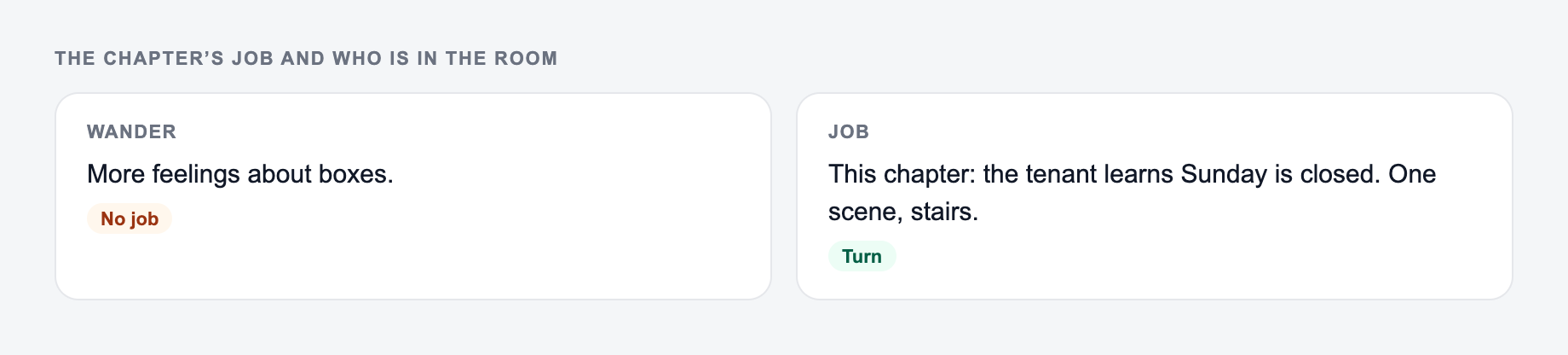
The chapter’s job and who is in the room belong on the form.
Same ai chapter generator brief, three rooms — the output should not be three synonyms:
- On-site: the next step the page can actually do.
- Email / bio: object + one proof you can stand behind.
- Ad / social: outcome in the first clause, no fake urgency.
If every option could run in every room, the brief is still generic.
Then check voice and continuity. AI-generated chapters can drift if you do not enforce character knowledge, timeline, world rules, argument order, or nonfiction facts. Paste continuity notes into the next run if the tool missed something important.
For longer writing projects, it helps to keep prompts, drafts, and style patterns in one workflow. The writing tools on Junia AI can support that process, but the final chapter still needs your structural judgment and voice pass.
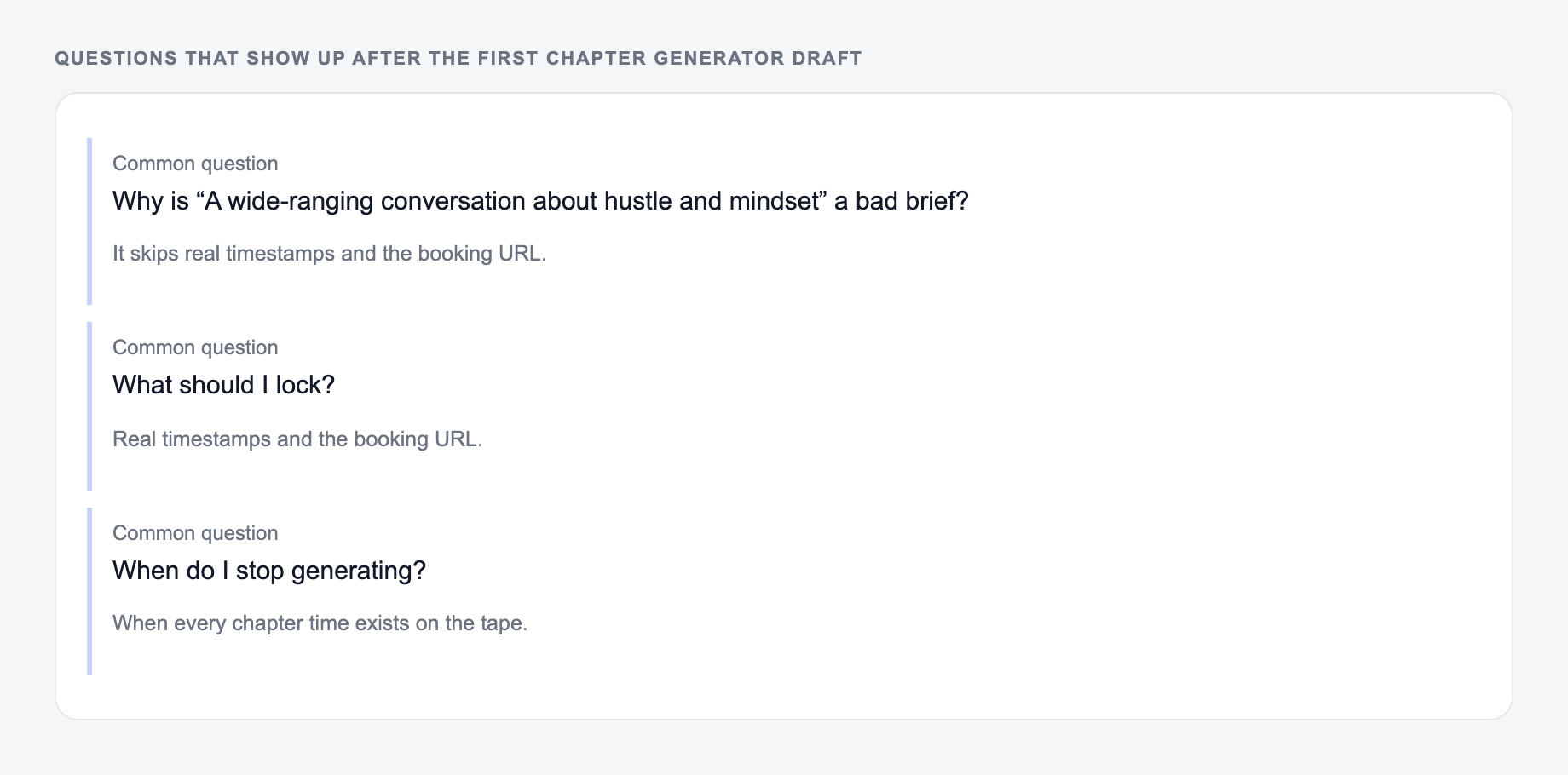
A shortlist from the Chapter Generator is not a decision. Keep a line you could publish after one edit. Reroll anything that only works if the reader already knows you. Throw away a line that invents proof.
Final Revision Checklist
Answer these before you generate a second batch. A reroll will not fix a vague brief.
Before using the generated chapter in a manuscript, confirm that:
- The chapter has a clear purpose and ending change
- The POV, tense, tone, and timeline stay consistent
- Fiction scenes have conflict, escalation, and consequences
- Nonfiction sections include useful examples and takeaways
- Repeated ideas, generic lines, and filler have been cut
- The opening hook and final beat are strong enough
Frequently Asked Questions
Is this chapter generator free to use?+
Yes. You can generate chapters for free. Some advanced modes (like tighter rewrites, literary style, or highly structured nonfiction) may be marked as premium depending on your plan.
Can I use it for fiction and nonfiction chapters?+
Yes. Choose a genre/type and provide your premise plus optional beats. For nonfiction, add key points and a chapter goal to generate a structured, actionable chapter.
How do I keep chapter continuity with earlier chapters?+
Paste a short summary of the previous chapter(s) into the premise field or add continuity notes in Key Points/Beats (characters, setting, timeline, constraints). The generator will use that context to maintain consistency.
Will it match my writing style and tone?+
You can choose tone and language, and optionally specify POV and tense. For the best voice match, include a short style note in the premise (e.g., “witty and fast-paced,” “minimalist,” “warm and instructional”).
How long should a chapter be?+
It depends on genre and format. Many novels use 1,500–4,000 words per chapter, while nonfiction chapters often range from 2,000–6,000 words. Start with 1,800–2,500 and adjust as needed.
Can I generate only an outline instead of a full chapter?+
Yes. Select the Chapter Outline mode to get a detailed structure with beats, sections/scenes, and transitions—without full prose.