
Free Google Ads Descriptions Generator
Generate Google Ads description lines for responsive search ads using your offer, keywords, audience, unique selling points, and CTA. Create RSA-ready variations across benefit, feature, local service, SaaS, ecommerce, trust, urgency, and policy-safer angles.
Google Ads Descriptions
Your Google Ads descriptions will appear here (RSA-friendly, varied angles, CTA-focused)...
How the Google Ads Descriptions Generator Works
Get results in seconds with a simple workflow.
Enter Your Offer (and Optional Keyword)
Add your product or service and optionally your primary keyword. This helps generate Google Ads descriptions that match search intent and ad group themes.
Add USPs + Choose CTA, Tone, and Quantity
Include differentiators like pricing, speed, guarantees, or trust signals. Pick a CTA and tone to match your funnel stage and brand voice.
Generate, Paste, and Test Variations
Get RSA-ready description lines. Paste into Google Ads, then run A/B tests across ad groups to identify the best-performing angles.
See It in Action
Example of turning a basic offer into multiple RSA-friendly Google Ads descriptions with clearer benefits and CTAs.
We do emergency plumbing repairs. Call us for help. We are affordable and fast.
24/7 Emergency Plumbing Repairs—Fast, Reliable Help When You Need It. Same-Day Service Available. Upfront Pricing. Book Now. Licensed & Insured Plumbers. Get a Free Quote Today. Clogged Drain or Leak? Call Now for Immediate Support. Trusted Local Plumbing Service—Quick Response Times. Fix Issues Fast With Expert Techs. Schedule Service Online.
Why Use Our Google Ads Descriptions Generator?
Powered by the latest AI to deliver fast, accurate results.
RSA-Ready Descriptions (90 Characters When Possible)
Generates Google Ads description lines designed for Responsive Search Ads, keeping copy concise and within recommended character limits for better delivery and readability.
Keyword-Relevant Copy Without Stuffing
Incorporates your primary keyword and related intent terms naturally to support ad relevance and stronger message match—without spammy repetition.
Multiple Angles for A/B Testing
Creates a mix of benefit-led, feature-led, pain-point, urgency, and trust-focused descriptions so you can test different value propositions and improve CTR and conversion rate.
Strong CTAs That Match Funnel Stage
Outputs clear calls-to-action (quote, book, call, demo, trial, shop) aligned to your offer and audience to increase qualified clicks.
Policy-Safer, Clear Messaging
Avoids excessive punctuation, overhyped claims, and risky phrasing while keeping the copy persuasive—helpful for smoother ad approvals and brand-safe marketing.
Pro Tips for Better Results
Get the most out of the Google Ads Descriptions Generator with these expert tips.
Match descriptions to the keyword’s intent
For high-intent keywords, use direct CTAs (Book Now, Get a Quote). For research intent, emphasize credibility, comparisons, and low-friction steps (Learn More, See Pricing).
Use different angles to improve RSA learning
Mix benefit-led, feature-led, trust signals (reviews, guarantees), and urgency (limited-time offer) so Google can find the best combinations for each query.
Keep claims specific and verifiable
Avoid vague superlatives. Use concrete proof points you can support (licensed & insured, same-day service, free shipping, 30-day returns).
Align the ad copy with the landing page
Reuse key phrases (offer, benefits, guarantees) on the landing page to improve user experience and conversion rate—and reduce bounce from message mismatch.
Create theme-based sets per ad group
Generate separate description sets for each keyword cluster (e.g., emergency, installation, repair) to improve ad relevance and performance.
Who Is This For?
Trusted by millions of students, writers, and professionals worldwide.
Generate RSA-Ready Google Ads Descriptions with an AI Description Generator
Google Ads descriptions have to be short, relevant, and useful in many combinations. A responsive search ad can mix headlines and descriptions in different ways, so each description line needs to carry one clean idea.
This Google Ads Descriptions Generator helps turn your offer, keyword, audience, CTA, and unique selling points into description lines you can review, paste, and test in Search campaigns.
What to enter into the Google Ads Descriptions Generator
Good description output starts with campaign details, not a vague business category.
Add:
- Product or service: what the ad promotes
- Primary keyword: the phrase or intent the ad group targets
- Audience: who is searching or buying
- USPs: speed, pricing, warranty, reviews, shipping, demo, support, returns, certification, availability, or guarantee if true
- CTA: Call Now, Book Now, Get a Quote, See Pricing, Start Free Trial, Shop Now, Learn More
- Mode: RSA, benefit-led, feature-led, local service, SaaS/B2B, or ecommerce
- Constraints: avoid claims, mention a service area, keep conservative, or focus on one benefit
Weak input:
Plumbing company. Fast and affordable.
Stronger input:
Emergency plumbing repairs for homeowners. Keyword: emergency plumber near me. USPs: 24/7 availability, same-day appointments, upfront pricing, licensed and insured. CTA: Call Now. Mode: local service. Tone: clear and trustworthy.
The stronger input lets the generator create lines that match search intent and can be separated into distinct RSA assets.
Choose the right description mode
RSA Descriptions
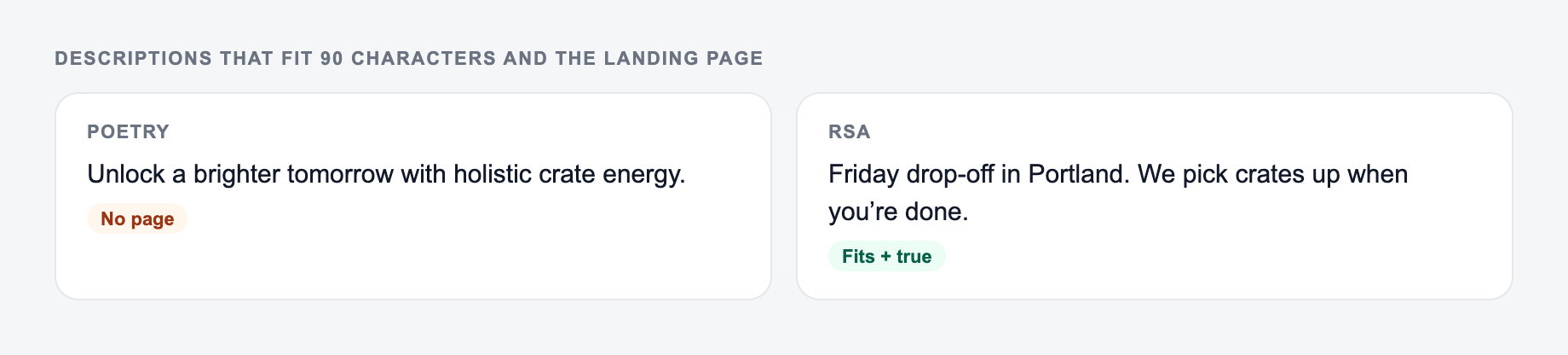
Use this when you want a balanced set of benefit, proof, CTA, urgency, and trust lines for responsive search ads.
Benefit-Led
Use this when the searcher cares most about the outcome: faster repair, easier setup, better reporting, fewer missed deadlines, or a cleaner workflow.
Feature-Led
Use this when specific capabilities matter, such as same-day service, integrations, online booking, 30-day returns, live support, or automated reports.
Local Service Ads Style
Use this for searches with local or urgent intent. Add service area, availability, licensing, pricing clarity, and booking or call CTAs.
SaaS / B2B
Use this for demos, trials, pricing pages, reports, and lead magnets. Lower-friction CTAs often work better than hard sales language.
eCommerce / Shopping Support
Use this for products, bundles, offers, shipping, returns, seasonal promotions, and review-based trust signals.
Example input and generated RSA description set
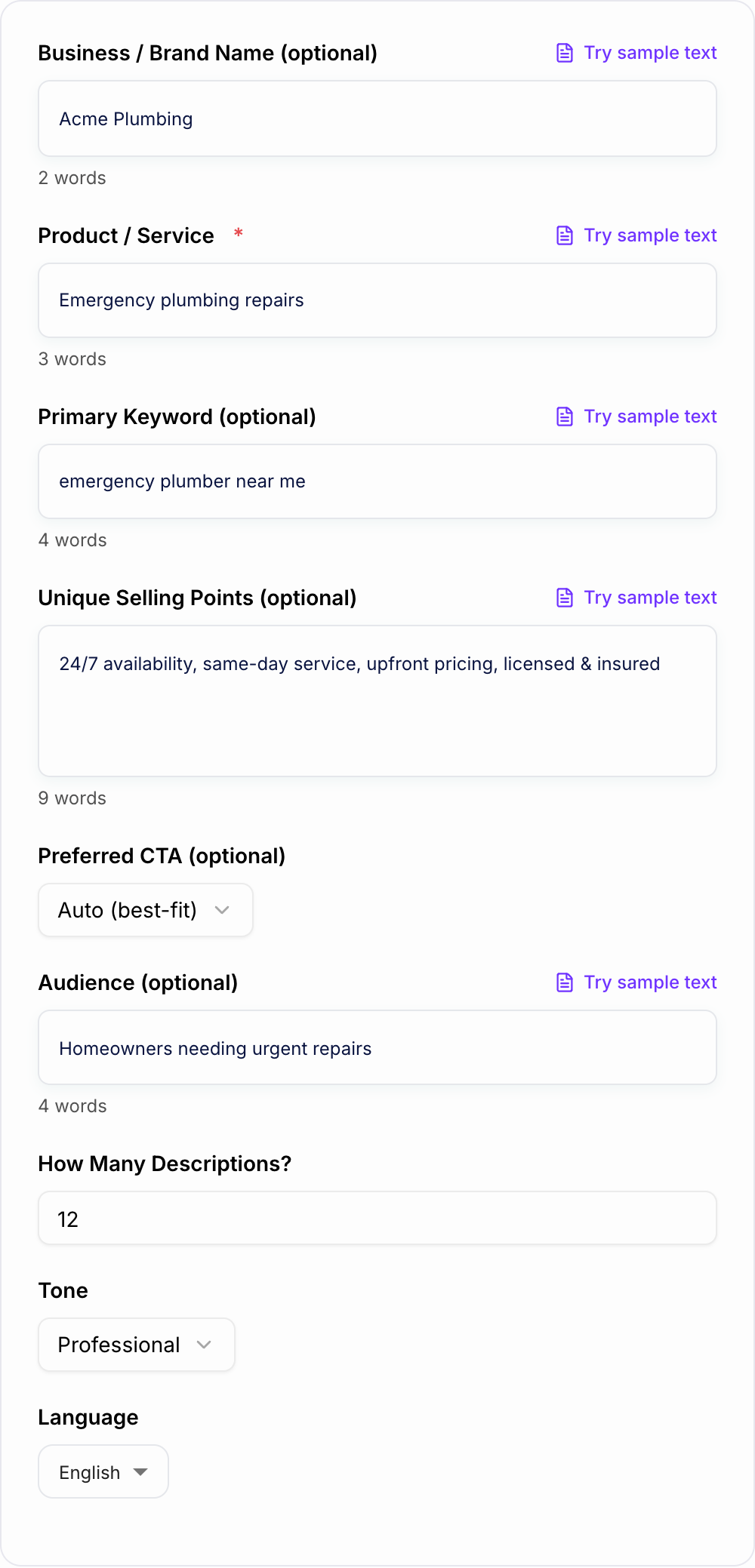
Input:
The form should repeat only claims the landing page can keep after the click.
Discard pile for Google Ads Descriptions Generator drafts:
-
Fake urgency with no date you will honor
-
Personalization tokens that resolve empty
-
Claims a competitor could paste without lying less than you
-
Offer: emergency plumbing repairs
-
Keyword: emergency plumber near me
-
Audience: homeowners needing urgent help
-
USPs: 24/7 availability, same-day service, upfront pricing, licensed and insured
-
CTA: Call Now
-
Mode: local service
Generated descriptions:
- 24/7 Emergency Plumbing Repairs. Call for Fast Help.
- Same-Day Service Available. Upfront Pricing. Book Now.
- Licensed & Insured Local Plumbers. Get a Free Quote.
- Leak or Clog? Schedule Reliable Repair Today.
- Trusted Local Team With Clear Pricing and Fast Response.
- Book Online in Minutes. Get Plumbing Help Today.
Before publishing, check the character count and remove any line that repeats the same idea without adding a new angle.
How to review generated descriptions before publishing
Google Ads descriptions should pass a few checks:
- Character limit: RSA descriptions can be up to 90 characters.
- One idea per line: Avoid stuffing multiple benefits into one asset.
- Keyword intent: The line should match why the person searched.
- Landing-page match: Do not promise pricing, availability, discounts, or features the page does not show.
- Claim support: Avoid "#1," "best," "guaranteed," or extreme claims unless clearly substantiated.
- Variation: Keep a mix of benefit, trust, CTA, and offer lines.
If the output is too generic, add more USPs. If it sounds risky, ask for policy-safer phrasing and remove unsupported superlatives.
How to build better RSA description sets
A useful set usually includes different jobs, not ten rewrites of the same promise.
For most ad groups, start with:
- 2 benefit-led lines
- 1 or 2 trust lines
- 1 feature or USP line
- 1 direct CTA line
- 1 offer or urgency line if it is real
- 1 softer intent line for research-stage searches
Then create separate sets for different keyword clusters. An emergency plumbing ad group should not use the same description mix as a water heater installation ad group. A SaaS pricing ad group should not use the same copy as a demo ad group.
Keep ad descriptions aligned with the full campaign
The output should change when the room changes. Synonyms across cards are a failed brief.
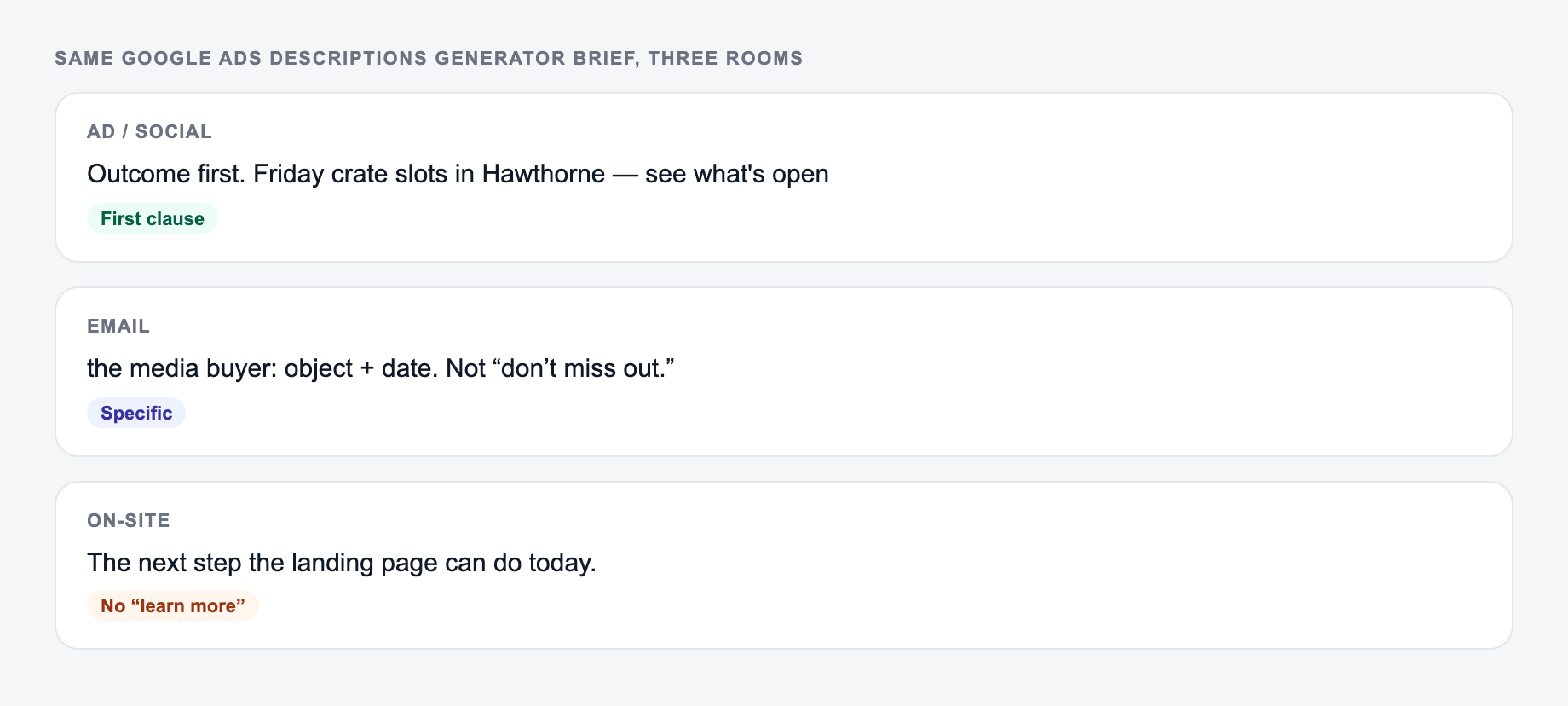
Descriptions work best when the landing page repeats the same promise. If the ad says "upfront pricing," the page should make pricing or quote expectations clear. If the ad says "start free trial," the CTA after the click should not make people hunt for it.
That message match becomes harder when you are also writing landing pages, email follow-ups, and campaign content. A broader writing workspace like Junia AI can help keep the same offer language consistent across the assets that support the ad.
Final checklist before adding descriptions to Google Ads
Discard pile:
- Fake urgency with no date you will honor
- Personalization tokens that resolve empty
- A line a competitor could paste without lying less than you
Before you paste generated descriptions into an RSA, confirm:
- Each line fits the character limit or can be trimmed quickly
- The keyword appears naturally where it helps relevance
- Each description has a distinct role
- The CTA matches the funnel stage
- Proof points and offers are accurate
- The landing page supports every promise in the ad
Description Jobs Inside 90 Characters
RSA descriptions should not all be headline leftovers. Assign jobs, then trim.
Worked set for a content-brief tool:
- Relevance: “Create SEO briefs from a keyword, including outline and FAQs.”
- Proof/offer: “Includes a filled example. No card to start the free plan.” (only if true)
- CTA/path: “Open the generator and export a writer-ready brief.”
If two lines say “save time” with different adjectives, keep one. Keyword stuffing into descriptions looks unnatural and can still get truncated. Character count includes spaces. Offers, prices, and “free” must match the landing page and ad policy. Align with headlines so Google’s combinations cannot pair a discount headline with a description that never mentions it—or pin/control the risky lines.
Frequently Asked Questions
How long can a Google Ads description be?+
For Search Responsive Search Ads (RSA), description lines can be up to 90 characters. This tool aims to keep lines within 90 characters when possible so they’re ready to paste into Google Ads.
Should I include keywords in Google Ads descriptions?+
Yes—use keywords naturally to improve relevance and message match. Avoid keyword stuffing; the best-performing descriptions focus on benefits, clarity, and the user’s intent while still reflecting the query terms.
How many descriptions should I use for an RSA?+
Google lets you add multiple descriptions, and using more gives the system more combinations to test. A common approach is 4–8 strong descriptions with different angles (benefits, features, trust, urgency, offer, CTA).
Can these descriptions improve Quality Score or ad performance?+
Well-written descriptions can improve CTR and conversion rate by aligning with search intent and clarifying the offer. Quality Score depends on expected CTR, ad relevance, and landing page experience—so pair strong copy with a relevant landing page.
Does the tool generate compliant Google Ads copy?+
It generates policy-safer copy by avoiding excessive punctuation and unrealistic promises, but you should still review the final text against Google Ads policies for your industry (especially restricted or regulated categories).
Can I generate descriptions in different languages?+
Yes. Choose an output language to generate localized Google Ads descriptions for multilingual campaigns and international targeting.