
Free Haiku Generator
Create original 5-7-5 haiku poems from a topic, keyword set, season, or mood. Generate classic nature haiku, modern short poems, funny haiku, romantic lines, and classroom-ready examples in seconds.
Haiku
Your haiku will appear here...
How the AI Haiku Generator Works
Get results in seconds with a simple workflow.
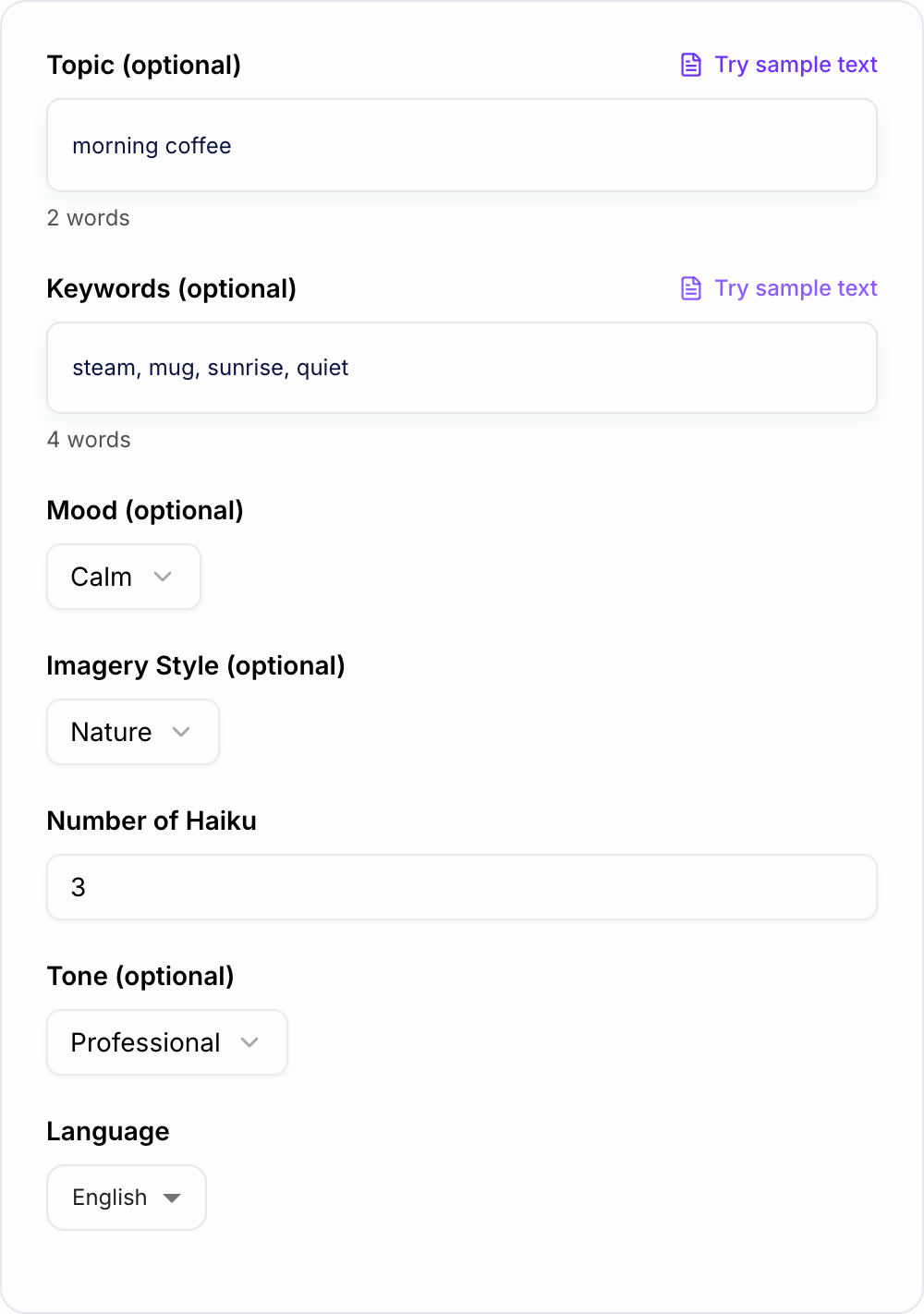
Enter a Topic or Keywords (Optional)
Add a topic (like “first snowfall”) and/or a few keywords to guide the imagery. You can also leave it blank for instant inspiration.
Choose Mood, Style, and Language
Pick a mood and imagery style, optionally set a tone, and select your output language to match your audience or creative goal.
Generate Multiple Haiku Variations
Create several haiku at once, then copy your favorite—or regenerate to explore new images, metaphors, and phrasing.
See It in Action
Example of turning a simple topic into an original 5-7-5 haiku with clear imagery and mood.
Topic: morning coffee Keywords: steam, quiet, sunrise
Steam curls from my cup Sunrise warms the silent room Day begins in hush
Why Use Our AI Haiku Generator?
Powered by the latest AI to deliver fast, accurate results.
Accurate 5-7-5 Haiku Structure
Generates haiku poems that follow the classic 5-7-5 syllable pattern, helping you create authentic short-form poetry that reads naturally.
Topic + Keyword-Based Haiku Creation
Enter a topic or a few keywords and get original haiku that uses your imagery (without awkward keyword stuffing) for more personalized poems.
Multiple Styles: Classic, Modern, Funny, Romantic
Switch between traditional nature haiku, modern haiku, humorous haiku, and romantic haiku to match your writing goal, caption style, or classroom prompt.
Mood and Imagery Controls
Steer the emotion (calm, joyful, melancholy, hopeful) and imagery (nature, travel, everyday life, night) so the poem matches the vibe you want.
Multilingual Haiku Generator
Generate haiku in many languages for creative writing, language learning, and international audiences—ideal for teachers, students, and creators.
Pro Tips for Better Results
Get the most out of the AI Haiku Generator with these expert tips.
Use concrete imagery for stronger haiku
Specific nouns and sensory details (sound, texture, light) make haiku feel vivid and memorable—e.g., “fogged window” beats “sad day.”
Add 3–6 keywords to steer the poem without clutter
A small keyword set helps the generator lock onto a scene (season, setting, objects) while keeping the haiku clean and natural.
Generate 5–10 options, then pick the best ‘moment’
Haiku is about a single clear moment. Multiple variations help you find the sharpest image and strongest emotional turn.
Edit one word to perfect rhythm and meaning
If a line feels slightly off, swapping one verb or noun can improve flow while keeping the 5-7-5 structure intact.
Match mood to use case
For captions, choose joyful or inspiring. For journaling, try calm or melancholy. For marketing, humorous can increase shares and engagement.
Who Is This For?
Trusted by millions of students, writers, and professionals worldwide.
Create 5-7-5 Poems with the AI Haiku Generator
A haiku generator works best when you give it a small, vivid moment instead of a broad theme. "Winter" can produce a usable poem. "First snow under a streetlight, footprints, quiet, blue dusk" gives the tool a scene it can actually shape.
This AI Haiku Generator is designed for quick 5-7-5 drafts, classroom examples, captions, greeting cards, journaling prompts, and creative warmups. You can generate several versions, compare the images, then polish the one line that needs a human touch.
What to Enter for Better Haiku
Start with a topic that can fit into three short lines:
- first snowfall
- morning coffee
- airport goodbye
- summer rain
- empty classroom
- late-night train
Then add 3 to 6 keywords that are physical. Concrete details give the generated haiku stronger texture:
- Objects: mug, lantern, umbrella, sandals, notebook
- Weather: frost, rain, heat, wind, fog
- Sound: kettle, cicadas, tires, church bells
- Light: sunrise, neon, moon, window glow
- Texture: dust, salt, wool, wet pavement
Avoid stuffing the prompt with too many ideas. Haiku is small. One clear image usually beats five competing metaphors.
Choose Classic, Modern, Funny, or Romantic Style
Use classic haiku when you want nature imagery, seasonal language, and a quiet observational feel. This mode is useful for school assignments, poetry units, and seasonal writing.
Use modern haiku when the topic is everyday life: coffee, trains, phones, city rain, homework, or late-night scrolling. The lines can feel more contemporary while still staying short and image-led.
Use funny haiku when you want a playful caption, class example, or meme-style poem. Keep the topic specific so the joke has somewhere to land.
Use romantic haiku for cards, notes, anniversaries, or short personal messages. Add concrete details such as a porch light, empty chair, shared umbrella, or coffee cup so it does not become generic sentiment.
Seasonal Haiku and Kigo
Traditional haiku often uses a seasonal word, known as kigo, to anchor the poem. You do not need to write formally traditional haiku every time, but seasonal anchors make generated poems feel more grounded.
Try prompts like:
- Winter: frost, bare branches, snow hush, long night
- Spring: thaw, buds, pollen, soft rain, blossoms
- Summer: cicadas, salt air, sunburn, late sunset
- Autumn: smoke, fallen leaves, harvest, cold wind
If the output feels vague, add one sharper seasonal image and regenerate.
How to Review a Generated Haiku
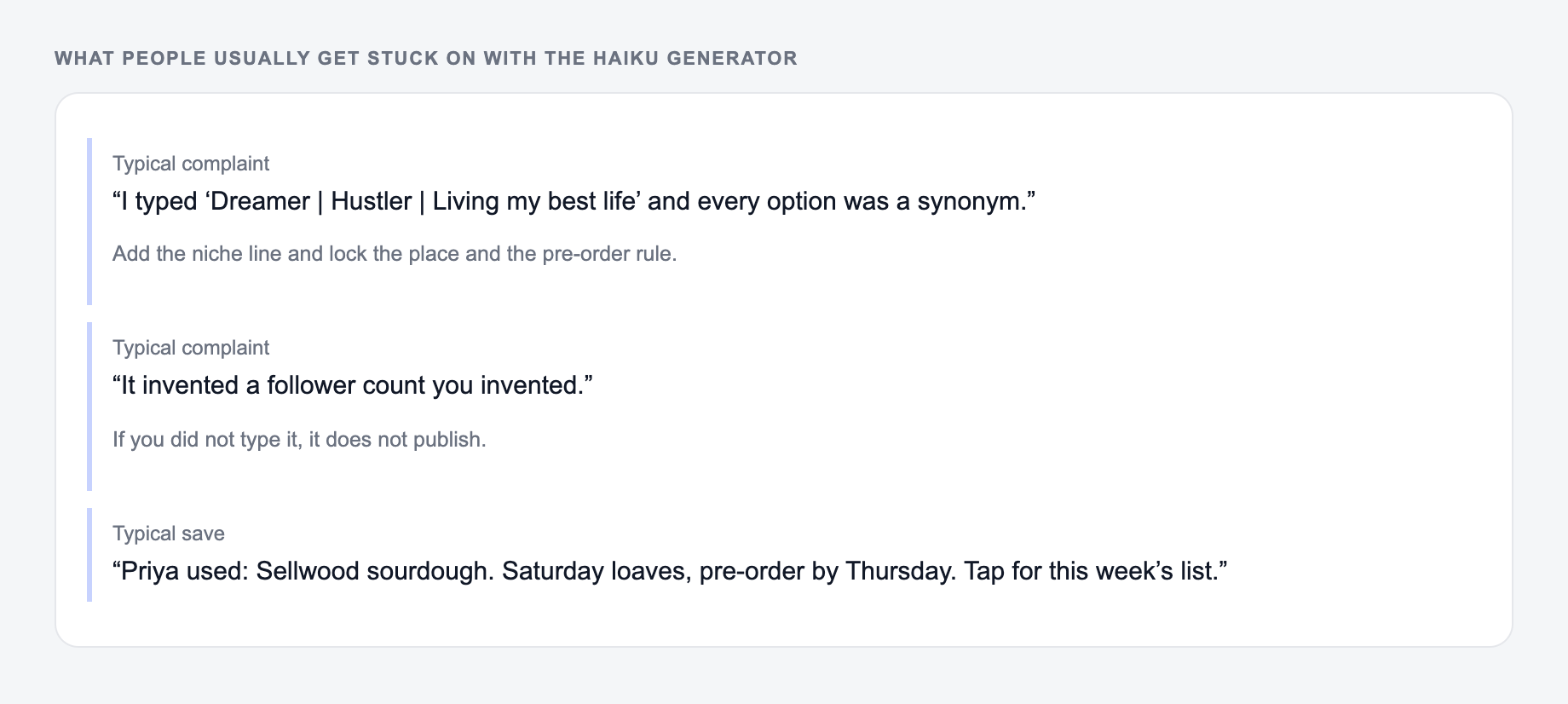
If the output felt generic, it is usually one of these three misses.
Before you copy the poem into a card, caption, worksheet, or post, scan it quickly:
- Check the 5-7-5 rhythm if syllable accuracy matters.
- Look for one concrete image in the poem.
- Remove abstract filler such as beauty, sadness, wonder, or peace if the line lacks an object or action.
- Make sure all three lines belong to the same moment.
- Swap one weak word instead of rewriting the entire poem.
One better noun or verb can fix a haiku. "Birds sing in the trees" may become "sparrows split the dawn." That kind of small edit gives the generated draft more life.
Example Prompt and Polish
Input:
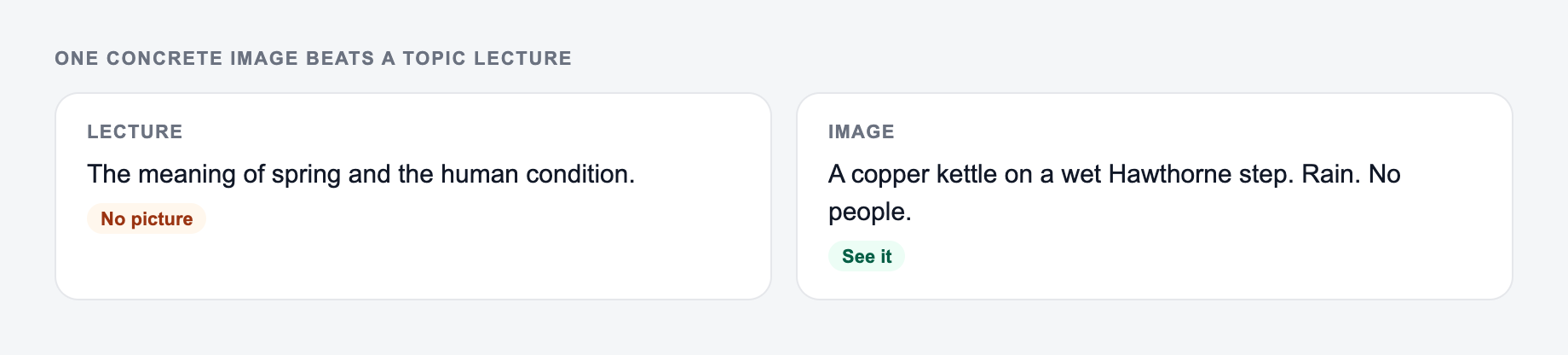
One concrete image on the form is better than a topic lecture.
A shortlist is not a decision. After the AI Haiku Generator runs, pick with a boring test: can a stranger repeat the promise, and can you keep that promise on the page?
Topic: morning coffee
Keywords: steam, window, sunrise, quiet
Generated draft:
Steam lifts from my cup
Sunrise warms the kitchen glass
Quiet fills the room
Possible polish:
Steam lifts from my cup
Sunlight warms the window glass
Quiet fills the room
The edit is tiny, but "sunlight" reads more naturally than repeating "sunrise" as an action.
Practical Uses for Generated Haiku
Haiku is short enough to be useful in places where longer writing feels heavy:
- classroom examples for syllables, imagery, and revision
- Instagram captions and Reels overlays
- greeting cards and handwritten notes
- journaling prompts
- songwriting warmups
- brand or campaign voice experiments
If a haiku becomes part of a larger writing workflow, the tools on Junia AI can help you expand the same idea into captions, posts, product copy, or longer creative drafts while keeping the tone consistent.
Quick Prompts to Try
Before you publish haiku generator output:
- A stranger can repeat the promise
- The page can keep that promise today
- No number, guest, or deadline you did not type
Use these as starting points:
- Topic: first snowfall; keywords: streetlight, hush, footprints, coat
- Topic: late-night train; keywords: neon, window, rain, tired eyes
- Topic: summer beach; keywords: salt, sandals, gulls, sunburn
- Topic: missing you; keywords: empty pillow, lamp glow, quiet room
- Topic: exam morning; keywords: pencil, clock, hallway, breath
Generate several versions, choose the one with the clearest image, then polish lightly. That is the whole workflow: prompt, compare, refine, use.
Frequently Asked Questions
Does this haiku generator follow the 5-7-5 syllable rule?+
Yes. The tool is designed to generate haiku that follow the 5-7-5 syllable structure. Because syllables can vary by dialect and pronunciation, you can lightly edit a word or two if you want a specific reading.
Can I generate a haiku without entering a topic?+
Yes. If you leave the topic blank, the generator will choose a strong, haiku-friendly theme and imagery based on the selected mood, tone, and style.
Can I use keywords to guide the haiku?+
Yes. Add a few keywords (like “snow,” “pine,” “moonlight”) and the tool will weave them in naturally when possible while keeping the poem readable and poetic.
What’s the difference between classic and modern haiku?+
Classic haiku tends to emphasize nature imagery and a quiet moment of observation, often with a seasonal feel. Modern haiku may use everyday scenes, contemporary language, and a more direct emotional tone.
Can I generate haiku in different languages?+
Yes. Choose an output language to generate haiku for multilingual writing, localization, and language learning. Note that syllable rules differ across languages; the tool aims for a haiku-like short poetic form that fits the language naturally.
Is the generated haiku original?+
The generator creates new text each time. You should still review and refine wording for your exact intent—especially if you plan to publish or use it commercially.