
Free Performance Improvement Plan Generator
Generate a structured Performance Improvement Plan from role details, performance concerns, expected standards, timeline, check-in cadence, and support resources. Create an HR-ready PIP draft with measurable goals, documentation prompts, manager responsibilities, and end-of-plan outcomes.
Performance Improvement Plan (PIP)
Your performance improvement plan will appear here...
How the Performance Improvement Plan Generator Works
Get results in seconds with a simple workflow.
Describe the Performance Issues
Enter the performance gaps using objective facts and examples (missed deadlines, quality issues, SLA misses, low quota, policy concerns). This becomes the baseline for the plan.
Set Timeline, Checkpoints, and Support
Choose a PIP duration and check-in cadence. Add training, coaching, tools, and resources you’ll provide so the plan is fair and actionable.
Generate the PIP and Customize
Get a structured Performance Improvement Plan draft with SMART goals, metrics, and follow-up steps. Review with HR, adjust to your policies, and finalize for your employee meeting.
See It in Action
Turn vague feedback into a structured Performance Improvement Plan with measurable goals, timelines, and support.
They need to improve performance and be more reliable. They’re missing deadlines and the work quality isn’t consistent.
Performance Improvement Plan (30 Days)
Performance Concerns:
- Timeliness: 6 of the last 10 assigned tasks were delivered 1–3 business days late.
- Quality: Rework was required on 4 of the last 8 deliverables due to incomplete requirements and missing checks.
Expected Standards:
- Deliver 90%+ of tasks by the agreed deadline.
- Reduce rework by completing a pre-submission checklist for every deliverable.
SMART Goals:
- Timeliness: By day 30, deliver at least 9 of 10 tasks on time, tracked weekly.
- Quality: Achieve <10% rework rate by day 30, measured by manager review notes.
Action Steps:
- Use a daily plan and send an EOD status update (blockers + next-day priorities).
- Apply the pre-submission checklist before marking work complete.
Support/Resources:
- Weekly 30-minute coaching session.
- Checklist template + examples of high-quality deliverables.
Check-Ins:
- Weekly progress review with documented notes and updated action items.
Outcomes:
- Successful completion if goals are met by day 30; otherwise plan may be extended or further action taken per company policy.
Why Use Our Performance Improvement Plan Generator?
Powered by the latest AI to deliver fast, accurate results.
SMART Goals + Measurable Success Criteria
Generates SMART performance goals with clear metrics (quality, timeliness, productivity, accuracy, behavior) so expectations are objective and trackable throughout the PIP timeline.
Structured HR-Ready PIP Template
Creates a consistent Performance Improvement Plan format: performance concerns, expectations, action steps, resources, check-in schedule, documentation notes, and outcomes—ready to paste into HR systems.
Role-Specific Guidance (Sales, Support, Engineering, and More)
Adapts goals and KPIs to the employee’s role, using common performance metrics like quota attainment, CSAT, QA score, SLA adherence, delivery predictability, and collaboration expectations.
Balanced Accountability + Support Plan
Includes manager responsibilities, coaching actions, training resources, and tools needed—so the plan is fair, constructive, and focused on successful improvement.
Checkpoint Schedule + Documentation Prompts
Adds a follow-up cadence, progress review agenda, and notes to capture outcomes at each check-in—supporting consistent performance management and clearer next steps.
Pro Tips for Better Results
Get the most out of the Performance Improvement Plan Generator with these expert tips.
Write concerns as observable facts, not conclusions
Use specific examples (dates, deliverables, metrics) rather than subjective labels. Objective wording improves clarity and reduces disputes during performance reviews.
Define success metrics that can be measured weekly
Choose indicators you can track at each check-in (QA score, SLA adherence, error rate, on-time delivery rate, activity targets). This keeps the PIP actionable.
Include manager responsibilities and resources
A strong PIP lists what support will be provided (training, documentation, coaching, shadowing). This increases the chance of improvement and shows fair process.
Keep goals realistic for the timeline
Avoid overloading the plan. Prioritize the 2–5 outcomes that most affect role success, then add milestones so progress is visible within 1–2 weeks.
Document every checkpoint consistently
Use a consistent agenda (progress vs goals, blockers, next steps). Accurate documentation helps performance management and clarifies outcomes at the end of the PIP period.
Who Is This For?
Trusted by millions of students, writers, and professionals worldwide.
Generate a Clear Performance Improvement Plan with Measurable Goals
The Performance Improvement Plan Generator helps managers and HR teams turn vague performance concerns into a structured PIP draft with facts, expectations, SMART goals, support resources, check-ins, and possible outcomes.
That structure matters. A weak PIP says "improve communication" or "be more reliable." A useful PIP explains what happened, what standard is expected, how improvement will be measured, what support the employee will receive, and when progress will be reviewed.
Use the generator to create a first draft. Then review it against company policy, local requirements, and HR guidance before sharing it with an employee.
What to Enter into the PIP Generator
The best inputs are factual and specific. Avoid personality labels, assumptions, or emotional wording. The tool can produce a stronger plan when you give it measurable examples.
Include:
- employee role or team
- performance concerns with dates, counts, examples, or metrics
- expected standards for the role
- desired PIP duration, such as 30, 60, or 90 days
- check-in cadence
- support resources you will provide
- constraints, workload changes, system access issues, or training gaps
Weak input:
Employee is unreliable and needs to improve quality.
Better input:
Customer Support Specialist. Over the last 6 weeks, SLA was missed on 18% of tickets, QA score averaged 78% against a 90% target, and 7 escalations involved incomplete troubleshooting notes. Expected standard: 95% SLA adherence, 90%+ QA, complete notes on every ticket. Duration: 30 days. Support: weekly coaching, ticket-writing checklist, and two shadowing sessions.
The better input gives the generator enough detail to create goals that can be tracked.
How to Choose the Right PIP Mode
Use Supportive (Manager-Led) when the plan should feel coaching-forward while still holding the employee accountable. This works well for early intervention and recoverable performance gaps.
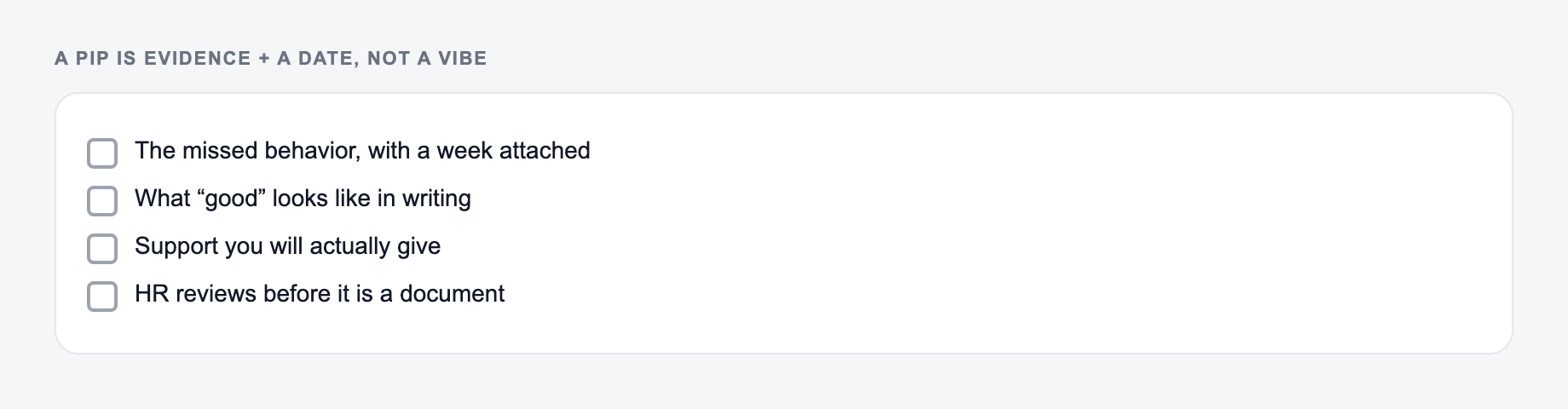
Use Formal (HR-Ready) when the document needs precise, neutral wording for records and review. This mode is better for sensitive situations or later-stage documentation.
Use Sales Performance PIP for quota attainment, pipeline coverage, activity targets, forecast accuracy, deal hygiene, and conversion issues.
Use Customer Support PIP for QA score, CSAT, SLA adherence, resolution time, documentation quality, and tone.
Use Engineering PIP for delivery predictability, code quality, testing, incident ownership, documentation, collaboration, and planning.
Use Attendance / Conduct PIP when reliability, schedule adherence, professionalism, or policy expectations need to be documented clearly.
What a Strong Generated PIP Should Include
A usable output should include the same core sections HR teams expect:
- performance concerns written as observable facts
- expected standards and role requirements
- 2 to 5 SMART goals
- timeline and checkpoints
- employee action steps
- manager support and resources
- documentation expectations
- possible outcomes at the end of the plan
If the generated PIP gives too many goals, reduce it. A focused plan is easier to manage and easier for the employee to act on.
Example Input and Generated Goal
Input:
Name the gap, the metric, and the support you will actually give. This is not legal advice.
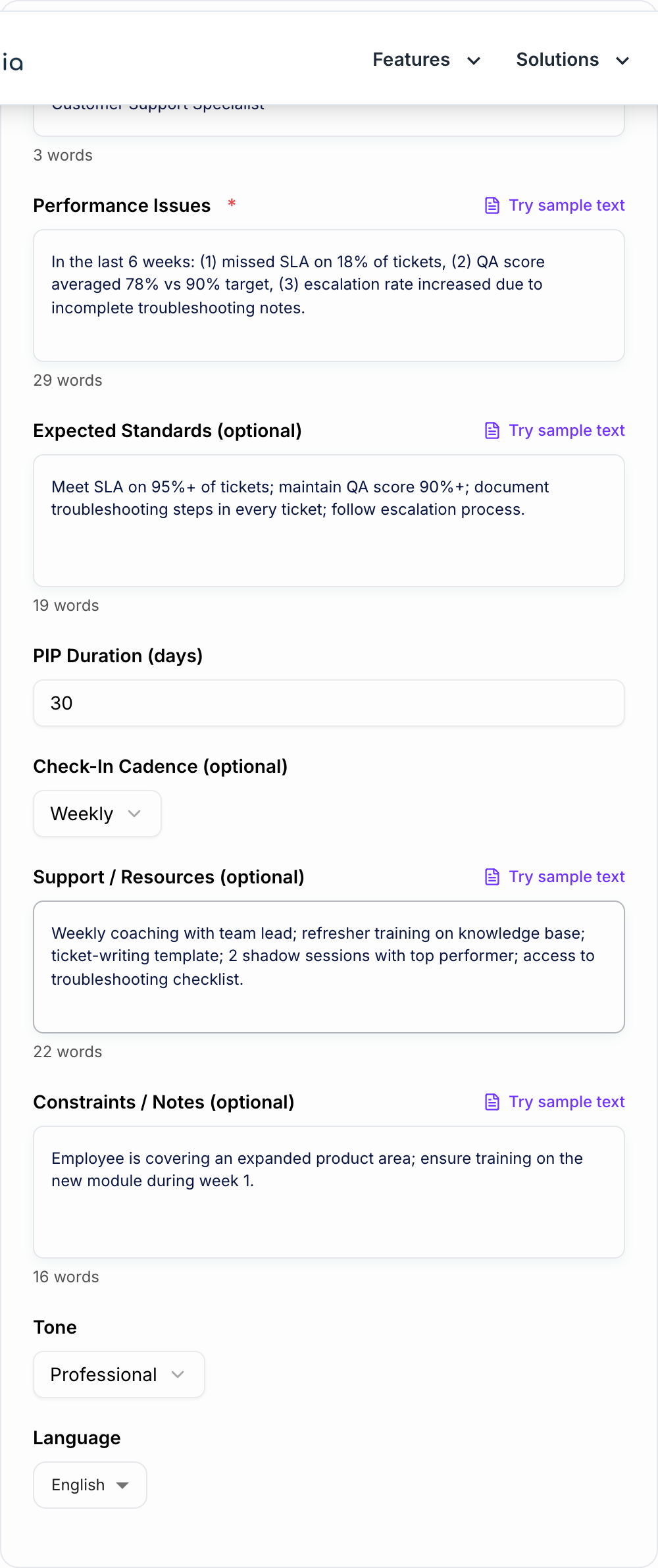
Performance issue: 6 of the last 10 deliverables were submitted 1 to 3 business days late. Rework was required on 4 of the last 8 deliverables because acceptance criteria were missed. Expected standard: 90% on-time delivery and completed pre-submission checklist for every deliverable.
Generated goal:
By day 30, deliver at least 90% of assigned work by the agreed deadline and complete the pre-submission checklist before each handoff. Progress will be reviewed weekly using task timestamps, manager review notes, and rework requests.
This is stronger than "improve reliability" because everyone can see how success will be measured.
Review the PIP Before Using It
Read the generated plan carefully before it becomes an HR document.
Check that the language describes behavior and results, not character. Replace "careless" with "submitted 4 of 8 deliverables with missing acceptance criteria."
Check that goals are realistic for the timeline. Deep skill gaps may need milestones, not a single 14-day turnaround.
Check that support is real. If the plan promises coaching, training, shadowing, documentation, or tools, the manager must actually provide them.
Check policy alignment. PIPs can have legal and employee-relations implications, so HR should review the final version before delivery.
If your team creates many manager documents, Junia AI can help standardize the surrounding emails, check-in notes, and follow-up summaries while the PIP generator handles the core plan.
Common PIP Generator Mistakes
Do not give the tool vague accusations. Vague input creates vague goals.
Do not overload the PIP with every frustration from the last year. Focus on the few performance gaps that most affect role success.
Do not skip expected standards. The employee needs to know what "good" looks like.
Do not publish the generated plan without HR review. The tool creates a strong draft, not a legal opinion.
Final PIP Checklist
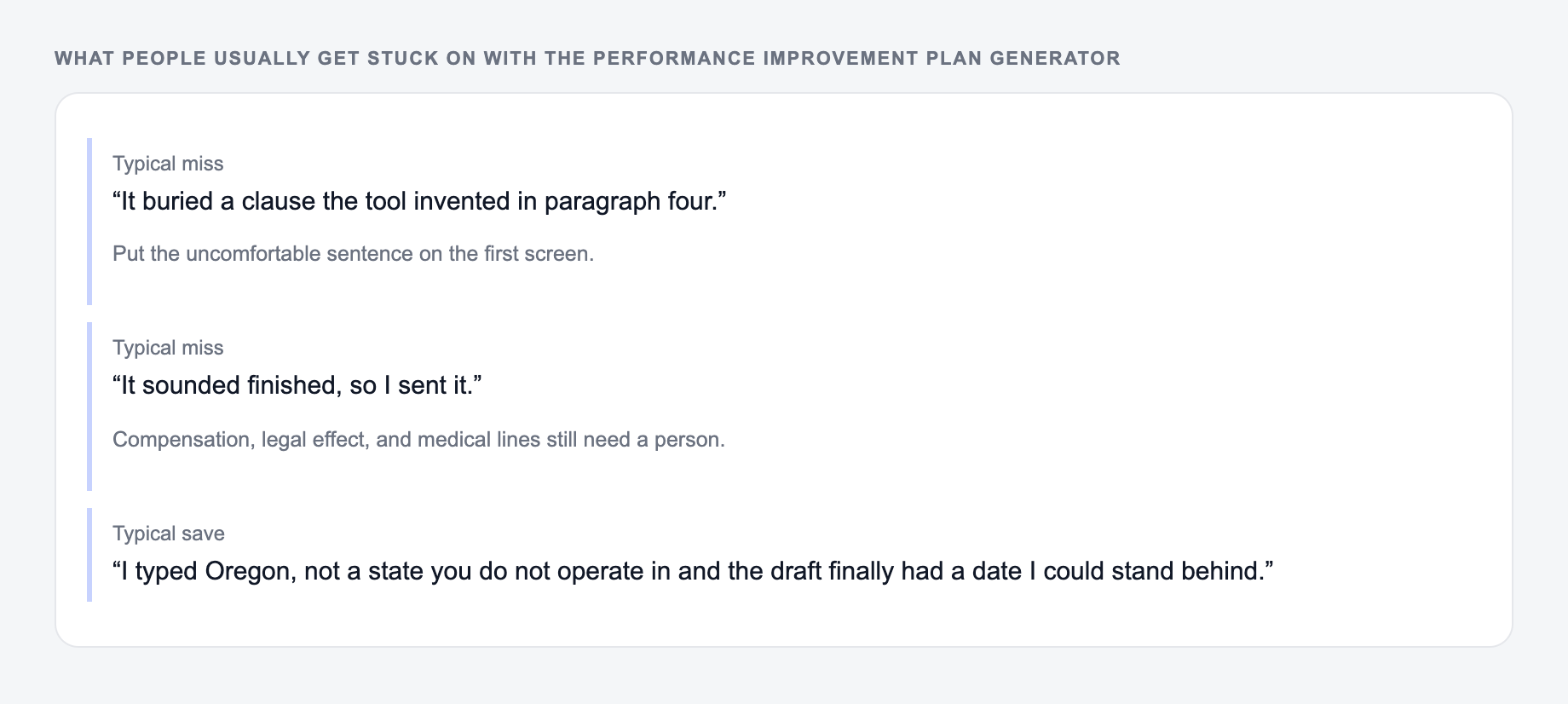
Before using the generated Performance Improvement Plan, confirm:
- concerns are factual and specific
- success criteria are measurable
- goals fit the timeline
- support resources are listed
- check-ins have owners and dates
- outcomes are clear
- HR has reviewed the final language
Frequently Asked Questions
What is a Performance Improvement Plan (PIP)?+
A Performance Improvement Plan is a structured document that outlines performance concerns, clarifies expectations, and provides a time-bound plan with measurable goals, resources, and checkpoints to help an employee improve performance.
Is this Performance Improvement Plan generator free?+
Yes. You can generate a PIP draft for free. Some specialized modes (like formal HR-ready language or certain role-specific plans) may be marked as premium.
What information should I include for the best PIP?+
Include specific performance issues with examples, the expected standard (metrics or behaviors), a reasonable timeline (commonly 30–60 days), check-in cadence, and the support/resources you will provide (training, coaching, tools, shadowing).
Does a PIP need to include measurable metrics?+
Yes—measurable success criteria reduce ambiguity. Strong PIPs use SMART goals and objective indicators like quality scores, timeliness, productivity, error rate, SLA adherence, or role-specific KPIs (e.g., quota attainment).
Can I use this for any role (sales, support, engineering, admin)?+
Yes. Enter the role and performance issues, and the generator will produce role-appropriate goals, action steps, and metrics. You can also select a role-tailored mode for more specific KPIs.
Is the generated PIP legally compliant?+
It provides a best-practice draft, but compliance depends on your location, company policies, and HR/legal requirements. Review the final plan with HR and ensure language is objective, non-discriminatory, and aligned with policy.
What should happen at the end of a PIP?+
The PIP should define possible outcomes (successful completion, extension, reassignment, or further action). A final review summarizes progress against goals using documented checkpoint notes and agreed-upon next steps.