
Free Poem Generator
Create original poems from a theme, mood, keywords, and preferred style. Generate haiku, free verse, sonnets, rhyming poems, acrostics, and spoken word drafts you can copy, personalize, and refine.
Poem
Your poem will appear here...
How the AI Poem Generator Works
Get results in seconds with a simple workflow.
Enter a Topic or Theme
Type what the poem is about (love, loss, hope, nature, friendship). The clearer the theme, the more emotionally focused the poem will be.
Pick a Style, Tone, and Length
Choose free verse, haiku, sonnet, rhyming, acrostic, or spoken word. Set a tone and length to match your occasion—short for captions, longer for cards or speeches.
Generate, Then Personalize
Get a polished poem instantly. For best results, add one or two personal details (a place, a memory, a shared object) and regenerate for a more unique final version.
See It in Action
Turn a simple theme into a polished, original poem with vivid imagery, intentional line breaks, and a clear emotional arc.
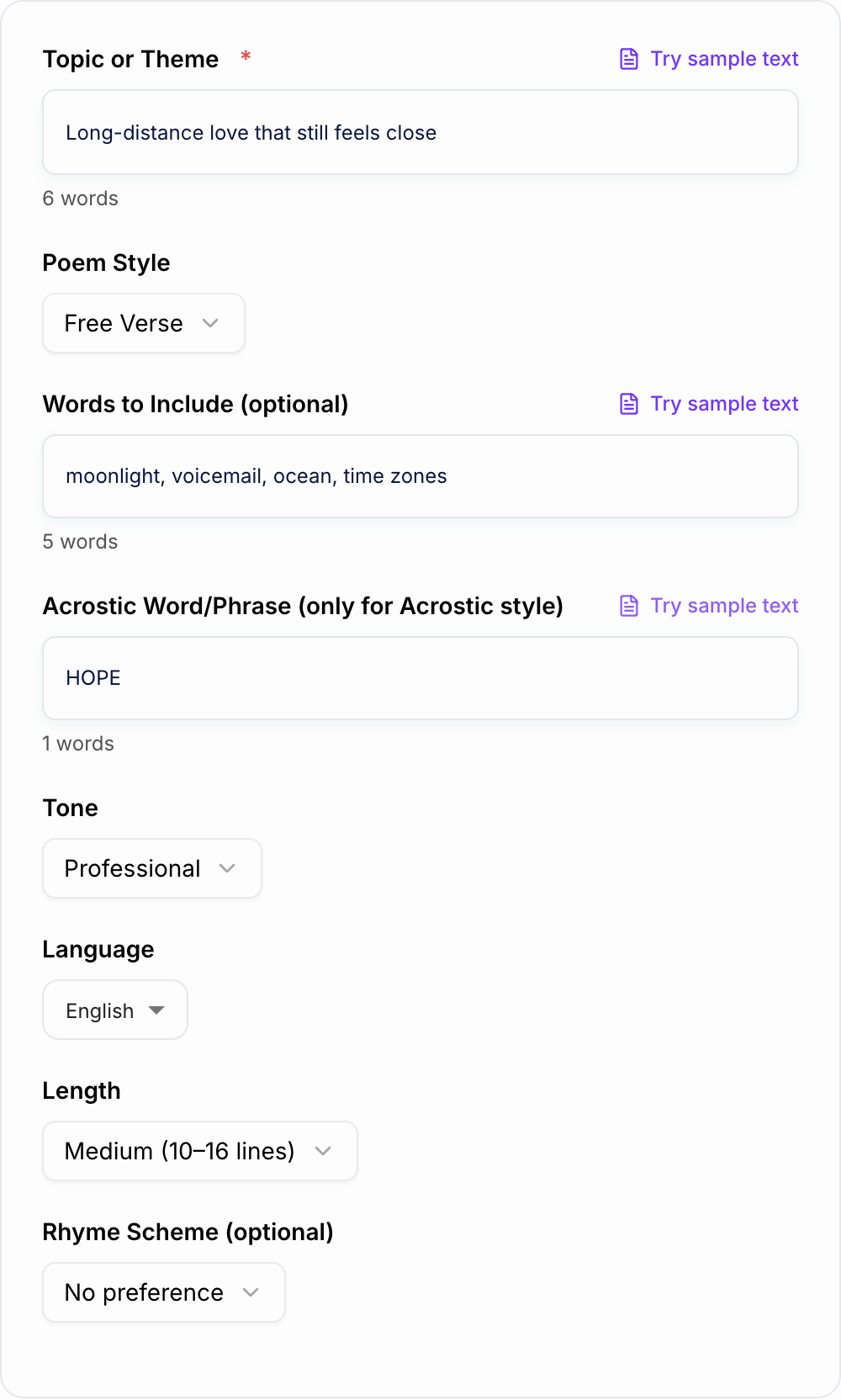
Topic: long-distance love
Write a poem about missing someone far away.
H2: (Title) The Distance Between Time Zones
Your morning is my midnight, a quiet blue on the other side of glass— I fold my day into small messages and send them out like paper boats.
The map says far, but I’ve learned distance is mostly weather: static on a call, wind in the pause after your laugh.
I keep your name where my pulse is, practice patience like a language, and when the night gets loud, I listen for you in the soft places— moonlight on the kitchen floor, a voicemail I won’t delete, the ocean of seconds carrying us forward, one tide at a time.
Why Use Our AI Poem Generator?
Powered by the latest AI to deliver fast, accurate results.
Multiple Poetry Styles (Haiku, Sonnet, Free Verse, Rhyming)
Generate poems in popular formats for creative writing, school assignments, love poems, and social captions—tailored to the style you choose.
Tone-Controlled Poetry for Any Occasion
Pick a tone (romantic, funny, reflective, inspirational, bittersweet) to match birthday cards, anniversaries, condolences, speeches, and everyday moments.
Keyword & Phrase Inclusion (Without Forced Wording)
Optionally include specific words (names, places, symbols) for personalized poems—ideal for gifts, vows, and custom messages.
Original, Vivid Imagery with Clean Line Breaks
Creates readable poems with intentional rhythm, strong metaphors, and effective line breaks—avoiding filler, repetition, and cliché-heavy writing.
Multilingual Poem Generation
Generate poems in many languages for multilingual audiences, international classrooms, and localized creative content.
Pro Tips for Better Results
Get the most out of the AI Poem Generator with these expert tips.
Add 3–6 vivid keywords for stronger imagery
Include sensory details (weather, colors, places, objects) like “rain on glass” or “orange streetlights” to make the poem feel specific and memorable.
Use free verse for modern, natural-sounding poetry
Free verse is often the most flexible for heartfelt messages, social captions, and contemporary voice—especially when you want emotional clarity without forced rhymes.
For rhyming poems, keep the vocabulary simple
Simple wording helps rhymes land naturally. If the output feels forced, switch to ABAB or reduce the number of required keywords.
Make it personal with one concrete moment
Add a shared memory (a first date, a city, a song) to create a poem that reads like it’s truly yours—great for gifts and letters.
Generate 2–3 variations and combine the best lines
Poetry benefits from iteration. Create multiple versions, then keep the strongest imagery and endings to craft a final poem you love.
Who Is This For?
Trusted by millions of students, writers, and professionals worldwide.
Generate a Better Poem with an AI Poem Generator
The fastest way to get a useful poem from an AI poem generator is to treat the form like a creative brief. You do not need a polished idea before you start. You need a clear theme, a few concrete details, the right poem style, and enough tone direction to keep the output from sounding generic.
Subject and form on the form keep the draft from becoming a generic stanza.
Weak brief
A one-line request like “run the poem generator” with no audience, channel, or constraint.
Brief that actually steers the ai poem generator
A brief the AI Poem Generator can use: who it is for, where the output will appear, and what must stay true.
Name the audience, the room it will appear in, and one thing the line is not allowed to invent.
This tool can draft love poems, haiku, free verse, acrostics, rhyming poems, spoken word pieces, classroom poems, and short verses for cards or captions. The final poem still benefits from a quick human edit, but the generator gives you structure, imagery, rhythm, and a first version you can actually work with.
What to enter before you generate
Start with a topic that names the real moment behind the poem. Broad topics like "love," "grief," or "hope" work, but they usually produce broad lines. A specific prompt gives the generator something sharper to build around.
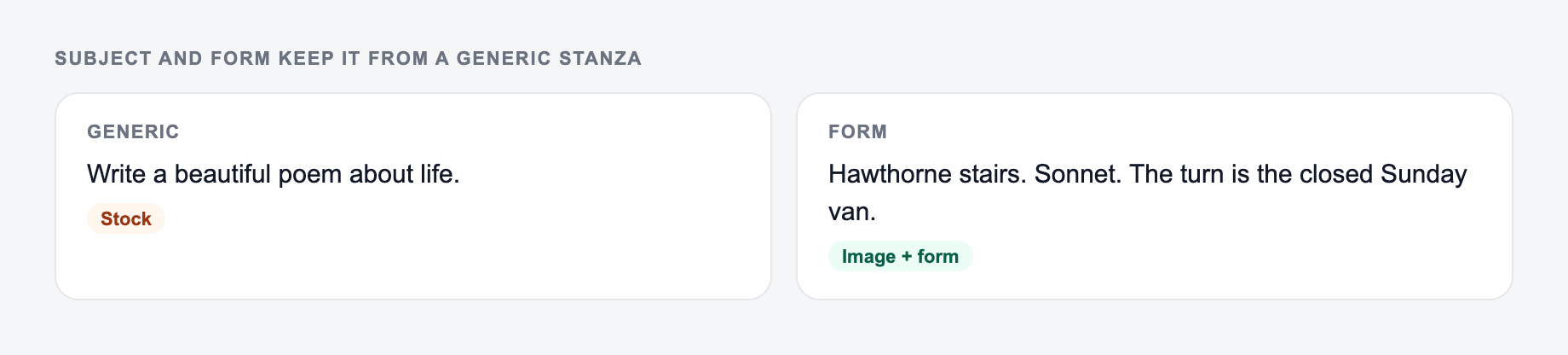
The left side is what most people type. The right side is the brief that actually steers the draft.
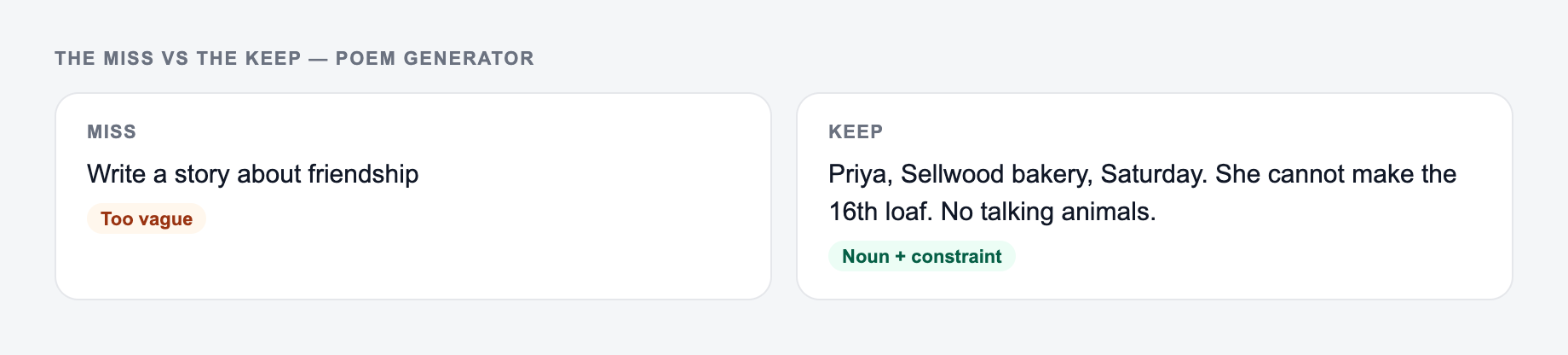
A shortlist from the Poem Generator is not a decision. Keep a line you could publish after one edit. Reroll anything that only works if the reader already knows you. Throw away a line that invents proof.
Better topic inputs look like this:
- "long-distance love that still feels close despite time zones"
- "missing my grandmother while making coffee on Sunday morning"
- "a student trying again after failing an exam"
- "first snowfall in a city that no longer feels new"
- "a funny birthday poem for a friend who is always late"
Then add optional keywords that make the poem feel personal. Use places, objects, colors, weather, names, shared memories, or sensory details. Three to six keywords is usually enough. If you add too many, the poem may start listing details instead of shaping them into a clear emotional arc.
How to choose the right poem style
Use free verse when you want a modern poem with natural line breaks and emotional clarity. It is the safest default for love notes, personal reflections, social captions, and poems that should not sound too formal.
Use haiku when the poem should be small, image-led, and focused on one moment. Haiku works best when you give the generator a scene instead of a whole story.
Use sonnet when you want something formal, romantic, or classic. Because sonnets have a stronger structure, give the tool a clear emotional turn, such as longing becoming acceptance or fear becoming courage.
Use rhyming poem for birthdays, classroom work, playful notes, and kid-friendly poems. If the output feels too sing-song, switch from AABB to ABAB or reduce the number of required keywords.
Use acrostic when personalization matters more than subtlety. Names, values, classroom words, and short phrases work well because each line has a visible purpose.
Use spoken word when the poem will be read aloud. Give the generator a bold point of view, a real tension, or a repeated phrase so the output has performance energy instead of just nice lines.
Tone settings change more than mood
Tone affects vocabulary, pacing, imagery, and ending style. A romantic tone may soften the language. A reflective tone may slow the poem down. A funny tone may favor sharper turns and lighter rhymes. A bittersweet tone often works well when the poem needs to hold two feelings at once.
If the first poem is close but not quite right, keep the same topic and change only the tone. That is often faster than rewriting the entire prompt.
Useful combinations:
- Romantic + free verse for anniversary notes and long-distance messages
- Gentle + medium length for remembrance or condolence poems
- Funny + rhyming for birthday cards and friendly tributes
- Inspirational + acrostic for classroom, church, or event poems
- Reflective + spoken word for graduation pieces and personal speeches
Example input and output direction
Try an input like this:
Topic: long-distance love that still feels close Keywords: time zones, voicemail, moonlight, ocean Style: free verse Tone: romantic and reflective Length: medium
A strong generated poem should not just say "I miss you." It should use the keywords as images, create a sense of distance, and end with a feeling that has moved somewhere. If the poem only repeats the topic in prettier language, regenerate with a more specific moment, such as "waiting for a call after midnight" or "saving a voicemail after a hard week."
How to edit the generated poem
After the tool generates a poem, read it once without changing anything. Mark the lines that feel strongest. Then make a small, focused pass:
- Replace generic nouns with real details.
- Cut lines that explain the meaning too directly.
- Remove any rhyme that forced the sentence out of natural order.
- Keep the best image, even if you rewrite the line around it.
- Make the ending feel intentional instead of just stopping.
You can also generate two or three versions and combine the strongest lines. That is a normal poetry workflow. The generator gives you options; your edit gives the poem taste and specificity.
When to regenerate instead of editing
Regenerate when the structure is wrong, the tone misses the moment, or the poem has no clear image. Edit when the poem has a good center but needs better wording.
For example, a weak line like "Your love is like a beautiful star" is usually worth replacing. A stronger but imperfect line like "your voicemail glows in the kitchen after midnight" is worth keeping and polishing.
If you are building a card, caption, speech, or longer message around the poem, the broader writing tools on Junia AI can help shape the surrounding copy while this generator handles the verse itself.
Final checklist before using the poem
Before you copy the poem into a card, assignment, caption, or speech, check that it:
- names or implies the real occasion
- includes at least one detail only you would choose
- matches the style you selected
- avoids forced rhymes and overused metaphors
- has a clear final line
- sounds natural when read aloud
The best AI-generated poems usually start with a specific human detail. Give the tool one real image, then let it build the first draft around that.
Frequently Asked Questions
Is this poem generator free to use?+
Yes. You can generate poems for free. Some advanced formats (like sonnets, rhyming poems, or spoken-word) may be marked as premium depending on your plan.
Can I choose the poem style (haiku, sonnet, free verse)?+
Yes. Select a style to guide structure, rhythm, and formatting. If you want a specific format (like 5–7–5 syllables for a haiku), choose the matching style.
Can the poem include specific words, names, or phrases?+
Yes. Add optional keywords (names, places, symbols) and the generator will incorporate them naturally without making the poem feel forced.
Will the poem rhyme?+
Only if you choose a rhyming style or request a rhyme scheme. Free verse typically avoids strict rhymes, while rhyming mode aims for natural end rhymes and smooth cadence.
Is the poem original?+
The tool generates original text based on your inputs. Still, you should review the poem and adjust details (names, events, unique memories) to make it personally meaningful.
Can I generate poems in other languages?+
Yes. Choose an output language to generate poetry in many languages—useful for multilingual writing, translation practice, and localized creative content.