
Free Screenplay Scene Generator
Generate screenplay scenes in script-ready format with sluglines, action lines, character cues, dialogue, conflict, and a closing beat. Use it to draft film, TV, short film, audition, table read, or rewrite scenes faster.
Screenplay Scene
Your screenplay scene will appear here...
How the AI Screenplay Scene Generator Works
Get results in seconds with a simple workflow.
Add a Scene Idea (Logline)
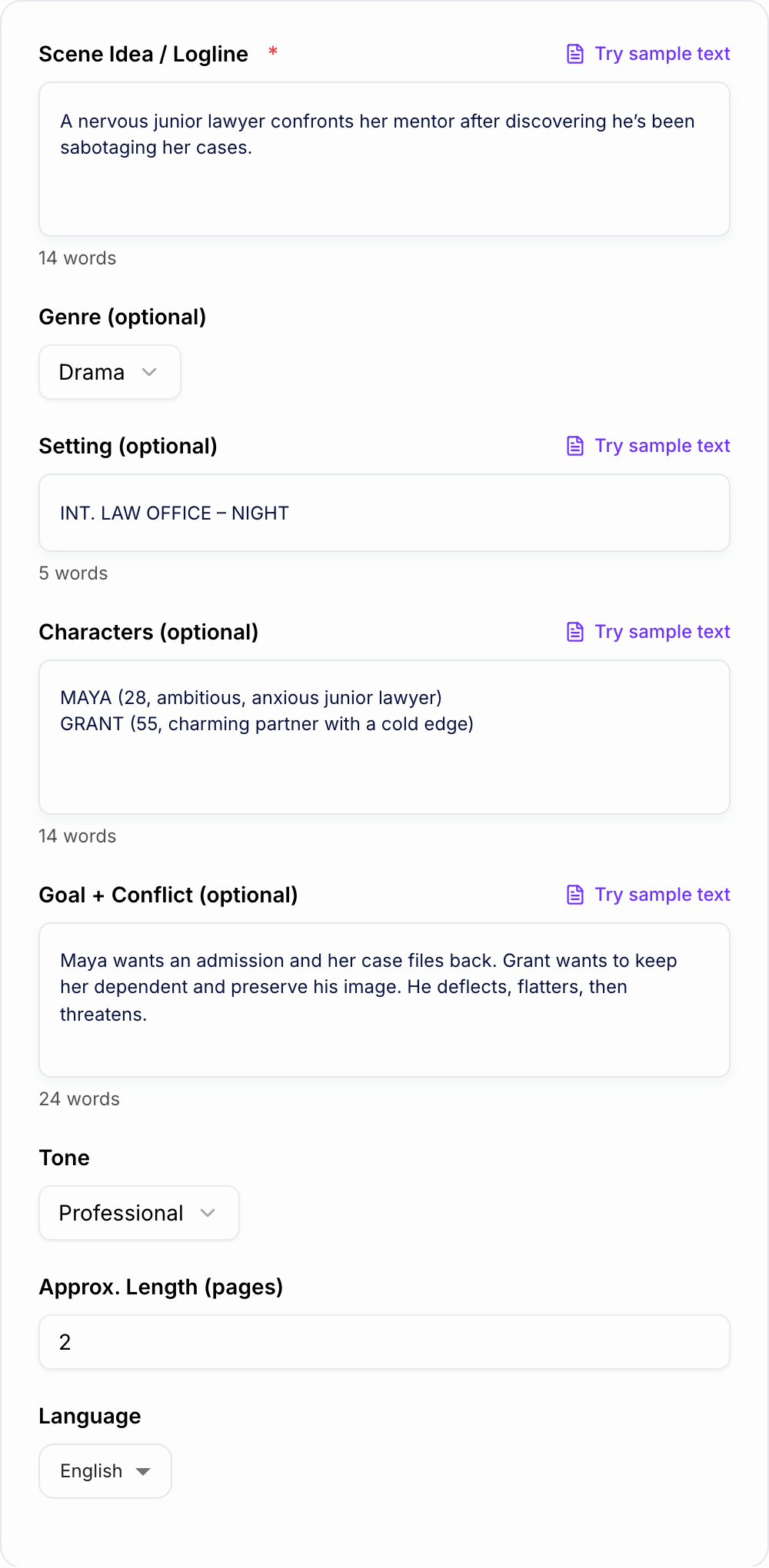
Describe what happens in the scene in 1–3 sentences. Include who wants what, what stands in the way, and the emotional stakes.
Optional: Choose Genre, Setting, and Characters
Add a setting and a short character list to improve voice and specificity. The more concrete the situation, the more filmable the scene will feel.
Generate, Then Iterate
Create a full scene draft, then try another mode (dialogue-forward, action-forward, punchier) to explore stronger beats, reversals, and endings.
See It in Action
Turn a simple scene idea into a screenplay-formatted scene with strong beats, dialogue, and a clean ending.
Two siblings argue in a hospital waiting room about their dad. One wants to pull the plug, the other refuses.
INT. HOSPITAL WAITING ROOM – NIGHT
Fluorescent lights. A vending machine HUMS. A TV plays with the sound OFF.
LENA (32) sits rigid, staring at a styrofoam cup she hasn’t sipped.
MARCUS (35) paces. His steps are too loud for the hour.
                      MARCUS
          They said “no change.” That’s doctor code for
          never.
Lena doesn’t look up.
                      LENA
          Don’t translate it for me.
Marcus stops pacing.
                      MARCUS
          You heard the part about the ventilator.

                      LENA
          I heard all of it.
A beat. The TV flickers—someone on-screen laughs silently.
                      MARCUS
          Then sign.
Lena finally looks at him—eyes dry, dangerous.
                      LENA
          You want me to be the one who kills him.

                      MARCUS
          I want you to be the one who stops pretending he’s
          coming back.
Lena’s fingers CRUSH the cup. Coffee spills onto her hand.
                      LENA
          He’s still warm.

                      MARCUS
          So is a car engine.
Lena stands—too fast.
                      LENA
          Don’t.
Marcus lowers his voice.
                      MARCUS
          You weren’t there when he—

                      LENA
              (sharp)
          I was there when he picked you up from jail. Twice.
Marcus flinches. He looks toward the ICU doors like they might open and rescue him.
                      MARCUS
          This isn’t about me.

                      LENA
          It’s always about you. Even now.
A NURSE appears in the doorway, clipboard in hand.
                      NURSE
          Family for Robert Alvarez?
Lena and Marcus freeze.
                      NURSE (CONT’D)
          He opened his eyes.
Lena’s face changes—hope like a betrayal.
Marcus swallows hard.
                      MARCUS
          Did he— did he say anything?
The Nurse hesitates.
                      NURSE
          He asked for… the son.
Lena’s hand slowly relaxes around the crushed cup.
Marcus can’t look at her as he steps forward.
                      MARCUS
          I’ll go.
Lena nods, but her eyes say something else.
                      LENA
          Don’t waste it.
Marcus follows the Nurse through the doors.
Lena sits back down—alone with the silent TV and the coffee cooling on her skin.
Why Use Our AI Screenplay Scene Generator?
Powered by the latest AI to deliver fast, accurate results.
Industry-Style Screenplay Formatting
Generates a script scene with scene headings (INT./EXT.), action lines, character cues, and dialogue—formatted for fast copy/paste into screenwriting software.
Character Voice + Subtext
Creates distinct dialogue voices with implied motives, tension, and subtext—so scenes feel written for film/TV rather than generic prose.
Strong Scene Beats and Turning Points
Builds scenes around clear objectives, obstacles, escalation, and a closing beat—helpful for story structure, pacing, and emotional movement.
Genre-Aware Scene Generation
Adapts dialogue rhythm, stakes, and atmosphere for drama, comedy, thriller, horror, action, romance, and more—so your scene matches audience expectations.
Fast Iteration for Rewrites and Variations
Quickly generate alternate takes (punchier, more dialogue-driven, more action-driven) to explore better outcomes, sharper conflict, and stronger endings.
Pro Tips for Better Results
Get the most out of the AI Screenplay Scene Generator with these expert tips.
Write the scene’s objective as a verb
Inputs like “convince,” “escape,” “extract a confession,” or “stall for time” produce clearer conflict and stronger turning points than vague goals.
Add a constraint to make it filmable
Include a limitation (one location, time pressure, no phones, crowded room, power outage). Constraints naturally create stakes and visual problem-solving.
Give each character a tactic
Specify how characters pursue their goal (charm, intimidation, humor, logic, guilt). Tactics create subtext and make dialogue feel intentional.
End on a choice, reveal, or reversal
If the closing beat feels flat, regenerate with a clear turn: a secret revealed, a door slammed, a new obstacle, or an unexpected decision.
Rewrite for sound after generating
Read dialogue aloud. Trim greetings, remove on-the-nose lines, and keep what characters avoid saying. This improves rhythm and realism fast.
Who Is This For?
Trusted by millions of students, writers, and professionals worldwide.
Generate Script-Ready Scenes with an AI Screenplay Scene Generator
The AI Screenplay Scene Generator helps you turn a rough scene idea into formatted script pages with a slugline, action lines, character cues, dialogue, conflict, and a closing beat. It is built for the moment when you know what should happen but cannot yet hear the scene on the page.
The output is not a finished final draft. Treat it as a structured first pass you can paste into Final Draft, WriterDuet, Celtx, Highland, or a plain screenplay document and then rewrite with your own rhythm.
What to Enter in the Scene Idea Field
The generator works best when your prompt includes pressure, not just premise. Add:
- Characters: who is in the scene and what each person wants
- Setting: interior/exterior, location, time of day, and any visual constraint
- Objective: what the main character is trying to get, hide, stop, or prove
- Obstacle: who or what pushes back
- Tone or genre: comedy, thriller, drama, horror, romance, mystery, satire, or grounded realism
- Ending beat: a reveal, choice, reversal, interruption, or emotional turn
- Length: short beat, full scene, alternate version, rewrite, or dialogue-heavy draft
Instead of "two siblings argue in a hospital," try: "Two estranged siblings argue in a hospital waiting room. Lena wants to honor their father's advance directive; Marcus refuses because he believes she is giving up too soon. The scene ends when the doctor arrives with unexpected test results."
How to Choose the Right Scene Mode
A shortlist from the Screenplay Scene Generator is not a decision. Keep a line you could publish after one edit. Reroll anything that only works if the reader already knows you. Throw away a line that invents proof.
Use a scene draft when you need a complete starting point with action and dialogue.
Use a dialogue-heavy version when the emotional conflict is already clear and you want to test character voices.
Use a rewrite mode when you have a rough scene that needs sharper pacing, leaner action, or stronger subtext.
Use an alternate version when the scene works structurally but the tone, ending, or tactics feel wrong.
Use a short scene when you are writing audition sides, table read material, social video scripts, or compact proof-of-concept scenes.
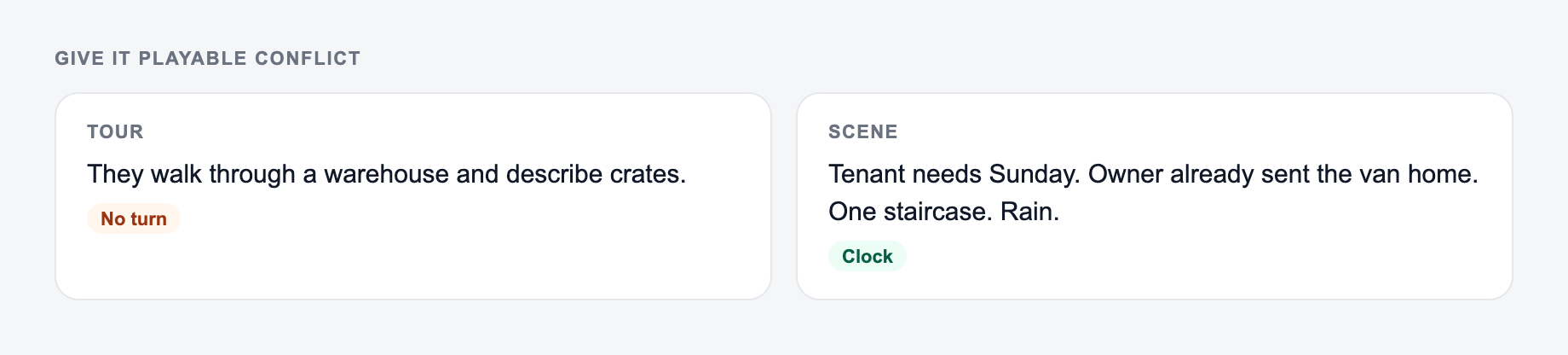
Give the Generator Playable Conflict
Screenplay scenes get stronger when characters do something to each other instead of talking about feelings in general terms.
Location plus a want that can fail belongs on the form before you generate action lines.
Weak brief
A one-line request like “run the scene generator” with no audience, channel, or constraint.
Brief that actually steers the ai screenplay scene generator
A brief the AI Screenplay Scene Generator can use: who it is for, where the output will appear, and what must stay true.
Name the audience, the room it will appear in, and one thing the line is not allowed to invent.
Weak input: "Maya is angry at Jonah." Stronger input: "Maya pretends to forgive Jonah so he will admit what he hid from her."
Weak input: "A detective questions a suspect." Stronger input: "A detective calmly compliments the suspect's alibi while using one small timeline mistake to make him panic."
Those details give the generated dialogue tactics, subtext, and movement.
How to Review the Generated Scene
After the scene appears, check the fundamentals before polishing individual lines:
- Does the scene have a clear slugline?
- Are action lines visual instead of internal?
- Can you name the main objective in one sentence?
- Does another character, deadline, secret, or situation block that objective?
- Does the dialogue change tactics instead of repeating the same argument?
- Is there a turn by the end?
- Does each character sound distinct?
- Can the scene be filmed without explaining thoughts the audience cannot see?
If the scene feels flat, regenerate with a sharper obstacle or a more specific final beat. If the format is good but the voice is generic, keep the structure and rewrite the dialogue.
Template to Paste into the Generator
Use this when you are stuck:
A [character] wants to [objective], but [obstacle]. In [setting], they clash with [other character], who wants [opposing objective]. The tone is [genre/tone]. The scene ends when [reveal, choice, reversal, interruption, or emotional turn].
This simple structure gives the generator enough story logic to produce a scene that moves.
Final Pass Before You Use the Scene
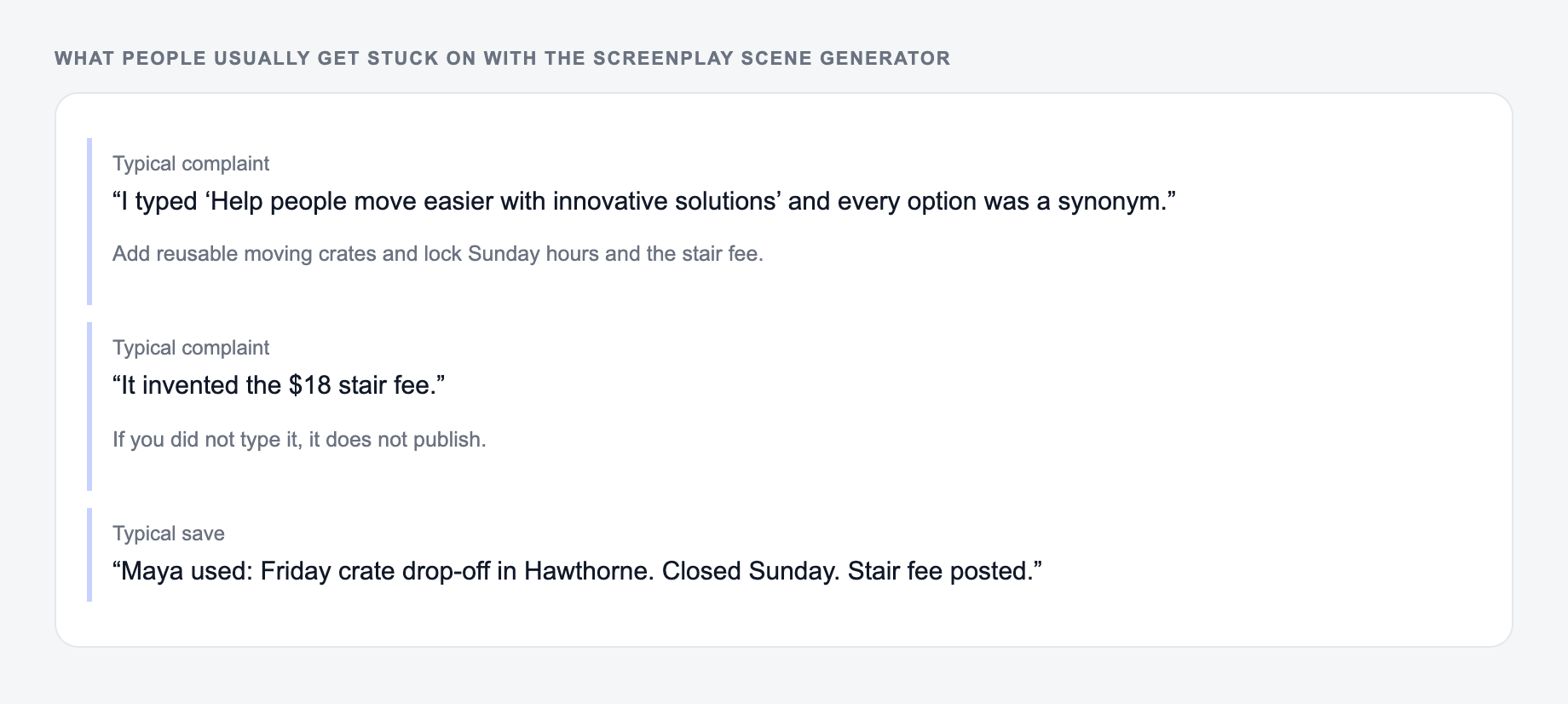
These are the complaints that show up after the first draft — they are almost always about the brief, not the model.
Trim action lines, remove repeated dialogue beats, and replace any generic character voice with specifics from your story world. If the generated scene solved the blank page problem, it did its job.
For broader drafting workflows beyond screenplay scenes, the Junia AI homepage connects this kind of scene generation with other writing and content tools.
Frequently Asked Questions
Is this screenplay scene generator free to use?+
Yes. You can generate screenplay scenes for free. Some advanced modes (like alternate versions or tighter rewrites) may be marked as premium.
Does it follow proper screenplay format (INT./EXT., dialogue, action)?+
It generates scenes in a screenplay-friendly format with scene headings, action lines, character names, and dialogue. You can paste the result into Final Draft, Celtx, WriterDuet, or similar tools and adjust formatting to your preferences.
Can I control the genre and tone of the scene?+
Yes. Choose a genre and tone to shape pacing, dialogue style, and atmosphere—such as comedic timing for comedy or escalating dread for horror.
How do I get better character dialogue and voice?+
Add 1–4 characters with a few traits, goals, and relationships. Strong inputs like “wants,” “fears,” and “secret” help the generator create distinct voices and believable conflict.
How long is a generated scene?+
You can choose an approximate page length (1–6 pages). The output is a best-effort approximation, since screenplay page count depends on formatting, dialogue density, and action line length.
Can I use the generated scene in my script?+
Yes—treat it as a draft. For best results, revise for originality, continuity, and your own creative intent, and ensure it fits your project’s characters and story world.