
Free Video Script Outline Generator
Generate a structured video script outline for YouTube, TikTok, Instagram Reels, Shorts, tutorials, product reviews, and UGC ads. Add your topic, platform, audience, goal, keywords, and duration to get hooks, beat-by-beat talking points, on-screen text, B-roll prompts, retention notes, and a clear CTA.
Video Script Outline
Your video script outline will appear here...
How the AI Video Script Outline Generator Works
Get results in seconds with a simple workflow.
Enter Your Topic and Platform
Add a topic and choose where you’re publishing (YouTube, TikTok, Reels, Shorts). The outline structure adapts to platform pacing and audience behavior.
Add Audience, Keywords, and Duration (Optional)
Provide your target audience, keywords/phrases, and a rough duration to shape the hook, beats, and CTA. Leave them blank for a quick, high-quality default outline.
Generate, Film, and Refine
Use the hook, beat list, on-screen text, and B-roll prompts to film faster. Then refine with your examples, proof, and brand voice before publishing.
See It in Action
Example of turning a basic topic into a high-retention, platform-ready video outline with hook, beats, visuals, and CTA.
Topic: keyword research I need a video outline about keyword research for beginners.
TITLE: Keyword Research in 10 Minutes (Beginner-Friendly)
HOOK (0–3s): “If you’re guessing keywords, you’re wasting time—here’s a 10-minute process to find keywords you can actually rank for.”
BEAT 1 (3–12s) — What you’ll get:
- Outcome: a shortlist of keywords + what to write first
- On-screen text: “10-minute keyword process”
- B-roll: screen recording of Google search bar
BEAT 2 (12–30s) — Start with seed topics:
- 3 quick sources: products/services, customer questions, competitors
- On-screen text: “Seed topics = what people already ask”
- B-roll: notes app list
BEAT 3 (30–45s) — Expand with free data:
- Autocomplete, People Also Ask, related searches
- On-screen text: “Steal real queries (free)”
- B-roll: SERP scroll + PAA expansion
BEAT 4 (45–55s) — Pick winners fast:
- Choose intent + low-competition long-tail
- Rule of thumb: pick terms you can answer better than top results
CTA (55–60s): “Want my free keyword checklist? Comment ‘KEYWORDS’ and I’ll send it—follow for the next video on writing the outline.”
Why Use Our AI Video Script Outline Generator?
Powered by the latest AI to deliver fast, accurate results.
Hook-First Script Outline for Better Retention
Generates a scroll-stopping hook and a clear beat-by-beat structure designed to hold attention—ideal for YouTube, Shorts, TikTok, and Reels.
Platform-Specific Structure (YouTube vs Short-Form)
Adapts pacing, section length, and CTA placement to match platform best practices—fast beats for short-form and deeper segments for long-form YouTube videos.
On-Screen Text + B-Roll Suggestions
Includes on-screen text ideas, cutaway/B-roll prompts, and visual cues to make filming and editing faster while improving clarity and engagement.
SEO-Friendly Topics + Keyword Integration
Naturally weaves in target keywords and related phrases (when provided) to support YouTube SEO, discoverability, and search intent alignment—without keyword stuffing.
Clear CTA and Next-Step Prompts
Adds a concise call-to-action and optional next-video suggestions to increase subscribers, leads, or sales depending on your goal.
Pro Tips for Better Results
Get the most out of the AI Video Script Outline Generator with these expert tips.
Write the hook like a promise + timeframe
Strong hooks often include a clear outcome and a quick timeframe (e.g., “In 60 seconds, you’ll learn…”). This improves retention and reduces early drop-off.
Add one concrete example per key beat
Outlines convert to great videos when each section has a specific example, demo, or story. It boosts perceived expertise and keeps viewers engaged.
Use pattern interrupts in short-form
For TikTok/Reels/Shorts, plan quick visual changes every 5–8 seconds (zoom, overlay text, b-roll, jump cut) to maintain attention.
Align the CTA with the video goal
If the goal is leads, use a next step (download, checklist, link in bio). For growth, ask for subscribe/follow tied to the content payoff.
Optimize for clarity before cleverness
Clear structure and simple language usually outperform overly clever scripts—especially for educational content and search-driven YouTube videos.
Who Is This For?
Trusted by millions of students, writers, and professionals worldwide.
Generate a Platform-Ready Video Script Outline Before You Film
A video idea is not a filming plan. The gap between the two is where most creator drafts get slow, repetitive, or hard to edit.
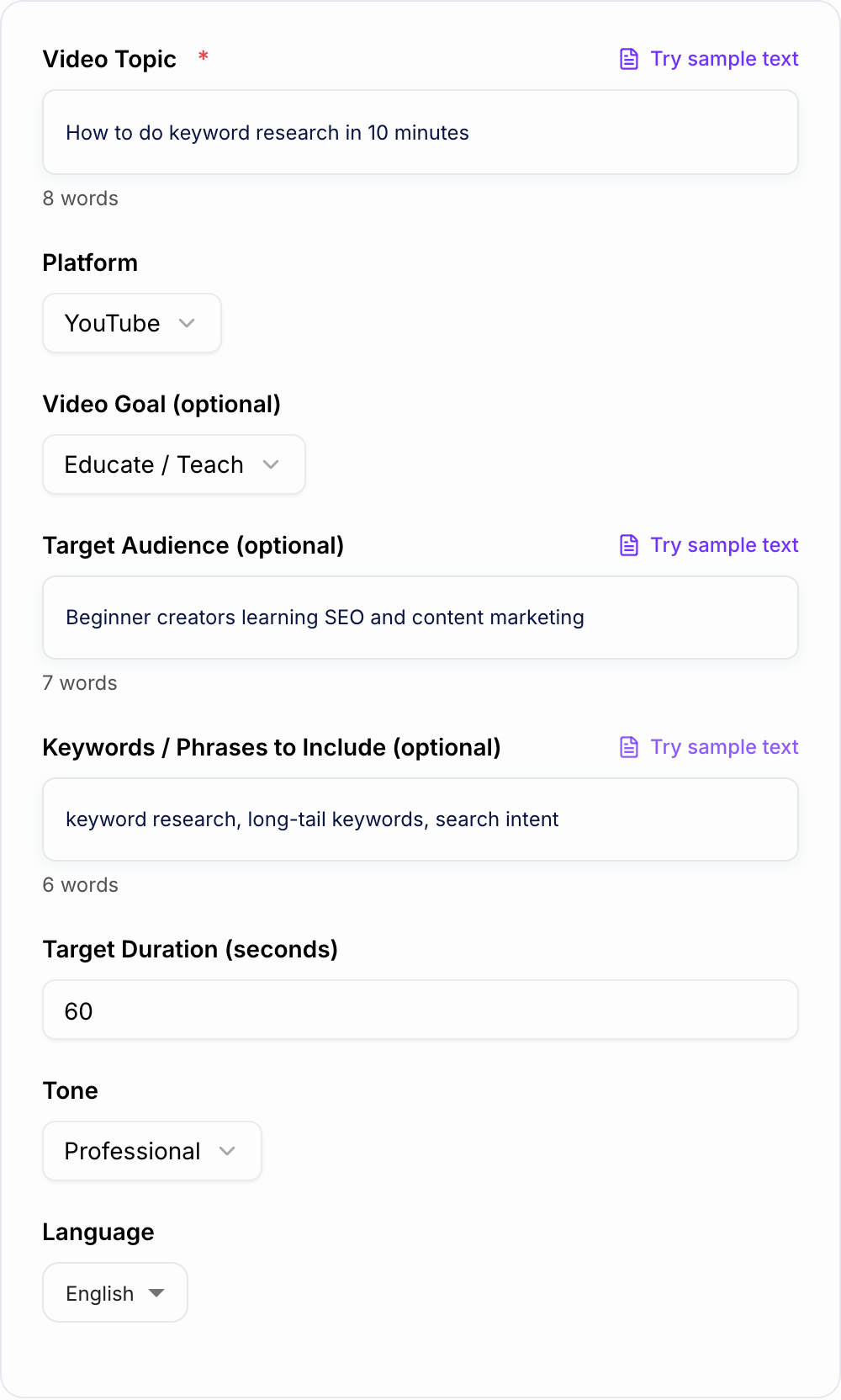
The Video Script Outline Generator helps you turn a loose topic into a practical outline: a hook, timed beats, talking points, visual prompts, and a CTA. Use it before you write the full script so you can see whether the video has a clear path from the first second to the final next step.
What to Enter Into the Video Script Outline Generator
The topic field should do more than name the subject. Give the generator the angle you want the viewer to remember.
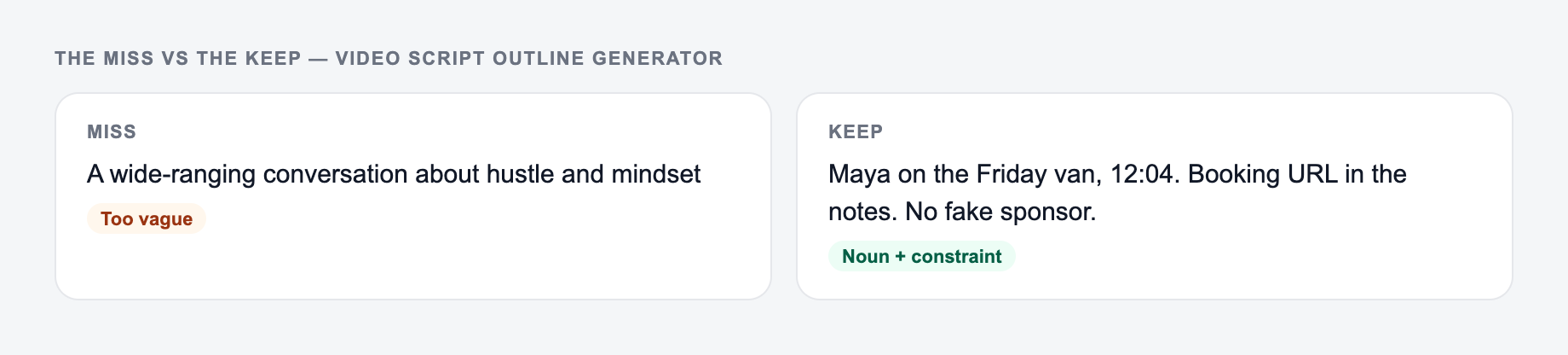
Weak input:
Keyword research
Better input:
A 60-second beginner keyword research process for small ecommerce stores that do not have paid SEO tools
That second version gives the outline a sharper audience, promise, and pacing. Add these details when you have them:
- Audience: beginner creators, SaaS marketers, first-time founders, local business owners
- Platform: YouTube, TikTok, Reels, Shorts, LinkedIn, or UGC ad
- Goal: educate, grow followers, generate leads, drive sales, or increase engagement
- Duration: 45 seconds, 90 seconds, 6 minutes, or another realistic target
- Keywords: phrases you want the title, hook, or section beats to support
- Proof: a result, example, demo, objection, or customer insight you want included
If you only enter a broad topic, the outline will still work. If you add the audience and outcome, it becomes much easier to film.
How to Choose the Right Outline Mode
Use the mode that matches how viewers will consume the video, not just where you plan to publish it.
Short-form mode
Use this for TikTok, Instagram Reels, YouTube Shorts, and quick LinkedIn clips. The best output usually has one core idea, a fast hook, short beats, and pattern interrupts every few seconds.
YouTube mode
Use this for 5-10 minute videos where the viewer expects a stronger setup, examples, section transitions, and a recap. Add keywords if the video is meant to capture search demand.
Tutorial mode
Use this when the viewer needs a step-by-step walkthrough. Give the generator the prerequisites, target skill level, and mistakes to avoid so the outline does not skip context.
Product review mode
Use this when the video needs criteria, pros and cons, comparison points, and a final verdict. Add who the product is for so the outline does not become a generic feature tour.
UGC or ad mode
Use this for paid social or creator-style ads. Include the offer, pain point, proof, objection, and CTA so the generator can build toward conversion instead of a vague brand mention.
How to Review the Generated Outline
Before you expand the outline into a full script, check the structure.
- Does the hook make a clear promise in the first few seconds?
- Does every beat move the viewer forward?
- Is there only one main idea for short-form video?
- Are visual prompts specific enough to film or edit?
- Does the CTA match the goal you selected?
- Are keywords used naturally in the title, hook, or section phrasing?
A strong outline should feel useful even before you write full sentences. If the beats are vague, regenerate with a narrower audience, stronger angle, or clearer duration.
Example Input and Output Workflow
Input:
Platform: YouTube Shorts Topic: How to repurpose a blog post into a video Audience: solo founders Goal: get newsletter signups Duration: 60 seconds
Good generated outline:
- Hook: “Your blog post can become a video in 10 minutes. Here’s the fast version.”
- Beat 1: Pull one problem from the post intro. Show the article headline.
- Beat 2: Turn the strongest H2 into the main takeaway. Add text overlay.
- Beat 3: Use one example from the article as proof. Show the before/after.
- Beat 4: End with the repurposing checklist. Keep the CTA tied to the resource.
- CTA: “Comment CHECKLIST and I’ll send the blog-to-video template.”
The outline works because the CTA is not random. The whole video builds toward the checklist.
Make the Outline Easier to Film
The generated outline becomes more useful when you turn each beat into a production note.
For each beat, add:
- the exact screen recording, product shot, or scene you need
- the caption or on-screen text
- the proof point or example you will mention
- any transition you want between sections
- the sentence that sets up the CTA
This is where a structured AI workflow helps. If you use Junia AI for other content, keep your video outlines, scripts, captions, and landing page copy aligned around the same promise so the campaign feels consistent.
Common Mistakes to Fix Before Recording
The first mistake is starting with context instead of payoff. Viewers need to know why the video matters before they care about the background.
The second mistake is using too many beats for short-form. A 45-second video cannot carry seven separate ideas. Pick the strongest one.
The third mistake is forgetting the visual layer. If every beat is just “talk to camera,” the edit will feel flat even when the words are good.
The fourth mistake is adding a CTA that does not fit the video. A tutorial can lead to a checklist. A product demo can lead to a trial. A story can lead to a follow-up video. Match the ask to the value you just delivered.
Final Checklist Before You Write the Full Script
- The hook earns attention quickly.
- The beats follow a clean order.
- The platform and duration match the pacing.
- The outline includes visual prompts, not just talking points.
- The CTA is clear, specific, and connected to the video goal.
- The outline has enough detail to film without rethinking the whole idea.
Once those pieces are in place, expanding the outline into a full script becomes much faster.
Beat Sheet With Visual Cues and a Timebox
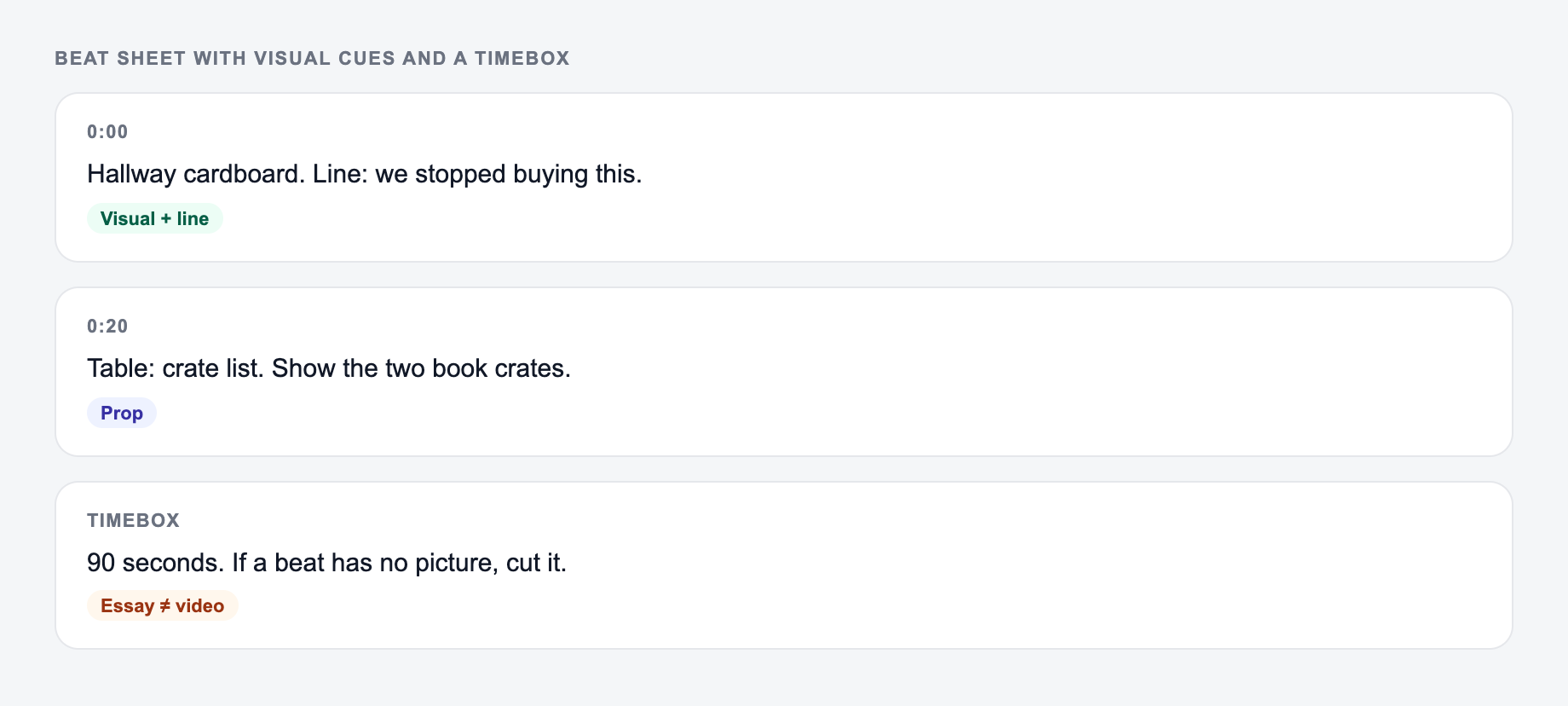
An outline you cannot film is a blog post in disguise. Require a visual for every spoken beat and a timebox that matches the platform.
Setting the platform and running time keeps the outline filmable instead of essay-shaped.
Worked 60-second product demo:
- 0–3s hook (face or problem on screen)
- 3–15s context (UI, not a lecture)
- 15–45s three beats, one click each
- 45–55s result state
- 55–60s CTA (where to go, what they get)
If the generator lists eight talking points for a Short, it is the wrong mode. Cut until each remaining beat has a shot: screen, B-roll, or a prop. Tutorials need the viewer to see the cursor. Talking-head thought pieces still need a visual change every few seconds on short-form. Match CTA to the video: checklist after a tutorial, trial after a demo.
Frequently Asked Questions
What does this video script outline generator create?+
It creates a structured video outline with a hook, key beats/sections, talking points, suggested visuals (B-roll), on-screen text ideas, and a CTA—tailored to your platform and goal.
Is this good for YouTube SEO?+
Yes. The outline is designed to match search intent and naturally incorporate keywords and related phrases (if provided), which can help with YouTube SEO planning and clearer topic relevance.
Can I use it for TikTok and Instagram Reels?+
Yes. Choose a short-form mode or set a shorter duration to generate a punchier, fast-paced outline with pattern interrupts and concise beats.
Do I get a full script or just an outline?+
This tool generates an outline (structure + key lines and prompts). You can then expand each beat into a full script, or use the outline as a filming guide.
How do I make the outline less generic?+
Add your target audience, a specific angle, and a few keywords/phrases. Then customize with your real examples, proof points, and a clear offer or next step.
What duration should I choose?+
For Shorts/Reels/TikTok, 30–60 seconds works well. For YouTube tutorials and explainers, 5–10 minutes (300–600 seconds) is common, depending on topic depth.