
AI Text Generator Examples for Emails, Blogs, Ads, and Social Posts

Thu
AI SEO Specialist, Full Stack Developer

An AI text generator is easier to judge when you can see what a good prompt and a usable output look like.
The examples below are not magic prompts. They work because they include the basics: audience, goal, format, tone, and a few real details. Use them as starting points, then change the context so the output fits your business, product, or reader.
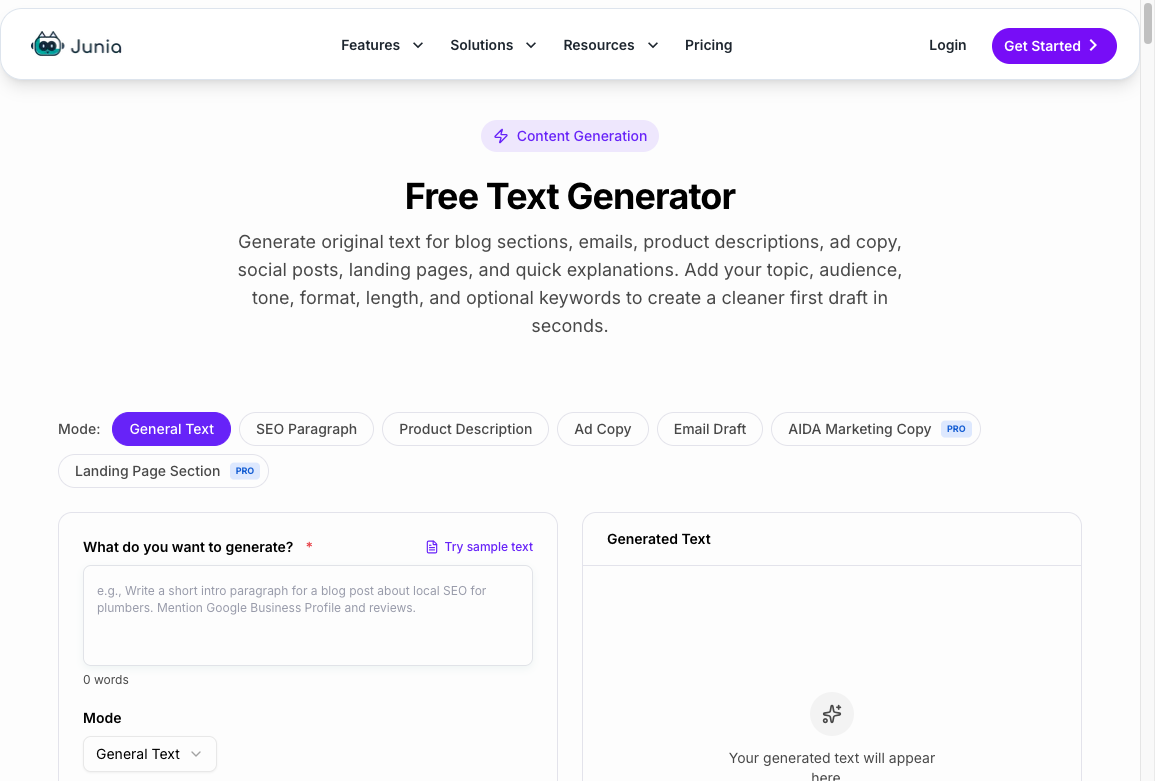
If you want to test the examples while reading, you can generate your own text with AI and compare how small prompt changes affect the result.
These examples are starting points, not publishable copy. Change the names, offers, and details. Then fact-check anything that looks like a claim.
Email example
Email is one of the best use cases for AI text generation because the format is clear. The trick is to give the tool the relationship, reason, and desired next step.
Prompt:
Write a follow-up email to a warm lead who downloaded our SEO checklist last week but has not booked a demo. Audience is a marketing manager at a B2B SaaS company. Goal is to get a 20-minute call. Keep it helpful, short, and not pushy. Include one subject line. Mention that we can show them how to turn the checklist into a repeatable workflow.
Example output:
Subject: Want help turning the SEO checklist into a workflow?
Hi [Name],
I saw you downloaded our SEO checklist last week and wanted to send one practical next step.
The checklist is useful on its own, but it works better when it becomes a repeatable process for finding gaps, updating pages, and tracking what changes rankings over time.
If helpful, I can walk you through how B2B SaaS teams usually turn it into a simple monthly workflow.
Would a 20-minute call next week work?
That is not a finished email for every brand, but it gives you a clean base. You can make it warmer, shorter, more direct, or more specific.
For more email-specific workflows, Junia also has tools like a marketing email generator, welcome email generator, and sales cold email generator.
Blog intro example
Blog intros usually go wrong when they begin with a broad statement everyone already knows.
Weak prompt:
Write an introduction about content marketing.
Better prompt:
Write a blog introduction for startup founders about why most content marketing fails in the first six months. The article will explain how to choose fewer topics, write for buyer intent, and refresh old content before publishing more. Tone: direct and practical. Avoid generic statements like “content is king.” Keep it under 150 words.
Example output:
Most startup content does not fail because the team publishes too little. It fails because the topics are scattered, the articles are written for vague traffic, and nobody goes back to improve what already exists.
If you are a founder trying to make content work, the fix is not always “publish more.” It is usually to choose topics closer to buying intent, build a clear internal linking path, and update weak pages before adding another batch of posts.
This guide shows how to make that process simpler.
If you want a full draft instead of a single intro, use the blog post generator. It is built for long-form structure, not just one-off paragraphs.
Ad copy example
Ad copy needs tight constraints. If you do not specify the offer, audience, and angle, the output usually becomes fluffy.
Prompt:
Create 8 ad copy variations for a meal prep service for busy professionals. Audience: people who want high-protein meals but do not have time to cook. Offer: first week 25% off. Tone: clear, energetic, not cheesy. Each variation should include one headline under 40 characters and one primary text line under 90 characters. Avoid weight-loss claims.
Example output:
| Headline | Primary text |
|---|---|
| High-Protein Meals, Done | Get fresh meals ready for your workweek. First week 25% off. |
| Skip Sunday Meal Prep | Choose your meals, heat, and eat. Save 25% on week one. |
| Dinner Without the Detour | Protein-packed meals delivered fresh. Try your first week for 25% off. |
| Eat Well After Work | No cooking, no cleanup. Just ready-to-heat meals with 25% off your first week. |
For ad-specific work, a dedicated advertisement copy generator or Google Ads headline generator can be more efficient because the limits are built into the tool.
Social post example
Social posts need a stronger point of view than generic article copy. Tell the tool what the post should argue.
Prompt:
Write a LinkedIn post for a freelance designer about why clients should not ask for “just a quick logo.” Point of view: good logo work requires context, positioning, and usage planning. Tone: firm but helpful. Include a short opening line, 3 short paragraphs, and a soft CTA. No hashtags.
Example output:
“Just a quick logo” is usually not quick.
A logo has to work across your site, social profiles, pitch decks, invoices, product screens, and every place a customer meets your brand.
That means the design needs context: who you serve, what you want to signal, what your competitors look like, and where the mark will actually be used.
If you want a logo that lasts, start with the positioning. The design gets much easier after that.
If you are planning a rebrand, map the use cases before opening the design file.
For platform-specific formats, try an Instagram post generator, Twitter/X post generator, or social media reply generator.
Product description example
Product descriptions work better when the prompt includes real features and the buyer’s hesitation.
Prompt:
Write a product description for a compact standing desk converter. Audience: remote workers in small apartments. Features: folds flat, fits 13- to 16-inch laptops, supports an external keyboard, weighs 8 pounds, no tools required. Buyer hesitation: they do not want bulky office furniture. Tone: practical and clean. Include a short paragraph and 4 bullets.
Example output:
Turn a small table into a flexible workstation without adding bulky office furniture. This compact standing desk converter folds flat when you are done, supports a laptop plus keyboard setup, and sets up without tools.
- Fits most 13- to 16-inch laptops
- Supports an external keyboard for a more comfortable setup
- Folds flat for closet or under-bed storage
- Lightweight 8-pound design for easy moving
If the wording is close but not quite right, use an AI reworder to create cleaner variations without changing the core details.
Short explainer example
Sometimes you do not need a full article. You just need a clear paragraph.
Prompt:
Explain what a content brief is to a beginner marketer. Keep it under 120 words. Include what it contains and why it helps writers. Tone: simple and practical.
Example output:
A content brief is a short planning document that tells a writer what a piece of content should cover. It usually includes the target keyword, audience, search intent, outline, internal links, key points, examples, and any sources that should be used. The goal is to remove guesswork before writing starts. A good brief helps the writer stay focused, answer the right questions, and create a draft that fits the SEO and business goal.
This kind of output is useful for glossaries, help docs, onboarding material, and quick website copy.
Homepage headline example
Headlines fail when they describe the category instead of the job.
Prompt:
Write 8 homepage headline options for a freelance invoicing tool. Audience: solo designers and developers who still send invoices from Google Docs. Main outcome: get paid faster without hiring a bookkeeper. Tone: direct. Each headline under 12 words. Avoid "all-in-one" and "empower." Also give one supporting subhead under 22 words.
Example output:
| Headline | Subhead |
|---|---|
| Stop chasing unpaid invoices. | Send, remind, and get paid without a bookkeeper. |
| Invoices that actually get paid. | Built for freelancers who still live in Google Docs. |
| Get paid this week, not next month. | Simple invoices, automatic reminders, no accounting jargon. |
I would not publish any of those as-is. I would pick one, add the product name, and check that the promise matches the actual feature set.
How to adapt these examples
Do not copy the examples exactly unless the situation matches. Instead, reuse the structure:
- Name the format.
- Define the audience.
- State the goal.
- Add concrete details.
- Set the tone.
- Add limits.
- Ask for multiple options when needed.
Google's quality bar for auto-generated content is a useful check here. If the output is interchangeable with a thousand other pages, it is not ready. Treat these examples as drafts you still have to make specific.
What web creators should know about Google's auto-generated content guidance
If your first result is awkward, run it through a grammar checker for cleanup, then edit the substance yourself.
For a deeper workflow, read this guide on how to use an AI text generator without getting generic results.
If you need more prompt patterns after these examples, use the AI text generation prompts and change the brackets.
For the broader tool landscape, compare AI content generators once you already know the format you want to produce.