
10 Best AI Headshot Generators (Realistic Results Tested)

Thu
AI SEO Specialist, Full Stack Developer

AI headshot generators can save time and money, but the results vary more than most comparison posts admit. I would not judge these tools by their best sample image; I would judge them by how many outputs look usable without heavy editing.
Some tools are best for polished LinkedIn photos. Others are better for teams, fast turnaround, or privacy-conscious users who do not want their training images sitting on a server longer than necessary. While many platforms promise “studio-quality” output, I care more about the boring questions: does the face still look like you, does the expression feel natural, and do you get enough usable photos to justify the price?
This guide compares 10 AI headshot generators with a practical lens: which ones are best for realism, privacy, customization, and turnaround time. In my experience, the winner is rarely the tool with the flashiest gallery. It is the one that gives you believable, repeatable headshots you would actually use on LinkedIn, a company bio, or a speaker page.
Quick Comparison
| Tool | Best for | Standout strength | Main tradeoff |
|---|---|---|---|
| Headshot Pro | Privacy-conscious professionals | Auto-deletes uploads after seven days | Less ideal if you want long-term access to old generations |
| Aragon AI | Fast professional headshots | Quick turnaround and flexible styling | Entry pricing may feel high for casual use |
| YouCam Perfect | DIY edits and mobile-friendly workflows | Strong editing controls and easy customization | Best features are gated behind premium access |
| Multiverse AI | Realism and detail | Strong facial accuracy and professional polish | Higher cost and a more advanced workflow |
| Secta AI | Prompt-based customization | Fine-grained control over style and mood | Needs more source photos for best results |
| Profile Picture AI | Style variety | Mix of formal and creative outputs | Pricing may be hard to justify for basic needs |
| Studio Shot AI | Human-reviewed polish | AI generation plus manual retouching | Slower and pricier than fully automated tools |
| Headshots by AI | Simplicity | Minimal setup and consistent outputs | Fewer customization options |
| Prophotos AI | Fast batch-style generation | Works well from casual source photos | Best results usually require multiple uploads |
| PFP Maker | Basic professional use | Straightforward corporate-style portraits | Less creative flexibility |
If you also publish the images on your site, this guide on image and video SEO is the useful next step after you pick a photo.
1. Headshot Pro
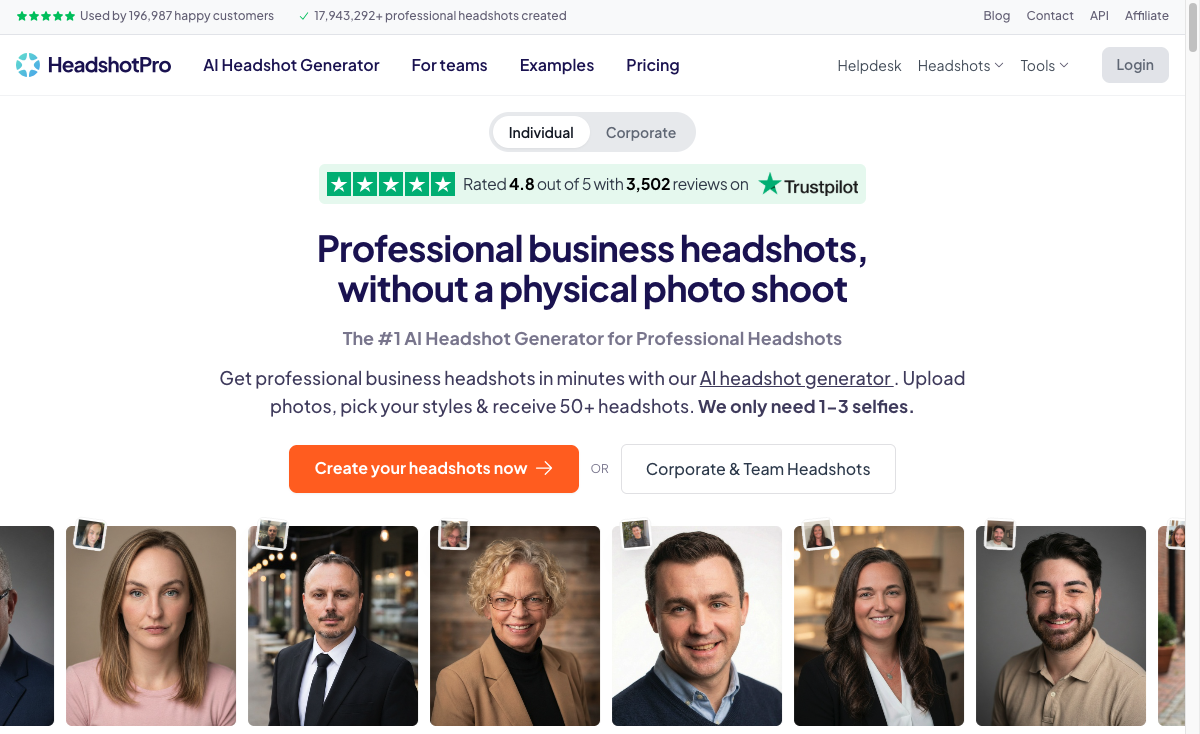
Headshot Pro is one of the more established tools in this category. It was created by indie hacker Danny Postma and is best known for balancing polished output with a clearer privacy story than many competitors.
At a time when many users are understandably cautious about how headshot tools handle uploaded photos, Headshot Pro stands out for its privacy-first positioning. The practical detail I like most is that it deletes uploaded images after seven days, which lowers the risk of photos sitting on a server indefinitely.
How Headshot Pro Protects Your Privacy
Its privacy case comes down to a few concrete policies:
- Automatic deletion of all uploaded images after seven days: Your photos are cleared after a week, so your AI-generated headshots are not stored longer than they need to be.
- Stringent security measures: Headshot Pro uses strong security protocols to keep your images and personal information safe from unauthorized access.
- Privacy policy: The company has a clear privacy policy that explains how it handles user data, especially around uploaded training images and generated headshots.
Delivering High-Quality Images
One of Headshot Pro's main selling points is image quality. The company uses advanced image processing technology to produce high-resolution, photorealistic headshots, including 4K output. Headshot Pro works best when you upload high-quality selfies for AI generation, so the final images end up looking polished and professional.
Key Features:
- Privacy-focused: Automatically deletes uploaded images after seven days.
- High-Quality Images: Delivers up to 4K resolution for sharp, professional-looking portraits.
- Variety of Styles: Offers multiple looks and setups so the final headshot feels tailored rather than generic.
- Industry-specific Options: Includes backgrounds and outfit choices designed for different professional contexts.
Pros:
- Strong emphasis on privacy and data protection.
- Produces clear, high-resolution headshots.
- Offers a broad range of styles.
Cons:
- Turnaround time can be slower than lighter, fully automated generators.
- The privacy-first deletion policy is a tradeoff if you want long-term access to old source photos or generations.
Is Headshot Pro Right for You?
Headshot Pro is the tool I would start with if privacy matters almost as much as image quality. It is not the cheapest or most casual option, but the privacy positioning makes sense for professionals who are uploading a lot of personal photos and do not want them stored indefinitely.
2. Aragon AI
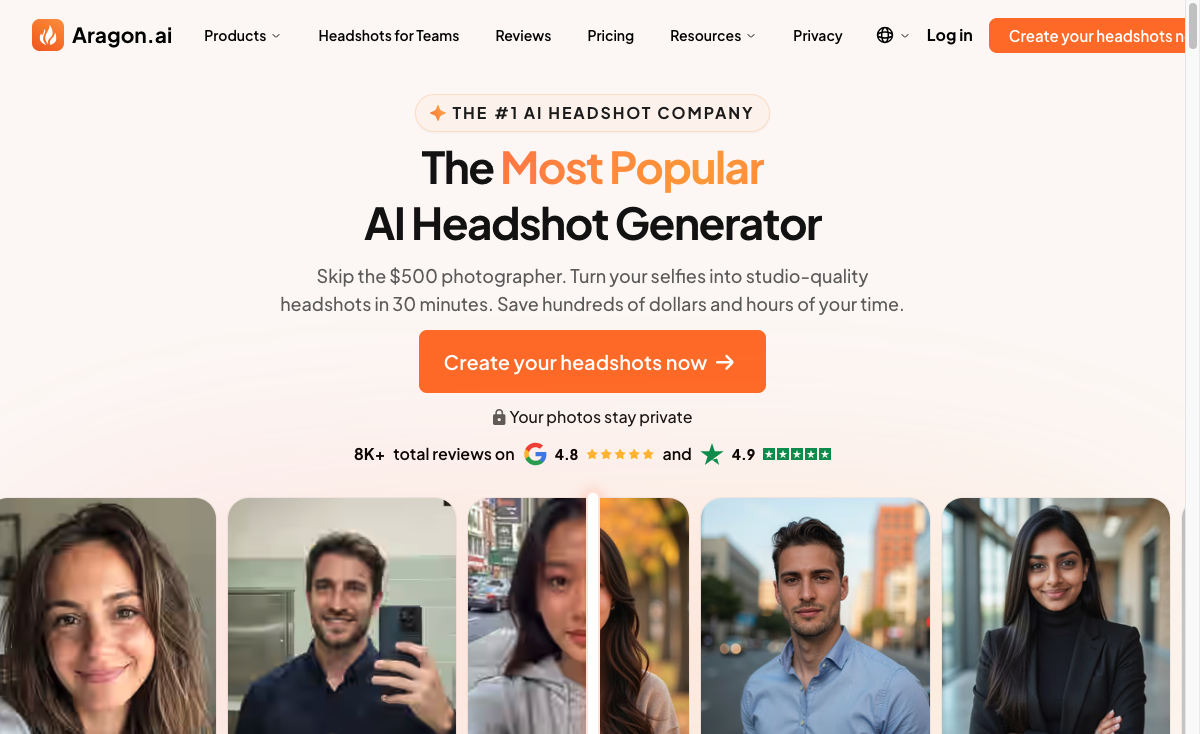
When you need a professional portrait and you do not want to book a studio, Aragon AI is a versatile option. It turns everyday snapshots, including casual ones, into cleaner headshots with more polished lighting, clothing, and framing.
Key Features:
The appeal is speed without giving up too much control:
- Styling Options: Choose from multiple clothing, hairstyle, and angle combinations to match your personal brand or industry.
- Customization Capabilities: Lets you refine your headshot until the output fits your preferred look.
- Quick Turnaround Time: Delivers finished headshots in about 60 minutes, which is useful for tight deadlines.
- Money-Back Guarantee: Includes a 30-day refund window for users who are not satisfied with the results.
Pros:
Aragon AI is strongest when speed and polish both matter:
- Fast delivery of professional headshots
- More than 20 styling options for different professional looks
- Lower-risk purchase thanks to the money-back guarantee
Cons:
The main caveat is cost:
- You need a subscription that starts at $39/month
- The base plan only gives you a limited number of headshots per month
Aragon AI is a good fit when you need a professional-looking LinkedIn or website portrait quickly and do not want to spend much time tuning prompts. I would still review the full output set carefully. In my experience, even strong AI headshot tools produce a mix of excellent, acceptable, and clearly unusable images.
3. YouCam Perfect
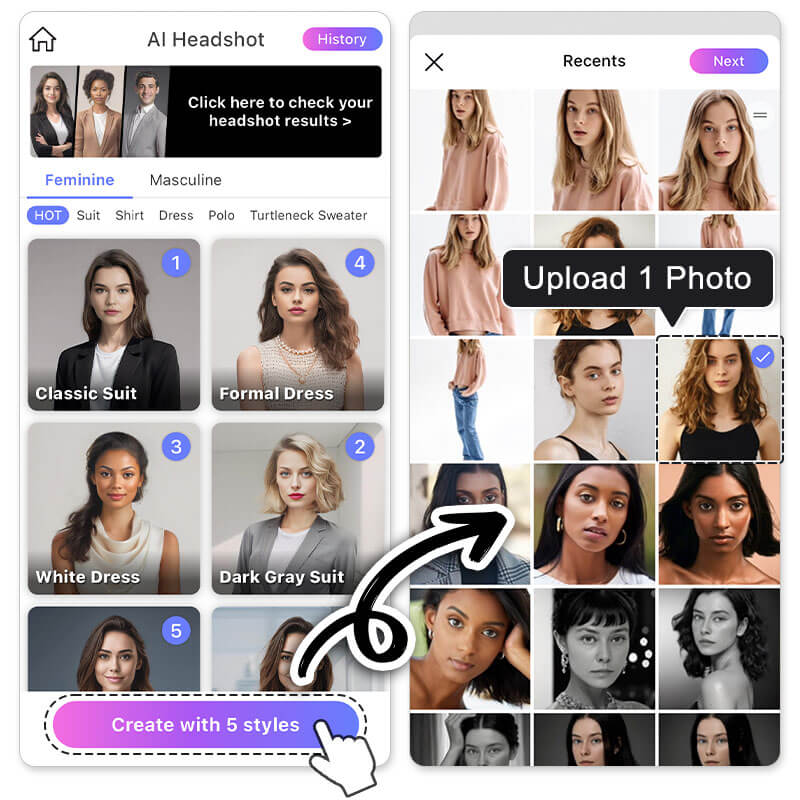
YouCam Perfect is an all-in-one app for creating natural-looking, high-resolution headshots with more hands-on control than most pure headshot generators. You can try different poses, switch outfit colors, and test different styles before settling on a final look.
That matters if you are picky about the final image. I would not use every effect it offers, but the ability to adjust lighting and clean up small imperfections can turn a nearly usable photo into one that feels ready for a profile page.
Key Features
YouCam Perfect is useful if you want editing control without learning a full photo-editing workflow:
- High-Resolution Output: Creates clear, sharp images for social profiles, resumes, and portfolio pages.
- Various Styles: Lets users choose from different styles and poses so the headshot fits the intended professional image.
- Lighting Adjustments: Gives you control over brightness and contrast, which matters when the original photo is too dark or washed out.
- Blemish Removal: Makes it easy to clean up small imperfections while keeping the portrait natural.
- Filters and Effects: Includes filters and effects for users who want a more stylized final image.
Pros
Its strengths are practical rather than flashy:
- Ease of Use: The interface is straightforward enough for users who are new to photo editing.
- Wide Range of Tools: The editing toolkit gives you room to customize without moving into a full design app.
- Quality Results: The AI tools can produce clean, natural-looking results when the source image is strong.
Cons
Even with its strong editing feature set, there are still a couple of limitations to keep in mind:
- Premium Features Require Subscription: Some advanced features require a paid plan, which matters if you only need one or two finished photos.
Is YouCam Perfect Right For You?
YouCam Perfect is a strong option for users who want professional-looking headshots with more editing control than most AI generators provide. Its interface is approachable, and the feature set is broad enough for both casual and professional use.
4. Multiverse AI
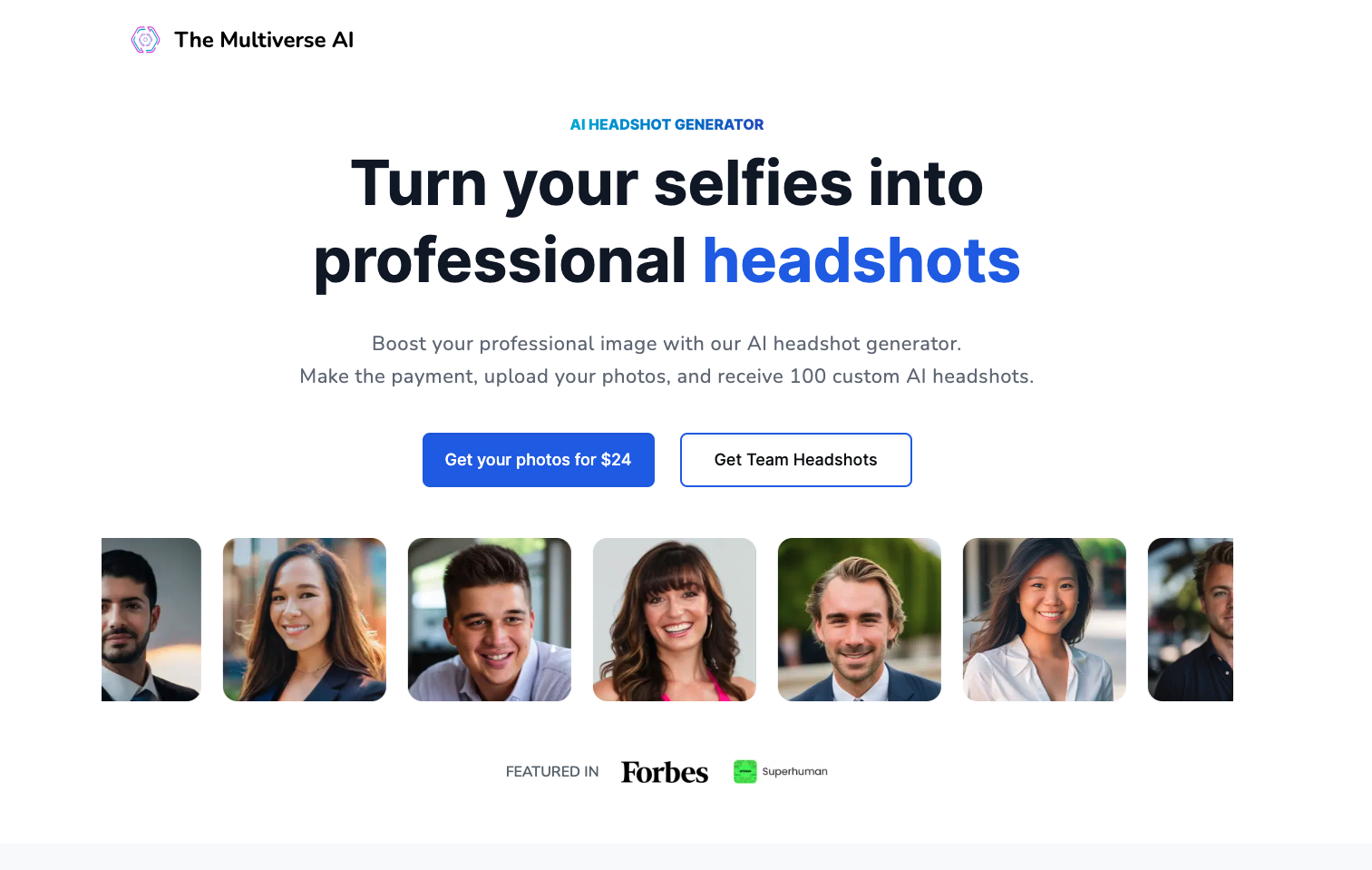
When realism is the priority, Multiverse AI is one of the stronger options to consider. It uses detailed facial analysis to produce polished portraits that usually stay closer to your real features than many lower-cost tools.
Trusted by Industry Leaders
Multiverse AI has also picked up credibility through wider professional adoption, including mentions tied to companies like Google and McKinsey. That does not guarantee the tool is right for everyone, but it does suggest it has earned trust with more demanding users.
Key Features:
The strongest features are the ones that protect likeness and detail:
- Advanced Facial Analysis: Uses detailed facial analysis to improve realism and consistency.
- Customization Options: Supports different styles so the final output can align with personal branding or company requirements.
- High-Quality Output: Produces sharp, professional images suitable for websites, directories, and social profiles.
- Fast Processing: Balances detail with relatively quick delivery.
Pros:
The main advantages are quality and credibility:
- Endorsed by Industry Leaders: Adoption by recognizable companies adds credibility.
- Cutting-Edge Technology: Strong underlying models help preserve facial accuracy.
- Customization Options: Lets users adapt results for personal or corporate branding.
Cons:
The tradeoffs are worth considering before you pay:
- Steep Learning Curve: The broader feature set may take longer to learn than simpler tools.
- Higher Pricing: It can feel expensive compared with simpler AI headshot tools.
Multiverse AI is the option I would consider when facial accuracy matters more than getting the cheapest package. The tradeoff is that it may feel more involved than simpler tools, but the extra control can be worth it if the headshot will sit on a high-visibility profile, press page, or team directory.
5. Secta AI
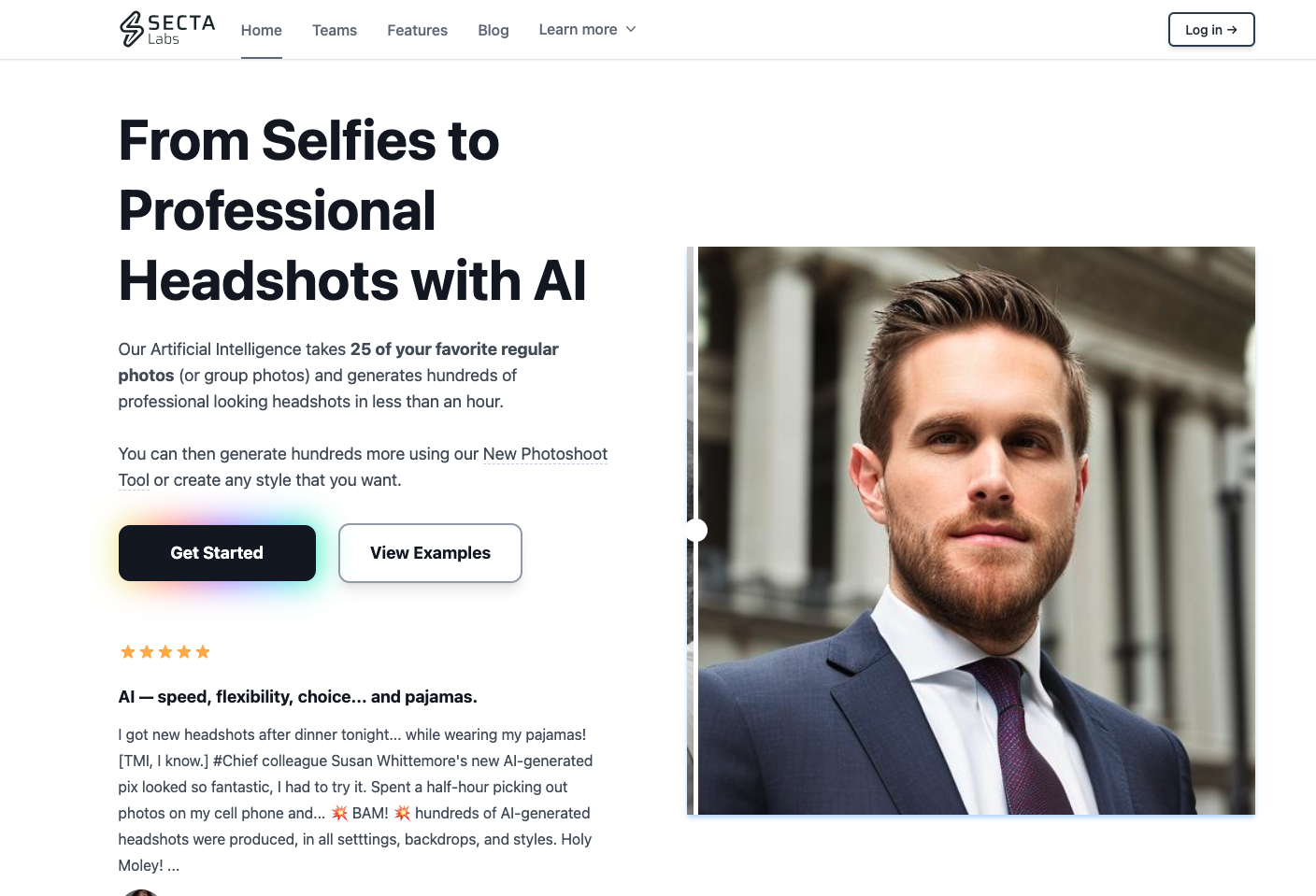
When you want a headshot that feels closer to your actual look, Secta AI is one of the stronger prompt-driven options. It pays close attention to facial details and gives you more control over mood, styling, and overall presentation than many one-click tools.
Customize Your Headshot with Secta AI
One of Secta AI’s main strengths is its level of customization. Instead of offering only preset outputs, it lets users guide the result more directly.
1. Specify Style or Mood
You can use specific commands to tell Secta AI what style, mood, or outfit you want for your headshot. If you want something serious, warmer, more executive, or more creative, you can guide the output instead of accepting a generic preset.
2. Use the Prompt Text Box
Secta AI includes a prompt text box where you can describe your brand look, preferred setting, clothing style, or overall mood. That level of direction is useful when you already know the image needs to match a specific role, website, or company style.
Key Features of Secta AI
The feature set is strongest when you already know the kind of headshot you want:
- High-Resolution Headshots: Produces detailed, realistic images suitable for professional use.
- Attention to Facial Details: Its facial-detail handling can preserve small expressions and reduce the overly smoothed look that makes some AI headshots feel fake.
- Customization through Text Prompts: Lets users shape the output with specific prompt instructions.
Pros and Cons of Using Secta AI
Before deciding whether Secta AI is the right fit, it helps to weigh its pros and cons:
Pros
- Advanced prompt-based customization
- Strong attention to facial detail and realism
- Private gallery access for reviewing and sharing outputs
Cons
- You have to upload at least 25 images to get the strongest results
- Higher pricing than some alternatives
Is Secta AI Right for You?
Secta AI is a strong fit if you care about direction and nuance. Personally, I like prompt-based headshot tools most when the default corporate look feels too bland; the extra control can help the final image feel closer to your actual professional persona instead of a generic stock portrait.
6. Profile Picture AI
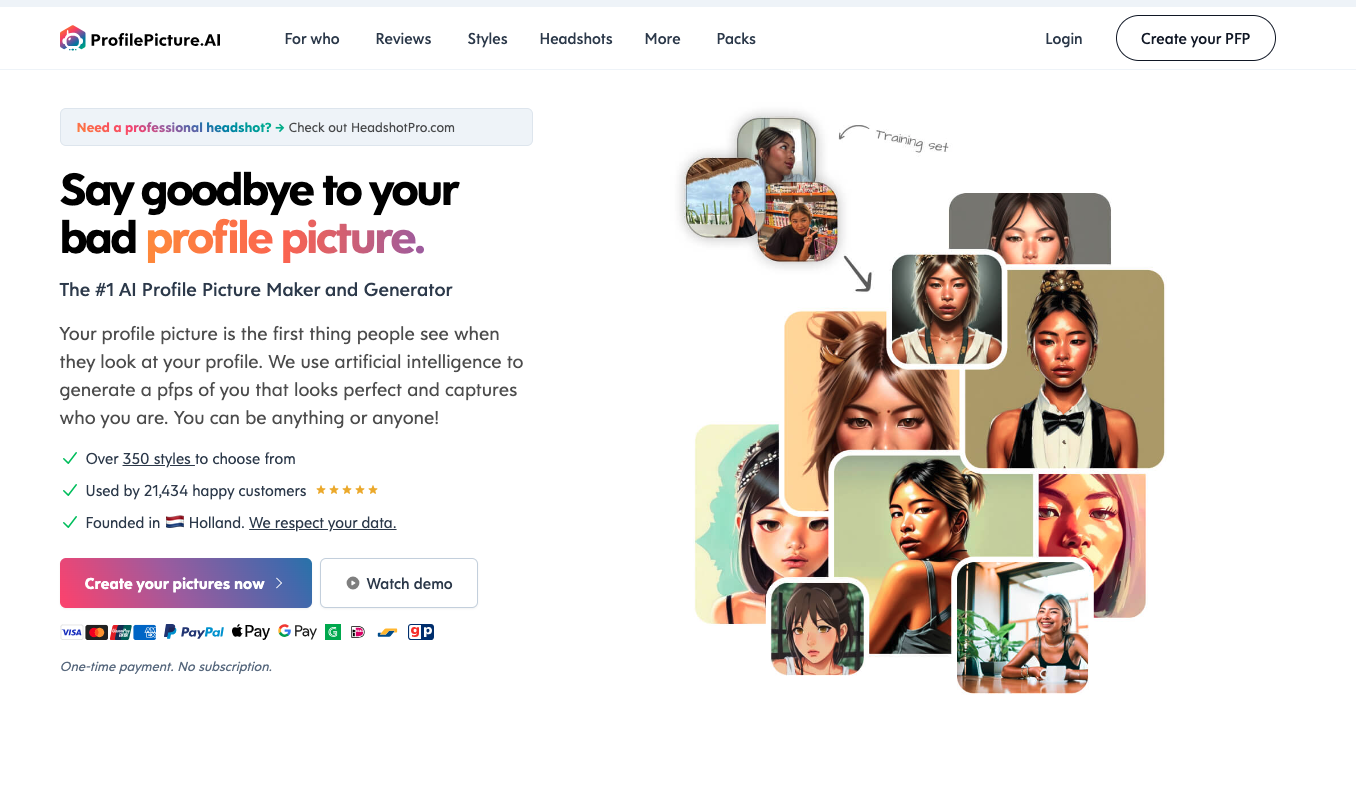
If you want an AI generator with several styles to pick from, Profile Picture AI is a solid option. It can create formal shots for business profiles and corporate websites, but it also gives users room to experiment with more creative portraits.
That flexibility is the main reason to consider it. If you want a standard LinkedIn image, it can handle that. If you want something more distinctive, such as an anime or cyberpunk-style portrait, it gives you those options too. I would treat the creative styles as a bonus rather than the main reason to buy, because most professional use cases still reward realism over novelty.
Key Features
Its main value is range:
- Wide Range of Styles: Covers both formal business shots and more creative styles such as anime or cyberpunk.
- Professional Level Quality: Creates headshots polished enough for business profiles and corporate websites.
- Flexible Packs: Offers packs tailored to different platforms, including LinkedIn and dating profiles.
Pros
The upside is flexibility:
- Wide variety of styles for different tastes and use cases.
- Produces image quality that is suitable for professional use.
- Includes packs designed for common social media platforms.
Cons
The downside is value:
- The pricing may feel high if you only need one basic professional headshot.
Profile Picture AI is best when you want variety. It is less compelling if you only need one conservative business portrait, but it becomes more interesting when you want to test several visual directions before choosing a final profile image.
7. Studio Shot AI
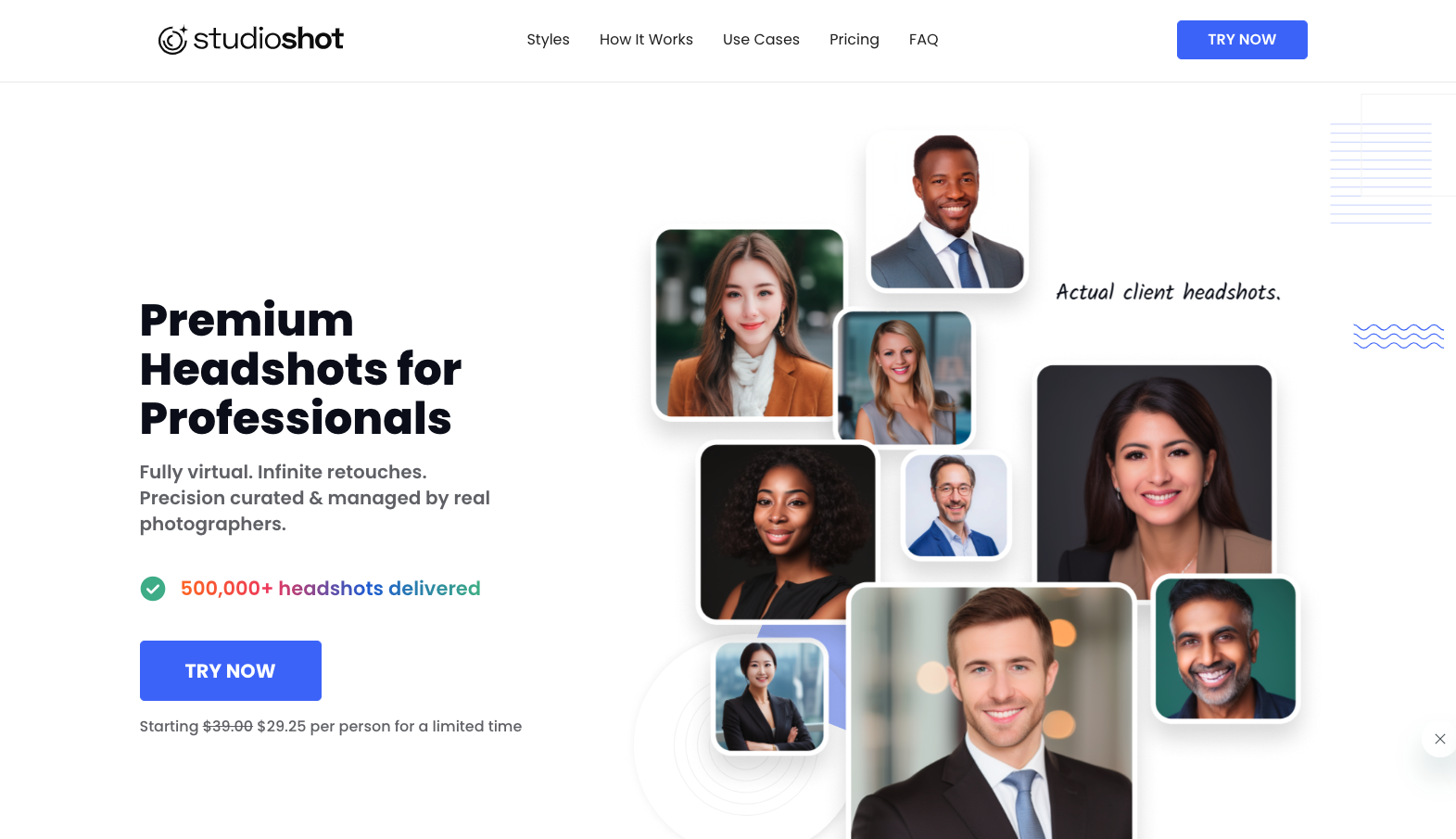
Studio Shot AI combines AI generation with human retouching. The AI creates the initial version of your headshot, then professional editors refine the result.
That hybrid workflow gives you more polish than a fully automated tool, especially if you care about natural-looking skin, cleaner details, and fewer obvious AI artifacts.
Key Features:
- Human Touchups: Professional retouchers refine the AI-generated headshots, which can help with skin texture, small artifacts, and overall polish.
- Simplified Setup Process: The setup is designed to be quick, so users can move from upload to review without a complicated editing workflow.
- Various Styles: You can choose from styles such as executive, corporate, or dramatic black to match personal or company branding.
- Pricing Packages: Packages support different group sizes, making Studio Shot AI practical for both individuals and teams.
Pros:
- Human review adds an extra layer of quality control
- Relatively quick workflow that remains accessible to non-technical users
- Diverse styling choices for different professional needs
- Transparent pricing structure with options for both individuals and teams
Cons:
- May have a higher cost compared to fully automated solutions
- Turnaround time might be longer because of the manual review part
- Limited retries could be a drawback if you want to fine-tune every detail
Studio Shot AI makes the most sense when the headshot needs to look finished, not merely generated. I would put it higher on the list for teams, executives, and anyone publishing photos on a company website, because human review can catch issues that automated tools often miss.
8. Headshots by AI

Headshots by AI is built around simplicity and speed. It is made for busy professionals who do not want to deal with cameras, lighting, or long setup steps. You upload an image, let the AI process it, and review the finished professional-style headshot.
The main selling point is consistency. It uses Stable Diffusion Technology to keep quality steadier across multiple portraits, which is useful if you want a predictable output set rather than one great image surrounded by weak ones.
Key Features of Headshots by AI
- Effortless Generation: Upload an image and let the tool handle the generation process.
- Stable Diffusion Technology: Designed to keep output quality consistent across multiple portraits.
- 24-hour Auto-deletion: Your original images are automatically deleted after 24 hours, which supports better data privacy.
- E-business Card: Includes a free e-business card feature for quick sharing.
Pros of Headshots by AI
- Simple, user-friendly interface that requires very little input.
- Delivers reliable, consistent results.
- Automatically deletes source images after processing for added privacy.
Cons of Headshots by AI
- Offers fewer customization options than more advanced generators.
- No human touch-up option is available.
Headshots by AI is a practical choice when you want a clean result without much decision-making. It is not the tool I would pick for heavy style customization, but it works well for users who mainly want a straightforward professional image with minimal friction.
9. Prophotos AI
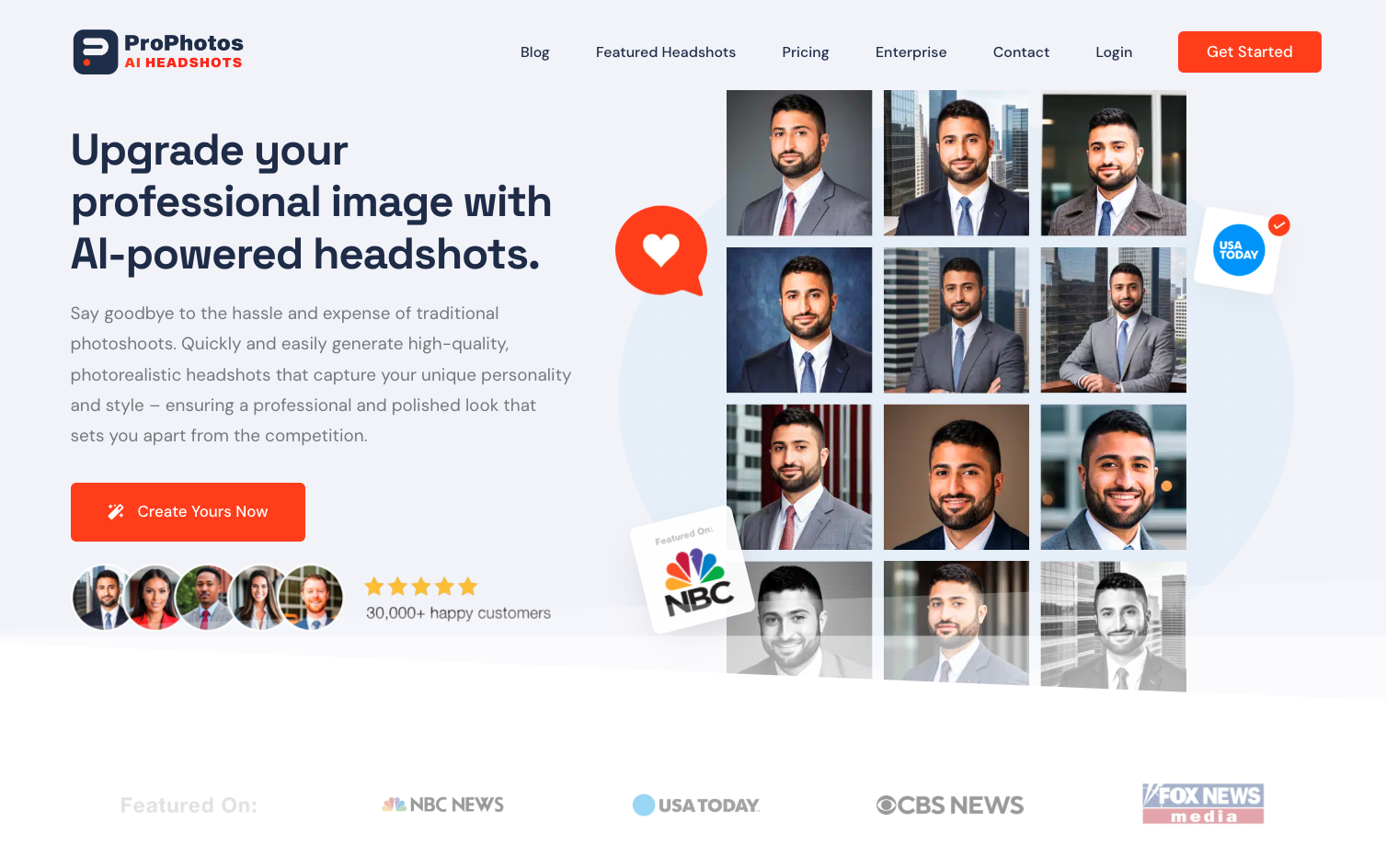
Prophotos AI turns everyday photos into polished professional portraits. Its appeal is practical: you can upload regular source images and get a batch of headshots that look closer to a studio session than a casual snapshot.
Key Features:
The feature set is built around speed and volume:
- Turnaround Time: Offers fast processing, with some packages starting around 30 minutes.
- Image Enhancement: Uses automated improvement tools to refine the final output.
- Customization: Supports adjustments for different professional settings and branding needs.
- Volume Options: Offers Basic, Premium, and Professional packages for different use cases.
Pros:
The main advantages are straightforward:
- Uses at least 10 images to create more varied outputs.
- Filters the output set to surface stronger results.
- Pricing works for both individuals and teams.
Cons:
The drawbacks are mostly about input effort and cost:
- It usually needs multiple source images for the best results, which may be inconvenient for some users.
- The cost can be an issue for people who need many headshots at once.
Prophotos AI works well for professionals who want a polished result without hiring a photographer. The biggest advantage is volume: when a tool gives you enough variations, you have a better chance of finding one image where the expression, lighting, and framing all work.
The pricing options for Prophotos AI include:
- Basic: $25 for 40 Photos with a single style
- Premium: $55 for 80 Photos across six styles
- Professional: $155 for 160 Photos with eight styles
Prophotos AI is worth considering if you want a larger output set and do not mind uploading enough source photos to give the model room to work.
10. PFP Maker
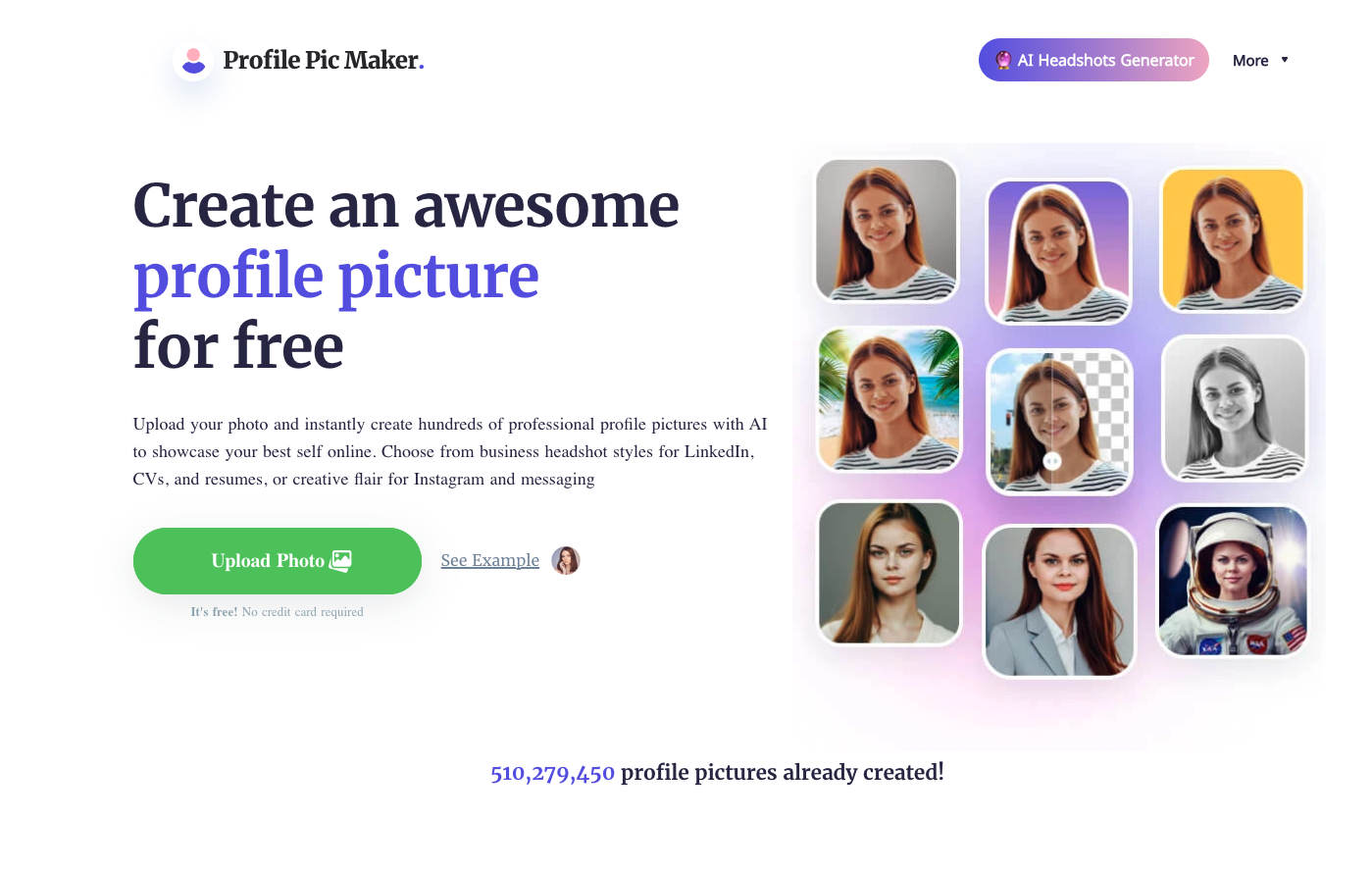
PFP Maker is built for straightforward professional headshots for CVs, resumes, LinkedIn profiles, and corporate pages. If you want a clean business-style portrait without spending much time on customization, that focus can be a plus.
Why Choose PFP Maker?
PFP Maker is not trying to be the most creative option. Its case is much simpler:
1. Tailored for Professional Use
PFP Maker focuses on formal, polished headshots that align with what employers and recruiters typically expect. It is built for professional use rather than casual avatars.
2. AI Face-Enhancing Options
Using advanced AI algorithms, it enhances facial features while still aiming to preserve a natural likeness.
3. Style Variety
Even though it mainly focuses on professional portraits, there are still multiple styles to choose from. That helps it fit different corporate environments and personal branding needs without drifting too far into avatar territory.
Pros and Cons of PFP Maker
The tradeoff is clear:
Pros:
- Specialization for Corporate Needs: Designed to create images that fit naturally on CVs and corporate websites.
- Easy-to-Use Interface: Keeps the workflow simple for users who want quick results.
- Affordability: Competitive pricing makes it accessible for users who do not want to spend much on a headshot refresh.
Cons:
- Limited Creative Freedom: Its professional focus means fewer creative styling options than more flexible AI image tools.
- Specificity-Oriented: It may not be the best fit if you want artistic, casual, or highly stylized profile images.
PFP Maker is a sensible pick for a quick professional refresh. It is not the most expressive tool in the list, but I do not think that is a flaw for this use case. Sometimes the best profile photo is the one that looks clean, current, and unremarkably professional.
Choosing the Right AI Headshot Generator for Your Needs

The right tool depends less on hype and more on what you actually need the headshot for. I usually start with the use case first, then work backward to the feature set.
If you want a clean LinkedIn photo fast, prioritize realism and turnaround time. If you’re updating a company team page, consistency across multiple people matters more. If you care about data handling, privacy policies and deletion windows should be near the top of your checklist.
These are the factors I would weigh before buying:
- Quality of output: Look for realism, clean facial details, and a natural expression—not just sharpness.
- Customization: Backgrounds, outfits, pose options, and prompt controls matter if you need a specific brand look.
- Ease of use: A simple workflow saves time, especially if you are uploading images for the first time.
- Privacy and deletion policy: This is a major differentiator in the category, especially for professional or team use.
- Value for money: The cheapest tool is not always the best deal if most outputs are unusable.
- Support and reliability: Turnaround guarantees and responsive support matter more when the headshot is tied to a launch, hiring page, or professional deadline.
Ask where the photos go. If a tool trains on your face, or keeps source images after the job is done, that is a consent decision, not a feature footnote. I would not upload a team gallery until the deletion window is written down.
A believable LinkedIn photo still depends on light and pose as much as the generator. This is a practical lighting walkthrough, not another "best generators" roundup:
How to Take Headshots: 5 Tips with Peter Hurley
Market Overview and Free Alternatives
Free tools can be good enough for casual avatars, test runs, or low-stakes social profiles. I would be more cautious if the image will sit on a company website, portfolio, press page, or sales profile, where an uncanny headshot can quietly damage trust.
If the headshot is part of a photography or studio site, AI SEO for photographers is the more useful follow-on than another generator list.
Quality and Customization
- Resolution and realism: High resolution matters, but realism matters more. A sharp image that looks obviously AI-generated still fails the test.
- Styling options: Choose a tool that lets you control background, clothing, framing, and overall tone so the final image fits your role and brand.
Support and Reliability
- Customer service: If the results are off or the delivery window matters, responsive support saves a lot of frustration.
- Update frequency: Headshot tools improve quickly, so platforms that actively update their models usually deliver better results over time.
The safest approach is to shortlist tools by use case first, then compare pricing. That usually leads to a better choice than starting with whichever platform claims the biggest photo count. I would rather have three headshots I would confidently publish than 200 outputs that mostly need explaining.
What I would buy from this list
I would not buy an AI headshot generator because it promises 200 looks. I would buy it because three of those looks still look like me.
If privacy is the priority, Headshot Pro is still the one I would start with. If I need a LinkedIn photo this week, Aragon AI or Prophotos AI is the faster path. If I want more control over the look, YouCam Perfect and Secta AI give you more levers. If the image has to go on a company page and I do not trust raw AI output, Studio Shot AI is the extra polish I would pay for.
The mistake is treating the gallery count as quality. Most of those extras are unusable. Pick the tool that matches the job, upload better source photos than you think you need, and check the deletion policy before you send a whole team's faces into training.