
Tested 20+ Shopify SEO Tools (2026): The 6 Worth Using

Thu
AI SEO Specialist, Full Stack Developer

Shopify SEO tools are useful only when they fix a real store bottleneck. A small store with 40 products does not need the same stack as a Shopify Plus catalog with thousands of SKUs, duplicate collection pages, image bloat, and thin product descriptions. For a small store, the bottleneck is usually content, not technical SEO: there simply are not enough helpful pages for Google to rank. That is when a Shopify AI writer that publishes blog posts on a schedule earns its place in the stack.
So I would not choose a tool just because it says "AI SEO" or has a long feature list. When I look at Shopify SEO stacks, the best ones are usually boring in the right way: one tool for content, one tool for technical cleanup, and one place to measure results. The better question is simple: what work is slowing your store down right now?
TL;DR: The Shopify SEO Stack I Would Start With
If you want the short version, here is the stack I would use for most Shopify stores in 2026:
| Need | Best fit | Why it belongs in the stack |
|---|---|---|
| AI SEO content, product descriptions, briefs, and optimization | Junia AI | Best fit when content production and SEO quality are the bottleneck |
| Keyword research, competitor research, audits, and backlink data | Semrush | Strongest all-around research suite for stores that need deeper SEO data |
| Image SEO, speed basics, alt text, redirects, and Shopify app convenience | TinyIMG | Practical Shopify app for everyday on-site fixes |
| Real-time on-page SEO guidance inside Shopify | Yoast SEO for Shopify | Useful for merchants who want simple SEO and readability checks while editing |
| Bulk Shopify SEO fixes and beginner-friendly automation | SearchPie | Good fit for smaller teams that want quick scans, metadata help, and simple fixes |
| Free performance and indexing truth | Google Search Console | Non-negotiable for seeing what Google actually indexed, ranked, and clicked |
My recommendation: start with one primary SEO platform, one Shopify-native app for technical/on-page cleanup, and Google Search Console. Add more tools only when a specific workflow breaks. I have seen more stores get stuck from overlapping apps than from a lack of SEO software.
This matters more now because Shopify already handles some technical SEO basics. Shopify says stores automatically generate sitemaps and structured data in its SEO overview, but merchants still need to monitor Search Console, page speed, redirects, content quality, and page-level optimization. That is where tools earn their place.
What Counts As A Shopify SEO Tool?
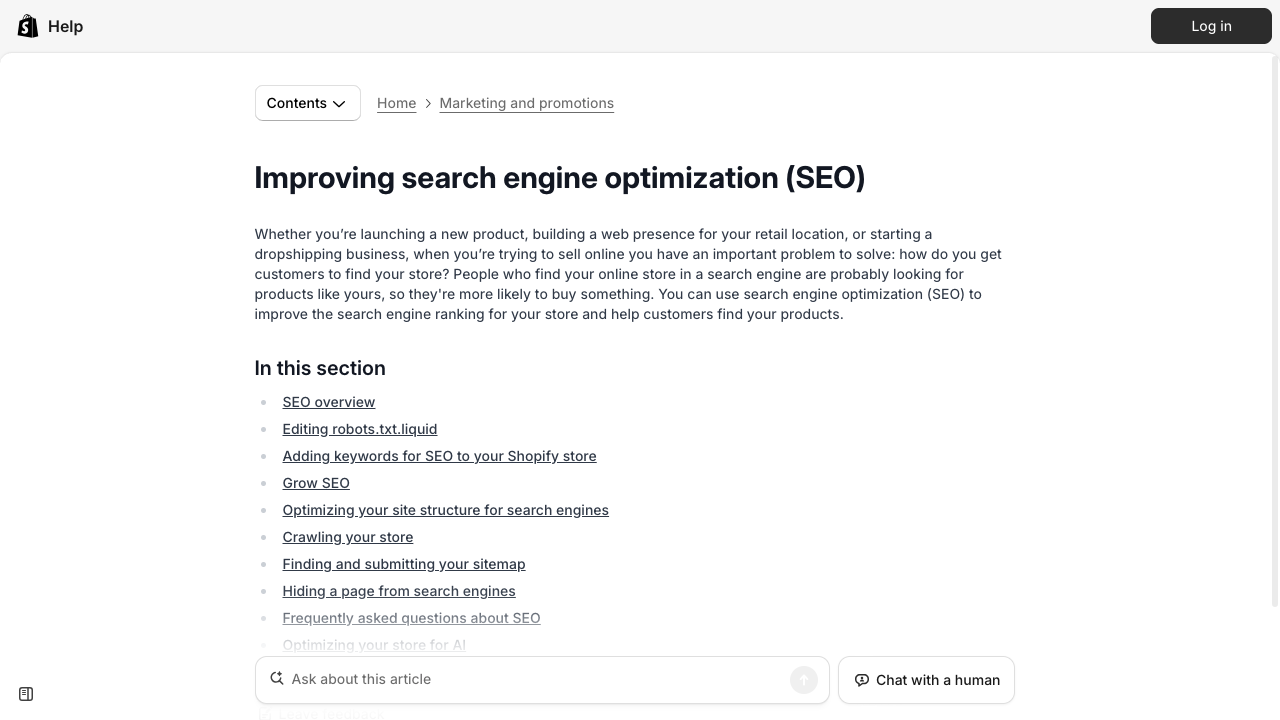
Start with Shopify’s own SEO fields (titles, handles, redirects) before stacking paid apps. Tools amplify a clean base; they do not replace it.
For this article, I am using a practical definition: a Shopify SEO tool should help with at least one of these jobs:
- Finding product, collection, and blog keywords.
- Writing or improving product descriptions, collection copy, meta titles, and blog content.
- Fixing image SEO, alt text, redirects, schema, page speed, or broken links.
- Monitoring indexing, clicks, impressions, and technical issues.
- Building a stronger internal linking and content structure across the store.
That last point is easy to overlook. A Shopify store usually has product pages, collection pages, blog posts, landing pages, and seasonal pages competing for attention. In my experience, this is where stores quietly leak SEO value: good pages exist, but they do not support each other. A tool that helps connect those pages naturally can be more valuable than another generic keyword report. For larger stores, AI internal linking can help find relevant page relationships that would be painful to map by hand.
1. Junia AI: Best For AI SEO Content And Shopify Workflows
%20(2).png?token=eyJhbGciOiJIUzI1NiIsInR5cCI6IkpXVCJ9.eyJ1cmwiOiJ1c2VyLWdlbmVyYXRlZC1pbWFnZXMvMThkMzIyMTQtYWZlNC00YmVjLTg2NTItOGU2ZDFiMDYyZTE5L0dyb3VwIDM3OSAoMSkgKDIpLnBuZyIsImlhdCI6MTcwMDkyMDk5MCwiZXhwIjoxODU4NjAwOTkwfQ.fYP_EYICelpX6cnF8bZYu1gjlF0x7E5ks0JLCwj2Ibw)
Junia AI is the first tool I would test if the main problem is content: product descriptions, collection page copy, blog posts, metadata, keyword targeting, and ongoing optimization.
That is a common Shopify problem. Merchants often have decent products and a functional theme, but the pages are too thin to rank. Product descriptions repeat manufacturer language. Collection pages have no useful copy. Blog posts answer broad questions but do not connect back to product intent. In that situation, another audit dashboard will not help much. You need better pages, not another list of problems.

Junia is strongest when you want an AI-assisted SEO workflow instead of a blank writing tool. You can use AI keyword research to find product and collection opportunities, build briefs, and then create content that is shaped around search intent rather than generic product copy. For stores publishing blog content, the AI article writer is useful when you already know the angle and need a structured draft that can be edited into a publishable article.
For product pages, I would pair it with a focused product description generator workflow: feed it the product facts, buyer concerns, differentiators, use cases, and target keyword, then manually review the output for accuracy and brand voice. Personally, I would rather generate five specific, heavily edited descriptions than 100 vague ones that sound interchangeable. That is much safer than asking any AI tool to "write SEO descriptions" with no constraints. If your catalog runs into the hundreds, bulk content generation can draft descriptions for the whole product list in one run, so your editing time goes into the products that sell most.
When Junia AI fits
- Shopify teams that need better product content, collection copy, blog content, meta descriptions, and SEO briefs
When to skip it
- AI content still needs editing. Check product claims, sizing details, ingredients, compatibility, shipping promises, and anything that could create customer support issues
This matters most when you're choosing a tool for shopify teams that need better product content, collection copy, blog content, meta descriptions, and seo briefs.
2. Semrush: Best For Research, Audits, And Competitive SEO Data
Semrush is the strongest pick when you need broad SEO intelligence: keyword research, competitor analysis, backlink data, technical audits, rank tracking, and content opportunities.
For Shopify, I would use Semrush for three jobs:
- Finding collection and product keywords before rewriting pages.
- Auditing technical issues such as broken links, duplicate metadata, crawlability problems, and weak pages.
- Comparing your store against competitors that already rank for commercial keywords.
This is where Semrush is different from a Shopify app. A Shopify app can fix certain store-level issues, but Semrush helps you understand the wider search market. If a competitor gets traffic from "linen summer dress" collection pages, buying guides, and comparison posts, you need to see that before deciding what to write. Otherwise, you are optimizing inside Shopify without knowing what the SERP is rewarding.
Semrush is also useful when you are building a larger Shopify SEO plan and need to separate technical fixes from content opportunities. For example, if Search Console shows impressions but low clicks, you may need better title tags. If a collection page gets no impressions at all, the problem may be indexing, internal links, page intent, or lack of demand.
Semrush fits when sEO managers, agencies, and store owners who want serious keyword, competitor, audit, and backlink data. Watch out: it can be more than a small store needs at the beginning. If you do not have time to act on the data, start with a simpler setup first.
3. TinyIMG: Best Shopify App For Image SEO And Technical Basics
TinyIMG is one of the better Shopify-native SEO apps because it focuses on practical on-site work: image optimization, alt text, redirects, page speed basics, metadata, and structured data support.
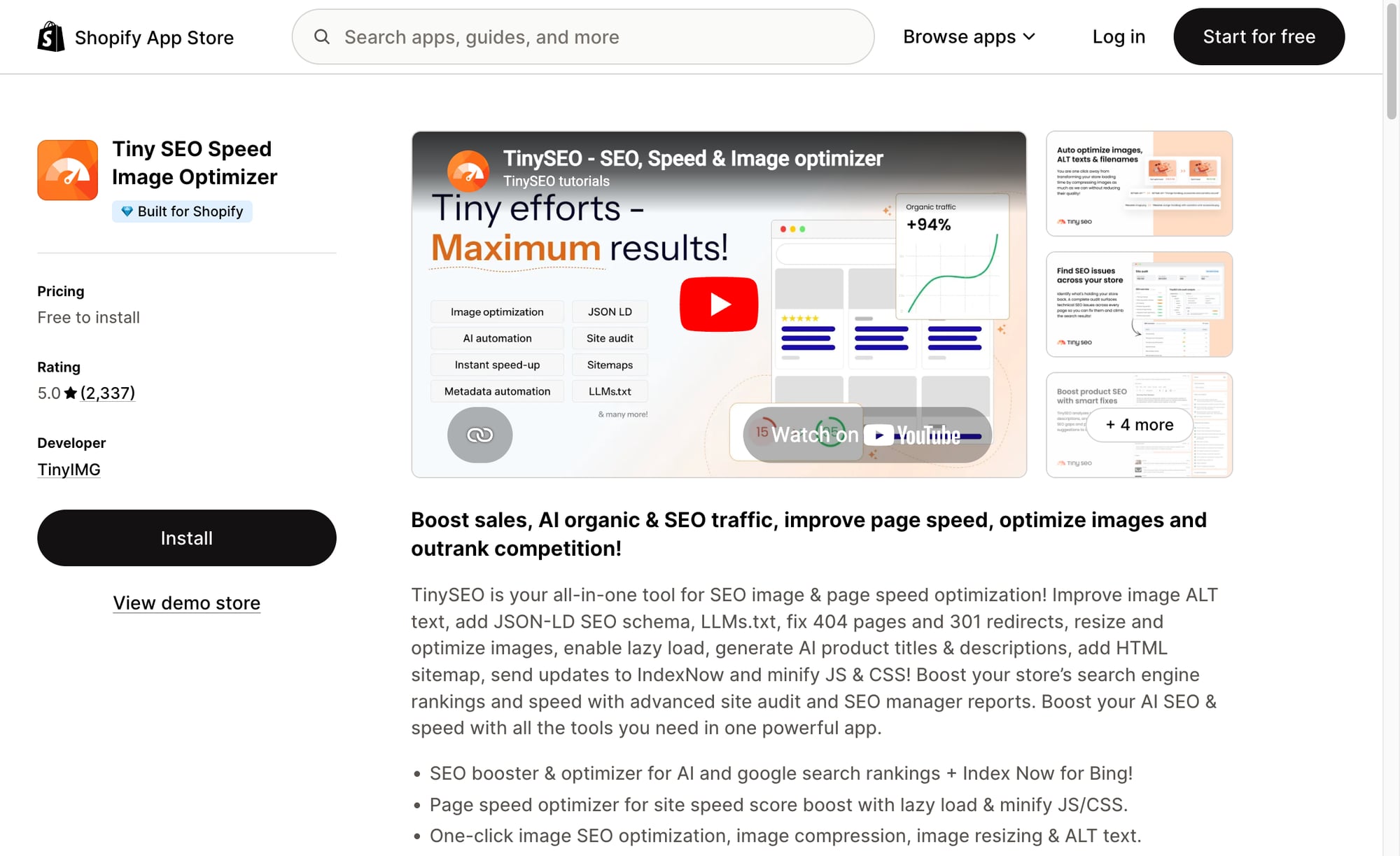
That mix matters for ecommerce. Product images are often heavy, duplicated, poorly named, or missing useful alt text. Google's product structured data documentation explains that product markup can help Google understand details such as price, availability, review ratings, shipping information, and product visuals in richer search surfaces. A Shopify app that helps keep those basics cleaner can save a lot of manual work.
TinyIMG is not a full SEO strategy, and it will not magically rank a store without useful pages. But I like this kind of tool when the store has lots of image-heavy product pages and no one wants to manage alt text, compression, redirects, and metadata one item at a time. It is a maintenance tool, not a growth strategy.
Good fit
- Stores with lots of product images, weak alt text, slow pages, missing metadata, or basic technical cleanup needs
Watch outs
- Do not install multiple SEO apps that edit the same metadata, schema, or theme files. Too many overlapping apps can create messy output
The biggest mistake I see is choosing TinyIMG when you really needed do not install multiple seo apps that edit the same metadata, schema, or theme files.
4. Yoast SEO For Shopify: Best For Simple On-Page Guidance
Yoast SEO for Shopify is a good fit when the team editing the store is not deeply technical but still needs guardrails. It helps with page titles, meta descriptions, readability, schema, and on-page checks while content is being created or edited.
The reason I like this category of tool is that Shopify SEO often fails in small, repetitive ways. A product page has a vague title. A collection page has no useful intro. A blog post targets a keyword but never answers the buying question. Yoast does not replace judgment, but it can catch obvious issues before they become hundreds of weak pages.
This is especially useful for teams that publish often. If several people write product copy, a shared on-page tool can keep metadata, readability, and basic optimization more consistent.
Tradeoff
Pick Yoast SEO For Shopify for small and mid-sized Shopify teams that want simple page-by-page SEO checks. Caveat: do not chase green scores at the expense of good copy. A page can satisfy a plugin and still be thin, repetitive, or unhelpful. I would avoid this approach if do not chase green scores at the expense of good copy.
5. SearchPie: Best For Beginner-Friendly Shopify SEO Automation
SearchPie is worth considering if you want a Shopify app that bundles simple SEO scans, metadata help, image SEO, speed suggestions, and automation into a beginner-friendly workflow. I would put it in the "get organized" category, not the "build the whole SEO strategy" category.
I would not use it as the main source of SEO strategy. But for merchants who are not ready for a deeper suite, it can help surface obvious problems and make routine fixes less intimidating.
This category is useful when the store owner knows SEO matters but does not yet have a repeatable process. A simple app can get the basics moving: page titles, descriptions, image alt text, redirects, and scan results. Later, as the store grows, you can bring in deeper research tools and more advanced content workflows.
When SearchPie fits
- Smaller Shopify stores that want quick SEO checks and guided improvements without a steep learning curve
When to skip it
- Automation should not publish weak metadata at scale. Review important product and collection pages manually
Prefer SearchPie for smaller shopify stores that want quick seo checks and guided improvements without a steep learning curve — not when automation should not publish weak metadata at scale.
6. Google Search Console: Best Free Tool For Reality Checks
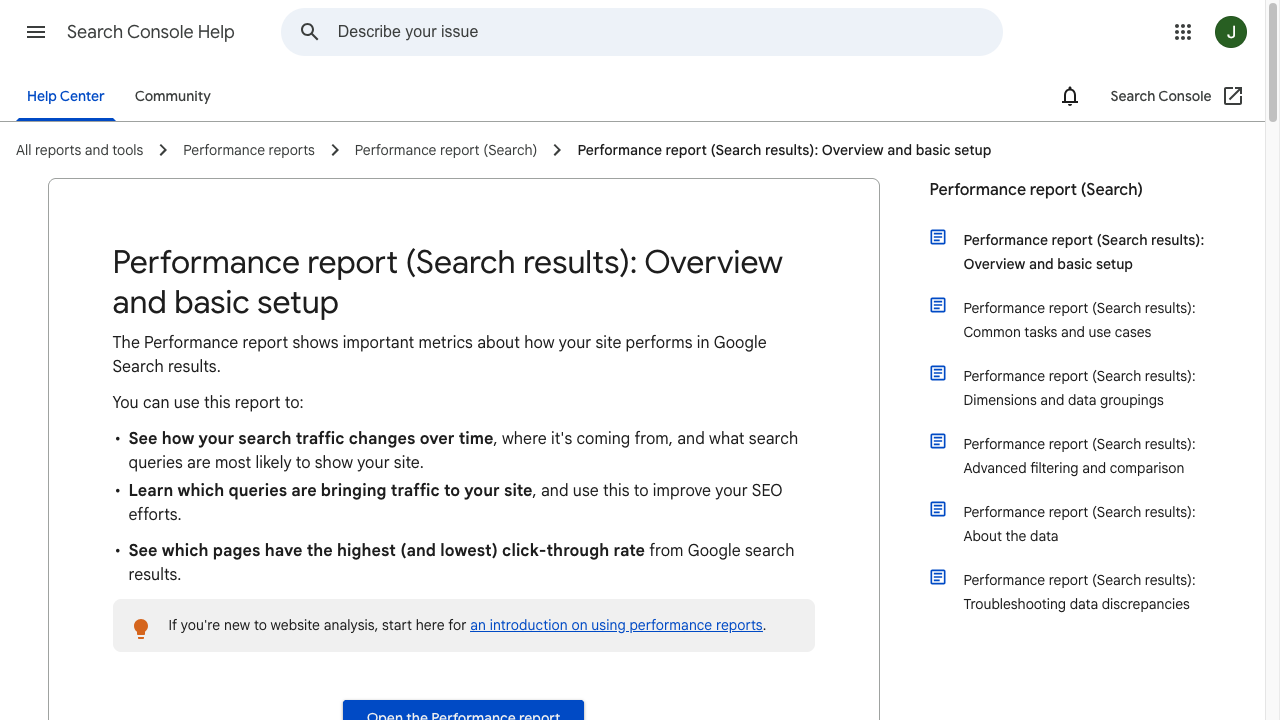
Google Search Console performance reports training
| Layer | Tool | Job |
|---|---|---|
| Content | Junia AI | SEO articles + product/collection copy workflows |
| Research | Semrush | Keywords, audits, competitors |
| Images / tech | TinyIMG | Compression, alt, basics |
| On-page guidance | Yoast for Shopify | Simple checks |
| Reality check | Google Search Console | Queries, coverage, enhancements |
Google Search Console is not a Shopify app, but I would still put it in every Shopify SEO stack. If a tool says something is fixed but Search Console never shows better crawling, indexing, impressions, or clicks, I would trust the Search Console trend first.
It tells you what Google actually sees: indexed pages, queries, impressions, clicks, average positions, page experience signals, and technical warnings. Shopify's SEO documentation specifically points merchants toward Search Console for monitoring search performance, and Shopify's sitemap documentation explains that sitemap files can be submitted there to help Google discover store pages.
Use it to answer practical questions:
- Which collection pages get impressions but weak clicks?
- Which product pages are not indexed?
- Which blog posts rank for irrelevant queries?
- Which countries or devices perform differently?
- Which pages should be updated, merged, redirected, or expanded?
For AI search visibility, Search Console still matters. Google's generative AI optimization guidance says foundational SEO remains relevant because AI features are rooted in Google's core Search systems. In plain English: make pages crawlable, useful, well-structured, and clear before chasing new acronyms.
Google Search Console fits when every Shopify store, regardless of size. Watch out: search Console shows what happened; it does not write the strategy for you. Use the data to choose what to fix next.
Supporting Tools That Are Useful But Not Core SEO Tools
Some apps from the original shortlist are useful for ecommerce, but I would not classify them as core Shopify SEO tools. That distinction matters. A tool can make the store better without being the right tool for keyword research, technical cleanup, or content optimization. These apps can still support organic performance indirectly by improving merchandising, conversion, visuals, and product experience.
Octane AI

Octane AI is better described as a quiz and personalization tool. It can help shoppers find the right products and improve conversion paths, especially for stores where product fit depends on taste, size, routine, skin type, or preferences.
That can support SEO indirectly. If organic visitors land on a collection page and the quiz helps them find a relevant product faster, the store may convert better from the traffic it already earns. But Octane is not the tool I would choose for keyword research, technical SEO, or metadata cleanup.
Wiser
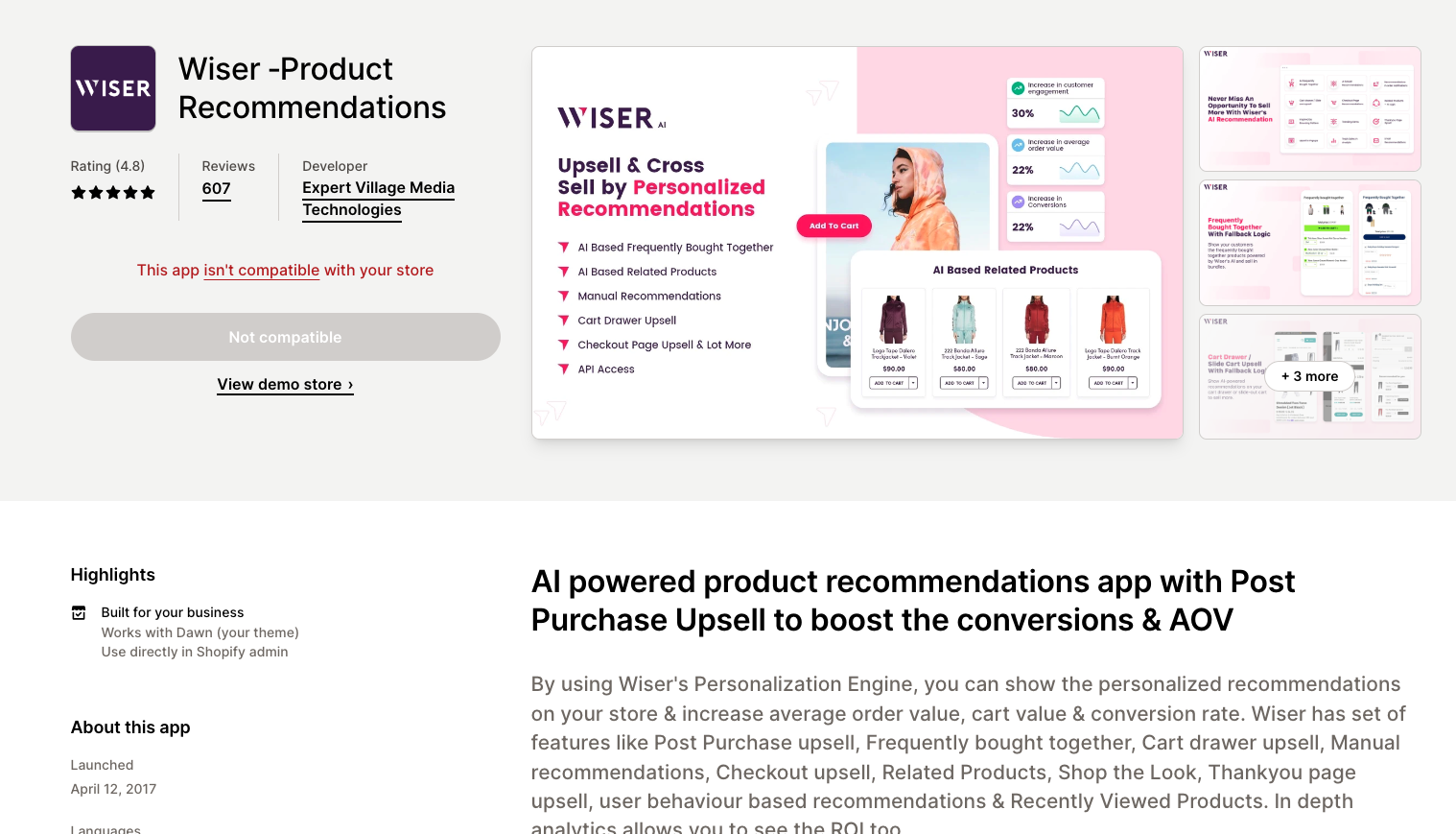
Wiser focuses on product recommendations and merchandising. It can improve product discovery once users are already on the site, but it does not replace a technical SEO app or a research suite.
Use it when the store already gets traffic but shoppers are not moving from product pages to related items, bundles, or better-fit options. That is conversion and merchandising work first, SEO work second.
OnModel
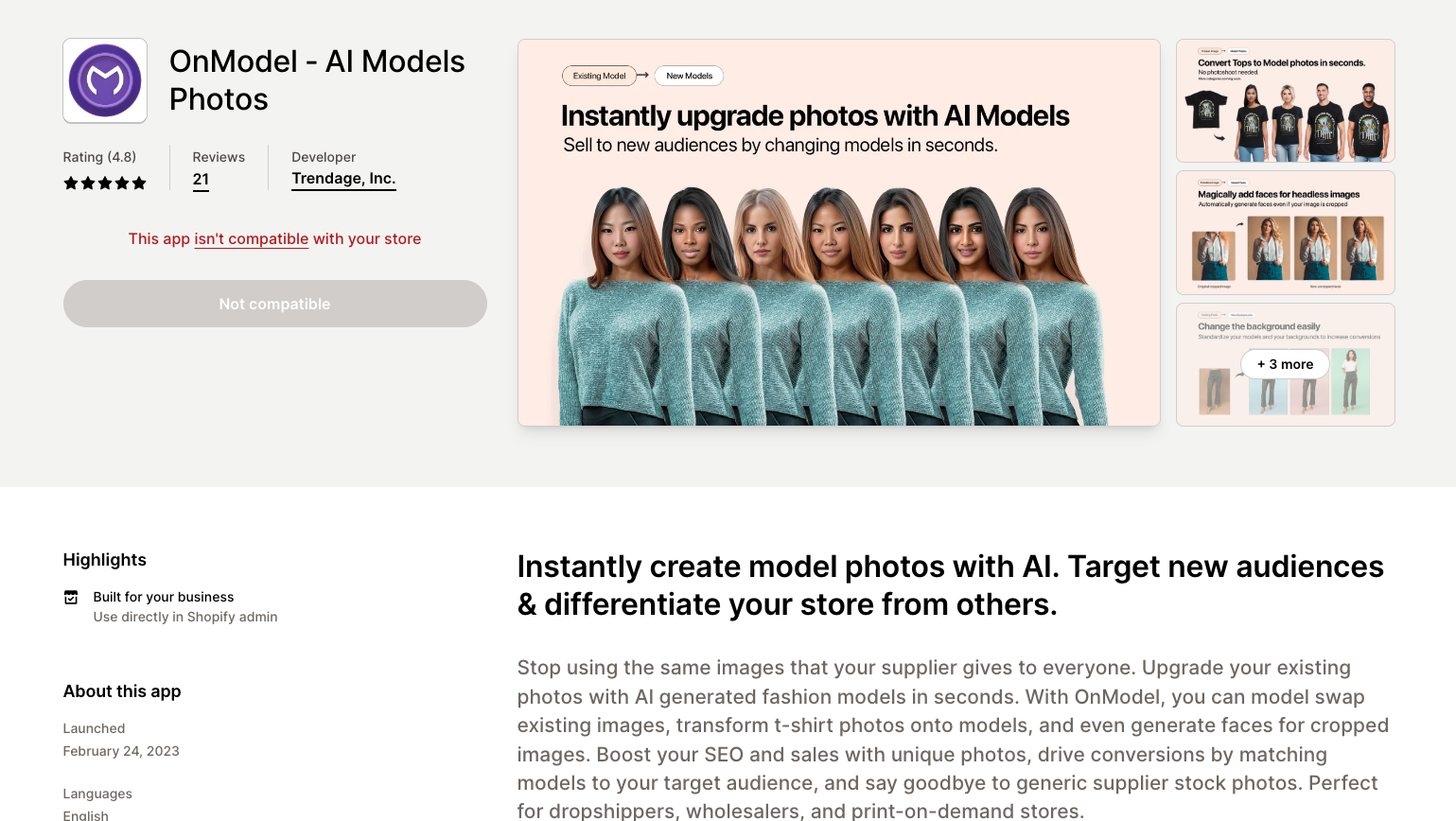
OnModel is most relevant for fashion stores that need better product imagery without reshooting every item. Better images can improve product pages, but image quality alone is not the same as SEO.
Use it when product visuals are the bottleneck. Then pair it with image compression, descriptive alt text, accurate product data, and strong product copy.
GoWise
GoWise can make sense if your biggest issue is bulk product metadata. It is most useful for large catalogs where writing titles and descriptions one by one is not realistic.
The risk is sameness. Bulk-generated metadata can quickly become repetitive, so review priority pages by hand and keep templates specific to the product category.
VerbiAI SEO Optimizer
VerbiAI is a lightweight optimization option for stores that want quick content and metadata improvements. I would treat it as a convenience tool rather than the center of the SEO stack.
If you already use a stronger AI SEO workflow, you probably do not need it. If you want a simple app to clean up product copy and metadata, it may be worth testing.
How To Choose The Right Shopify SEO Tool
The easiest way to choose is to match the tool to the bottleneck. I would decide this before opening the Shopify App Store, because app listings are designed to make every feature feel urgent.
| Bottleneck | Tool type to prioritize | What to avoid |
|---|---|---|
| Thin product descriptions | AI SEO writing and product copy tools | Publishing AI copy without fact-checking |
| Weak collection pages | Content brief, keyword, and internal linking tools | Optimizing only product pages |
| Missing alt text and heavy images | Shopify image SEO app | Installing several apps that all touch images |
| Duplicate metadata at scale | Bulk metadata workflow | Generic templates across every product |
| Poor indexing or unclear performance | Google Search Console | Guessing from rank trackers alone |
| Competitive category keywords | Semrush or another research suite | Writing content before studying the SERP |
| AI search visibility | Clear content, structured data, crawlable pages, product data hygiene | Chasing "GEO" hacks before fixing SEO basics |
For AI Search specifically, focus on clarity and machine-readable product information. Google's AI guidance says regular SEO fundamentals still apply, and Shopify's agentic storefront documentation shows how structured product data such as title, description, images, price, and availability can be parsed by AI shopping channels. My opinion here is blunt: most stores should fix product data hygiene before spending time on new AI-search terminology. Your product data needs to be accurate, complete, and consistent before any tool can help.
A Simple 30-Day Shopify SEO Tool Workflow
Here is how I would roll out tools without creating app clutter. This is intentionally conservative; a slower rollout makes it much easier to see which tool actually changed the outcome.
- Week 1: Set the baseline. Connect Google Search Console, submit the Shopify sitemap, export the top pages, and identify indexed pages with impressions but low clicks.
- Week 2: Fix technical basics. Use a Shopify app for image compression, missing alt text, broken links, redirects, title tags, meta descriptions, and structured data checks.
- Week 3: Improve priority pages. Rewrite the highest-value product and collection pages first. Use a focused AI workflow for descriptions, metadata, and collection copy, then manually edit.
- Week 4: Build supporting content. Create buying guides, comparison posts, and product education pages that naturally link back to relevant collections and products.
This is where a broader AI SEO tool can help, but only if it supports the workflow instead of adding another dashboard. The best tool stack makes better pages easier to publish. If it mostly creates reports no one acts on, it is noise.
Common Mistakes To Avoid
The first mistake is installing too many Shopify SEO apps. If three apps all edit schema, metadata, image alt text, or theme files, debugging becomes harder than the original SEO problem. This is the SEO version of creating work while trying to save time.
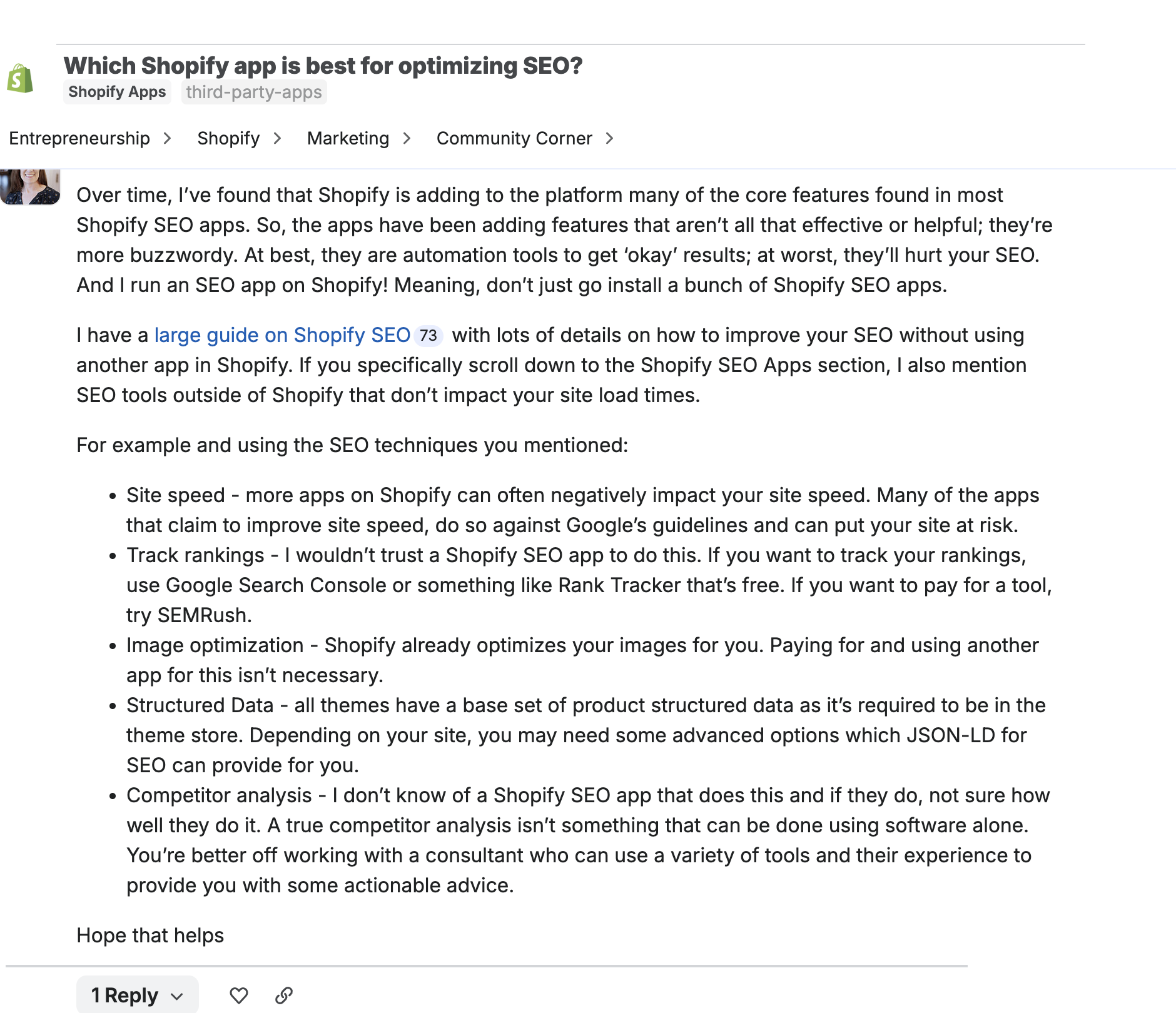
That concern comes up in merchant discussions too. In a Shopify Community thread about SEO apps, the useful advice is not "install more"; it is to separate what Shopify already handles from what a specialist tool can actually improve.
The second mistake is treating product descriptions as a bulk task only. Bulk tools help, but important products still need sharper selling points, buyer objections, specifications, and unique positioning. A good guide to SEO-optimized product descriptions is still useful because the final copy has to help both search engines and shoppers.
The third mistake is ignoring collection pages. Many Shopify stores spend time on product pages and blog posts while leaving collection pages thin. Those pages often match high-intent searches and deserve original copy, internal links, FAQs in metadata where appropriate, and strong product organization.
The fourth mistake is thinking AI content is enough. AI can speed up ecommerce content creation, but product claims, comparisons, guarantees, compatibility details, and legal-sensitive language need human review. If you are comparing tools for that workflow, the better question is which AI ecommerce description tools give you editable, specific output rather than generic copy.
The fifth mistake is not measuring after changes. Every title rewrite, collection update, redirect cleanup, or content refresh should eventually show up in Search Console data. If it does not, you need to know whether the issue is indexing, intent, competition, or page quality. I would rather see a small, measured improvement on 20 priority pages than a huge round of untracked edits across the whole catalog.
Final Verdict
The best Shopify SEO tool is the one that removes the biggest constraint in your store right now. That may sound less exciting than naming one universal winner, but it is how Shopify SEO actually works.
If content is the bottleneck, start with Junia AI. If research and competitive insight are the bottleneck, use Semrush. If technical cleanup is the bottleneck, use a Shopify-native app like TinyIMG, Yoast, or SearchPie. And no matter what else you use, keep Google Search Console in the stack.
For most Shopify stores, I would keep the setup lean: one AI SEO/content workflow, one Shopify app for technical and on-page fixes, and one source of truth for performance data. That gives you enough coverage to improve product pages, collection pages, metadata, images, internal links, and AI-search readiness without turning the store into an app experiment.