
Back to Help Centre
Add citations to your article
Use the Citation tab when you want sources in an Autoblog draft or any article you are editing.
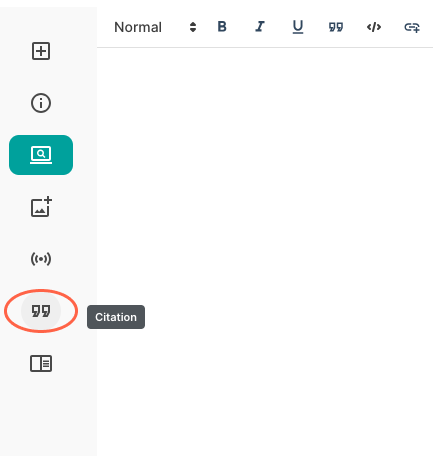
- Open the article in the editor.
- Open Citation on the left.
- Add a webpage (it must be publicly crawlable), book, journal, or video.
- Generate the citation.
- Click Insert to place it in the article.
Need help?
Email support@junia.ai.