
10 AI Newsletter Tools That Write & Personalize Your Emails (Ranked)

Yi
SEO Expert & AI Consultant

Introduction
I have written a lot of newsletters that nobody opened. The problem was rarely the ESP. It was the issue itself: no point of view, a subject line that sounded like a product update, and a body that restated the blog post.
AI newsletter tools help when they make that issue easier to ship. Some draft. Some curate. Some personalize. Very few do all three well.
This list is ranked by that job, not by feature count. If you already have a sending platform, start with a writer. If you already have a content library, start with curation.
Quick Comparison
| Rank | Tool | Best for | Highlight |
|---|---|---|---|
| 1 | Junia AI | Writing + repurposing | Newsletter drafts, personalization, platform flexibility |
| 2 | Rasa.io | Automated personalization | Audience-tailored email content |
| 3 | Ittybrief | Curated newsletters | Interest-based article and podcast digests |
| 4 | Membernova | Associations | Member segmentation and newsletter management |
| 5 | beehiiv | Newsletter drafting and editing | AI tools inside the newsletter editor |
| 6 | promo.ai | Trend-driven newsletters | Timely content generation from updates |
| 7 | FeedOtter | RSS-based workflows | Automated content curation |
| 8 | ChatGPT | Flexible drafting | Fast ideation, rewrites, localization |
| 9 | Jasper AI | Brand voice consistency | Multiple copy variations |
| 10 | WriteSonic | General newsletter drafting | Rapid AI-assisted email copy |
1. Junia AI's Newsletter Generator
Junia AI's Newsletter Generator is a strong fit for teams that want to draft newsletters faster without losing control over tone, structure, or reuse of existing content. It is especially useful when you already have blog posts, product updates, or campaign notes that need to be turned into email-ready copy.
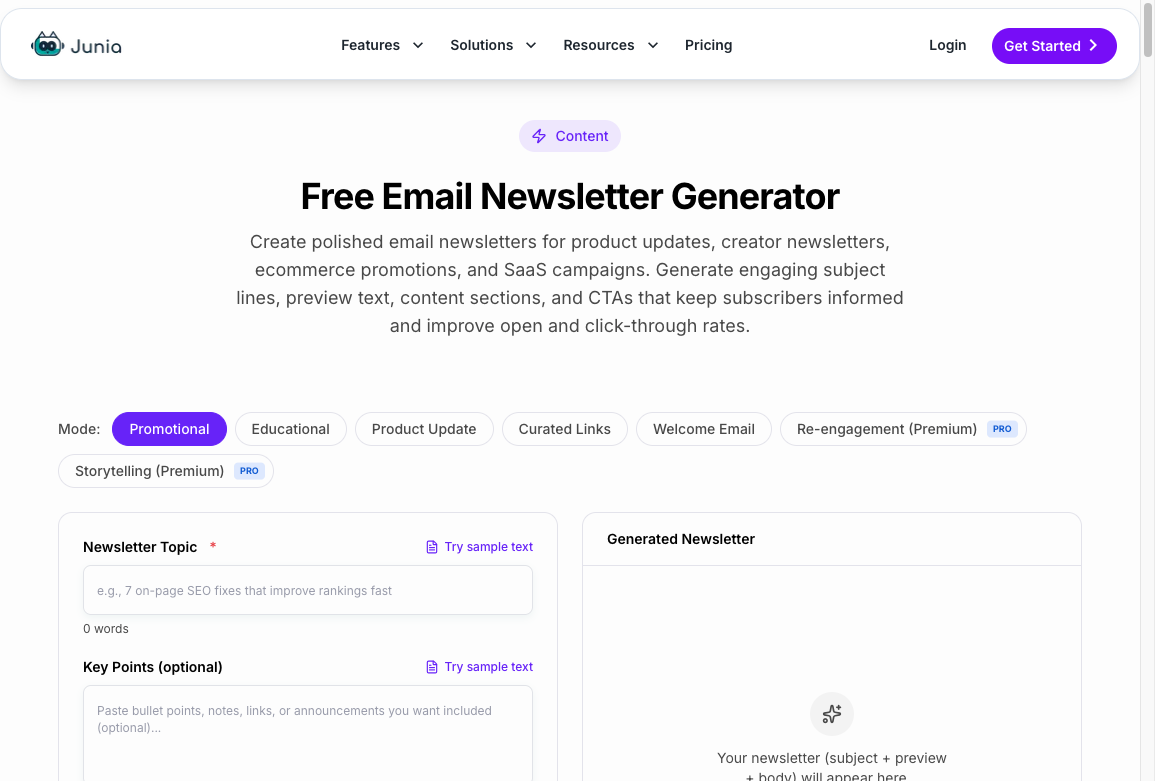
Why Choose Junia AI for Your Newsletters?
Here are the main reasons it stands out:
- Content repurposing: You can quickly repurpose existing content with AI, which is useful if your newsletter pulls from blog posts, launches, or educational content. If the source is a web page or a video instead of your own post, you can turn the URL into a full article first and then cut the newsletter from it.
- Personalization support: It helps you tailor messaging to different audience segments without starting from scratch each time.
- Faster production: It reduces drafting time, which matters if you send newsletters on a weekly or multi-segment schedule.
- Workflow flexibility: It fits teams that want AI assistance without fully giving up editorial control. You can also pair it with Junia's marketing email generator and email subject line generator when the newsletter needs campaign copy around it.
How Junia AI Enhances Communication
Its main advantage is that it helps teams turn rough ideas into cleaner, more audience-aware copy. Instead of sending one generic email to everyone, you can shape messaging around intent, tone, and reader interest. That usually leads to stronger opens, better clicks, and more useful engagement over time.
Best Fit
Junia AI is a good choice if you want help with drafting, rewriting, and adapting content for recurring newsletters while still keeping your own voice and messaging standards.
2. Rasa.io
Rasa.io is built around personalized newsletter curation. Instead of sending the same issue to every subscriber, it learns from reader behavior and assembles newsletters around each person's likely interests.
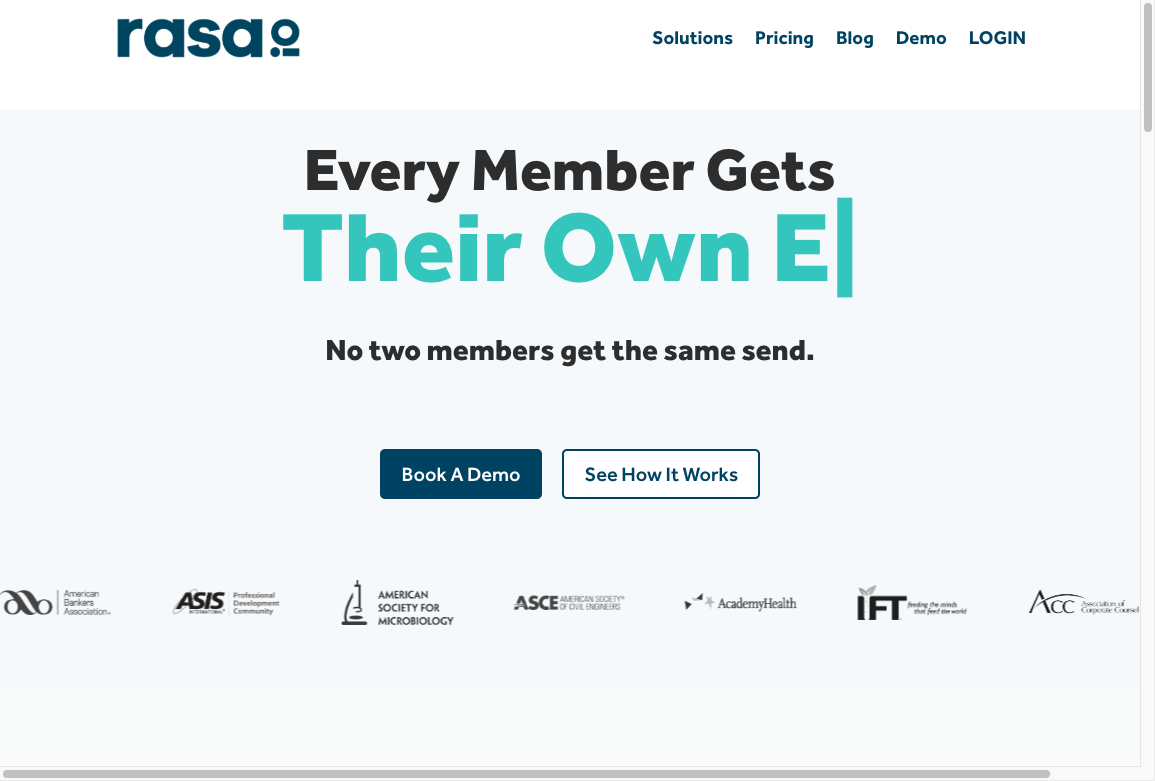
How Rasa.io Improves Customer Engagement
Rasa.io is most useful when you already have a steady stream of articles, posts, or resources and want the tool to decide which items should go to which subscriber. That makes it different from a pure AI writer. It is closer to an automated content curator with personalization layered on top.
Key Features of Rasa.io
The strongest features are:
- Personalized content selection: Rasa.io can use behavior and engagement data to decide which stories each reader should see.
- Automated newsletter production: It reduces the manual work of building recurring curated newsletters.
- Engagement insights: It gives teams feedback on what readers interact with, which can inform future content planning.
Where Machine Learning Helps
Machine learning is the main reason to consider Rasa.io. The platform studies how subscribers interact with content and uses those signals to improve future sends. That matters for publishers, associations, and brands with large content libraries because relevance is usually the hardest part of newsletter curation.
Choose Rasa.io if your main problem is not writing from scratch, but getting the right content in front of the right subscribers.
3. Ittybrief
Ittybrief used to focus on personalized digest-style newsletters. The site now says the service has shut down, so I would not pick it as a live tool in 2026. I am leaving it on the list only so you do not waste a trial looking for a product that is gone.
If you need that digest job today, Rasa.io or FeedOtter is the closer replacement.
How It Works
Ittybrief looks at reader interests and engagement patterns, then recommends content for each subscriber. The result is less like a manually assembled broadcast newsletter and more like a personalized digest.
Key Features of Ittybrief
- Personalization: Curates content around each reader's stated or inferred interests.
- AI-driven curation: Reviews large volumes of articles and podcasts so the newsletter does not depend entirely on manual research.
- Engagement tracking: Uses reader behavior to improve future recommendations.
Why Ittybrief Stands Out
Ittybrief stands out when the value of the newsletter is discovery. If subscribers expect a tight digest of relevant links, podcasts, or industry updates, its personalization-first approach makes more sense than using a generic AI writing assistant.
Best Fit
Ittybrief can help if your newsletter depends on repeat engagement. Instead of asking editors to guess what every reader wants, the tool uses past interactions and click behavior to build more relevant issues over time.
It is not the best pick if you need a full email marketing suite or detailed campaign automation. It is strongest when the newsletter itself is a curated content product.
4. Membernova
Membernova is association management software with newsletter and member communication features. It is a better fit for associations, clubs, chambers, and member-based organizations than for general ecommerce or creator newsletters.
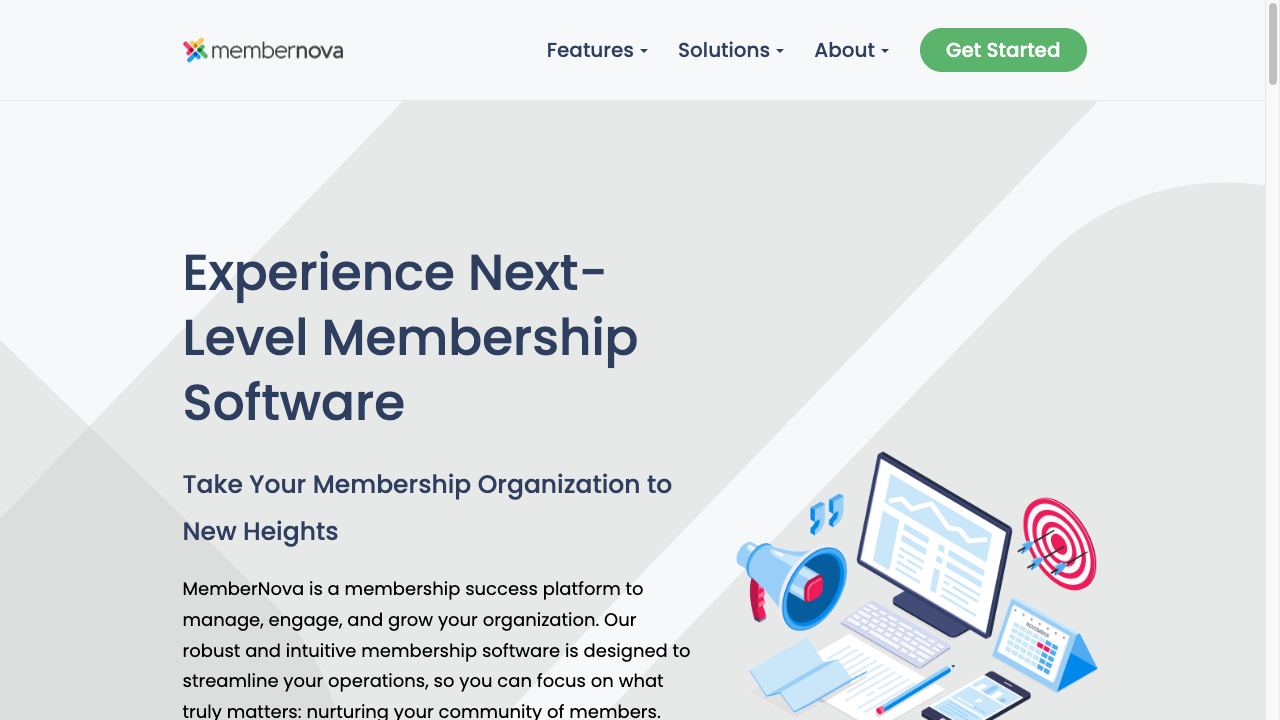
How Membernova Simplifies Newsletter Management
Membernova is useful when newsletter work is tied to member records, events, renewals, and community updates. Instead of managing those pieces in separate tools, associations can keep communication closer to their member database.
1. Intelligent Targeting
Membernova can segment an association's audience by interests, demographics, membership type, or past interactions. That makes it easier to send different versions of a newsletter to board members, event attendees, volunteers, sponsors, or general members.
2. Personalized Content Creation
Membernova includes tools for creating and managing member-facing messages. If you need help polishing the actual newsletter copy, you can use Junia's AI text editor to clean up the draft and keep it aligned with your brand voice before sending.
You can also use automated workflows for common moments such as new member onboarding, event registration, renewal reminders, and follow-up emails.
Other Features of Membernova
Membernova also includes broader association management features:
- Member management: Track member details, subscriptions, renewals, and related records in one place.
- Event management: Manage events with registration forms, payment processing, and attendee tracking.
- Online community: Give members a place to discuss updates and stay connected.
- Website builder: Create a basic association website without running a separate CMS.
Choose Membernova if newsletters are only one part of your member communication workflow. If you only need AI writing help, a lighter newsletter or email writing tool will usually be simpler.
5. beehiiv
beehiiv’s AI newsletter tools put drafting and revision inside the newsletter editor. It is a practical fit if your team wants to write an issue, adjust the copy, and prepare it for sending in one platform.
Where the AI Helps
- Drafting: Describe the issue, tone, and intended length to get editable copy.
- Revision: Shorten, expand, or simplify passages before sending.
- Tone and translation: Adapt wording for your audience or another language.
- Images: Generate supporting visuals inside the editor.
Best Fit
Choose beehiiv when the recurring job is producing and editing your own newsletter. Its AI tools still need a clear brief, checked sources, and a final human read. They do not remove the need to decide what belongs in the issue.
Keep the offer relevant when you want to turn subscribers into customers. A useful issue with one clear next step is a stronger starting point than an unsupported promise of higher open rates.
6. promo.ai
promo.ai used to market trend-driven newsletter drafts. The domain is now listed for sale, so it is not a live tool you can trial in 2026. I am keeping the entry only so you do not waste time hunting for a product that is gone.
How promo.ai Works
Promo.ai can help when the newsletter depends on what is happening now: product updates, industry news, sales campaigns, event reminders, or topical content. Instead of starting from a blank page, you can use it to shape those updates into a clearer newsletter draft.
The platform can use signals such as trending topics, emerging industry updates, and user behavior data to create more targeted newsletter content.
Key Features of promo.ai
Key capabilities include:
- Fast content generation: Turn campaign notes or timely updates into newsletter copy quickly.
- Dynamic content curation: Build newsletters around current topics, product changes, or audience interests.
- Personalization: Adapt content for different subscriber groups instead of sending one generic version.
- User-friendly interface: Create polished newsletters without needing a technical setup.
Promo.ai is a good fit for teams that need speed and freshness. If your newsletter is more editorial, research-heavy, or brand-led, you may still want a human editor to shape the final angle before sending.
7. FeedOtter
FeedOtter is best for RSS-based newsletter workflows. If your newsletter mostly pulls from blog posts, resource pages, podcasts, or other published content, FeedOtter can reduce the manual copy-and-paste work.
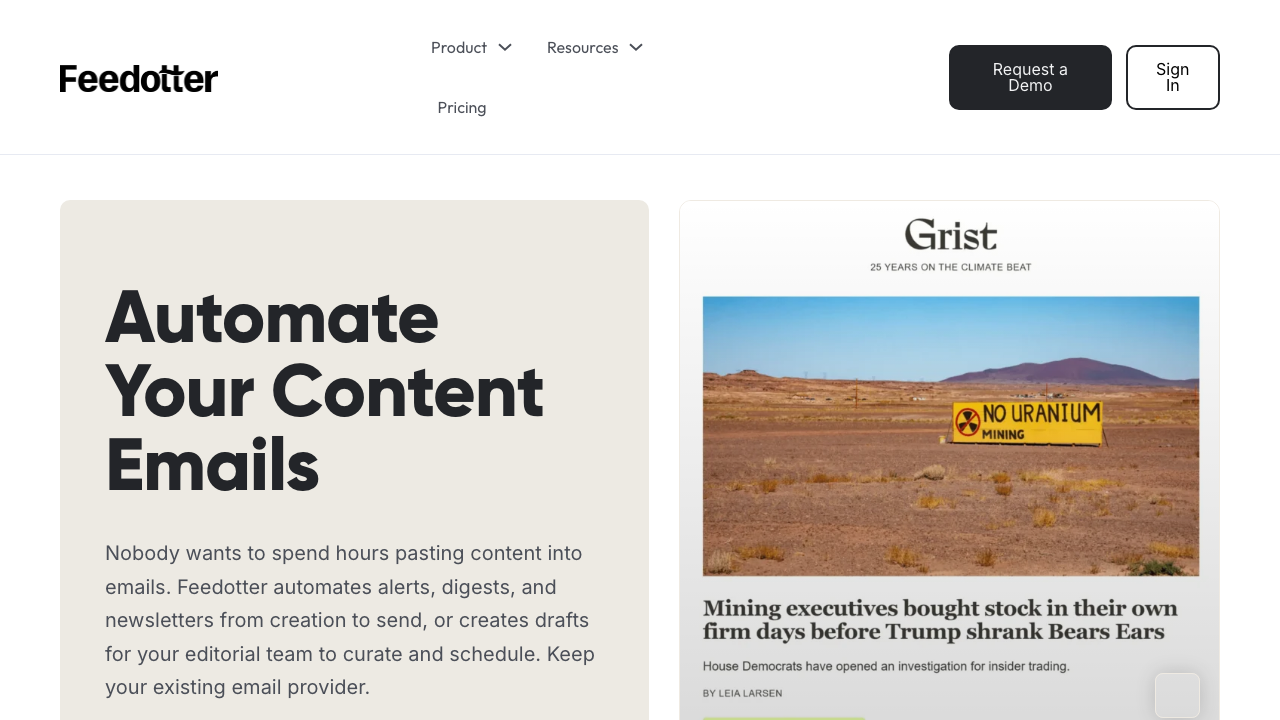
How FeedOtter Works
- Automated content curation: FeedOtter can pull fresh content from RSS feeds and place it into newsletter templates.
- Personalization and segmentation: Dynamic content blocks let you adjust newsletters based on subscriber data.
- CMS and marketing automation integrations: FeedOtter is useful for teams that already publish content elsewhere and want that content to flow into email campaigns.
FeedOtter is strongest when the newsletter is part of a content distribution system. It is less ideal if you need AI to write original long-form newsletter copy from scratch.
8. ChatGPT
ChatGPT is the most flexible option on this list. It is not a newsletter platform by itself, but it can help with ideation, outlines, subject lines, rewrites, localization, and first drafts.
The quality depends heavily on the prompt and source material you give it. If you paste in product updates, audience notes, examples of your previous emails, and the goal of the campaign, it can produce much stronger newsletter drafts than a vague one-line request.
ChatGPT is also useful for editing. You can ask it to shorten a long intro, make a subject line clearer, rewrite a CTA, or add a more human touch to AI-generated content. For teams that send to multiple regions, it can also translate and localize the same draft.
The limitation is workflow. You still need another tool to manage subscribers, templates, deliverability, scheduling, and analytics.
Best Fit
- Saves time: Speeds up brainstorming, drafting, and rewriting.
- Improves rough notes: Turns scattered campaign ideas into a usable email structure.
- Supports brand voice editing: Helps align copy with a defined tone when you provide examples or brand voice guidance.
- Handles variations: Creates alternate intros, CTAs, subject lines, and localized versions.
Use ChatGPT if you want a flexible writing assistant. Use a dedicated newsletter platform if you also need publishing, automation, and list management.
9. Jasper AI
Jasper AI is a better fit for marketing teams that care about brand voice consistency across many campaigns. For newsletters, it can help turn one campaign idea into several versions for different segments, tones, or channels.
One of the main reasons to use Jasper is variation. You can generate multiple subject lines, intros, product blurbs, or CTA angles from the same brief, then choose the version that best fits the audience.
Best Fit
- Streamlined content creation: Speeds up newsletter drafting and rewriting.
- Tone variation: Helps create different versions for casual, professional, promotional, or educational emails.
- Content ideation: Generates alternate hooks, angles, and newsletter themes.
- Consistency: Helps teams keep newsletter copy closer to a defined brand voice.
Jasper is not the leanest option if you only need occasional newsletter drafts. It makes more sense when newsletter copy is part of a larger content and campaign workflow.
10. WriteSonic
WriteSonic is a general AI writing assistant that can support newsletter drafting, rewriting, and short-form email copy. It is a practical option if you want fast copy variations without committing to a newsletter-specific platform.
Best Fit
Here is where it helps most:
- Simplifies content creation: Turns prompts, notes, or rough campaign ideas into newsletter drafts you can edit.
- Handles repetitive copy: Helps create similar email variations for different segments or campaign stages.
- Generates multiple options: Produces alternate subject lines, intros, summaries, and CTAs.
- Supports brand consistency: Can help keep copy aligned with your brand voice when you provide clear examples.
- Adapts tone and style: Lets you switch between informative, promotional, friendly, or more formal email copy.
- Keeps costs lower: Can reduce the amount of writing you outsource, especially for routine newsletter drafts.
WriteSonic is best for straightforward newsletter writing support. If you need deep personalization, automated curation, or subscriber analytics, pair it with a dedicated email marketing platform.
How to Choose the Right AI Newsletter Tool
Before you pick a platform, ask four simple questions. The writing quality still matters more than the tool. A newsletter people open has a specific promise in the subject line and a reason to keep reading in the first two sentences.
How to write a newsletter that keeps subscribers hooked
| Question | Why it matters |
|---|---|
| Do you need drafting, curation, or personalization first? | Different tools are built for different jobs. |
| Will this fit your current email stack? | Integrations save time and reduce manual work. |
| Can you control tone and brand voice? | AI output still needs editorial consistency. |
| Does the pricing make sense at your send volume? | Some tools get expensive fast as lists grow. |
Tips for Choosing the Right AI Writing Tool for Recurring Email Creation
Picking the right AI writing tool can change how much time you spend on each newsletter. The best option should reduce drafting work, keep your brand voice consistent, and fit the way your team already sends email. Here are the main things to check before choosing:
1. Ease of Use
Choose a tool your team will actually use. If it takes too long to set up, write prompts, or move copy into your email platform, the time savings disappear.
2. Customization Options
Look for tools that let you control tone, audience, format, CTA style, and message length. A good newsletter tool should help you customize copy so it does not feel like a generic automated message.
3. Integration Capabilities
Check whether the tool works with your current email platform, CRM, CMS, or marketing automation software. Integrations matter more when you send frequently or manage multiple segments.
4. Pricing Structures
Review pricing against your actual send volume. Some tools are affordable for occasional writing but become expensive when you need multiple users, larger lists, or advanced automation.
5. Overall Effectiveness
Test the tool with one real newsletter before committing. Look at draft quality, editing time, subject line options, personalization controls, and how easily the output fits your workflow.
The right AI newsletter tool is not always the most advanced one. It is the one that helps you publish useful emails more consistently without making your workflow heavier.
Final Recommendation
If you want a fast starting point, use Junia AI's Newsletter Generator for drafting and repurposing, then use a dedicated email platform for sending and analytics.
If your newsletter depends on curated links or personalized digests, Rasa.io, Ittybrief, and FeedOtter are better fits. If you mainly need writing help, ChatGPT, Jasper, or WriteSonic can work well as long as you give them strong source material and edit the output before publishing.
Newsletter tools work best when they sit inside a broader content workflow. The same systems you use for newsletter drafting can also support repurposing, SEO content production, and faster editorial planning. If that matters to your team, AI email writers are the closest next comparison.
The main takeaway is simple: choose the tool that matches your workflow, not the one with the loudest feature list. If you publish regularly, the best AI newsletter tool is the one that helps you ship useful emails faster while still sounding like your brand.