
AI Writing Software at Work: When It Helps (and When It Backfires)

Thu
AI SEO Specialist, Full Stack Developer

AI writing software is useful at work when the task is repetitive, structured, and easy to review. It becomes risky when a team treats the output as finished work.
That is the real line. Not "AI good" or "AI bad." A tool that helps a content team turn notes into an outline can save hours. The same tool can also invent a statistic, flatten a brand voice, or publish a confident but wrong explanation if nobody owns the review process.
TL;DR: Should Teams Use AI Writing Software?
Yes, but only with clear boundaries.
| Use AI writing software for | Keep humans responsible for |
|---|---|
| outlines, summaries, first drafts, title ideas, metadata, repurposing, and formatting | facts, citations, brand voice, legal/compliance risk, sensitive topics, originality, and final approval |
In a professional setting, AI writing software works best as a production assistant. It helps teams move faster, but it should not decide what is true, what is persuasive, what is legally safe, or what your company should say in public.
My simple rule: use AI when the cost of a weak draft is low and the review path is obvious. Do not rely on it when the content needs expertise, judgment, accountability, or original experience.
What AI Writing Software Actually Does at Work
AI writing software creates, rewrites, summarizes, or structures text from a prompt. In the workplace, that usually means helping with:
- blog outlines and first drafts
- email variations
- product descriptions
- social captions
- meeting summaries
- help-center drafts
- SEO briefs and metadata
- localization drafts
- internal documentation
- proposal or report sections
The tool is not "thinking" like a subject-matter expert. It is predicting and arranging language based on patterns, instructions, context, and any source material you provide. That distinction matters because professional writing is rarely just word generation. It also involves audience judgment, accuracy, positioning, risk, and taste.
This is why the best teams build AI into a workflow instead of letting it run the workflow.
What Teams Actually Use AI Writing Software For
The useful question at work is not "what are the benefits?" It is "which jobs does this actually get used for, and which ones still stall?"
In practice, I see the same five uses over and over. Everything else is marketing.
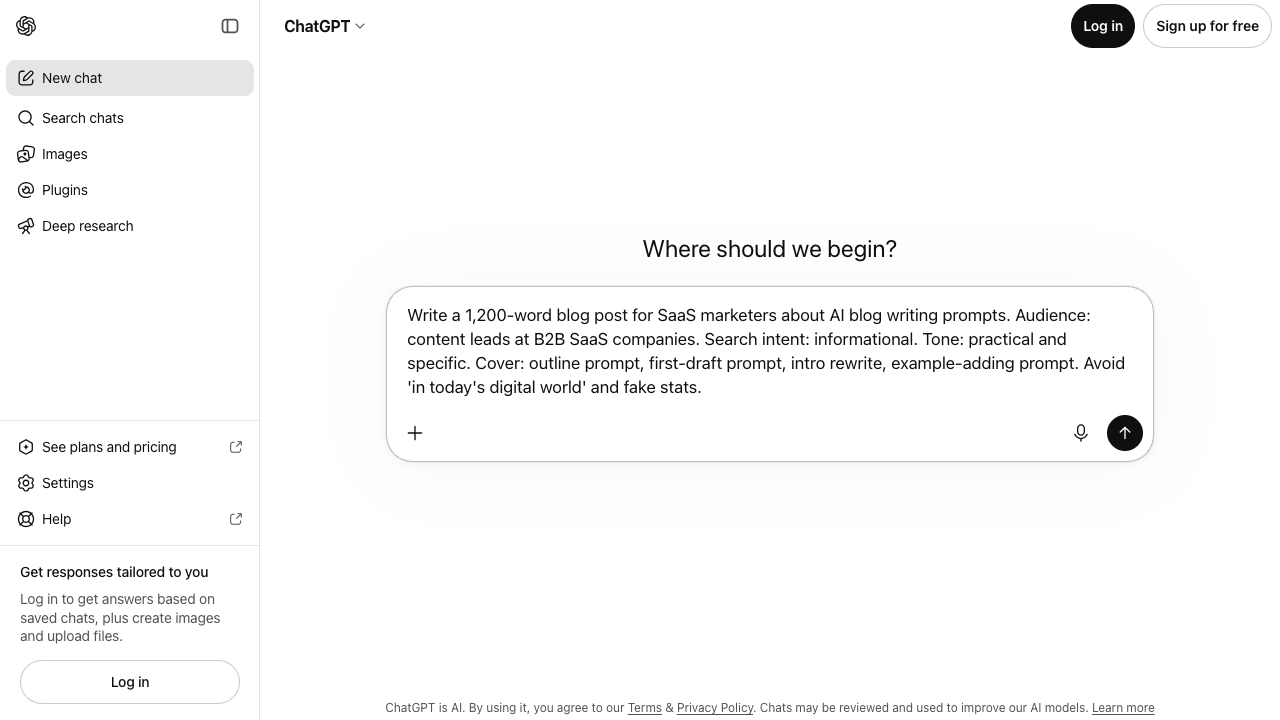
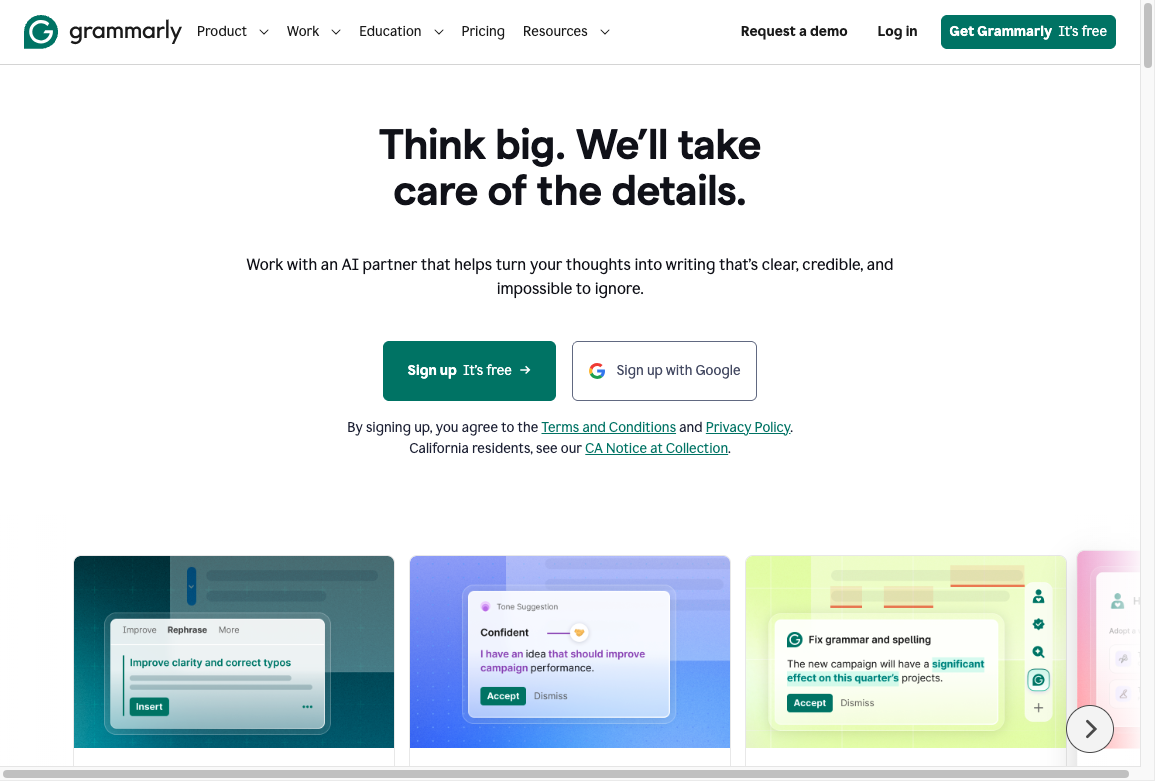
ChatGPT, Claude, and similar chat tools are what most teams actually open: dump in notes, get a draft, then argue with it. Grammarly-style editors sit in the other lane: they catch polish after a human has already decided what to say.
1. Turning notes into a first draft
This is the job that pays rent. A marketer pastes a brief. A PM pastes meeting notes. A support lead pastes a ticket thread. The model returns something you can edit instead of a blank page.
That does not mean the draft is ready. It means the writer moved from "what should this cover?" to "what is missing, weak, or wrong?" much faster.
2. Repurposing work that already exists
AI is often more useful after the original thinking has already happened. A webinar becomes a summary. A long report becomes a newsletter. A product update becomes release notes and a customer announcement.
This is a good fit because the source material already exists. The human job is to check whether the shortened version still says the same thing.
3. Enforcing boring structure
Many workplace writing tasks are not creative. They need a standard format: a project update, a support article, an executive summary, a product comparison, or a brief.
AI can turn messy notes into a sequence, rewrite inconsistent headings, or convert a paragraph into a checklist. For content teams, AI writing tools for SEO help in the same way: faster briefs and cleaner outlines, not keyword stuffing.
4. Generating options, not strategy
AI can spit out angles, headline variations, objections, and alternative outlines when a team is stuck.
The danger is treating the first batch as the plan. The model usually offers the most obvious angles first. A good editor uses those as raw material, then asks: Who is the reader? What do they already know? What mistake are they trying to avoid?
5. First-pass localization
AI can speed up translation drafts and glossary-backed updates. It is useful for getting repetitive content into another language quickly.
Smooth language is not local fit. For international content, the safer workflow is still AI draft first, local human review second.
The Biggest Risks of AI Writing Software
The main risk is not that AI output is always bad. The risk is that it often looks good enough to pass a quick review.
That is dangerous in professional settings because polished writing can hide weak facts, vague claims, biased assumptions, or copy that sounds like every competitor.
1. It can produce confident inaccuracies
AI writing tools can generate facts, citations, examples, and product details that sound plausible but are wrong or outdated. This is especially risky in healthcare, finance, law, education, technical documentation, and any topic where a bad claim can hurt readers or the business.
NIST's generative AI risk guidance treats these issues as governance problems, not just writing problems: organizations need to map, measure, and manage risks across the AI lifecycle, including information integrity, bias, and misuse. That is a useful lens for content teams too. If a claim matters, verify it outside the tool.
Source: NIST Generative AI Profile
2. It flattens brand voice
AI is good at writing something acceptable. It is much less reliable at writing something distinct.
Without a strong prompt, examples, and editing, AI tends to produce safe, rounded-off copy: "in today's digital landscape," "unlock your potential," "seamlessly enhance productivity," and other phrases that technically mean something but do not sound like a person with a point of view.
That is where brand voice customization becomes practical. A team should give the model examples of approved copy, banned phrases, tone rules, audience context, and before-and-after edits. Even then, a human editor needs to make the final call.
3. It can weaken originality
AI writing often follows common structures because it is trained on common patterns. That creates a sameness problem. The draft may be readable, but it may not add anything worth remembering.
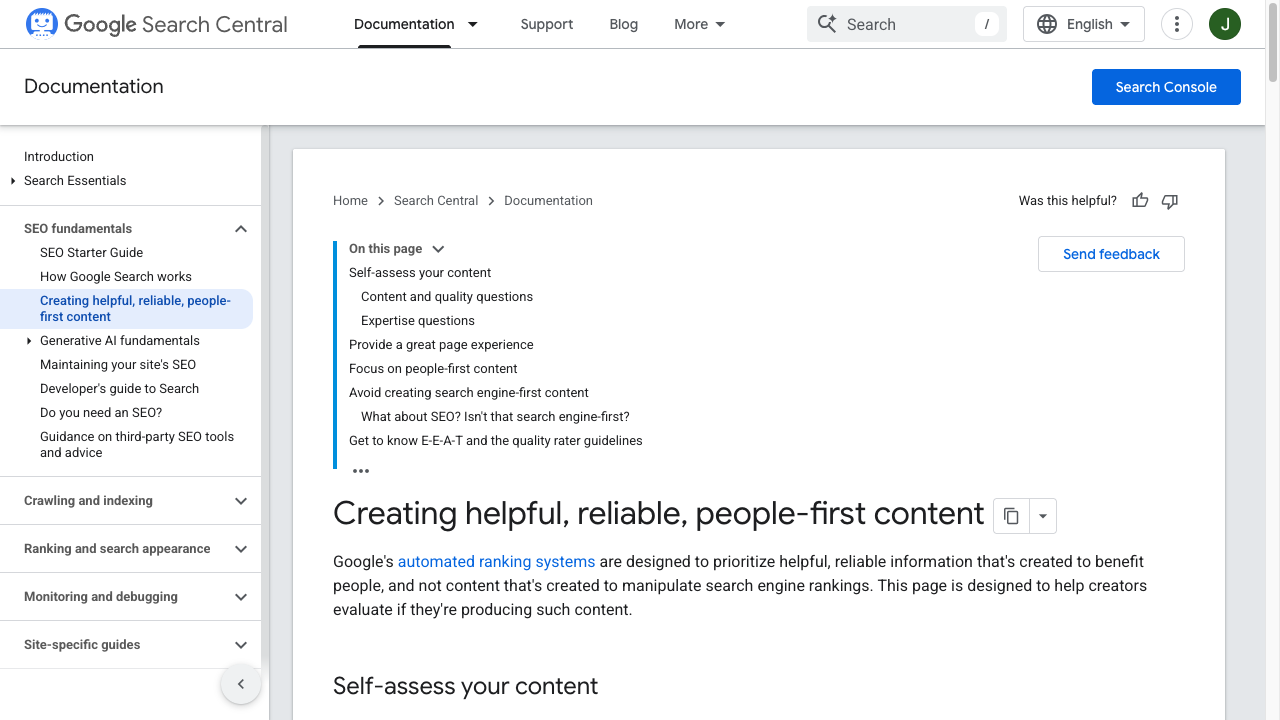
This matters for search, too. Google's guidance on AI-generated content is not that AI is automatically disallowed. The standard is whether content is helpful, reliable, and made for people rather than created mainly to manipulate rankings. In practice, AI-assisted content still needs original insight, clear sourcing, experience, and a useful reason to exist.
Google explains this in its AI-generated content guidance. Its broader documentation on helpful, reliable, people-first content points in the same direction: content should help readers first, not exist mainly to game search visibility.
4. It can create plagiarism and authorship problems
Most AI drafts are not direct copy-paste plagiarism, but they can still be derivative. They may reuse familiar phrasing, mimic common article structures, or produce sentences too close to widely published material.
The practical risk is bigger than a plagiarism score. A company can end up with content that feels unoriginal, unsupported, or unclear about who is responsible for the claims.
If you publish AI-assisted content, keep humans accountable for the final draft. Run originality checks, verify sources, and make sure the piece includes examples, decisions, or experience that did not come from the model.
5. It can hide bias inside polished language
AI tools learn from existing data, and existing data contains bias. That can show up in hiring language, healthcare explanations, education content, financial advice, or any topic involving people, identity, opportunity, or risk.
The problem is not always obvious. A sentence can sound neutral while still framing a group unfairly, leaving out context, or treating a stereotype as a pattern. Sensitive content needs a human reviewer who understands the audience and the stakes.
6. It can make teams publish too much too quickly
AI lowers the cost of creating drafts. That is useful until volume becomes the goal.
When teams publish dozens of similar pages without fresh examples, strong editing, or clear intent, the content usually gets weaker. That is how bulk publishing without quality control backfires: the site gets bigger, but not more useful.
A Practical AI Writing Workflow for Teams
The safest professional workflow is simple: let AI speed up the low-risk parts, then put human judgment where the stakes rise.
Step 1: Define the task before prompting
Before opening the tool, decide what you actually need:
- an outline
- a summary
- a rough draft
- a rewrite
- a list of objections
- title variations
- metadata
- a localization draft
- a source-based brief
Vague prompts produce vague writing. A better prompt includes the audience, goal, source material, format, tone, constraints, and what the output should avoid.
Step 2: Give the model real inputs
Do not ask AI to invent expertise. Feed it the raw material: customer research, product notes, interview transcripts, existing brand copy, support docs, search intent notes, or approved sources.
If the tool is helping with SEO content, include the page intent and the reader's decision stage. A comparison article, a tutorial, and a thought-leadership article should not have the same structure.
Step 3: Edit for meaning before style
A common mistake is polishing an AI draft before checking whether it says anything useful.
Start with the bigger questions:
- Is the main answer clear?
- Are the claims true?
- Is anything missing?
- Does the draft repeat obvious advice?
- Does it include specific examples?
- Does it match the reader's actual problem?
Only after that should you worry about sentence rhythm, headings, and tone.
Step 4: Verify every claim that matters
Do not trust citations just because they look formatted. Check that the source exists, that it says what the draft claims, and that it is strong enough to support the point.
For workplace content, I would verify:
- statistics
- legal or compliance claims
- product features and pricing
- medical, financial, or safety advice
- claims about Google, social platforms, or AI systems
- quotes
- competitor comparisons
For citation-heavy work, a citation generator can help format sources, but it cannot replace source checking.
Step 5: Add human experience and examples
This is where AI-assisted writing usually becomes publishable.
Add what the model cannot know: what your team has seen, what customers ask, what edge cases matter, what tradeoffs are worth naming, and where generic advice fails. That is also how adding a human touch becomes more than cosmetic editing.
Good human editing adds judgment. It does not just make the text sound less robotic.
When AI Writing Software Is a Good Fit
AI writing software is a good fit when the task is structured, reviewable, and not highly sensitive.
| Good fit | Why it works |
|---|---|
| Notes to outlines and first drafts | Easy to review against the source |
| Meeting or report summaries | The facts already exist |
| Headline and title-tag options | Humans can pick, not invent blindly |
| Rewrites for clarity | Meaning is already decided |
| Repurposing long content | You can check against the original |
| Localization drafts | A native reviewer can catch market fit |
| Ad or email variants | Tests fail cheaply |
It is especially useful when a team already has a strong editorial process. The tool speeds up production, but the standards already exist.
When AI Writing Software Is a Bad Fit
AI writing software is a poor fit when the content needs deep expertise, original reporting, emotional nuance, or legal accountability.
| Bad fit | Why it backfires |
|---|---|
| Medical, legal, financial, or safety copy | A fluent error can cause real harm |
| Executive statements and crisis comms | Tone and accountability cannot be delegated |
| Investigative or original research | The model cannot do the reporting |
| High-stakes customer apologies | Generic sympathy reads as fake |
| Sensitive HR or hiring language | Bias hides inside polished phrasing |
| Complex technical documentation | Small inaccuracies become support tickets |
| Brand-defining thought leadership | Sameness is the failure mode |
AI can still help around the edges. It might summarize notes or suggest structure. But the final message should come from someone who understands the stakes.
How AI Writing Affects SEO and AI Search Visibility
For SEO and AI search, the question is not whether a page used AI. The question is whether the page gives a clear, trustworthy answer that other systems can confidently summarize.
That means AI-assisted content should be easy to parse and easy to trust. The article should include:
- a direct answer near the top
- clear section headings
- specific examples
- source-backed claims where needed
- concise definitions
- useful tables or checklists
- original judgment, not just neutral summaries
- internal links that help the reader go deeper
Stanford HAI's 2026 AI Index describes rapid AI integration across the economy and rising investment in generative AI. As adoption grows, publishing more AI-assisted content will not be enough. The content that stands out will be the content with better sourcing, clearer experience, and stronger editorial decisions.
Source: Stanford HAI 2026 AI Index
3 ways to improve your content | Google Search Central
This is also where E-E-A-T with AI writing tools matters. Experience, expertise, author accountability, and trustworthy sourcing are not decorations. They are the difference between a page that sounds complete and a page readers can actually rely on.
A Simple Review Checklist Before Publishing AI-Assisted Writing
Use this checklist before any AI-assisted draft goes live:
- Purpose: Does the draft answer a real reader problem?
- Accuracy: Are factual claims checked against reliable sources?
- Originality: Does the piece add examples, judgment, or experience beyond generic advice?
- Voice: Does it sound like the brand, not like a default AI response?
- Structure: Can a reader scan the headings and understand the answer quickly?
- Evidence: Are important claims supported without turning the article into citation clutter?
- Risk: Could this content create legal, compliance, reputation, or customer-trust issues?
- SEO: Does the page help the reader first instead of stuffing keywords?
- Internal links: Do links support natural next steps instead of interrupting the article?
- Final ownership: Is a human responsible for the published version?
If the draft fails several of these checks, the problem is not the tool. The problem is the workflow.
A Pilot That Tells You If the Tool Is Worth It
Do not roll this out company-wide on vibes. Run a small test.
Pick three repeatable tasks your team already writes every week: a support article, a meeting summary, a first-draft blog from an approved brief. Time the old process. Then time AI draft plus human edit. Compare editing burden, not just drafting speed.
If the edit pass takes longer than writing it yourself, the tool is not helping. If the draft is faster and the facts survive review, keep it for that task only. Add rules for sourcing, brand voice, disclosure, and who signs off.
For most professional teams, the winning workflow is not raw automation. It is controlled acceleration on the jobs that already have a review path.