
7 Google Indexing Tools (When Google Won’t Index Your Pages)

Yi
SEO Expert & AI Consultant

Introduction
URL Inspection Tool — Google Search Console Training
Indexing tools help after the page is crawlable and worth indexing. Fix robots, canonicals, and thin content first — then request inspection.
Website indexing is a core part of SEO. If Google does not discover, crawl, or retain your pages in its index, strong content alone will not help you rank.
A good indexing tool can speed up discovery, surface technical blockers, and give you a clearer process for getting new or updated URLs crawled.
This guide covers the tools most often used when pages are slow to appear in search and explains where each one fits.
Whether you're a marketer, an SEO professional, a white label SEO agency or a content creator, you’ll find some practical tips and ideas here on how to use these tools for the best possible results.
1. Junia AI's Google Indexer
| Situation | First move | Tool role |
|---|---|---|
| New URL not in index | URL Inspection + sitemap | Confirm discovery |
| Soft 404 / thin | Improve content | Indexer will not save it |
| Blocked by robots | Fix robots/meta | Then re-inspect |
| Bulk new pages | Sitemap + quality gates | Batch indexers last |
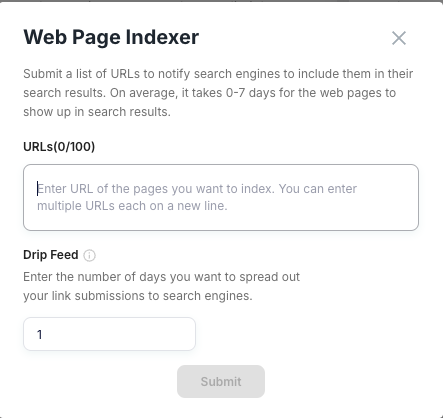
Junia AI's Google Indexer is built for teams that want a faster, more controlled submission workflow. It is especially useful when you are publishing at volume and want more than occasional manual requests in Search Console.
Key Features That Set It Apart
Intelligent Drip Feed System
- Mimics more natural submission pacing
- Prioritizes timing and batching to improve indexing success
Advanced Bulk Processing Capabilities
- Can handle large URL batches with queue-based processing
AI-Powered Innovation
The platform also supports related optimization work:
- Content optimization suggestions that help you tweak and improve your writing
- Automatic keyword analysis
- Smart meta description generation
- URL structure recommendations
Integration Ecosystem
Its integration ecosystem includes:
"Connect with popular CMS platforms, SEO tools, and analytics systems for workflow automation across your CMS and SEO stack"
- WordPress integration
- Shopify Integration
- Ghost Integration
If you want a workflow that combines URL submission with broader content and technical SEO support, Junia AI is the most full-stack option in this list. It also pairs naturally with related guides on SaaS technical SEO and CMS choices for SEO.
2. Omega Indexer
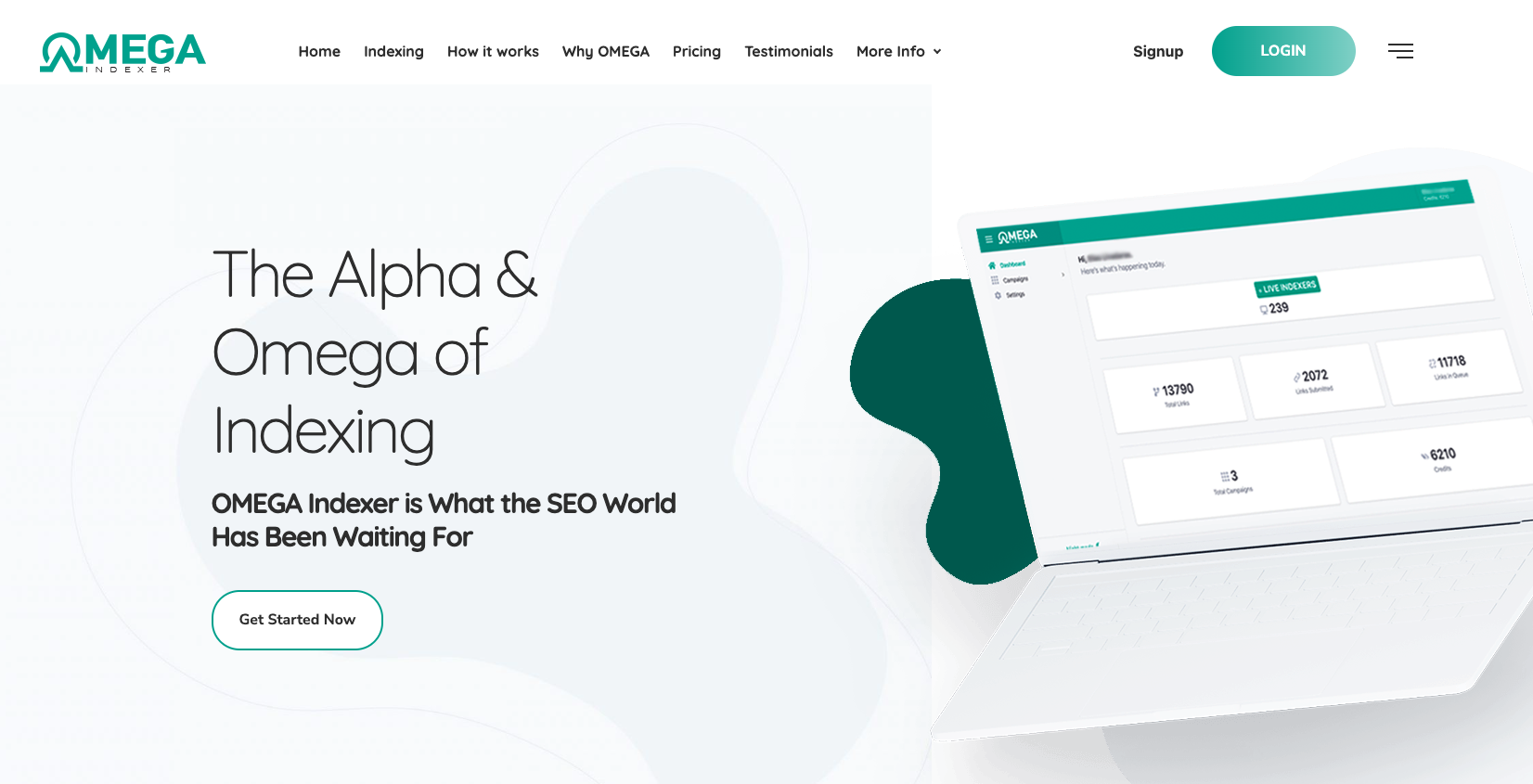
So this is Omega Indexer, a pretty power-packed indexing tool that’s built to help your SEO strategies actually do something, like really show results. Omega Indexer is often talked about as the ultimate Google indexing tool, and honestly yeah, there’s a good reason for that. It covers the indexing workflows most SEOs need, and the UI stays simple enough for daily use — which is why it shows up often as a default pick.
Why Choose Omega Indexer?
Omega Indexer isn’t just some basic indexing tool, it’s more like a full solution that really tries to cover your SEO needs. So, here’s why you might want to use this tool:
- High Success Rate: Omega Indexer has a pretty high success rate when it comes to pushing those hard-to-index links to Google, which helps your content get as much visibility as possible.
- Drip Feeding: One cool thing about this platform is its ability to “drip feed” links to Google over five days. This helps keep indexing steady and makes sure you’re not just throwing everything at the search engines at once and overwhelming them.
- Cost-Effective: With Omega Indexer, you actually get good value for your money. It can cost as little as $0.02 per link, so it’s pretty affordable while still keeping the quality, you know, decent.
Checking Indexed Pages with Google Search Console
To check indexed pages using Google Search Console, you can do this:
- Log in to your Google Search Console account.
- Select the property (the website) that you want to check.
- Go to the Coverage report under the Index section.
- There, you’ll see which pages are indexed and also any errors that might have happened.
Reasons for Non-Indexing
There are a few different reasons why some pages might not end up being indexed:
- Robots.txt: This file might be set up to disallow search engines from crawling certain pages.
- Noindex Tag: If a page has a “noindex” meta tag, it’s basically telling search engines not to index that page.
- Server Errors: Things like 500 internal server errors and similar problems can block pages from being indexed.
Steps for Validation/Fix Confirmation
If you think you’re dealing with non-indexing issues, you can follow these steps to validate and confirm what’s going on:
- Look over your robots.txt file and see if there are any disallow directives that might be blocking indexing.
- Check the source code of individual pages to see if there are any “noindex” tags in there.
- Keep an eye on your server performance so you can make sure there aren’t any ongoing errors.
- After you fix things, request reindexing by using the URL Inspection Tool in Google Search Console.
Key features and benefits of Omega Indexer
Omega Indexer comes with a bunch of helpful advantages, like stuff you actually notice when you use it:
- Almost guaranteed indexing within a really short amount of time, sometimes way faster than you’d expect
- Comprehensive reporting and analysis so you can actually see and track how your indexing efforts are going and what’s working
- Utilization of Google Search Console to help speed up and basically push the indexing process along
These features are super useful for website owners who want to quickly boost their online visibility and improve their search engine rankings without waiting forever.
The benefits of using Omega Indexer go way beyond just the features listed. This tool promises almost guaranteed indexing, which really helps your online visibility and can improve your search engine rankings a lot, sometimes more than you’d think at first.
How to Use Omega Indexer for Maximum Results
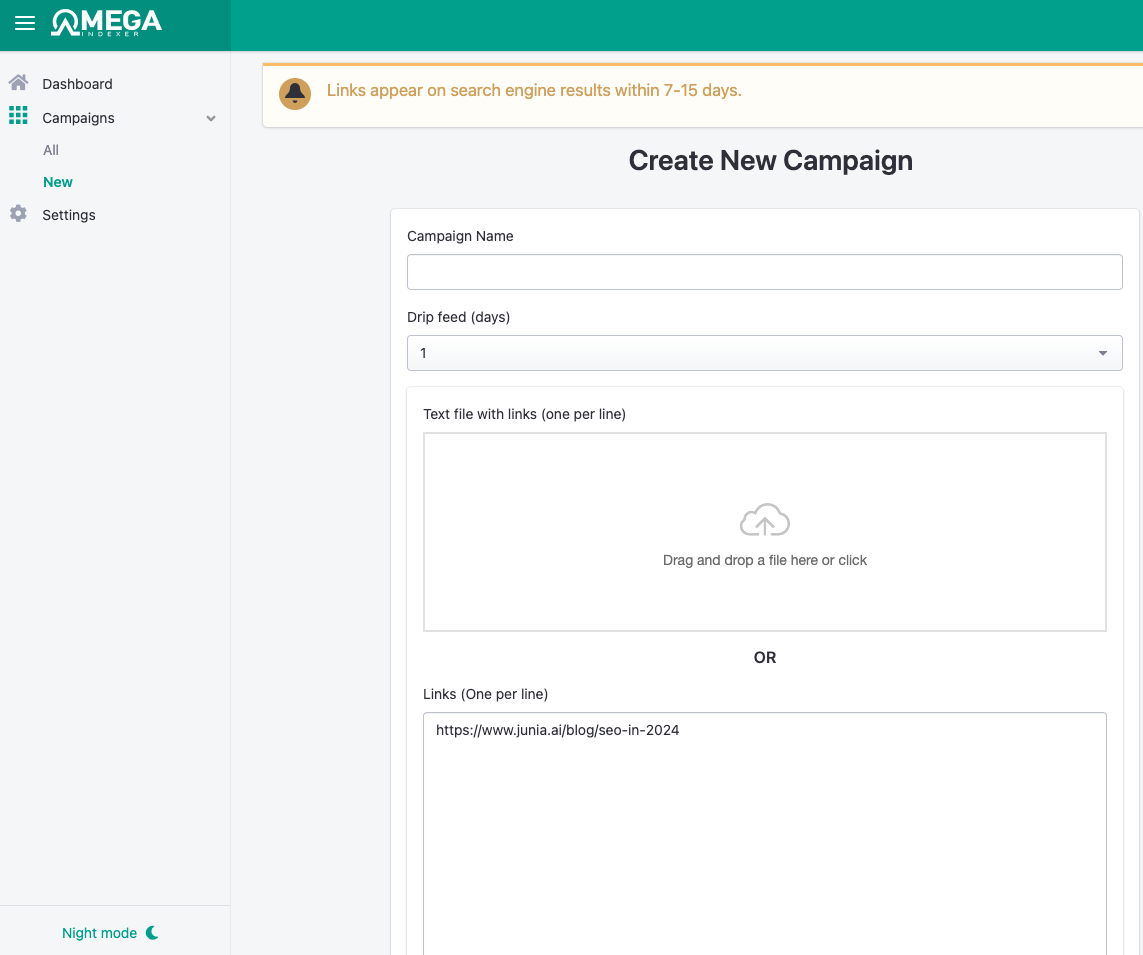
Step 1: Creating an account and setting up your project
- First, you just create an account on the Omega Indexer platform. It will ask for some basic details about your website and what kind of indexing preferences you want. Nothing too crazy, but fill it out properly so it works right.
- After that, set up a new project in the dashboard. Here you can tweak the settings to match your own goals and what you actually want to achieve with your site.
Step 2: Submitting your website's URLs or sitemap for indexing
- Once your project is ready, you can submit your website's URLs or your sitemap to start the indexing process. This is kind of the main part, because without this, nothing really happens.
- Use the tool's interface, which is pretty simple to understand, to add the info it needs for more targeted indexing. You just follow along and put in the URLs or sitemap where it asks.
Step 3: Monitoring the progress and analyzing the results
- Keep an eye on how the indexing is going by checking the real-time updates inside Omega Indexer. It lets you see what has been indexed and what is still in progress, so you are not just guessing.
- Use the reporting features to look at how your indexed pages are performing. This helps you spot what is working well and what might need some optimization or fixing up later.
This more detailed way of using it helps you actually get the most out of Omega Indexer, so you can boost your website's online visibility and search engine rankings in a more effective way.
Take a bit of time to explore what Omega Indexer can do and see how it changes your SEO strategy. Try to use as many of its features as you can and really take advantage of the power of guaranteed indexing.
3. IndexMeNow: A Top Google Index Tool
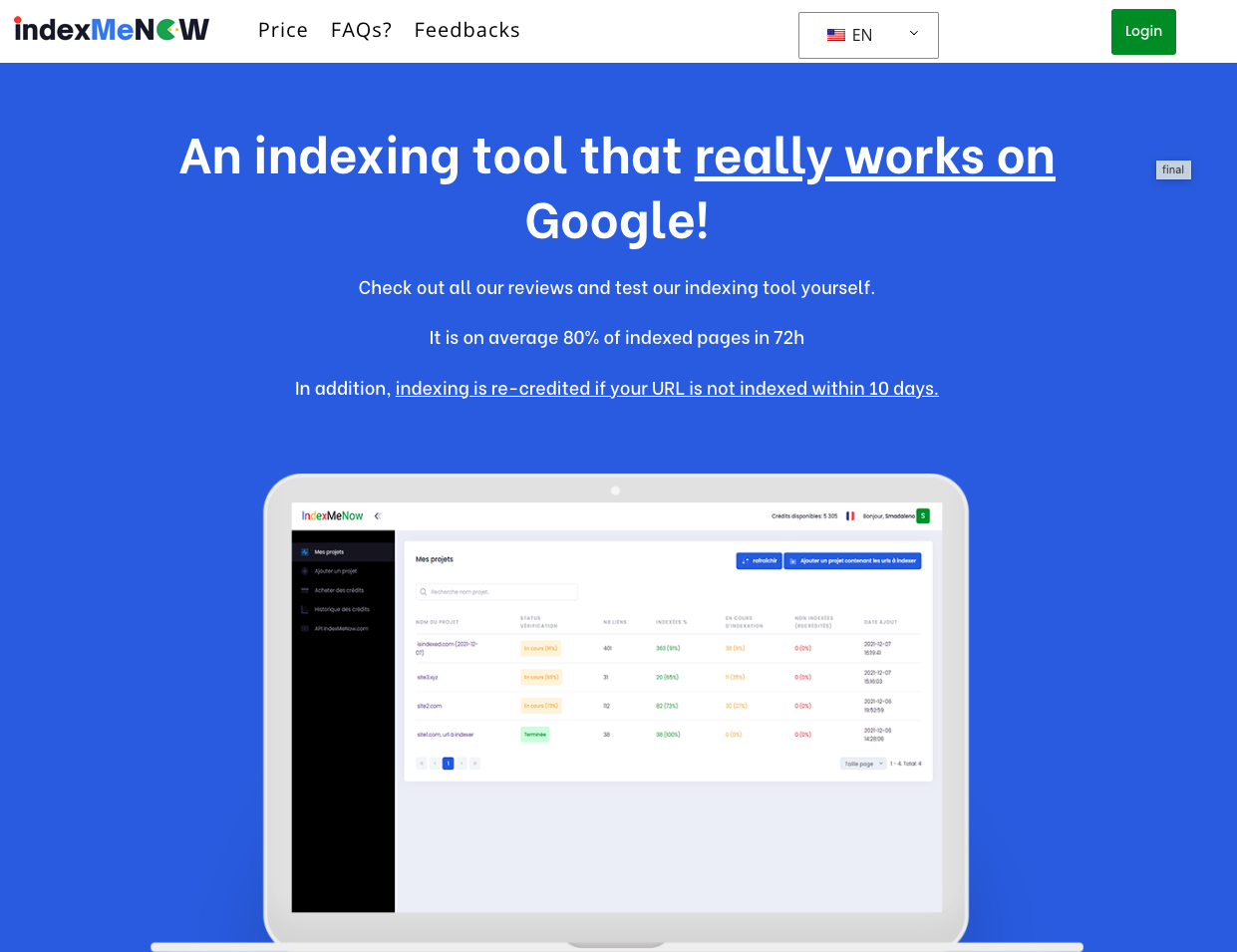
If speed is your priority, IndexMeNow is one of the more direct tools in this space. It is designed for fast submissions and straightforward reporting rather than a larger SEO workflow.
Why Choose IndexMeNow?
Its appeal is simple:
- Fast indexing workflows for new or updated URLs
- Simple interface that is easy to use alongside Google Search Console
- Status reporting so you can track what has been submitted and what still needs attention
Getting started is straightforward:
Step 1: Sign Up for an Account
- Go to the IndexMeNow website and look for the sign up option.
- Fill in all the required details in the registration form, nothing too crazy.
- When you’re done, just verify your email address so your account gets activated.
Step 2: Submit Your URLs or Sitemap
- Log in to your new IndexMeNow account.
- Find the dashboard where you can either submit individual URLs or upload your whole sitemap.
- Then, depending on what you prefer, choose to submit one URL at a time or do a bulk upload using a CSV file if you have a lot of pages.
Step 3: Explore the Reporting Tools
- From your dashboard, check out the real time reports that show which URLs have been successfully indexed.
- Look into the detailed statistics for each submitted URL, so you can see how its indexing progress is going.
- Use this data to tweak and refine your SEO strategy and help maximize your online visibility.
Tools like Omega Indexer and IndexMeNow can help with submission and monitoring, but they work best when the underlying pages are already technically sound and worth indexing.
4. Bing Webmaster Tools
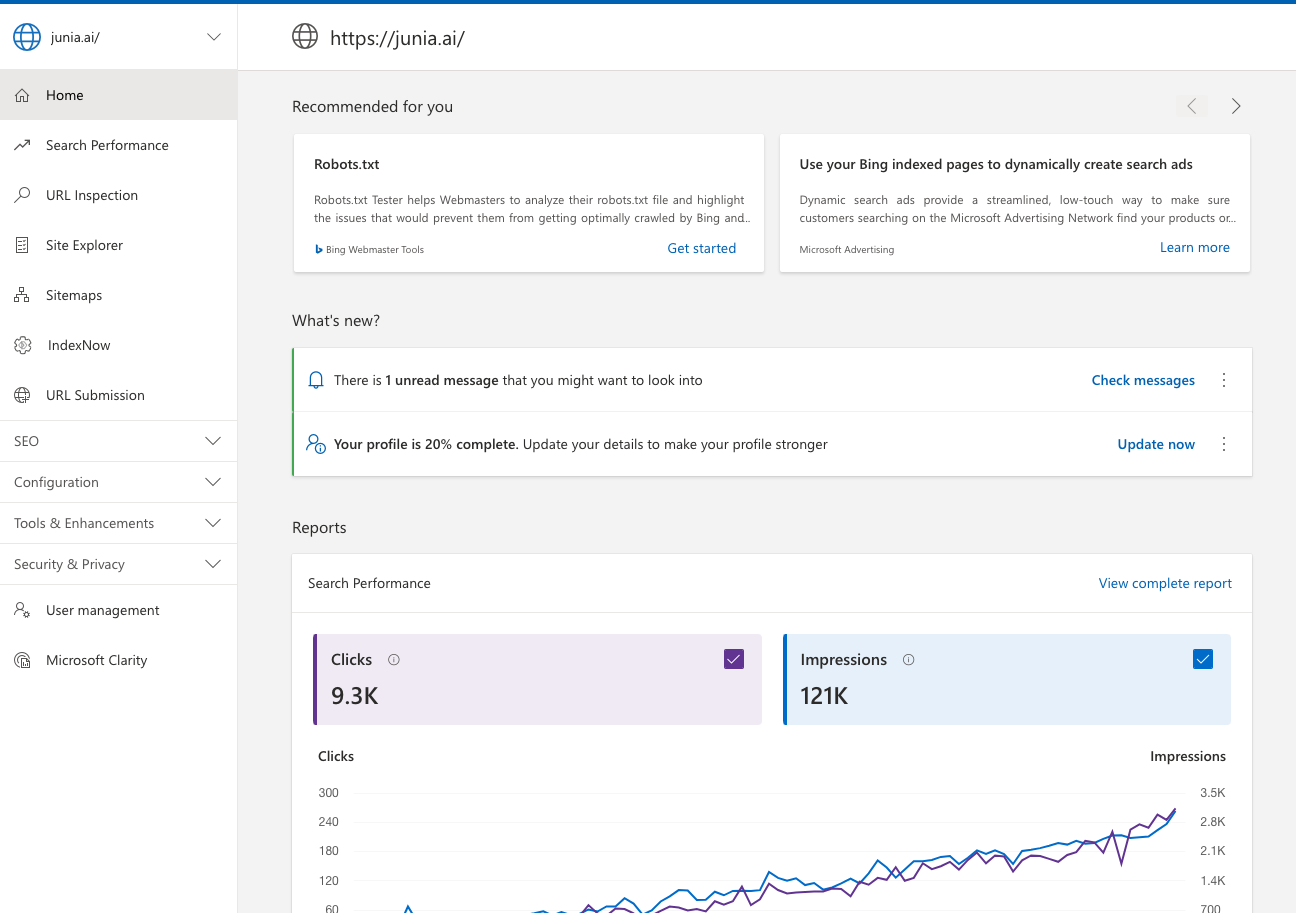
So, even though this article mostly talks about Google indexing tools, it’s still really important to bring up Bing Webmaster Tools here. This platform is owned by Microsoft, and it gives you a full set of tools that help boost your website’s visibility in Bing’s search engine. Kind of like Google Search Console but, you know, for Bing.
With Bing Webmaster Tools, you can do a bunch of different things that go way past simple indexing stuff:
Submit URLs
So, you can actually submit URLs to Bing by yourself, like manually, so they can look at them for their search index. This is really helpful for brand new pages or stuff you just updated that you kinda want to show up faster and get quick visibility.
Sitemaps
The sitemap submission feature basically lets you give Bing a full map of your whole website. This way, it’s easier for Bing to understand how your site is set up, like what connects to what, and it helps make sure all your important pages actually get noticed and are considered for indexing.
SEO Reports
Get a clearer idea of how your site is actually doing when it comes to SEO. These reports point out things that might be going wrong or getting in the way, and could be the reason your visibility on Bing isn’t as strong as it should be.
Keyword Research
Find the best and most effective keywords for your business using Bing's keyword research tool. It’s pretty useful for discovering what people are actually searching for.
But, just keep in mind, even though Bing does bring in some internet traffic, Google still totally dominates the search engine market. So yeah, Bing Webmaster Tools can be part of your indexing strategy and it’s not useless or anything, but it’s usually smarter to focus more on Google-oriented tools like Omega Indexer and IndexMeNow. Those should probably be your main priority.
5. Screaming Frog SEO Spider
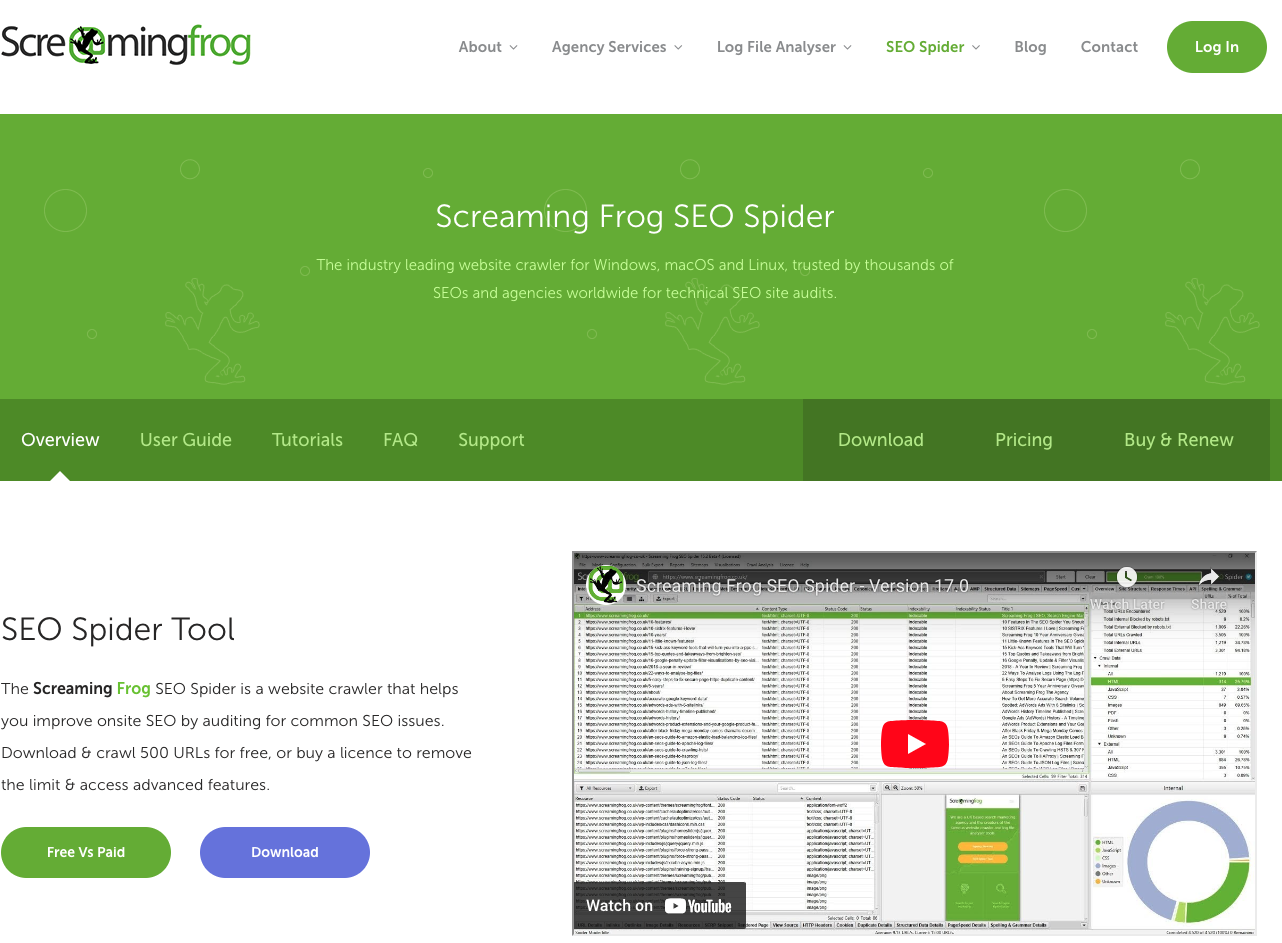
Screaming Frog SEO Spider is a desktop program you install on your PC or Mac. Pretty simple to start with. It crawls website URLs kind of like a search engine does, just from your computer. This tool gives you a full breakdown of a website, which is really helpful if you’re trying to improve your site’s indexing and overall SEO performance.
When you open Screaming Frog SEO Spider, it just asks for the URL of the site you want to check. After that, it quickly starts going through all the pages on the site. While it crawls, it collects data on things like:
- HTTP Status Codes: It finds broken links (404s) and server errors that can stop a page from being indexed properly.
- Page Titles** & Meta Descriptions:** It checks that every page has unique and relevant titles and descriptions, which are super important for SEO and indexing.
- Duplicate Content: It spots duplicate pages or content problems that might hurt your search engine visibility.
- URL Structure: It looks at whether your URLs are good for search engines, like if they’re short, clear, and not full of weird parameters or session IDs.
- Image Optimization: It helps with generating XML Sitemaps, which is a key part of helping search engines find all the pages on your site. You can create new sitemaps or update old ones so they match your site’s current structure.
On top of that, Screaming Frog can connect with Google Analytics, Google Search Console, and PageSpeed Insights APIs. So you can pull in user data, click-through rates, and performance metrics straight into the crawl, which makes your audit a lot more complete.
The tool works well for both beginners and more advanced SEO users:
- For quick checks, you can see fast if your pages are indexable by search engines or not.
- For deeper analysis, you can use filters and directives to look at robots.txt files or meta robots tags that tell search engines what they should or shouldn’t crawl.
One really useful thing is being able to export data. After a crawl is finished, you can export the information you want into Excel for extra analysis or reports. This step is super important for spotting issues and, you know, actually fixing them later.
6. Ahrefs Site Audit Tool
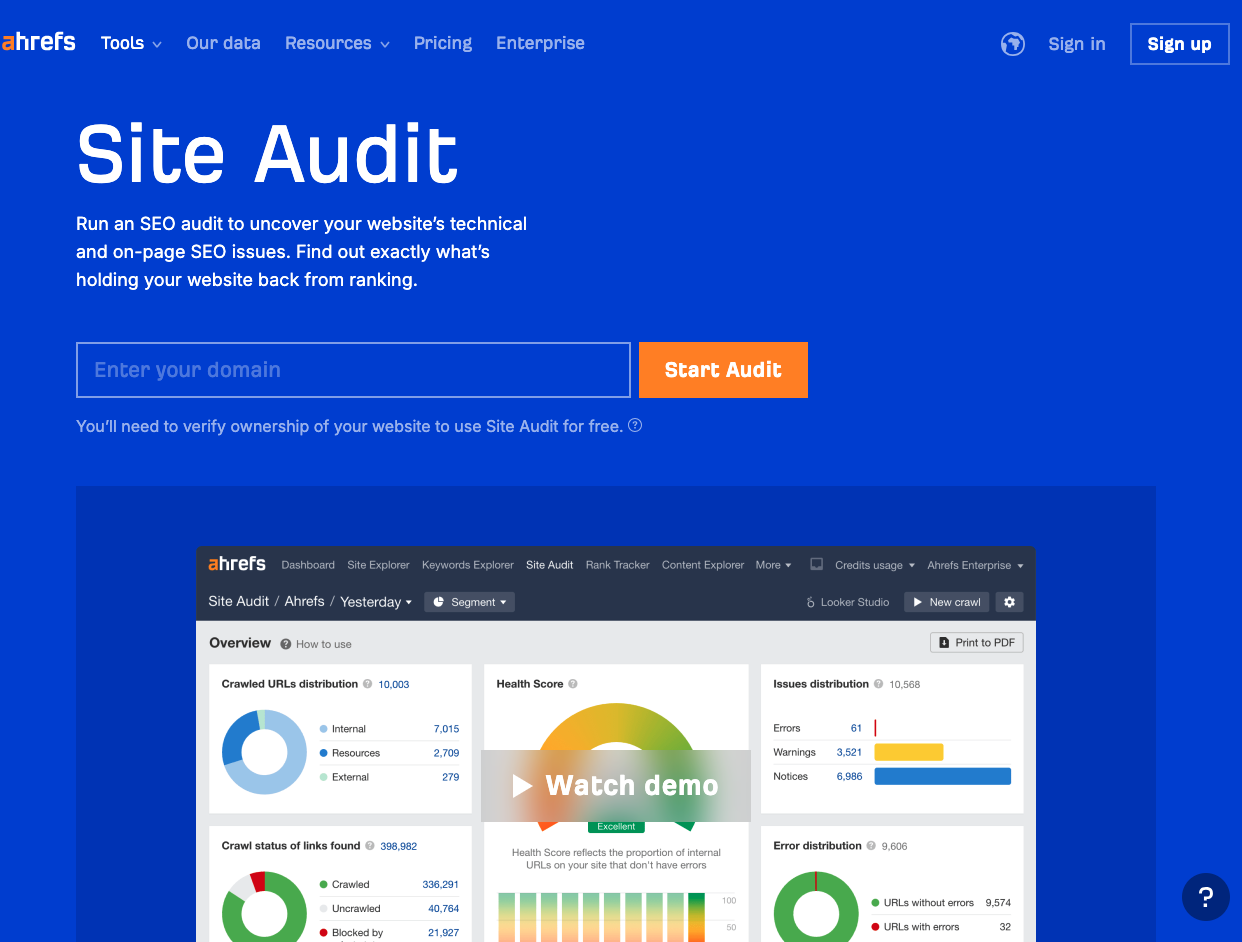
When it comes to website indexing, the Ahrefs Site Audit Tool really kind of stands out. This tool is like an all in one solution for checking both on-page and off-page SEO issues that might be messing with your site’s indexing status.
This audit tool is built to give you a deep look into your website’s health by finding common SEO problems. It scans through your site and then spits out a detailed report, so you can see what’s working, what’s broken, and what needs some fixing or improvement.
The Ahrefs Site Audit Tool isn’t only about pointing out what’s wrong. It also gives you practical tips on how to fix things. So if you’ve got broken links, duplicate content, missing meta descriptions, or really slow page load times, this tool helps you deal with all of that.
Here are some of the main features of the Ahrefs Site Audit Tool:
- Deep Crawl: It crawls through every corner of your website, even those random pages you forgot were there. This helps make sure no part of your site stays unnoticed or unindexed.
- Data-Rich Reports: It gives you detailed and visual reports that turn complicated data into something you can actually understand without needing to be a total expert.
- Issue Tracking: It keeps track of SEO issues over time so you can see if things are getting better, and make sure problems don’t just come back again later.
- Competitor Comparison: With this, you can compare your website’s performance with your competitors and see where they might be doing better than you, and where you can catch up.
One really important thing about the Ahrefs Site Audit Tool is how it analyzes off-page SEO elements. This includes stuff like backlinks and social signals, which have a big impact on how Google sees your site’s relevance and authority. With this info, you can plan your link-building strategy in a smarter and more effective way.
The Ahrefs Site Audit Tool is honestly a super useful part of any SEO toolkit. If you use this tool regularly, you can spot potential indexing issues early and fix them quickly, keeping your site properly optimized for search engines.
7. DeepCrawl
Say hi to DeepCrawl, a next-generation tool that kind of goes beyond your usual website indexing stuff. It doesn’t just skim the surface. This advanced tool takes a deep dive into your website's whole architecture, checking every page and every little part so things run better and show up more in search engine results. Basically, it’s trying to help your site perform its best and be more visible.
Features of DeepCrawl
DeepCrawl comes with a bunch of features that are really focused on website indexing and all that stuff:
- Comprehensive website auditing: It doesn’t just index your site, it actually goes through and audits it for possible problems that might hurt your SEO efforts. Kind of like having your own personal SEO consultant watching your back.
- Detailed reports after each crawl: Every time it finishes a crawl, you get this long, detailed report that points out the important issues on your website that probably need fixing right away.
- Data-driven insights to optimize SEO strategies: It checks the technical health of your website, looks at how it’s performing, and finds anything that might be damaging your site’s visibility in search engine results.
- Seamless integration with other SEO software: It works smoothly with other SEO tools such as Google Analytics and Google Search Console, so you can get a more complete view and do better analysis and optimization.
Unique Features of DeepCrawl
One of DeepCrawl's standout features is how it can really dig into the structure of your website and kind of make sense of it for you:
- Website structure analysis: A well-structured site makes the user experience way better and also helps a lot with search engine visibility. DeepCrawl looks at the depth and breadth of your website's architecture, checking how all the pages connect, and it finds any dead links or orphan pages that might hurt your site's overall SEO.
Another unique feature offered by DeepCrawl is its really detailed reporting functionalities, which is actually super helpful:
- Detailed reporting: It gives you an extensive report after each crawl, showing the most critical issues on your website that need immediate attention. This kind of helps you figure out what to fix first and lets you focus your time on the areas that need action right away.
How DeepCrawl Helps Businesses
To show how DeepCrawl really helps, picture this: a popular e-commerce platform updated its whole website design and then suddenly saw a big drop in organic traffic. At first they didn’t really know why. After running an audit using DeepCrawl, they found a bunch of broken links and dead pages that they hadn’t noticed before. Kind of hiding in plain sight. Once they fixed those problems, their search engine rankings started to go up again, and their organic traffic improved a lot.
So basically, DeepCrawl is more than just a simple website indexing tool. It gives you full auditing features to help make sure your website is not only indexed, but also properly optimized for top performance in search engine results.
Factors to Consider When Choosing a Website Indexing Tool
Before choosing an indexing tool, decide what problem you are trying to solve. Faster submission, better diagnostics, and bulk workflows are not the same need.
Key Features to Look For
- Reporting quality: You should be able to see what was submitted, what succeeded, and where issues remain.
- Ease of use: If the workflow is clumsy, your team will stop using it.
- Pricing model: Some tools fit occasional use; others make more sense for high-volume sites.
- Integrations: Connections with your CMS, analytics stack, or broader SEO workflow reduce friction.
- Support and documentation: Useful when something fails and you need to diagnose the cause quickly.
- Technical context: Some tools only submit URLs, while others help with on-page issues, metadata, or crawlability too.
Other Considerations
Two more filters matter:
- Search engine fit: Google may be the priority, but Bing can still matter for some audiences.
- Site readiness: If pages are blocked, thin, or technically weak, no indexing tool will solve the root problem.
- Content quality support: Tools that connect well with SEO best practices or backlink analysis workflows tend to be more useful over time.
The right tool should shorten your path from published page to indexed page, not just add another dashboard.
Comparing Omega Indexer and IndexMeNow
Omega Indexer and IndexMeNow are often compared because both focus on getting URLs noticed faster, but they are slightly different fits. If you are also working on off-page visibility, these backlink indexing tools for third-party sites are worth reviewing separately.
| Tool | Best for | Strength | Tradeoff |
|---|---|---|---|
| Omega Indexer | Hard-to-index URLs and backlink-style campaigns | Gradual drip-feed workflow | Slower results |
| IndexMeNow | Fresh pages that need speed | Faster submissions and simple reporting | Less nuanced workflow |
Omega Indexer
Omega Indexer is better when you want a slower, more deliberate submission pattern. It uses a credit-based system and spreads submissions over time.
Key Features:
- Drip feeding of links over five days, so it looks more natural
- Credit-based system, giving you cost-effective solutions for a lot of links
- High success rate when it comes to pushing hard-to-index links
IndexMeNow
IndexMeNow is the better fit when speed matters more than pacing. It is designed for quick submission and easier visibility into indexing progress.
Key Features:
- Immediate indexing of webpages
- Detailed reporting functionalities for tracking progress
- Reliable choice for urgent indexing needs
Both are easy enough to use, but the tradeoff is simple: Omega Indexer favors pacing, while IndexMeNow favors immediacy.
Pricing also differs. Omega Indexer is easier to justify for smaller or occasional batches, while tiered pricing may suit larger URL sets better if speed is the priority.
Their unique strengths are:
- Omega Indexer is better for stubborn URLs and slower submission patterns.
- IndexMeNow is better for quick turnaround and faster feedback.
In short, choose Omega Indexer for patience and persistence, and choose IndexMeNow for speed.
Conclusion
Google indexing tools matter because they help remove delays between publishing and discovery, but they are not a substitute for technical SEO.
If pages are not getting indexed, start by checking crawlability, internal links, canonicals, and page quality. Then use an indexing tool to speed up the process.
Omega Indexer is better for slower submission patterns. IndexMeNow is better when you need URLs processed quickly. Junia AI's Google Indexer is the broader choice when you want indexing support inside a wider SEO workflow.
The best choice depends on whether your bottleneck is submission speed, bulk workflow, or technical diagnosis. If you are still troubleshooting broader ranking issues, it is worth pairing this with guides on link building and recovering from a Google algorithm update.