
10 AI SEO Tools for WordPress in 2026

Thu
AI SEO Specialist, Full Stack Developer

The best AI SEO tool for WordPress depends on the job you need it to do. I know that sounds like a hedge, but it is the most honest answer after testing and reviewing these workflows: the tool that fixes metadata is rarely the same tool that fixes weak content strategy.
If you want one practical answer: use Junia AI for AI-assisted content strategy and production, pair it with a strong WordPress SEO plugin such as AIOSEO or Rank Math, and add a specialist tool like Surfer SEO, Frase, or WordLift only when you have a specific gap.
That stack is usually stronger than installing every plugin with "AI" in the feature list. In my experience, crowded WordPress SEO setups create more maintenance work than momentum.
TL;DR: The best AI SEO tools for WordPress
For most WordPress sites, I would think about the stack this way:
| Tool | Best for | Use it when |
|---|---|---|
| Junia AI | AI SEO strategy, keyword research, briefs, and optimized content | You want one AI workspace for planning and producing SEO content |
| AIOSEO | WordPress SEO setup, titles, schema, sitemaps, and internal links | You want SEO controls inside WordPress |
| Rank Math | SEO scoring and Content AI inside the editor | You want a strong free or lower-cost plugin path |
| Link Whisper | Internal link suggestions | Your site has many existing posts that need better connections |
| Surfer SEO | On-page optimization against live SERP patterns | You already have drafts and want clearer optimization targets |
| Frase | Competitor research and content briefs | You need faster research before writing |
| WordLift | Structured data and entity SEO | You care about schema, knowledge graphs, and semantic SEO |
| SEOPress | Lightweight WordPress SEO controls | You want a clean plugin with less bloat |
| Semrush | SEO data plus AI writing and reporting | You need keyword, competitor, and content data in one suite |
| Jasper | Brand-aware AI marketing content | You need blog, email, social, and ad copy from one brief |
The main mistake is buying a full AI SEO stack before you know the bottleneck. I have seen plenty of sites add another AI writer when the real problem was simpler: unclear keyword targeting, thin page structure, missing internal links, messy schema, or content that nobody would willingly finish reading.
Google's own guidance on generative AI search still points back to core SEO fundamentals: helpful content, crawlable pages, clear page structure, and content that satisfies real user intent. In other words, optimizing for AI Search does not mean creating a separate "AI-only" page. It means making your WordPress pages easier for search systems and readers to understand, summarize, and trust through clear answers, source-backed claims, and visible expertise. Google's AI optimization guide and guidance on using generative AI content are worth reading before you automate too much.
What actually matters in an AI SEO tool for WordPress?
There are two types of tools in this category.
The first type lives inside WordPress. These are plugins like AIOSEO, Rank Math, Link Whisper, WordLift, and SEOPress. They help with titles, meta descriptions, schema, internal links, sitemaps, redirects, image SEO, and on-page checks.
The second type sits next to WordPress. These are SaaS tools like Junia AI, Surfer SEO, Frase, Semrush, Jasper, and Outranking. They help with research, topic planning, content briefs, AI writing, competitor analysis, and optimization before the content is published.
The best setup usually uses one tool from each group. I do not recommend stacking three full SEO plugins on one WordPress site. That can create duplicate schema, conflicting meta tags, confusing sitemap settings, and a dashboard nobody wants to maintain.
Before choosing a tool, ask one question: what job am I actually trying to speed up?

If the answer is "I need better content ideas," start with keyword research and briefs. If the answer is "my published posts do not support each other," fix internal linking. If the answer is "Google does not understand my content clearly," improve schema, headings, and topical coverage. That diagnosis matters more than the logo on the pricing page.
1. Junia AI
%20(2).png?token=eyJhbGciOiJIUzI1NiIsInR5cCI6IkpXVCJ9.eyJ1cmwiOiJ1c2VyLWdlbmVyYXRlZC1pbWFnZXMvMThkMzIyMTQtYWZlNC00YmVjLTg2NTItOGU2ZDFiMDYyZTE5L0dyb3VwIDM3OSAoMSkgKDIpLnBuZyIsImlhdCI6MTcwMDkxOTkwNiwiZXhwIjoxODU4NTk5OTA2fQ.409kESB0bHKdPihxVg8J5hxGm3xDVwo_t_SWRwe3JKU)
Junia AI is the best starting point if your main problem is content strategy, not plugin settings. This is where I would start for most WordPress sites that need more than metadata cleanup.
That distinction matters. A WordPress SEO plugin can help you set a title tag, generate schema, or suggest an internal link. It will not automatically decide which keyword cluster you should build next, what search intent the page should satisfy, or how to turn a rough idea into a publishable article.
Junia is strongest when you use it as the planning and production layer for WordPress SEO. You can build keyword ideas, create briefs, draft optimized articles, improve existing content, and plan supporting pages before the article ever reaches WordPress. If you are still building your foundation, this WordPress SEO with AI guide covers the workflow behind the tool choice.
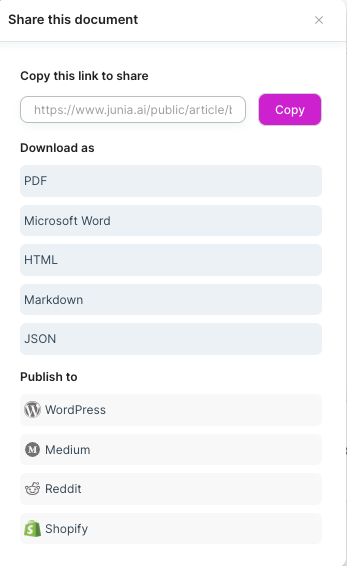
The practical workflow I would use looks like this:
- Use an AI keyword research process to find topics with clear intent.
- Turn the keyword into a brief with headings, entities, examples, and reader questions.
- Draft the article, then edit for accuracy, originality, and actual experience.
- Optimize the article in WordPress with your SEO plugin.
- Revisit the article after Search Console data shows impressions, queries, and weak sections.
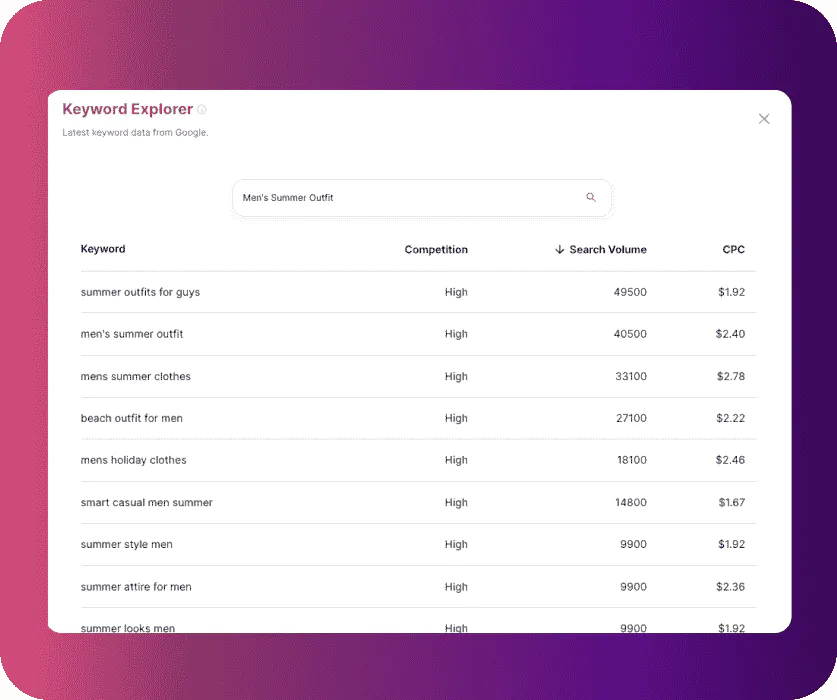
I would use Junia especially for sites that publish long-form blog content, affiliate reviews, SaaS comparison pages, tutorials, and multilingual content. The value is not only that it can draft. It is that the research, brief, writing, and optimization steps stay close enough together that fewer ideas get lost between tools. Its AI SEO agent is useful when you want that process to feel connected instead of scattered across five tabs.
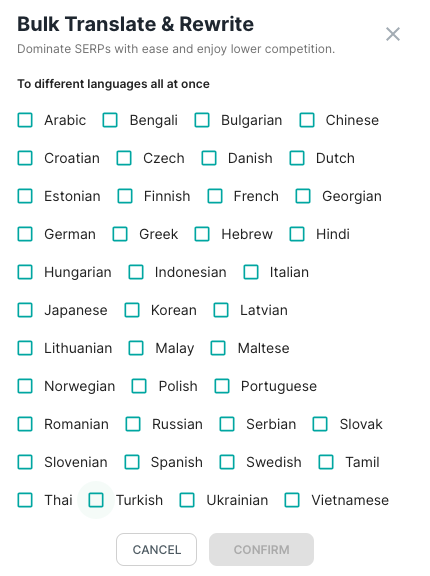
The watchout is the same with any AI writing system: do not publish the first draft because it sounds complete. I would rather ship a slower article with real examples than a polished-sounding draft that could belong to any site in the niche. Check facts, add examples from your own product or site, remove generic claims, and make sure the article has a reason to exist beyond targeting a keyword.
2. AIOSEO
AIOSEO is a strong choice if you want a WordPress-native SEO plugin that handles the basics and adds AI where it saves time.
The useful AI features are not just "write me a paragraph." They sit close to common WordPress tasks: title and meta description generation, internal link suggestions, schema, SEO checks, and content improvements. That makes AIOSEO practical for site owners who do most of their publishing inside the WordPress editor and want help at the moment they are about to hit publish.
I would use it for:
- SEO titles and meta descriptions.
- Schema markup and rich-result basics.
- XML sitemaps and technical setup.
- Internal link opportunities.
- On-page checks before publishing.
The official WordPress plugin listing describes AIOSEO as a plugin for schema markup, XML sitemaps, local SEO, keyword rank tracking, internal linking, audits, and Search Console connection, which lines up with the jobs most small WordPress sites need from a main SEO plugin.
If you are installing it for the first time, this official AIOSEO setup walkthrough is the useful companion. It is a product setup, not another "best WordPress AI SEO tools" roundup:
Let's Go Through The All In One SEO Setup Wizard (Step-By-Step)
Install one full SEO plugin. AIOSEO plus Rank Math plus SEOPress on the same site usually means duplicate titles, conflicting schema, and a dashboard nobody wants to open. Pick one. Pair it with a research tool if you need briefs. Do not stack plugin badges.
The downside is that AIOSEO is still a plugin-first solution. It can help you optimize the page, but it is not a full research platform. For serious content planning, I would pair it with Junia AI, Frase, Surfer, or Semrush instead of expecting one plugin to do every SEO job.
3. Rank Math
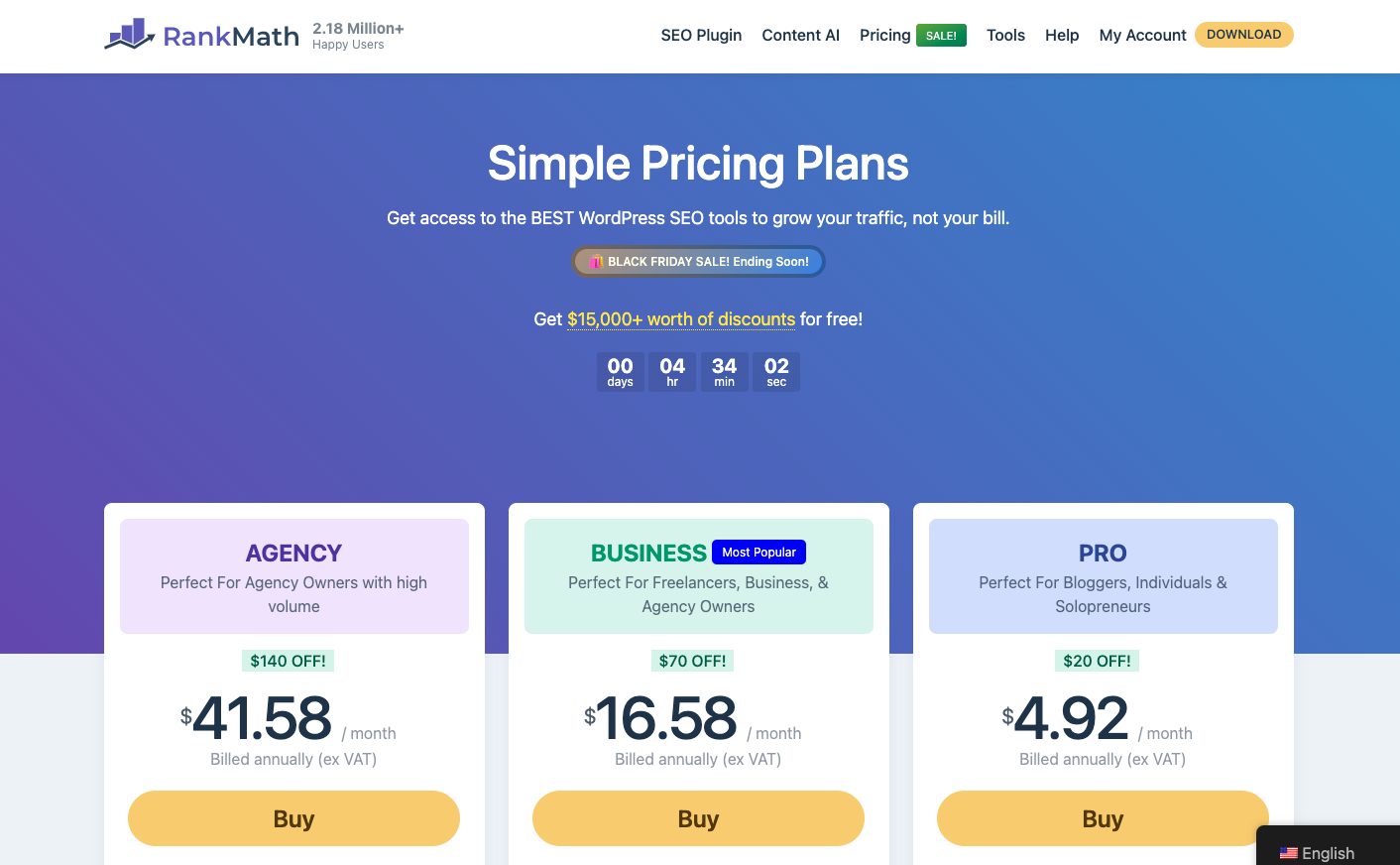
Rank Math is the WordPress SEO plugin I would consider when you want a generous feature set and an editor experience that keeps nudging you while you write.
Its Content AI features can help with topic suggestions, content scoring, keyword use, and image alt text. The plugin also covers the expected SEO basics: schema, redirects, sitemaps, analytics connections, and page-level SEO settings.
Rank Math works best for bloggers and small teams who like seeing a live score while they edit. That feedback can be helpful, especially for less experienced writers who need reminders about headings, title length, keyword placement, and internal links.
The risk is score-chasing. A page can hit a plugin score and still be thin, repetitive, or unhelpful. I like Rank Math's nudges, but I would treat them as a checklist, not a substitute for editorial judgment.
4. Link Whisper
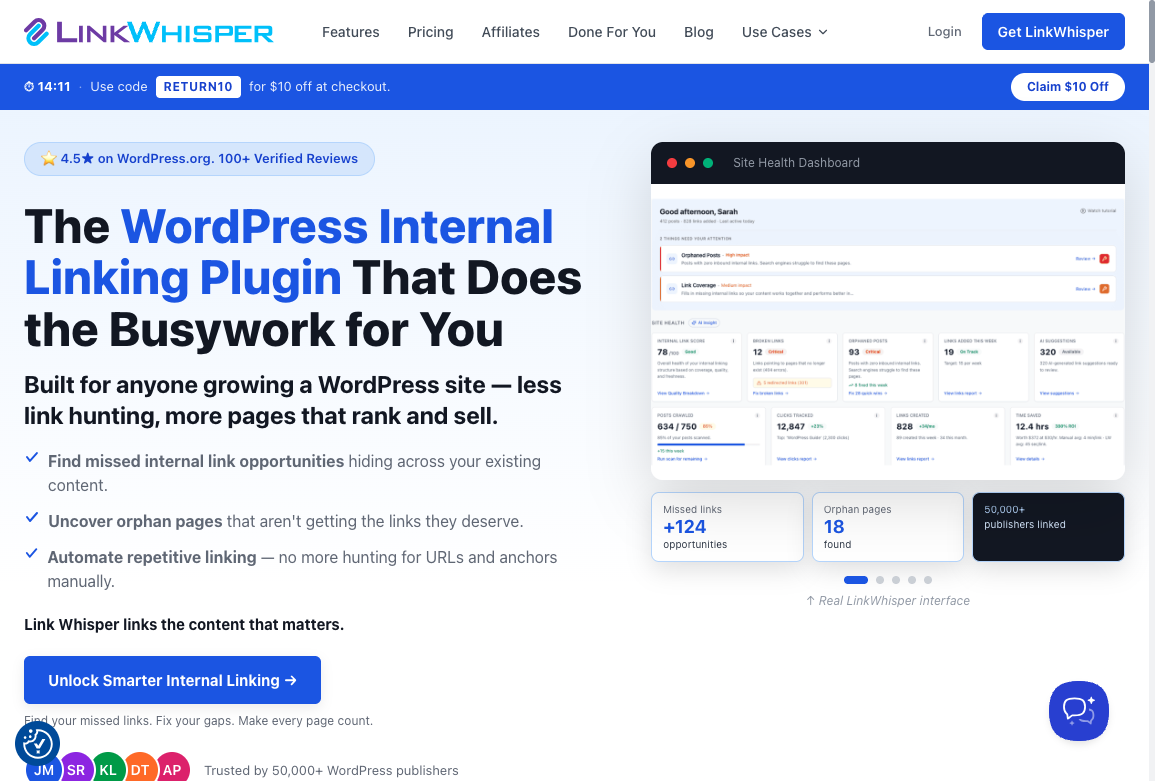
Internal linking is one of the easiest places for AI to save time on a mature WordPress site. It is also one of the places where manual memory quietly fails.
Once you have 100, 300, or 1,000 posts, it becomes hard to remember which older pages deserve links from new content. Link Whisper is built around that exact problem. It scans content, suggests internal links, and helps you find orphaned posts that need more support.
If your main SEO plugin already has a strong link assistant, you may not need Link Whisper. But if internal links are currently handled by memory, spreadsheets, or last-minute manual searches, a dedicated linking tool can pay for itself quickly.
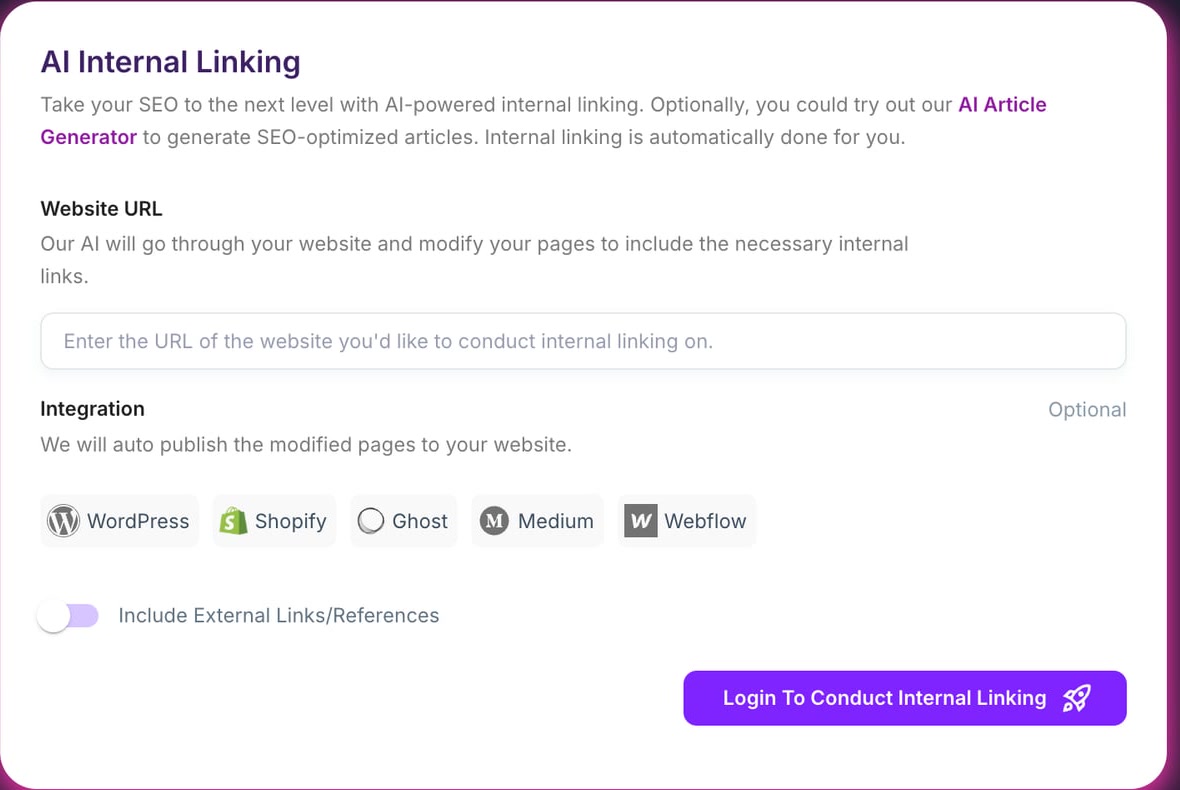
The editorial rule still matters: do not accept every suggested link. In practice, I reject a lot of technically relevant suggestions because they interrupt the reader or point to a page that is only loosely related. A good internal link should help the reader move to a natural next idea. Junia's AI internal linking tool is a useful reference point for this kind of workflow because the goal is not more links; it is better connections between related pages.
5. Surfer SEO
.webp?token=eyJhbGciOiJIUzI1NiIsInR5cCI6IkpXVCJ9.eyJ1cmwiOiJ1c2VyLWdlbmVyYXRlZC1pbWFnZXMvMThkMzIyMTQtYWZlNC00YmVjLTg2NTItOGU2ZDFiMDYyZTE5LzFfQXFfaW5JT0lZYzFLNkFHSG1VbFZUUSAoMykud2VicCIsImlhdCI6MTcwMDkyMDM1MywiZXhwIjoxODU4NjAwMzUzfQ.BmS55AAH8I1tu6MRtqwZQqKlAuPbXFObJGzQRrOAg8c)
Surfer SEO is useful when you already know the keyword and want to understand what top-ranking pages tend to cover.
Its Content Editor compares your draft against ranking pages and gives recommendations around terms, structure, headings, and content depth. This is helpful for WordPress posts where the draft is decent but underdeveloped. Instead of guessing what is missing, you get a clearer view of the language and subtopics competitors use.
The best use case is optimization, not blind writing. I would not use Surfer to turn a weak idea into a strong article by itself. I would use it after the search intent is clear and the article already has a human point of view. Otherwise, the score can tempt you into writing a very complete article about the wrong thing.
6. Frase
Frase is strongest at research and briefs.
If you write WordPress content for clients or run a publishing-heavy site, competitor research can become the slowest part of the process. Frase helps by pulling headings, questions, and SERP patterns into one workspace so you can see what the ranking pages actually cover.
That does not mean you should copy the structure of the top pages. I use this kind of research more as a warning system than a blueprint. For example, if every ranking article compares plugin versus SaaS tools and your draft only lists tools, the draft is probably missing a decision framework.
I would use Frase for:
- Outlines and competitor research.
- Question discovery.
- Content briefs.
- Updating older WordPress posts that lost rankings.
For WordPress teams, Frase pairs well with a SEO content brief generator workflow because the brief is where you decide the angle before writing starts.
7. WordLift

WordLift is different from most tools on this list because it is less about writing and more about meaning.
It helps add structured data, connect entities, and build a clearer semantic layer around your content. That can be valuable for WordPress sites with lots of educational content, product information, recipes, local entities, or topical hubs.
This is especially relevant for AI Search because answer systems need to understand what a page is about, who or what the entities are, and how concepts relate. Schema alone will not make a weak page rank. But when the underlying page is strong, clean structured data can make it easier to interpret.
If schema is currently confusing, start by understanding AI structured data SEO before installing another plugin. You want clean markup that reflects the visible page, not markup added just because a tool can generate it.
8. SEOPress
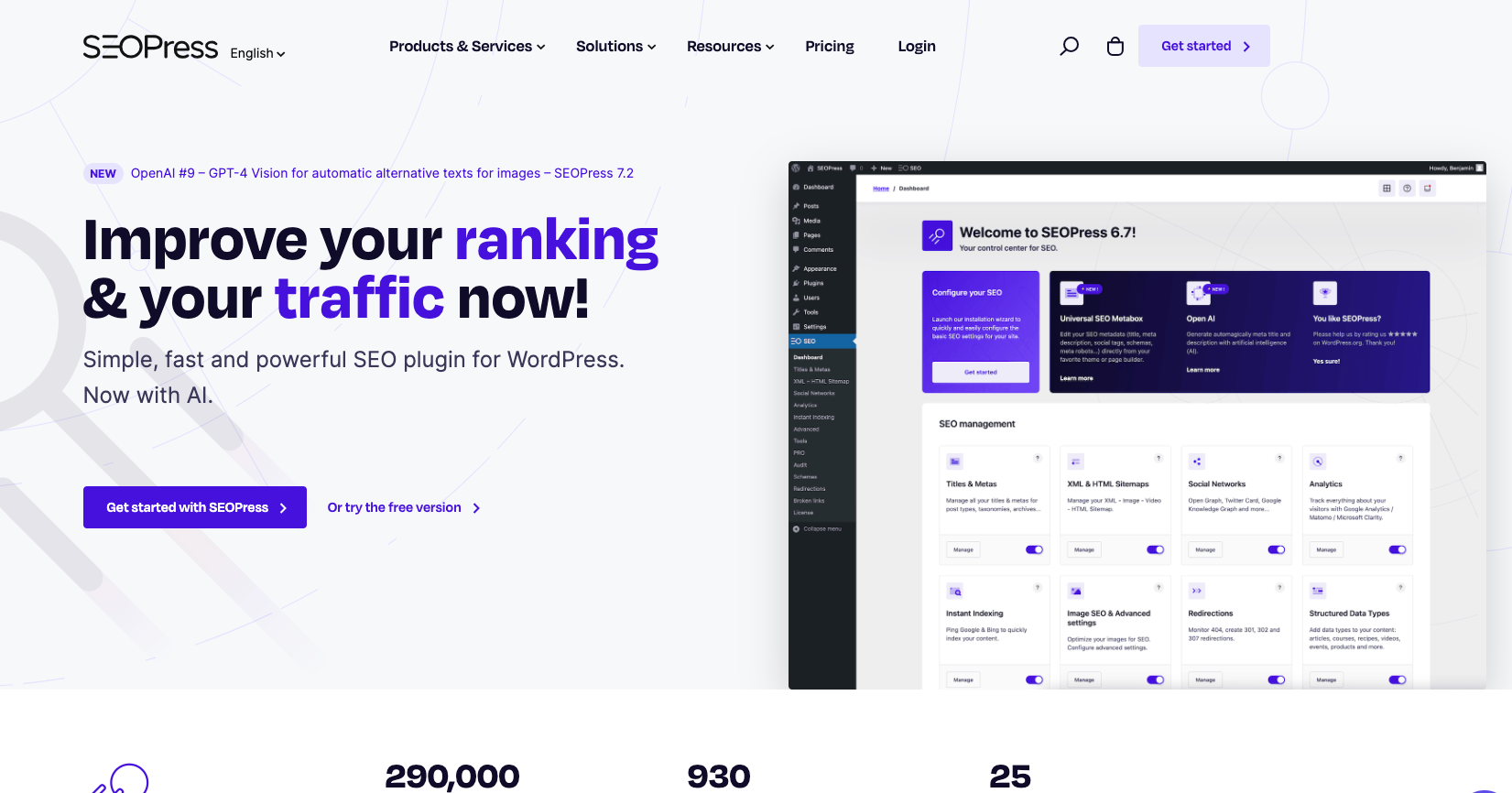
SEOPress is a good fit if you want SEO controls inside WordPress without a heavy interface.
It covers the normal plugin jobs: titles, meta descriptions, Open Graph data, XML sitemaps, breadcrumbs, redirects, schema, analytics, and content analysis. Its AI features can help with metadata and content tasks, but the main reason to choose SEOPress is control and simplicity.
I would consider it for lean WordPress sites where the team already knows SEO and does not want a plugin that tries to become a full marketing platform. Personally, I like this kind of setup when the content workflow already lives outside WordPress and the plugin only needs to handle the site-level basics cleanly.
If you need a lot of guided workflows, AIOSEO or Rank Math may feel friendlier. If you want a cleaner plugin foundation and plan to use a separate AI writing or research tool, SEOPress is a serious option.
9. Semrush
Semrush belongs on this list because many WordPress SEO problems are not really WordPress problems.
They are keyword research problems, competitor problems, backlink problems, content gap problems, or reporting problems. Semrush is useful when you need those data layers plus AI-assisted content features in one place.
For a solo blogger, Semrush can be expensive and more complex than necessary. I would not start there unless you know you will use the data every week. For agencies, affiliate teams, SaaS blogs, and multi-site publishers, the database and reporting depth can justify the cost.
The best use case is strategy. Use Semrush to find opportunities, evaluate competitors, track rankings, and understand where a WordPress site is weak. Then use your WordPress plugin and content workflow to actually fix the pages.
10. Jasper
Jasper is not a pure SEO plugin, but it is still useful for WordPress teams that need more than blog posts.
The strong use case is brand-aware marketing content. Jasper can help turn one brief into a blog section, newsletter, social posts, ad copy, landing page copy, and sales enablement material. That matters when SEO content is part of a larger campaign instead of a standalone article.
For SEO-only work, I would usually choose Junia, Frase, Surfer, or Semrush first. For multi-channel content, Jasper becomes more interesting because the same idea often has to become a post, email, ad, and social sequence.
If you are comparing Jasper with similar tools, Junia's guide to Jasper AI alternatives is a better next step than trying to force Jasper into a WordPress plugin role.
Also worth considering
Some tools are useful but do not need a main spot in every WordPress stack.
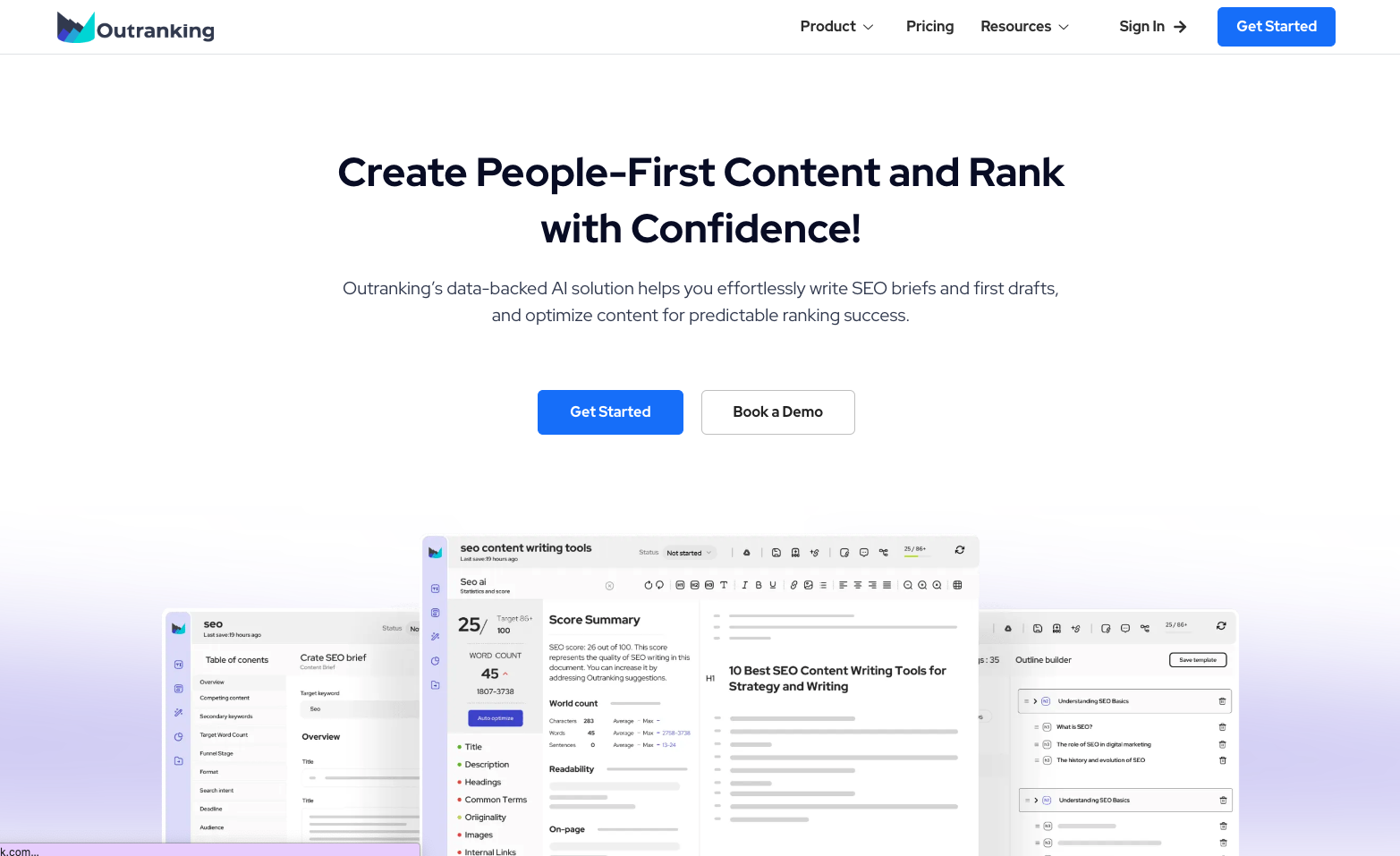
Outranking can help with briefs, AI writing, optimization, and content planning. I would consider it if you want a lower-cost content workflow and care about fact-checking support.
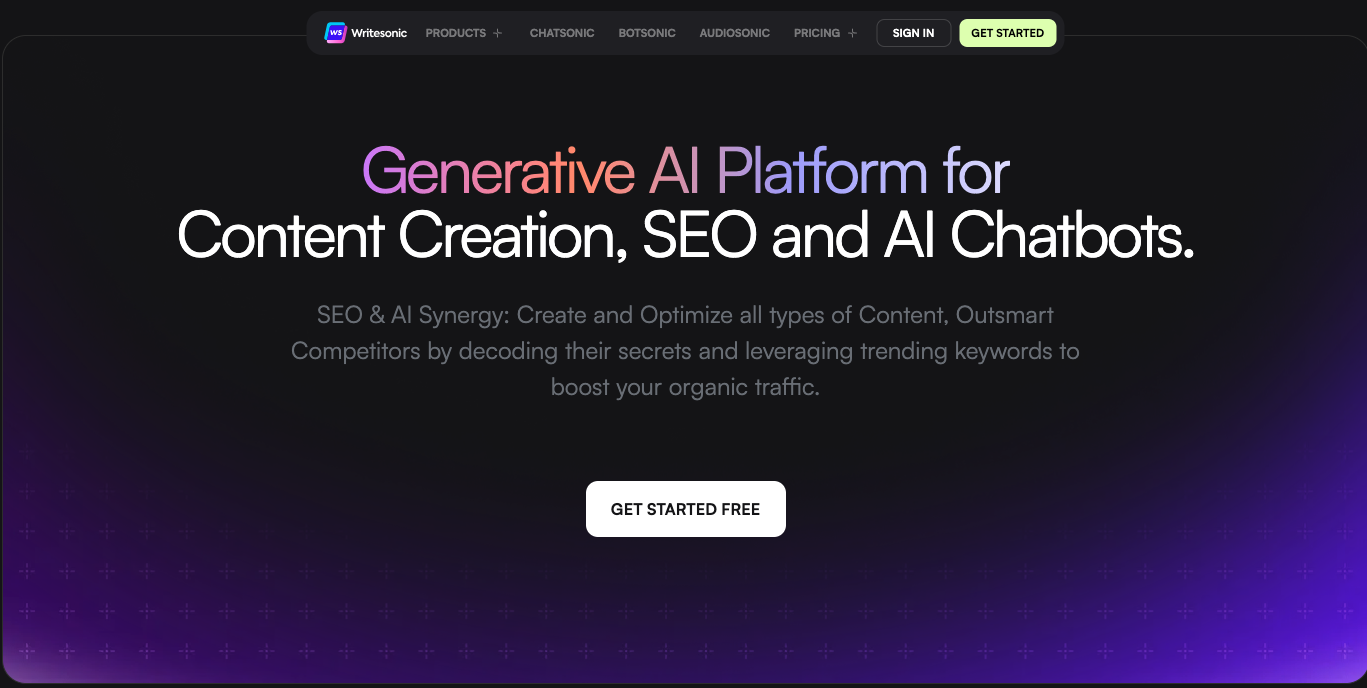
Writesonic can work for AI writing and marketing copy, especially when you want many content formats from one tool. I would not choose it as the main WordPress SEO system unless its workflow matches how your team publishes.
Clearscope is excellent for content optimization and terminology coverage, but its pricing and narrower focus make it better for agencies and mature content teams than small WordPress sites.
How to choose the right stack
Here is the simplest decision framework I use.
If you are starting from scratch, choose one WordPress SEO plugin first. AIOSEO, Rank Math, or SEOPress can cover the basics. Do not install all three. That usually creates overlap before it creates better SEO.
If you already publish content but rankings are weak, add a better research and brief workflow. Junia AI, Frase, Surfer, or Semrush will help more than another metadata plugin. Weak pages rarely recover because you changed the plugin badge in the sidebar.
If you have many posts but poor topical authority, fix internal links and clusters. Link Whisper, AIOSEO's link tools, Rank Math, or Junia's linking workflows can help surface opportunities, but a human still needs to decide which links actually serve the reader.
If you publish image-heavy posts, pay attention to image SEO. Product screenshots, diagrams, and tutorial images need descriptive filenames, captions where useful, and accurate alt text. An alt text generator can speed the alt-text pass. Tighten titles and descriptions after the article is done, not while you are still deciding what the page is.
If your content is outdated, focus on refreshes before new posts. An SEO improver workflow is often more valuable than publishing a new article that competes with an existing one.
AI Search optimization checklist for WordPress
AI Search visibility is not a separate magic layer. It usually comes from pages that are easy to parse, useful to cite, and specific enough to answer a clear question.
For each important WordPress page, check:
- Does the article answer the main query in the first few paragraphs?
- Is there a short summary, table, checklist, or direct answer that an AI system can quote or summarize?
- Are tool recommendations tied to real use cases instead of vague "best overall" claims?
- Are claims about search, rankings, AI content, or structured data supported by reputable sources?
- Are screenshots, examples, or tables used where they make the page easier to evaluate?
- Is the page internally linked from related posts?
- Does each internal link help the reader, or is it only there for SEO?
- Does the article avoid repeating the same generic AI promises competitors use?
For high-value posts, I also like to include a short "who should use this" or "best for" line in each tool section. It gives readers a quick decision path and gives AI systems cleaner context when summarizing the page. Small clarity wins add up here.
Final recommendation
For most WordPress sites in 2026, I would keep the AI SEO stack simple:
Use Junia AI for strategy, briefs, content generation, and optimization. Use AIOSEO or Rank Math as the main WordPress SEO plugin. Add Surfer SEO or Frase only when you need deeper competitor and on-page optimization support. Add WordLift when structured data and entity SEO are important to your site.
That covers the work that actually moves rankings: choosing the right topics, building useful content, optimizing pages cleanly, linking related content, and keeping the site understandable for both humans and search systems. It is not glamorous, but it is the part I would protect first.
The tool matters, but the workflow matters more. A lean stack used consistently will beat a crowded stack nobody maintains.