
How to add internal and external links automatically
Junia can add relevant internal and external links while it writes. This works in Autoblog and in the AI Article Writer.
You connect your website once. Junia then picks links that fit the article topic.
1. Open Add Links
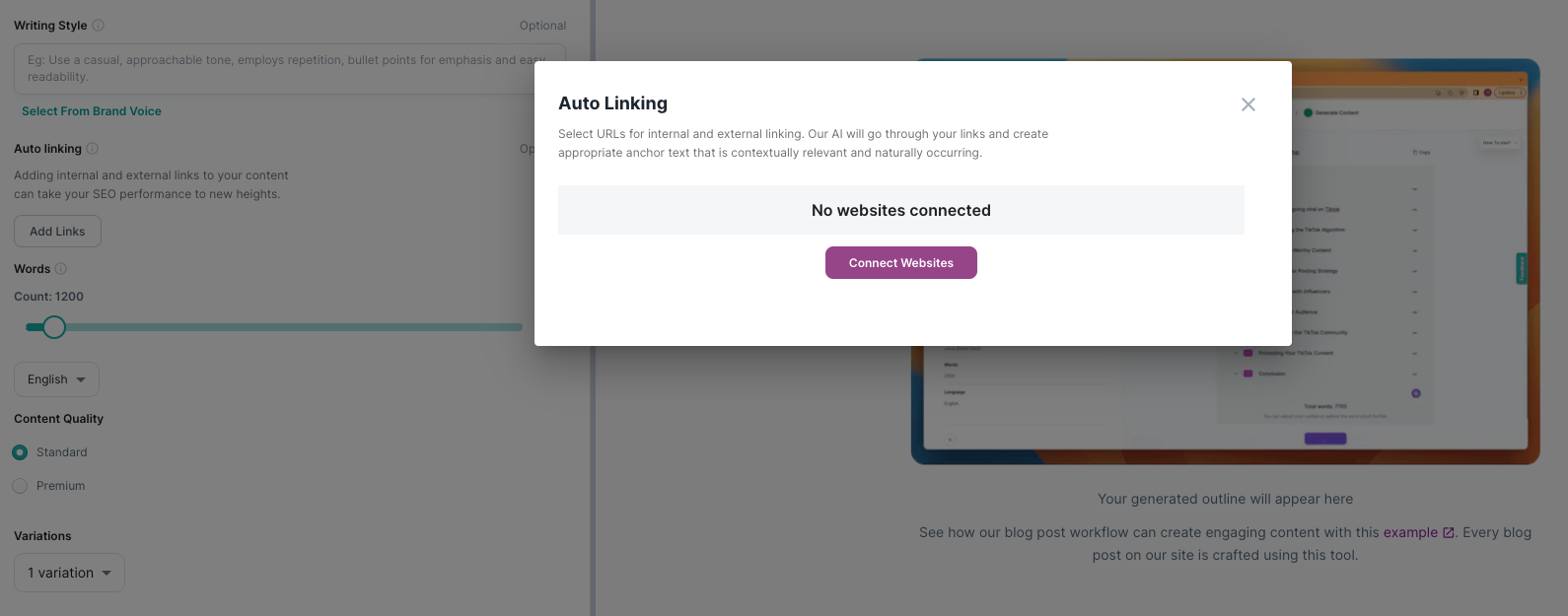
In the AI Article Writer, open Add Links, then Connect Websites. In Autoblog, turn on linking in Content Preferences.
2. Connect a page or the whole site
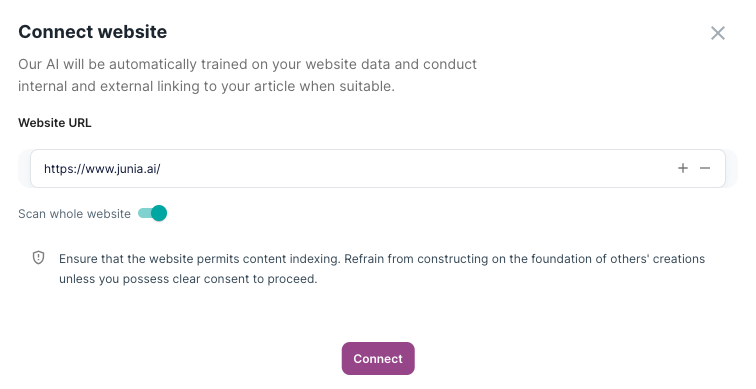
Enter one page URL, or your homepage if you want Junia to pull pages from the site. Then click Connect.
To connect a whole site, the site needs a public sitemap, usually at https://www.example.com/sitemap.xml.
3. Choose the important URLs
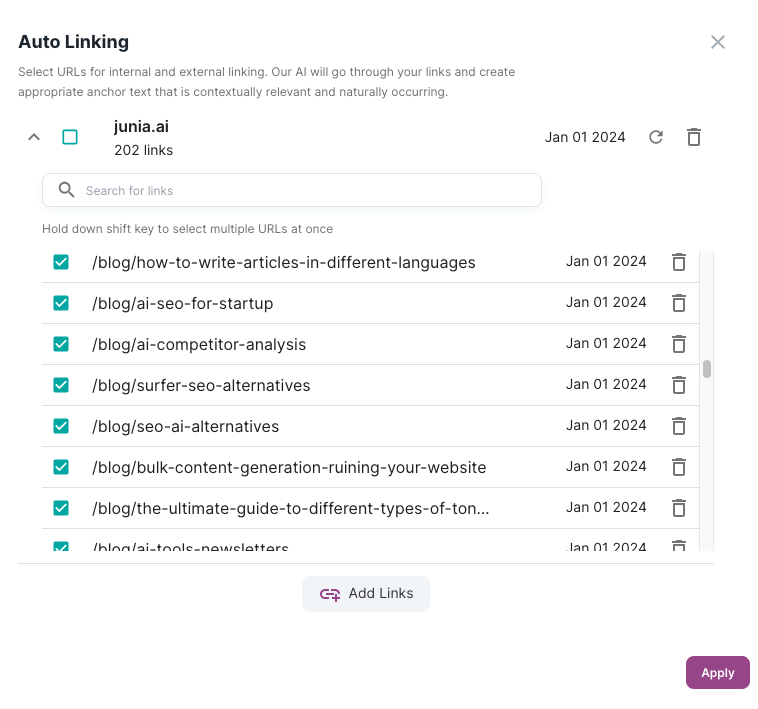
Select the pages you most want linked, up to 80. Junia only inserts a link when it fits the article. That helps you build topic clusters without forcing unrelated URLs.
4. Generate the article
Continue in the AI Article Writer, or let Autoblog write and publish on a schedule.
Junia reads the selected pages and adds a link only when it helps the reader. If a URL is off-topic, it is skipped.
Need help?
Email support@junia.ai.