
Back to Help Centre
How to write factual content with Info Base
Info Base is where you store facts Junia should use: products, company details, research, or a page on your site. Apply it in Autoblog, the Article Writer, and the editor so drafts stay accurate.
Brand Voice is how you sound. Info Base is what you know.
Open it from Configuration → Knowledge Base.
.png)
1. Add an item
.png)
- Give it a name and category.
- Upload a file, or paste a public URL.
- Submit.
Useful items:
- Company or product pages
- Specs and pricing
- Research you want cited
- Customer proof you want mentioned
Example: a vegan bakery uploads ingredient lists so Autoblog never mentions dairy.
2. Apply it when you generate
- Autoblog — Select Info Base items in Content Preferences.
- AI Article Writer — Select them before you generate.
.png)
- Editor — Select them before you expand or rewrite.
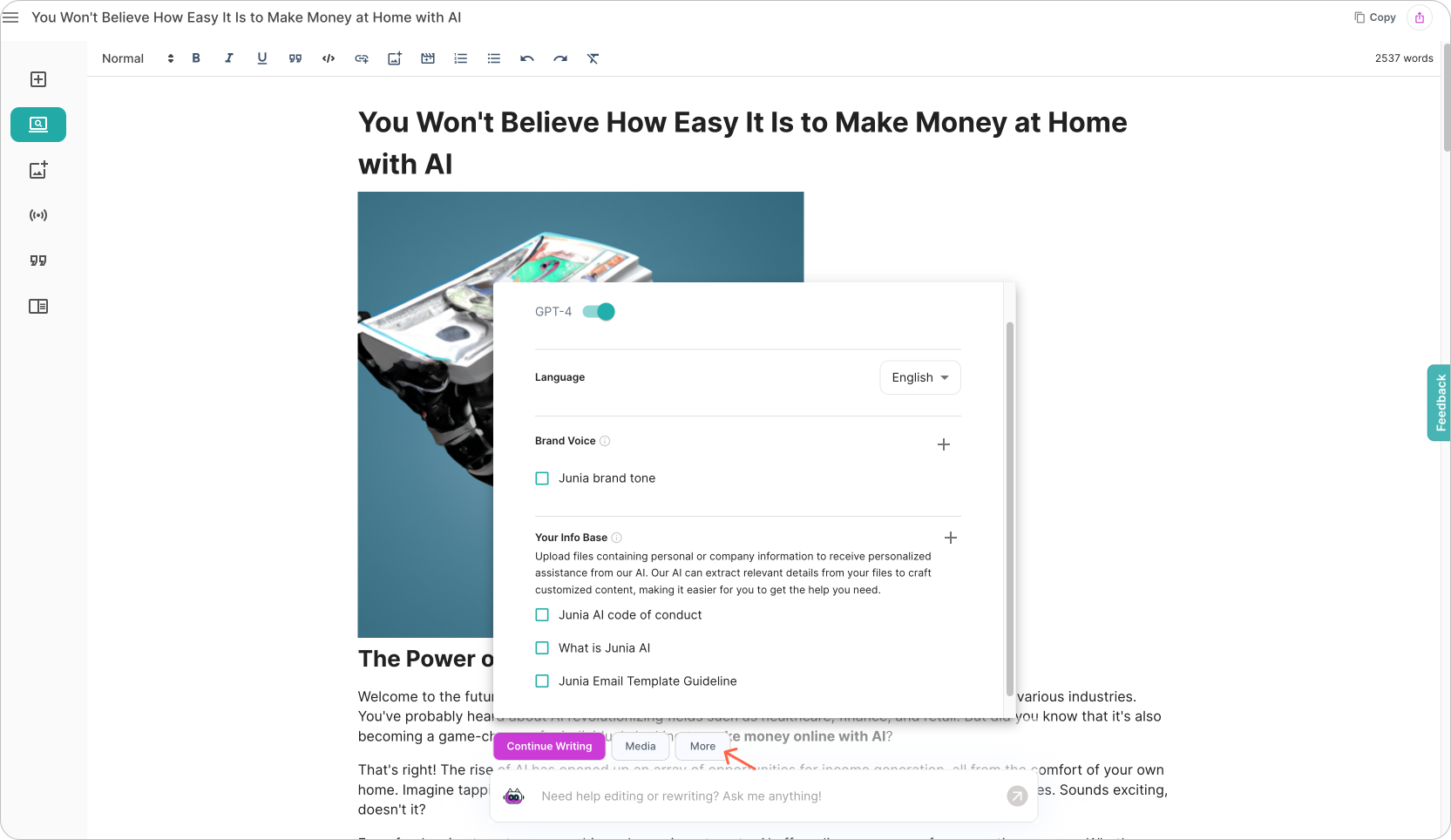
You can select more than one item.
Need help?
Email support@junia.ai.
Related Articles
Tips on choosing a tone of voice
Pick a voice for Autoblog and every article so your site stays consistent.
How to use Brand Voice
Save your writing style once and apply it in Autoblog and every article.
How to use Custom Images
Upload images in your brand's style so the AI generates every feature image in that same style.