
6 AI Writing Assistants With WordPress Integration

Yi
SEO Expert & AI Consultant

The best AI writing assistant for WordPress is not always the tool with the most templates. It is the one that fits into your publishing workflow without making you copy a draft from one tab, paste it into another, fix broken formatting, rewrite the meta title, add internal links manually, and then check the whole post again.
That is why WordPress integration matters. WordPress is still the dominant CMS: W3Techs reports that WordPress is used by about 41.5% of all websites and more than half of sites with a known CMS. If your content operation runs on WordPress, the writing tool should respect that workflow.
Here are the strongest options I would consider first:
| Tool | Best for | WordPress integration style | Main caution |
|---|---|---|---|
| Junia AI | SEO articles and automated publishing | Connects to WordPress for generated posts, metadata, and publishing preferences | Best when you want an SEO-led content workflow, not just a blank AI chat box |
| Divi AI | Divi users building pages and site copy | Works inside the Divi WordPress builder | Less useful if your site is not built with Divi |
| Writesonic | Writers who already use Writesonic | Official WordPress plugin/API integration | Check whether your plan includes the workflow you need |
| Surfer SEO | Content optimization and refreshes | WordPress plugin for Content Editor workflows | More of an SEO optimizer than a general writing assistant |
| GetGenie | Native WordPress AI writing and SEO | WordPress plugin with writing and SEO features | Can feel busy if you only need a simple drafting tool |
| Jasper | Brand-controlled marketing copy | Connects through automation tools such as Zapier or Make | Not a native WordPress editor assistant in the same way as plugin-first tools |
My short answer: choose Junia AI if your main job is planning, writing, optimizing, and publishing SEO articles to WordPress. Choose Divi AI if you already build inside Divi. Choose Surfer if your real pain is optimization rather than drafting. Choose GetGenie or Writesonic if you want a plugin-first workflow. Use Jasper when brand voice and campaign copy matter more than native WordPress editing.
What A Good WordPress AI Writing Assistant Should Do
A basic AI writing assistant can help with outlines, drafts, rewrites, headings, summaries, and grammar. A good WordPress AI assistant goes further: it reduces the number of publishing steps between idea and live post.
For WordPress, I would look for six things:
- Drafting inside the workflow: The tool should help you create outlines, intros, sections, metadata, and revisions without forcing constant copy-paste.
- Clean formatting: Headings, lists, links, and images should survive the move into WordPress.
- SEO support: The assistant should help with search intent, titles, meta descriptions, headings, internal links, and content gaps.
- Human editing controls: You should be able to shape tone, add expertise, fact-check claims, and reject weak AI output.
- Publishing controls: For larger sites, direct publishing, draft creation, scheduling, or API-based posting can save a lot of manual work.
- Safe scale: Google's guidance on generative AI content says AI can be useful for research and structure, but mass-producing pages without adding value can violate spam policies. The tool should help you make better content, not just more content.
That last point matters. The goal is not to flood WordPress with generic articles. The goal is to shorten the mechanical parts of the workflow so you can spend more time on examples, product knowledge, evidence, screenshots, and editorial judgment.
A WordPress plugin is not the same as a writing model. Installing GetGenie or the Writesonic plugin puts a sidebar in the editor. It does not magically give you a better article. The model, the brief, and the edit still decide whether the post is worth ranking. I have seen people treat “it lives in WordPress” as a quality signal. It is a convenience signal. Use it that way.
1. Junia AI
%20(1).png?token=eyJhbGciOiJIUzI1NiIsInR5cCI6IkpXVCJ9.eyJ1cmwiOiJ1c2VyLWdlbmVyYXRlZC1pbWFnZXMvMThkMzIyMTQtYWZlNC00YmVjLTg2NTItOGU2ZDFiMDYyZTE5L0dyb3VwIDM3OSAoMSkgKDEpLnBuZyIsImlhdCI6MTcwMTgxMjAwNiwiZXhwIjoyMDE3MTcyMDA2fQ.baMbKi_OQkbCXFGTWDyoG-gm_va4WjfhsrHGOLNk-Lc)
Junia AI is the best fit here if you want an AI writing assistant built around SEO articles, not just short-form prompts. Its WordPress AI writer connects to WordPress so you can generate SEO-optimized articles, fill metadata, and publish without rebuilding the post manually inside the CMS.
That makes it especially useful for bloggers, affiliate site owners, SaaS marketers, and content teams that publish regularly. You can plan the article, generate a draft, optimize it, and move it into WordPress with fewer formatting headaches.
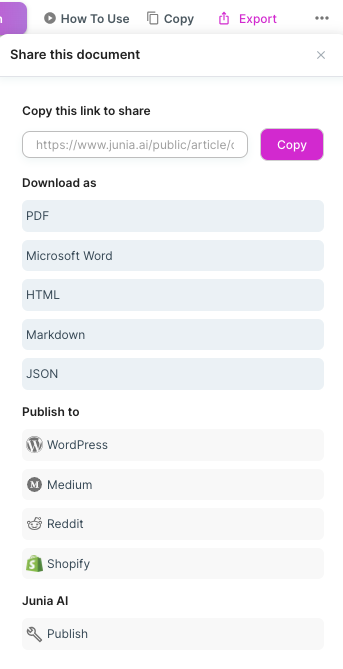
Junia is strongest when you treat it as a full content system:
- Use the AI article writer to create the first structured draft.
- Use a blog post generator when you need a faster starting point from a keyword or topic.
- Use the SEO improver to tighten weak drafts before publishing.
- Add AI internal linking when the article needs better pathways to related pages.
I would use Junia AI for SEO-driven WordPress publishing where the final output needs a clear title, search-aligned outline, metadata, internal links, and a polished draft. I would still edit the article manually before it goes live, especially for product claims, examples, and anything that depends on current facts.
Best for: SEO blogs, content teams, niche sites, and publishers that want AI-assisted drafting plus WordPress publishing.
Watch out for: over-automation. The tool can speed up production, but the article still needs human review, fact-checking, and a clear reason to exist.
2. Divi AI
.jpeg?token=eyJhbGciOiJIUzI1NiIsInR5cCI6IkpXVCJ9.eyJ1cmwiOiJ1c2VyLWdlbmVyYXRlZC1pbWFnZXMvMThkMzIyMTQtYWZlNC00YmVjLTg2NTItOGU2ZDFiMDYyZTE5L0RpdmktQUktaGVyby1zZWN0aW9uICgxKS5qcGVnIiwiaWF0IjoxNzAxODEyMzc2LCJleHAiOjIwMTcxNzIzNzZ9.4WUjsrGA4ywagVCAjmZr6kdV2iSxVDpAYFaEClxCwlU)
Divi AI makes the most sense if your WordPress site is already built with Divi. Elegant Themes positions Divi AI as an AI website builder that can create layouts, images, and text inside the Divi environment.
That is different from a general AI blog writer. Divi AI is useful when the writing is tied to a page layout: homepage sections, service pages, landing pages, blurbs, calls to action, and visual blocks. You can generate copy where the copy will actually appear, then adjust it around the design.
For a WordPress blogger, that can be convenient. For a content team producing long SEO articles, it may not be the best primary writing tool. It is strongest when the page design and the copy need to be created together.
Best for: Divi users who want AI help with page copy, landing pages, service pages, and visual site sections.
Watch out for: tool lock-in. If you do not use Divi, this is probably not the first AI writing assistant I would choose for WordPress.
3. Writesonic
Writesonic is a practical option if you already use it for AI writing and want a cleaner route into WordPress. The official Writesonic WordPress plugin says it is built by Writesonic and uses the company API, while Writesonic's docs describe a WordPress connection flow that uses an API key.
That matters because some "WordPress integrations" are really just loose workflows or third-party automations. Writesonic has a clearer plugin/API path, which can reduce friction when moving generated content into your site.
Writesonic is useful for:
- article ideas and outlines
- first drafts
- content expansion
- variations of headlines, intros, and social snippets
- moving generated content toward WordPress faster
The tradeoff is quality control. Like most AI writing tools, Writesonic can produce fluent but generic sections if the prompt is weak. I would not publish a Writesonic draft straight into WordPress without checking facts, tightening examples, and making sure the article adds something that competitors do not already say.
If you compare it with Writesonic alternatives, the real decision is workflow. Writesonic can be a good fit when you like its writing interface and only need enough WordPress integration to reduce publishing friction.
Best for: existing Writesonic users who want plugin/API support for WordPress publishing.
Watch out for: generic drafts. Strong prompts and a real editorial pass matter more than the integration itself.
4. Surfer SEO
.webp?token=eyJhbGciOiJIUzI1NiIsInR5cCI6IkpXVCJ9.eyJ1cmwiOiJ1c2VyLWdlbmVyYXRlZC1pbWFnZXMvMThkMzIyMTQtYWZlNC00YmVjLTg2NTItOGU2ZDFiMDYyZTE5LzYzNjRmNTMwZWIyNjE0MTk2ZGVhNWU1Zl9jb250ZW50IGVkaXRvciAtIHBsYW4tcC0xMDgwICgxKS53ZWJwIiwiaWF0IjoxNzAxODEzMTI4LCJleHAiOjIwMTcxNzMxMjh9._gR6yvsEtpcTfxIFEYERZ3tTVMK8IkZwxdeZRQ2Vr3g)
Surfer SEO is not just a writing assistant. It is mainly a content optimization platform, and that is why it deserves a place on this list.
Surfer's WordPress integration lets users work with its Content Editor and publish or update content through WordPress. Its documentation says the plugin supports Gutenberg, Classic Editor, and Elementor, which is useful to know before you commit to it.
I would use Surfer when the question is not "Can AI write this post?" but "Is this post competitive enough to rank?" It helps with content structure, keyword coverage, missing terms, and refresh workflows. That makes it especially useful for updating older WordPress posts.
Surfer fits well beside a writing tool. For example, you might use Junia AI to create the article draft, then use Surfer to compare the content against the SERP and tighten optimization before publishing. If you are choosing only one tool, though, Surfer is better for SEO improvement than general article generation.
If pricing, workflow, or content quality is the deciding factor, compare Surfer SEO alternatives before making it your default optimizer.
Best for: SEO teams refreshing existing WordPress articles or optimizing new posts against search competitors.
Watch out for: over-optimization. A high content score does not automatically mean the article is more helpful.
5. GetGenie
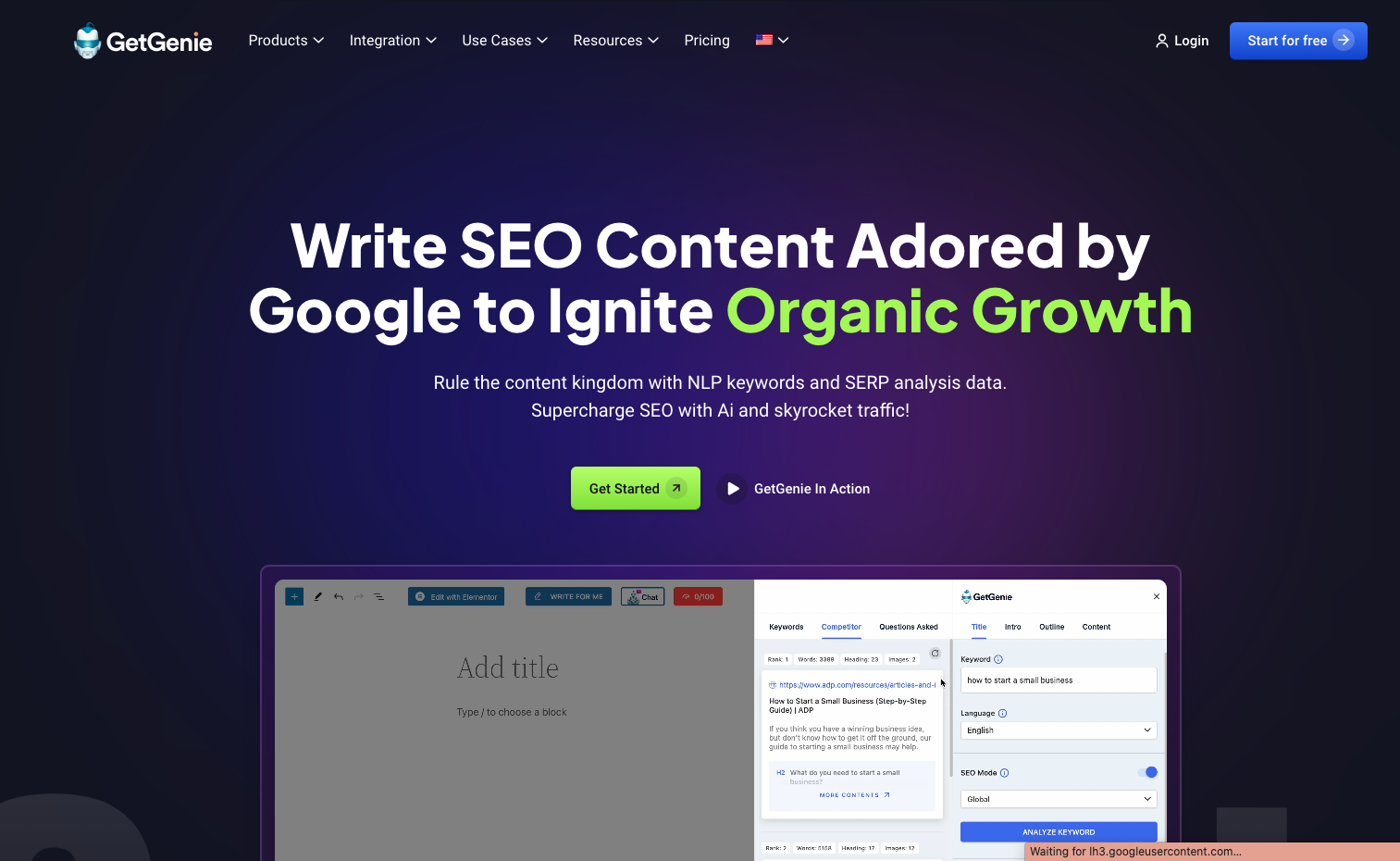
GetGenie is a native WordPress option for writers who want AI content creation, keyword research, and SEO help closer to the editor. The GetGenie WordPress plugin describes it as an AI SEO and content assistant, while GetGenie's own site emphasizes content creation, keyword intelligence, and competitor analysis inside the editor.
That combination makes it a good option for solo bloggers and small teams who do not want a separate SEO platform, AI writer, and WordPress publishing tool. You can work on content ideas, draft sections, and optimize posts from a more WordPress-centered setup.
GetGenie is especially useful when you want:
- AI writing inside WordPress
- keyword and competitor guidance
- blog post workflows
- metadata help
- optimization checks before publishing
The possible downside is complexity. When one plugin tries to handle writing, SEO, analysis, and optimization, the interface can feel heavier than a simple AI assistant. That is not necessarily bad, but it means you should test the workflow before making it central to your publishing process.
Best for: WordPress users who want a native plugin with both writing and SEO features.
Watch out for: plugin overload. Make sure it plays nicely with your theme, editor, SEO plugin, and existing content workflow.
6. Jasper
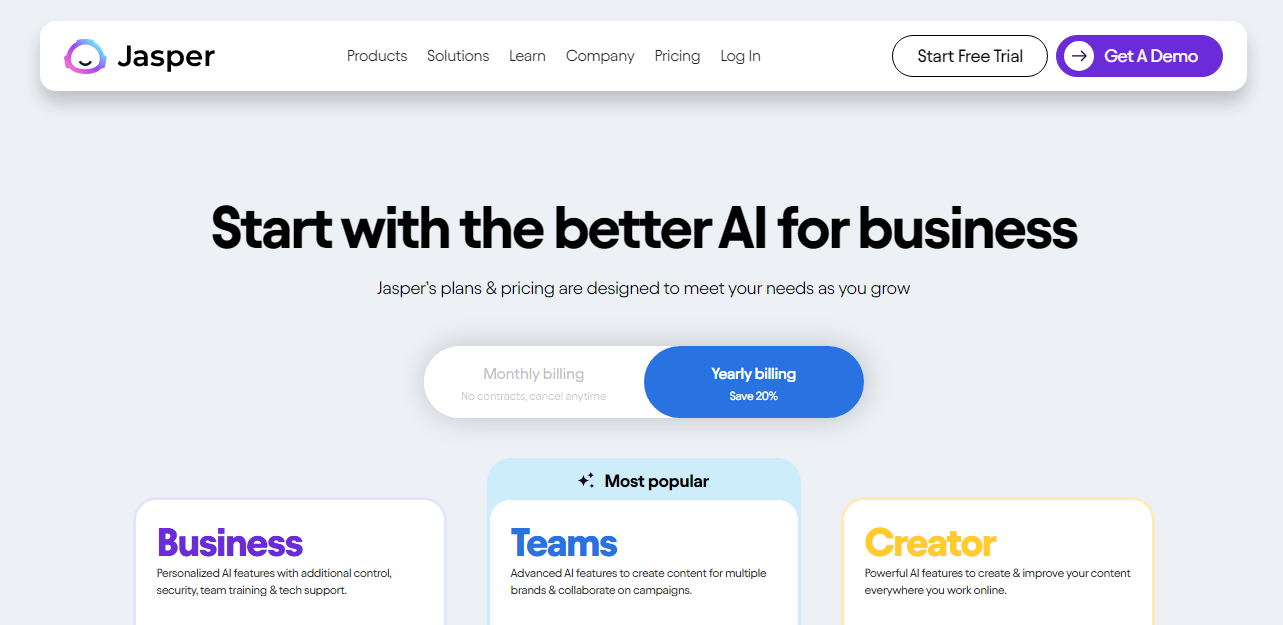
Jasper is a stronger fit for marketing teams than for WordPress-only bloggers. Its main value is brand-controlled AI copy: campaign assets, landing page copy, product messaging, email sequences, and repeatable voice guidelines.
For WordPress, Jasper is best treated as part of a broader marketing workflow rather than a native editor plugin. You can connect Jasper and WordPress through automation platforms, but that is different from having an assistant sitting directly inside the block editor.
That distinction matters. If your priority is "write inside WordPress," Jasper may feel indirect. If your priority is "keep our brand voice consistent across campaigns and then push approved copy into WordPress," Jasper can still make sense.
Teams that like Jasper's brand-control angle but need a more SEO-focused writing workflow should compare Jasper alternatives before committing.
Best for: marketing teams that care about brand voice, campaigns, and reusable copy systems.
Watch out for: indirect WordPress workflow. You may need automation setup or manual publishing steps.
How To Choose The Right Tool
Do not start with the longest feature list. Start with the bottleneck in your WordPress workflow.
If your bottleneck is drafting SEO articles, choose a tool built around long-form content and publishing. If your bottleneck is optimizing existing posts, choose an SEO assistant. If your bottleneck is creating page copy inside a builder, choose a builder-native option.
Here is the decision rule I would use:
| If you need... | Choose... |
|---|---|
| SEO articles that can move into WordPress quickly | Junia AI |
| AI page copy inside a visual WordPress builder | Divi AI |
| A plugin/API path from an existing AI writer | Writesonic |
| Content optimization and refreshes | Surfer SEO |
| Native WordPress AI writing plus SEO features | GetGenie |
| Brand voice and campaign copy with automation | Jasper |
Also check the less exciting details before you commit:
- Does it support your WordPress editor: Gutenberg, Classic Editor, Elementor, Divi, or another builder?
- Does it create drafts or publish directly?
- Can you review content before publishing?
- Does it handle metadata, images, links, and formatting cleanly?
- Does it work with your existing SEO plugin?
- Can your team control tone, approval, and publishing permissions?
The best tool is usually the one that removes the most manual steps without removing editorial judgment.
A Practical WordPress AI Publishing Workflow
Here is a workflow that keeps AI useful without letting it take over the article:
- Create the brief first. Define the keyword, search intent, audience, angle, internal links, and the specific question the article must answer.
- Generate a structured draft. Use an AI article writer or WordPress assistant to create the first version, but ask for clear headings, examples, and missing subtopics.
- Add human expertise. Insert first-hand notes, examples, screenshots, product observations, pricing caveats, and anything the AI would not know from a generic prompt.
- Optimize the post. Use an AI SEO tool for WordPress or a content optimizer to check titles, headings, metadata, internal links, and search intent coverage.
- Check internal links. Add links only where they help the reader take the next step. A post about WordPress publishing can mention a broader WordPress SEO with AI workflow when the reader is ready to optimize the whole site, without turning the article into a link list.
- Review before publishing. Fact-check claims, remove filler, test links, preview formatting, compress images, and make sure the draft still sounds like a person wrote it.
After it is live, I would still look at Google Search Console. Indexing, queries, and click-through on the new URL tell you whether the article earned its place. The official Search Console training is a better starting point than another AI-plugin demo:
Intro to Google Search Console - Search Console Training
This is where AI actually saves time. It handles the rough structure and repetitive tasks, while you make the decisions that affect trust.
Which WordPress AI assistant I would actually buy
If you want one AI writing assistant with WordPress integration for SEO publishing, start with Junia AI. It is built around the full article workflow: planning, writing, SEO, metadata, internal linking, and WordPress publishing.
I would not pick Divi AI unless the site already lives in Divi. I would not pick Surfer as my only writer. I would not pick Jasper if the bottleneck is Gutenberg, not brand voice. Writesonic and GetGenie are reasonable when you already like the product and want a plugin-first path, not when you are shopping for a model.
Just do not judge these tools by how fast they dump text into a draft. A good WordPress AI writing workflow should leave you with fewer copy-paste steps and the same editorial bar. The plugin does not publish the article. You do.