
Best AI Tools Directories: 13 Checked, 9 Worth Using

Thu
AI SEO Specialist, Full Stack Developer

Finding AI tools is not hard anymore. The hard part is knowing which directory actually saves you time instead of sending you into another noisy catalog of sponsored listings, duplicate tools, abandoned projects, and vague categories.
I checked the main AI tool directories from the current search results, the older version of this article, and the directories that still come up often in AI tool discovery threads. My practical takeaway: use one broad directory for discovery, one focused directory for your actual work category, and one comparison source when you are close to choosing.
TL;DR: Which AI tools directory should you use?
| Directory | Best for | Skip if… |
|---|---|---|
| There's An AI For That | Broad discovery | You need deep reviews |
| Futurepedia | Categorized browsing | You want launch-only lists |
| Toolify | Alternatives / comparisons | You dislike affiliate-heavy pages |
| Custom GPTs Directory | GPT-specific finds | You need non-GPT tools |
Editor note: Submit selectively. A directory link rarely moves rankings alone — use it for discovery and referral traffic, not as a link-building fantasy.
| Directory | Best For | Use It When | Watch Out For |
|---|---|---|---|
| Custom GPTs Directory | SEO and marketing GPTs | You want GPTs built around content, SEO, and marketing tasks | Narrower than general AI directories |
| There's An AI For That | The largest general discovery set | You want to search by task and see many possible tools | Size can create too many choices |
| AITopTools | Large searchable catalog | You want a broad list with user-facing descriptions and reviews | Quality varies by listing |
| Futurepedia | Business-friendly browsing | You want a cleaner, more curated feel | Smaller than the biggest directories |
| Toolify | Quick market scanning | You want rankings, alternatives, and tool pages in one place | Some features can feel more like research than curation |
| Aixploria | Category browsing | You want a simple directory by use case | Less useful for deep evaluation |
| ToolTrove | Side-by-side research | You want comparison-style browsing | Availability and freshness should be checked |
| Foundr.AI | Broad exploration | You want to browse many categories casually | Not always the fastest for a specific job |
| OpenTools AI | Chat-led discovery | You want category browsing plus conversational search | Verify any tool recommendation on the product site |
If you only want one place to start, I would use There's An AI For That for broad discovery. If you specifically care about SEO, content, or marketing workflows, the Custom GPTs Directory cuts down a lot of noise because it starts from the work category instead of forcing you through a giant mixed catalog.
How I judged the directories
The best AI tools directory is not simply the one with the biggest number of tools. A giant database is useful only if you can search it well, compare options, and trust that the listings are still relevant.
I put more weight on decision quality than tool count. A directory that helps you reject five weak options quickly is more useful than one that gives you 50 similar listings with no context.
I looked for five things:
- Search quality: Can you find tools by task, not just by product name?
- Category structure: Are tools grouped in a way that matches how people actually work?
- Evaluation depth: Do listings include pricing, alternatives, reviews, use cases, or enough detail to decide what to test?
- Freshness signals: Are new tools, trending tools, or recently updated listings easy to spot?
- Workflow fit: Does the directory help a writer, marketer, founder, developer, or business user make a faster decision?
| What to inspect first | Strong signal | Weak signal |
|---|---|---|
| Search results | Results match the job you typed, not just the keyword | Popular tools appear even when they do not fit the task |
| Category pages | Categories map to real workflows such as writing, coding, research, sales, or design | Categories are vague, duplicated, or stuffed with near-identical tools |
| Tool listings | Pricing, use cases, alternatives, votes, or reviews help you shortlist | Every listing sounds like the same generic product summary |
| Freshness | New, trending, or recently updated tools are easy to spot | The directory gives no clue whether listings are current |
This is also where a lot of weak AI directories fall apart. They list thousands of tools, but the page gives you no reason to trust one result over another. In my experience, a useful directory should help you move from "what exists?" to "what should I try next?"
1. Custom GPTs Directory
The Custom GPTs Directory is the most focused option in this list. Instead of trying to catalog every AI app on the internet, it concentrates on custom GPTs, with a strong fit for SEO, marketing, content planning, and workflow automation.
That focus matters. If you are building content workflows, you usually do not need a giant mixed database of image generators, coding tools, meeting assistants, and avatar apps. You need GPTs that can help with briefs, keyword research, outlines, rewriting, content checks, and campaign ideas.
Personally, I like this kind of narrower directory when the task is already clear. It is less exciting than scrolling through a huge marketplace, but it gets you to usable candidates faster.
Use it when:
- You want GPTs rather than standalone SaaS tools.
- Your work is tied to SEO, publishing, or marketing.
- You want a narrower starting point before testing broader AI directories.
If you are still comparing what a custom GPT can actually do, Junia's guide to the best custom GPTs gives useful examples before you start saving tools.
2. There's An AI For That
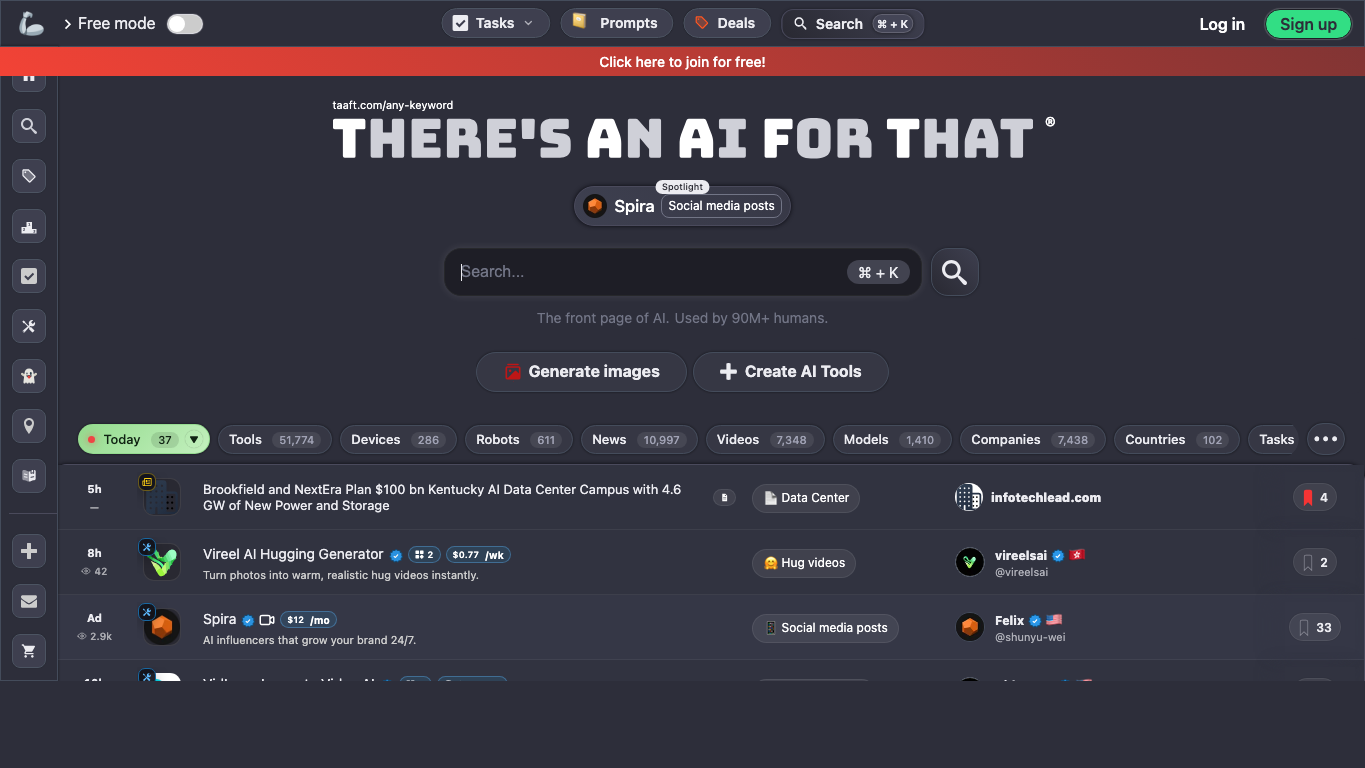
There's An AI For That is the strongest general-purpose starting point because it is organized around the discovery problem most people actually have: "I need an AI tool for this task."
The advantage is breadth. You can search by task, browse categories, see trending tools, and use the directory as a reusable discovery hub. That makes it especially useful when you do not yet know which product names to search for.
Where it helps most:
- Finding tools for a specific job, such as contract review, video clipping, resume editing, or spreadsheet analysis.
- Spotting alternatives when the first tool you know is too expensive or too limited.
- Keeping a saved set of tools you may come back to later.
The tradeoff is overload. When I use it for broad research, I treat the first page of results as raw material, not a recommendation list. A broad directory can show you dozens of plausible tools, but you still need to inspect the product pages, pricing, privacy terms, and recent reviews before depending on anything important.
3. AITopTools
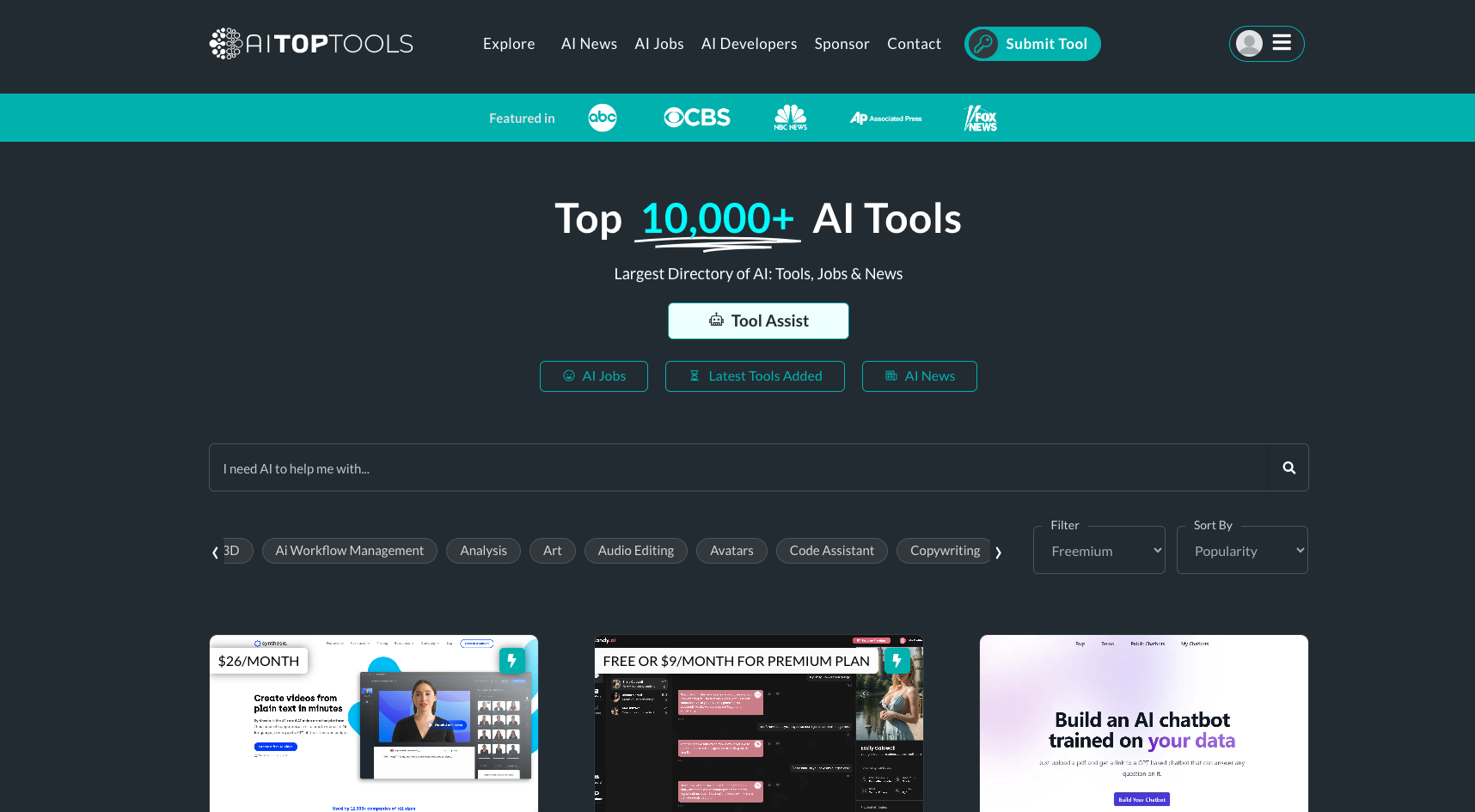
AITopTools is useful when you want a large searchable catalog without starting from Google every time. During this July 2026 rewrite, its Google result described a library of 10,000+ AI tools, which puts it in the "broad discovery" category rather than the narrow curation category.
The best way to use AITopTools is not to browse randomly. I found it more useful when I searched for the outcome I needed, opened several close matches, then compared the product sites directly. The directory is a good first filter, but the final decision should come from hands-on testing and pricing checks.
AITopTools is especially useful for:
- Broad categories like writing, design, coding, automation, and productivity.
- Finding lesser-known alternatives to the tools already ranking in Google.
- Getting a quick feel for how crowded a category is.
If your goal is specifically content production, compare any directory result against proven workflow categories such as AI article writers and AI blog generators. Those pages help you judge whether a tool is actually built for publishing or just wrapped around a generic text model.
4. Futurepedia
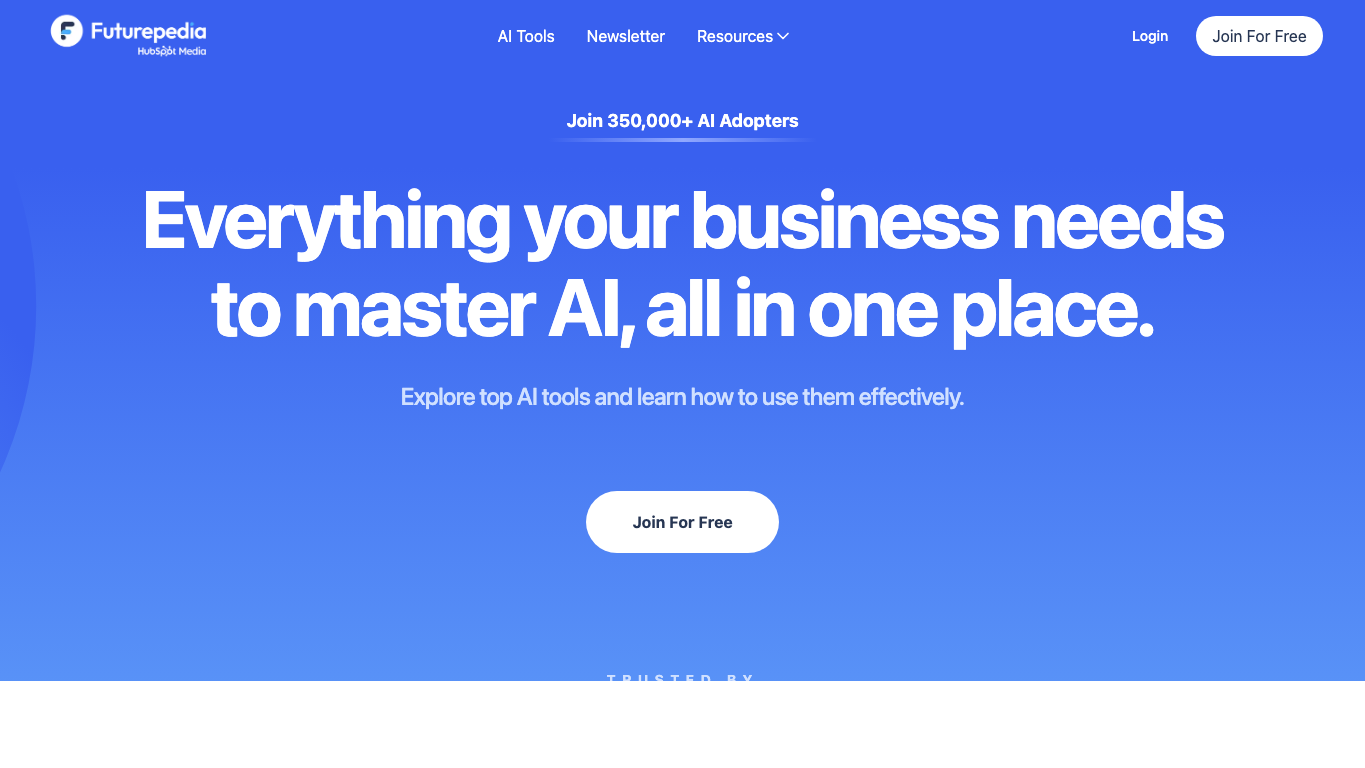
Futurepedia is a better fit when you want less chaos. It does not feel as sprawling as the largest directories, and that can be an advantage for business users who want to browse practical categories without drowning in every new launch.
The directory is useful for finding AI tools and software by category, but its real appeal is the cleaner browsing experience. If you are researching tools for a team, a smaller and more organized directory can be easier to explain to other stakeholders than a giant database with endless near-duplicates.
Use Futurepedia when:
- You want business-oriented discovery.
- You prefer a cleaner directory over maximum tool count.
- You are looking for broad productivity, marketing, operations, or workflow tools.
The limitation is depth. I would not use Futurepedia as the only source for a very specific search. Cross-check There's An AI For That, Toolify, or Google before you treat a shortlist as complete.
5. Toolify
Toolify is useful when you want to scan the AI market quickly. It is built more like a research directory than a simple bookmark list, with tool pages, rankings, alternatives, and discovery paths.
This makes it helpful when you are trying to understand a category rather than immediately pick one product. For example, if you are comparing AI website builders, image tools, or productivity apps, Toolify can help you see which names appear repeatedly before you shortlist two or three.
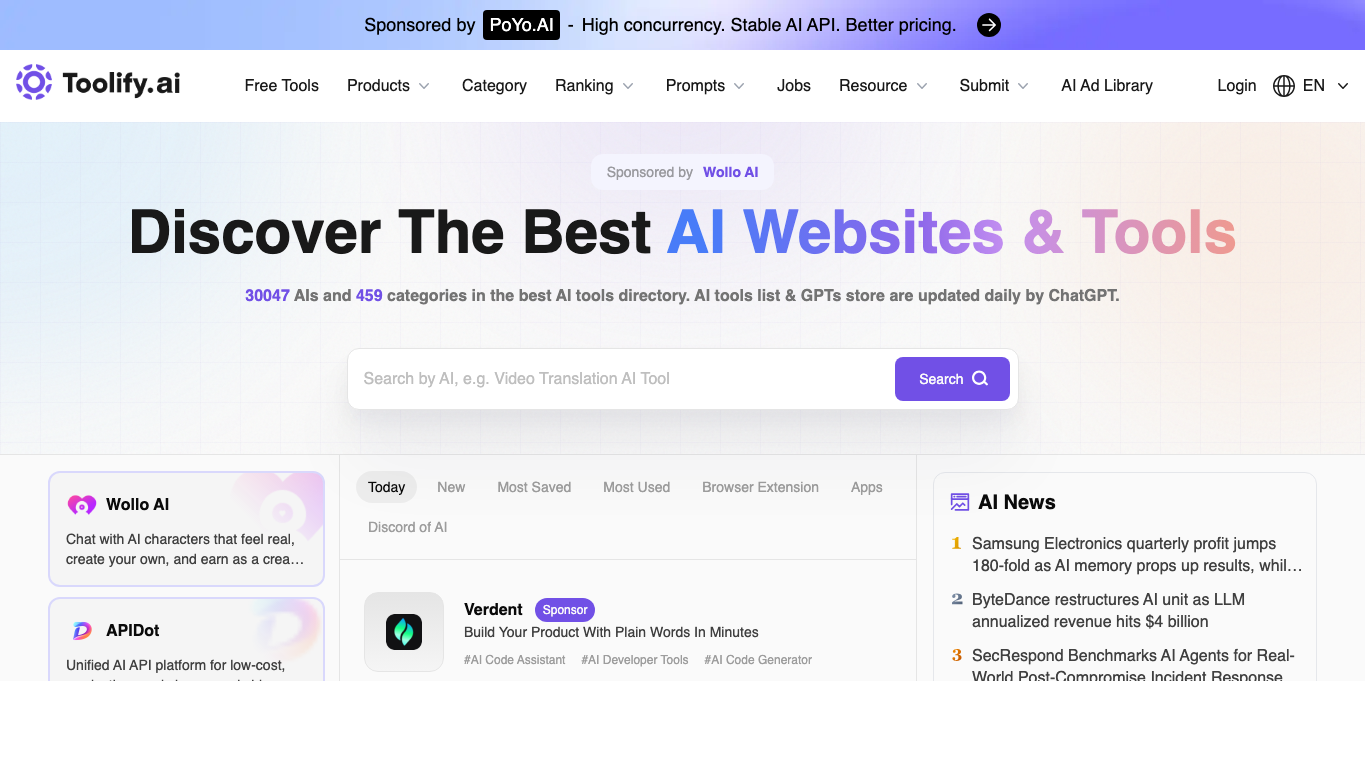
The tradeoff is that quick scanning can become surface-level. I use Toolify rankings as a signal of visibility, not quality. Do not treat ranking position as proof that a tool is the best; validate the product yourself.
For adjacent research, Junia's guides to AI productivity apps, AI website builders, and ChatGPT alternatives can help you compare tool categories after you find candidates in a directory.
6. Aixploria
Aixploria is one of the directory homepages currently visible for "best AI tools directories." It works best as a simple category browser: choose a use case, scan the tools, then open the product pages that look relevant.
I would use Aixploria when the task is broad and familiar, such as finding image tools, writing assistants, coding assistants, video tools, or productivity apps. It is less useful when you need deep evaluation, team procurement notes, or detailed comparison criteria.
The main value is speed. If you want to see what exists in a category without reading a long article first, Aixploria is a reasonable stop.
7. ToolTrove
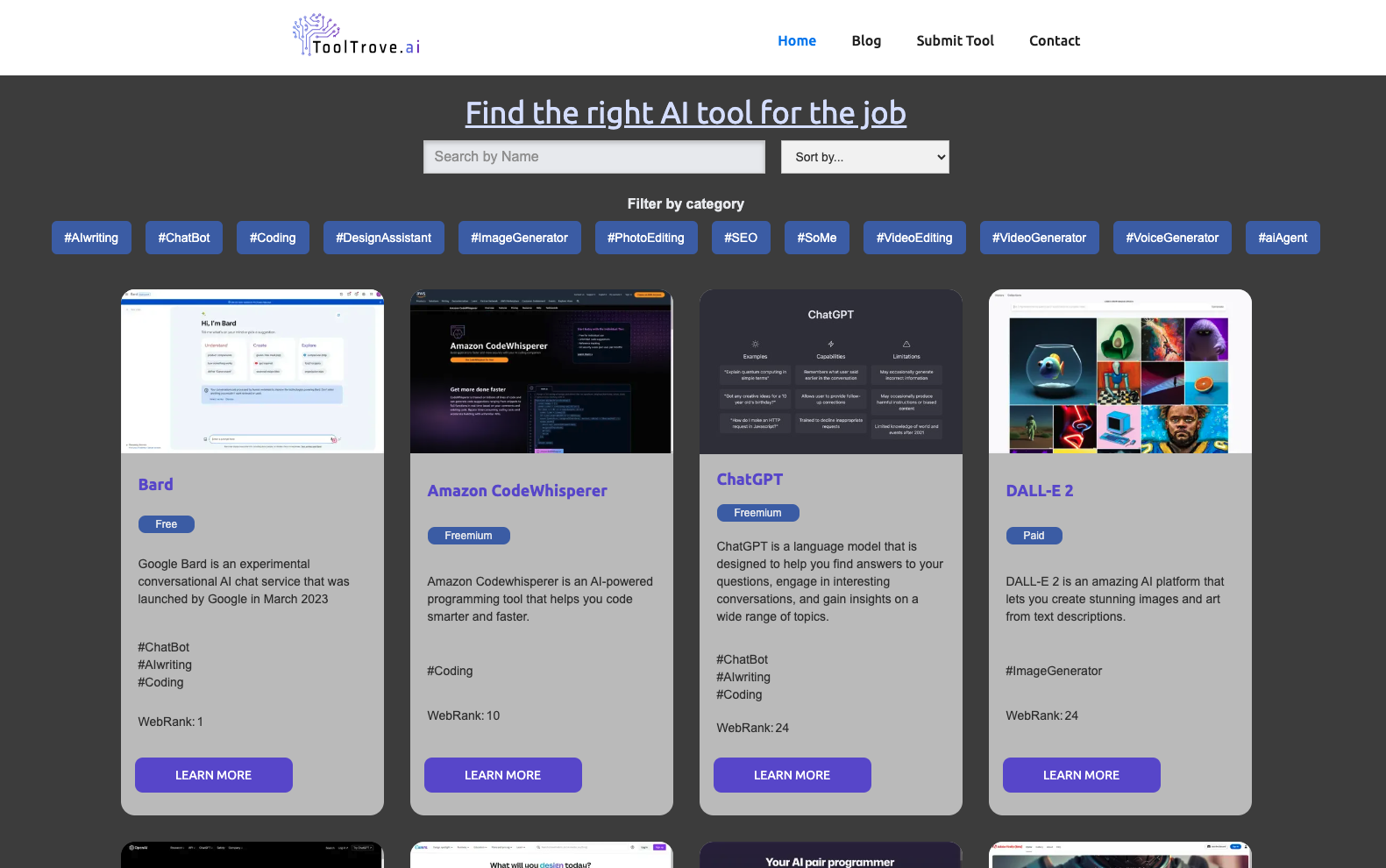
ToolTrove is most useful when you are no longer just browsing and want to compare tools side by side. The old version of this article praised its comparison angle, and that still feels like the right reason to consider it.
Use ToolTrove after you already know the category. For example, "AI writing tool" is too broad, but "AI tool for rewriting landing page copy" or "AI summarizer for research notes" gives you a cleaner comparison task.
Before relying on a listing, check the product site directly. AI directory pages can lag behind pricing changes, shutdowns, feature pivots, and acquisitions.
8. Foundr.AI
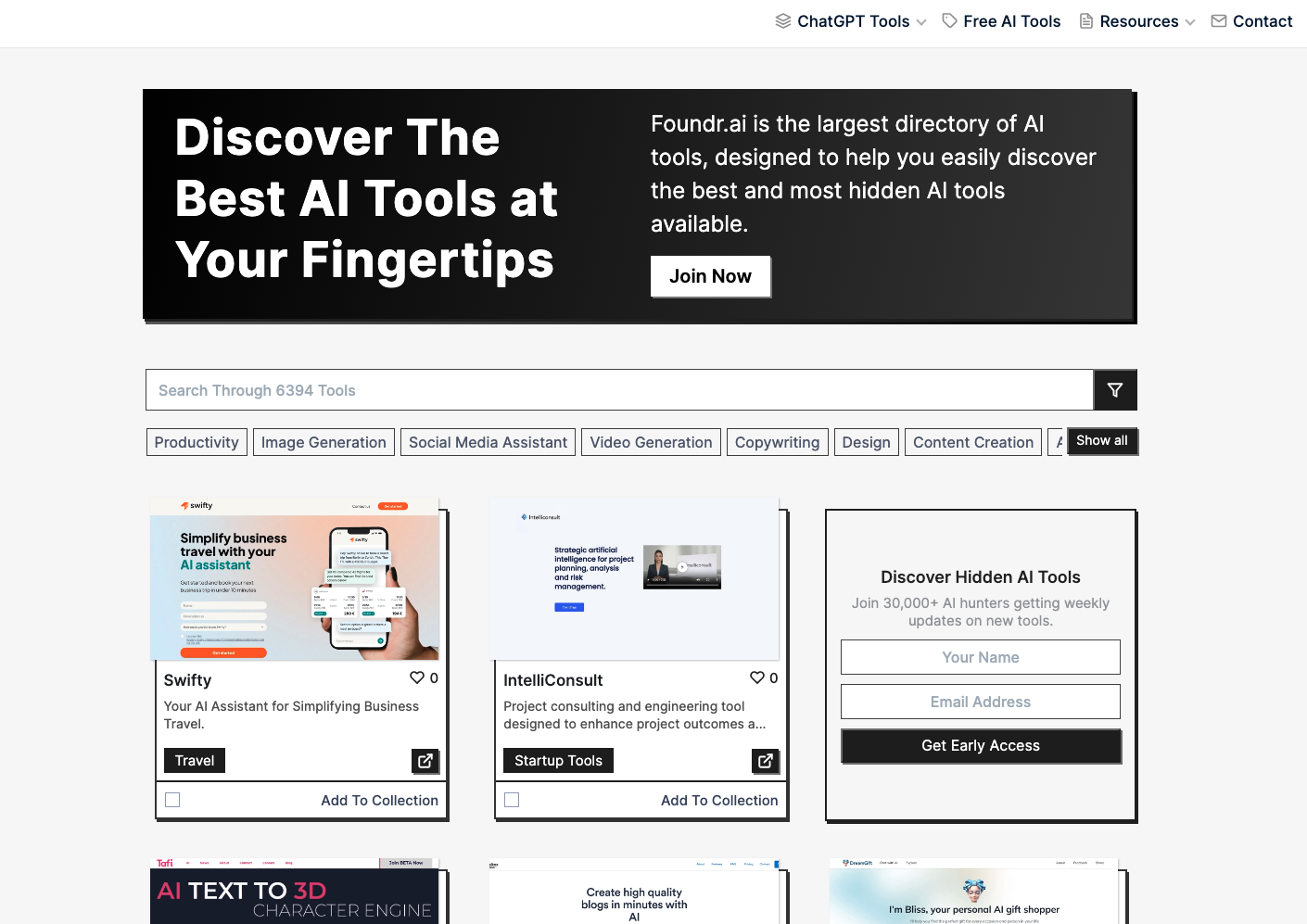
Foundr.AI is a broad browsing directory. It is not the first place I would go for a very specific business requirement, but it is useful when you want to explore categories and find names you may not see in mainstream roundups.
The best use case is early research. Open a category, save a few tools that match your job, then compare those tools elsewhere. I would keep the session deliberately short here; otherwise, Foundr.AI can become another endless scroll.
It is a good fit when:
- You are mapping a category for the first time.
- You want a less formal discovery experience.
- You are open to trying newer or smaller AI products.
9. OpenTools AI
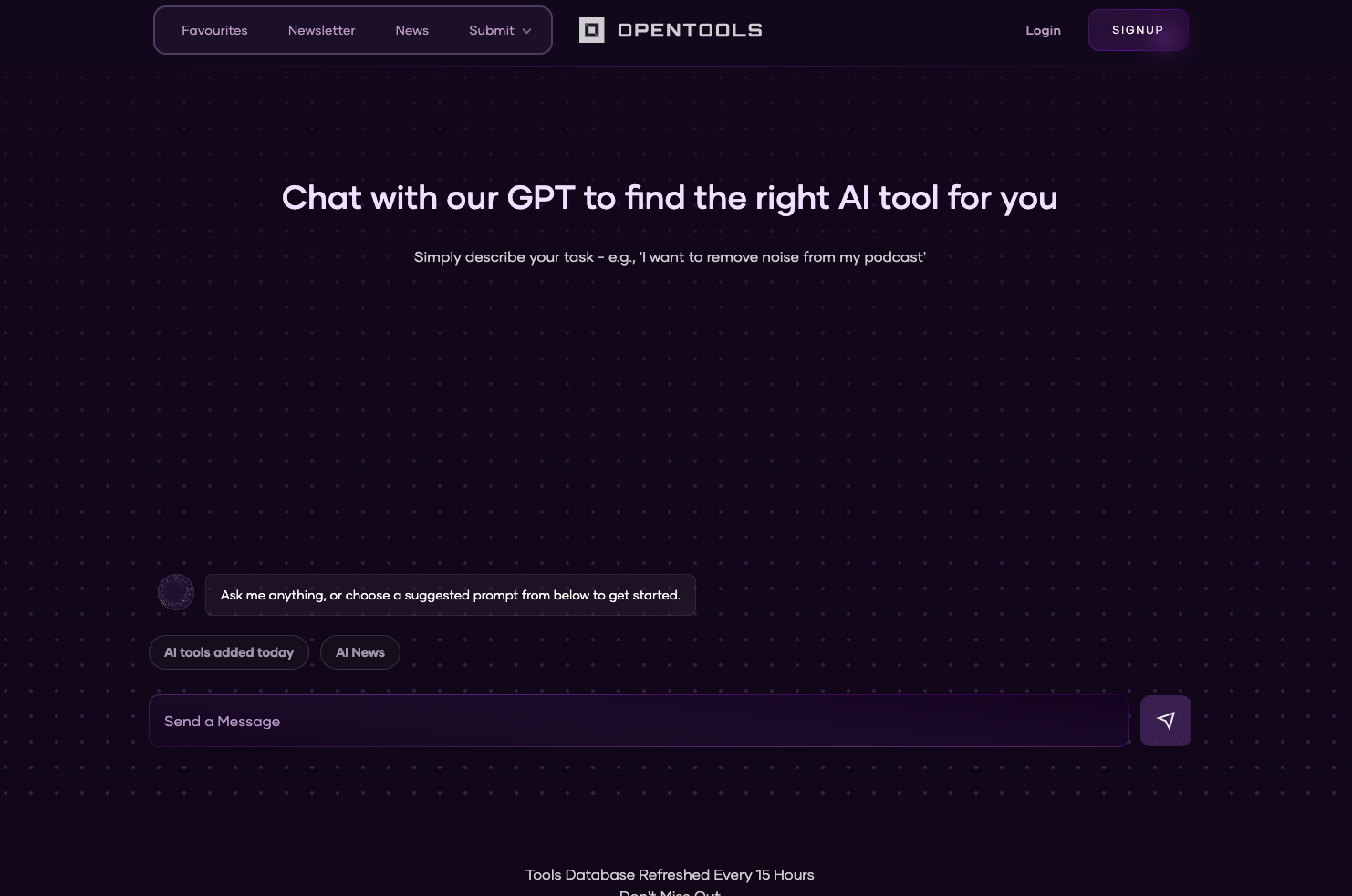
OpenTools AI is useful if you like a more guided discovery flow. The directory combines category browsing with AI-assisted exploration, which can be helpful when you do not know the right search terms yet.
That matters more than it sounds. People often search for AI tools using vague wording like "AI tool for research" or "AI tool for business." A chat-led interface can help turn that into a more specific need, such as meeting transcription, market research summarization, competitor monitoring, or proposal drafting.
Still, I would treat the chat as a starting point. Once it suggests tools, verify the recommendations manually and compare pricing, reviews, integrations, and data handling.
For content and SEO work, this is also where a dedicated category guide can save time. Junia's page on choosing AI writing tools for SEO is a better next step once you have moved from "find tools" to "choose a writing stack."
Other directories I checked
Some directories from the older article are still worth mentioning, but I would not put them in the top group without a fresh hands-on review of their current listings.
AI Center
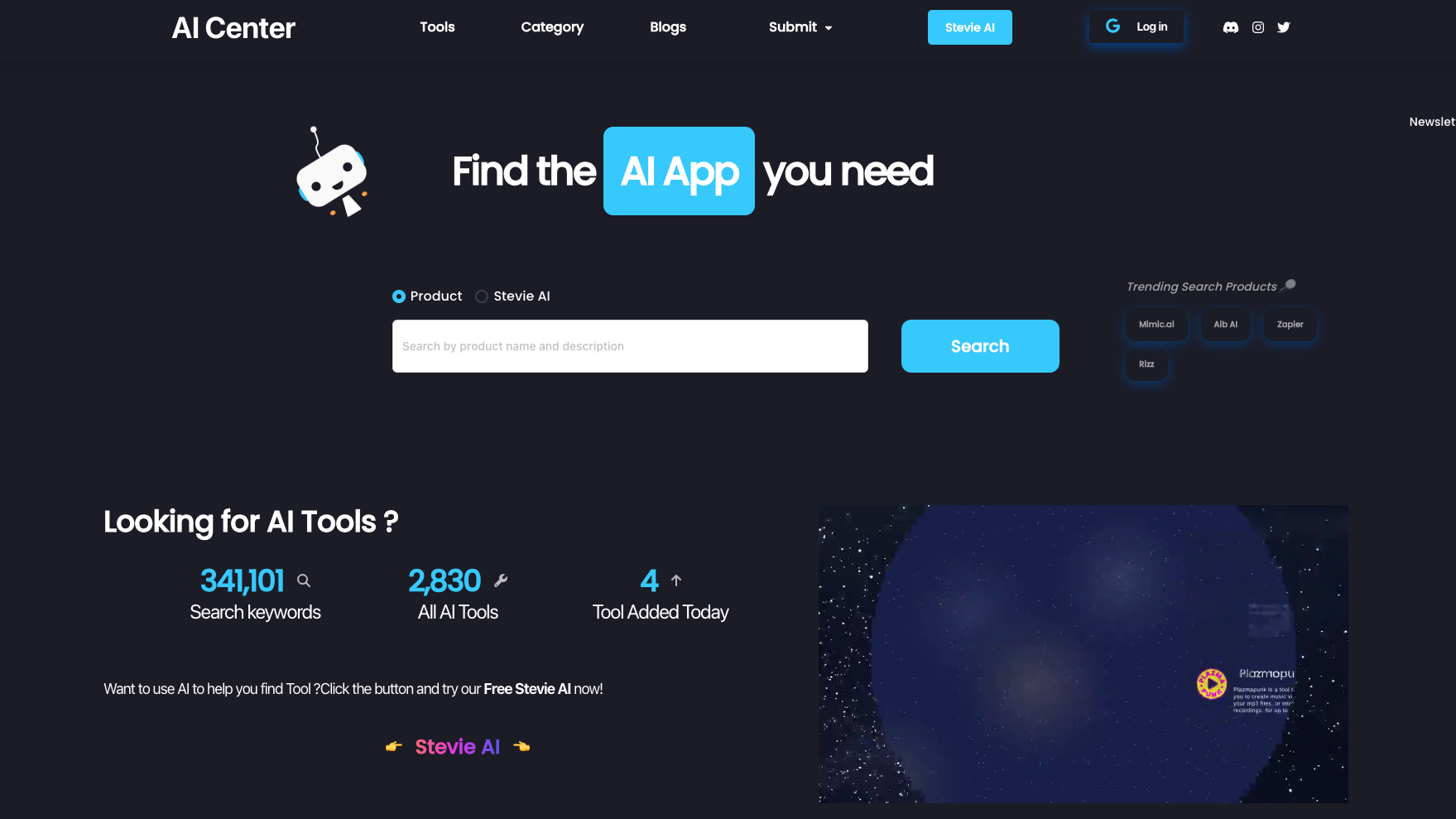
AI Center is still a valid directory to check, especially if you want another broad marketplace-style source. I would use it as a secondary stop after one of the stronger general directories above.
Easy Save AI
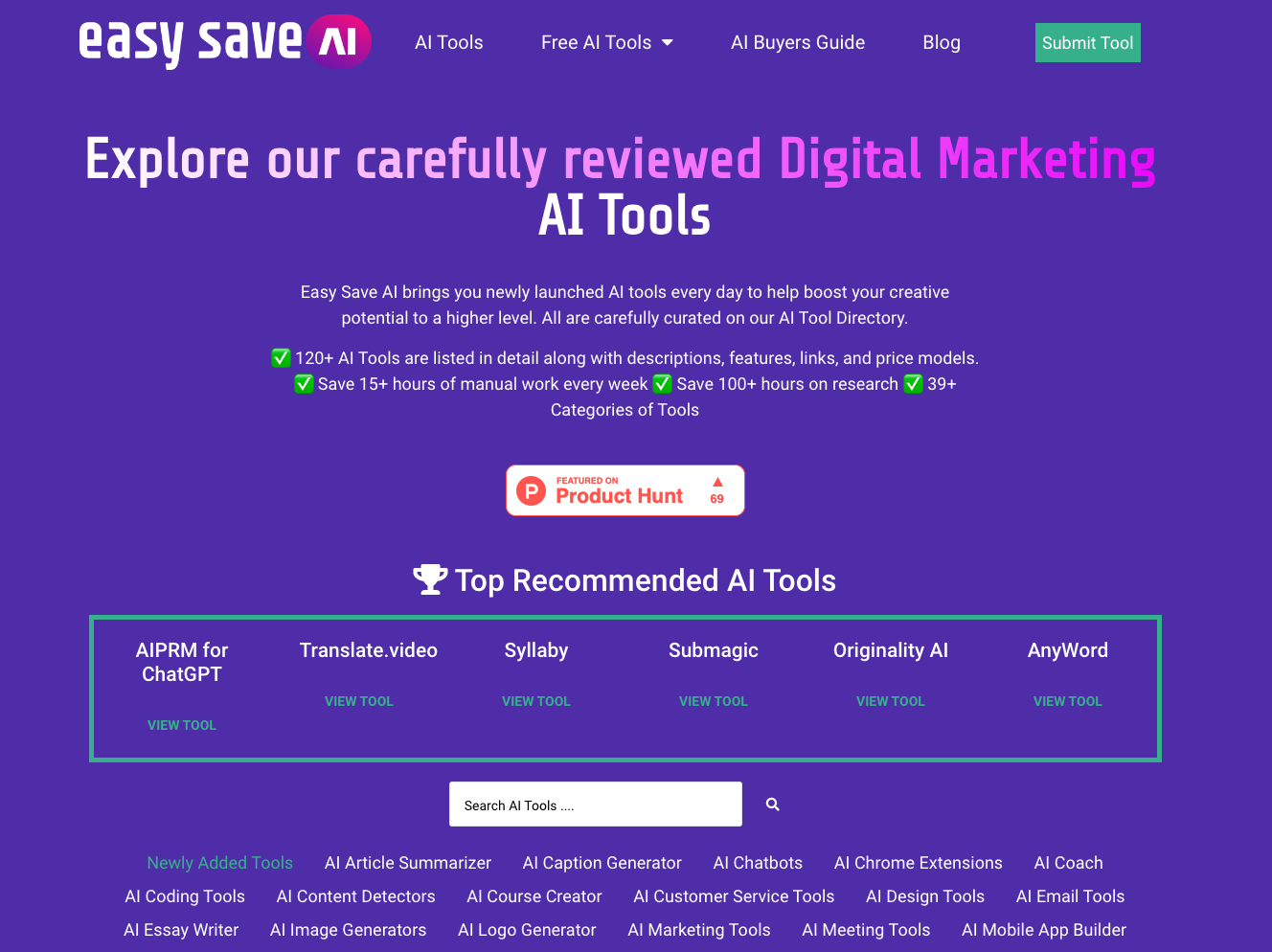
Easy Save AI is more interesting for marketers than for general AI discovery. If your work revolves around campaigns, content, SEO, and analytics, it may surface relevant options faster than a broader directory. For a wider marketing stack, compare any promising tool against Junia's guides to AI SEO tools and AI content generators.
Tool Pilot
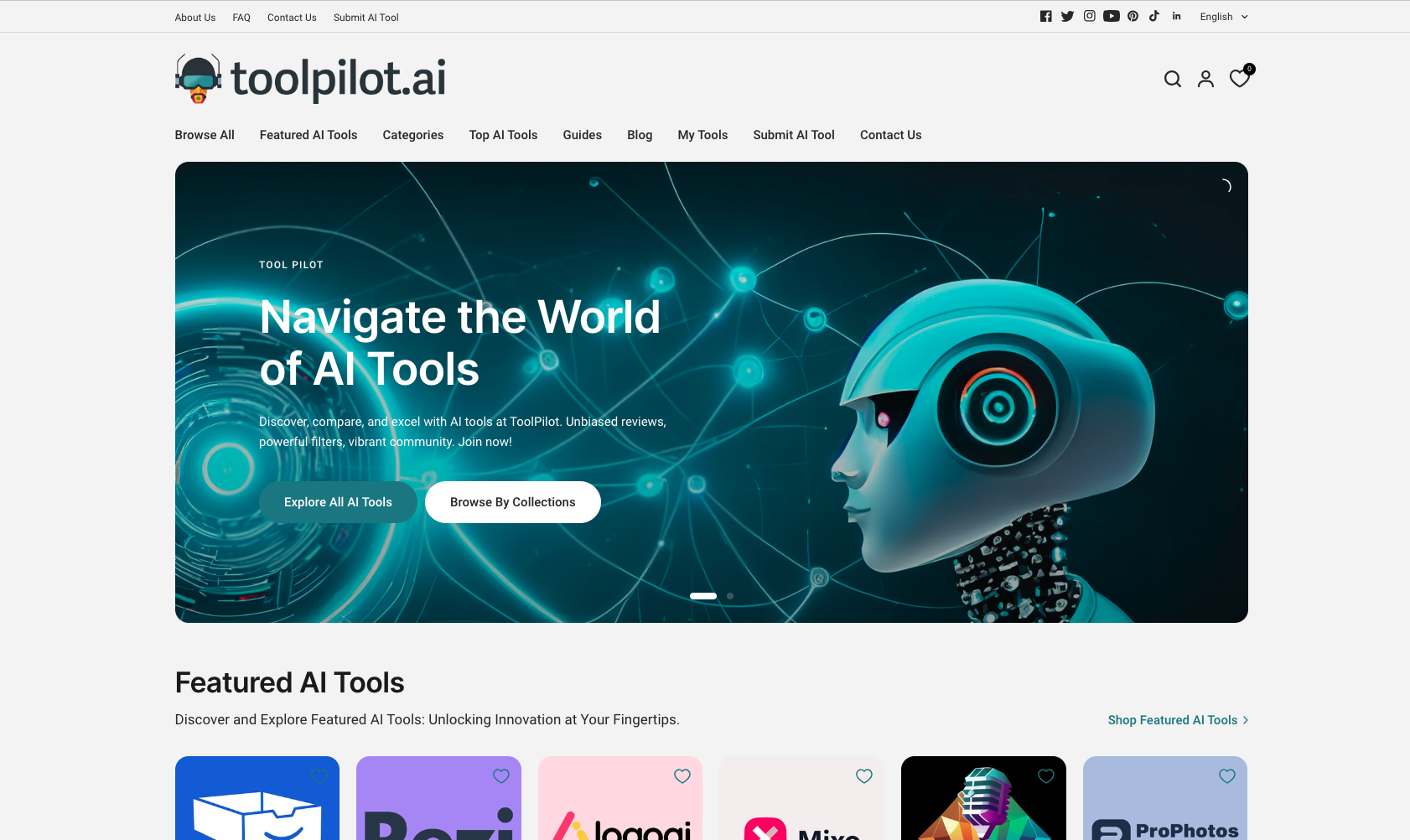
Tool Pilot has historically been useful for guided AI tool research, but I would verify its current availability and listings before making it a primary source. Keep it as an extra comparison point rather than your main directory.
AI Wizard
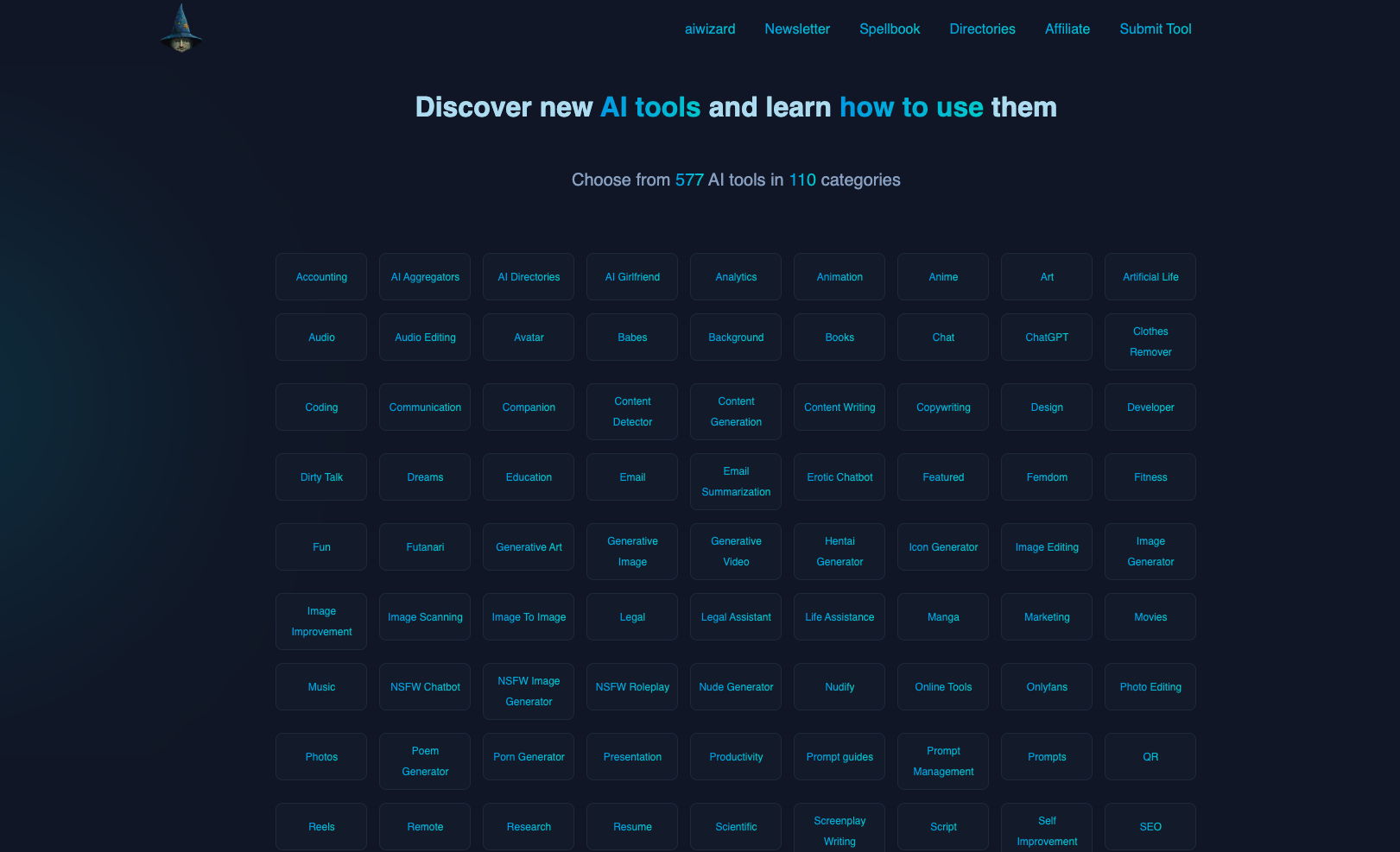
AI Wizard is fine for general category browsing, but it does not stand out enough to be my first recommendation. Use it when you want another source to cross-check a category, not when you need the fastest path to a final choice.
How to choose the right AI directory
The simplest approach is to use directories in stages:
- Start broad: Use There's An AI For That, AITopTools, Toolify, or Aixploria to see what exists.
- Narrow by workflow: Move to a focused source like the Custom GPTs Directory if your work is SEO, writing, or marketing-heavy.
- Compare candidates: Open the actual product pages, pricing, docs, privacy policies, and recent reviews.
- Test one real task: Do not judge a tool from the directory listing alone. Give it the exact task you need solved.
For example, if you are looking for an AI writing tool, do not search only for "AI writer." Search for the job: "rewrite product descriptions," "turn briefs into blog outlines," "generate SEO article drafts," or "summarize customer interviews." I have found this one habit saves more time than switching between directories. The more specific the task, the less time you waste on generic tools.
The same applies to design, coding, sales, research, and productivity tools. Directories are good at discovery. Your actual workflow is the test.
Common mistakes when using AI tool directories
The first mistake is treating tool count as quality. A directory with 40,000 tools is valuable only if search, categories, filters, and listing quality help you make a decision.
The second mistake is trusting old pricing or feature summaries. AI products change quickly. Always check the product's own site before recommending it to a team or adding it to a workflow.
The third mistake is saving too many tools. This is the one I see most often: people leave a directory with 30 tabs and no decision. A directory should reduce clutter, not recreate your browser bookmark mess. Save only the tools you would realistically test.
The fourth mistake is using the same directory for every use case. A broad directory is great for discovery, but a focused guide is better when you already know the category. For instance, once you are comparing writing assistants, pages on AI text generators, ChatGPT alternatives for writing, or AI text editors will usually give you more context than another generic directory page.
Final recommendation
If you want the fastest path, start with one broad directory and one focused directory.
For broad discovery, I would start with There's An AI For That, AITopTools, or Futurepedia depending on whether you want maximum breadth, a large searchable catalog, or a cleaner business-friendly experience.
For SEO and marketing GPTs, I would start with the Custom GPTs Directory. It is narrower, but that is the point. A focused directory is often more useful than a massive one when you already know the kind of work you need help with.
The best AI tools directory is not the one with the biggest catalog. It is the one that gets you from a messy problem to a shortlist you can actually test. That is the standard I would use before trusting any directory recommendation, including this one.